

See what a Studio project looks like
Install the Studio demo apps (a parcel company, food delivery, a multi-vendor app, rides, a live taxi app, a school, academies and a travel company) and try them with the demo number: as a customer, a student or a parent, then as the company's courier, restaurant, driver or teacher. Each one comes in two looks, in light and dark mode. The demo apps of regular apps are on the Demo page.
How to sign in
The demo apps don't send a code to your phone. When an app asks for your number, use the demo number and code below. The country code is already filled in.
Everyone trying a demo shares this account, so please don't enter personal details. Anything you add (orders, bookings, messages) is deleted after 24 hours, and checkout never asks for a card.
- Phone number
- +1 202 555 0123
- Code
- 246810
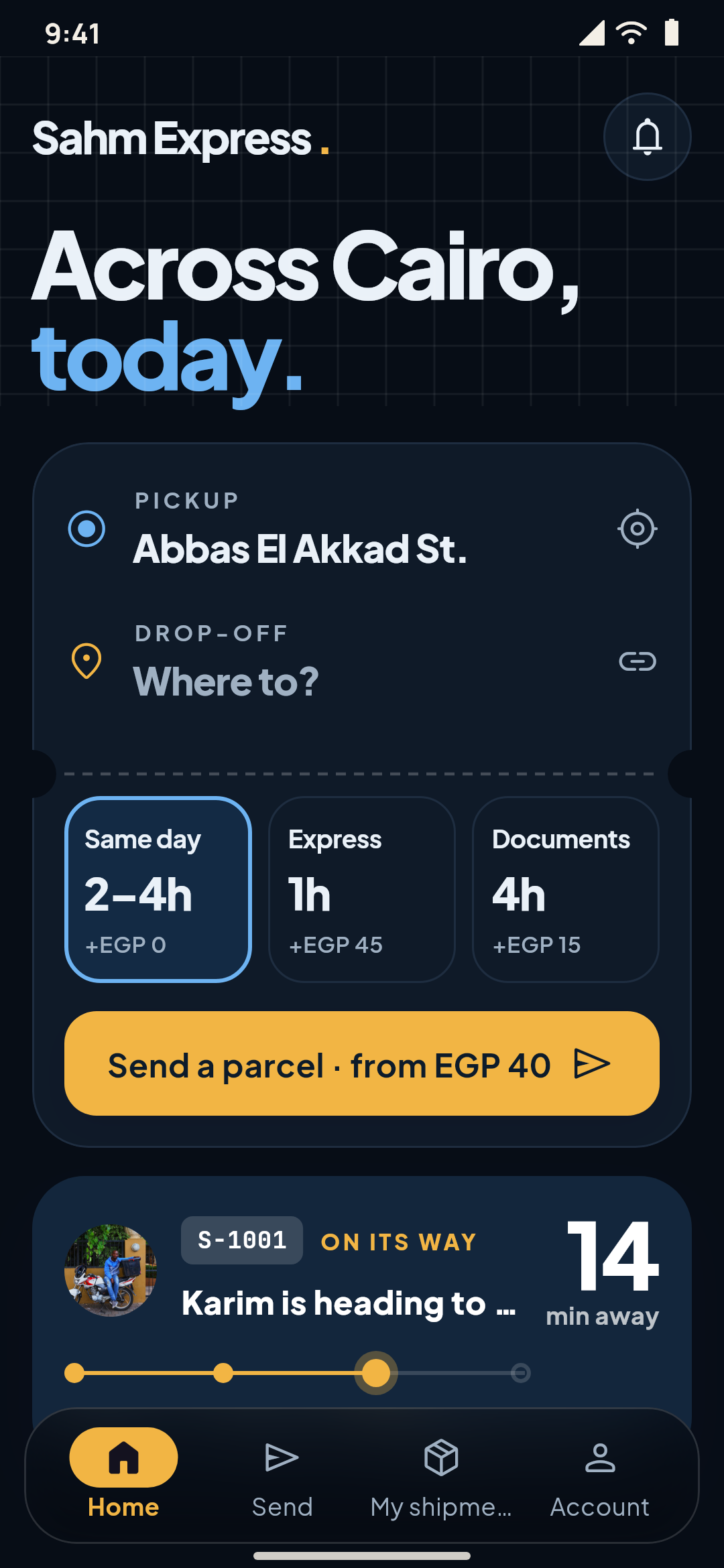
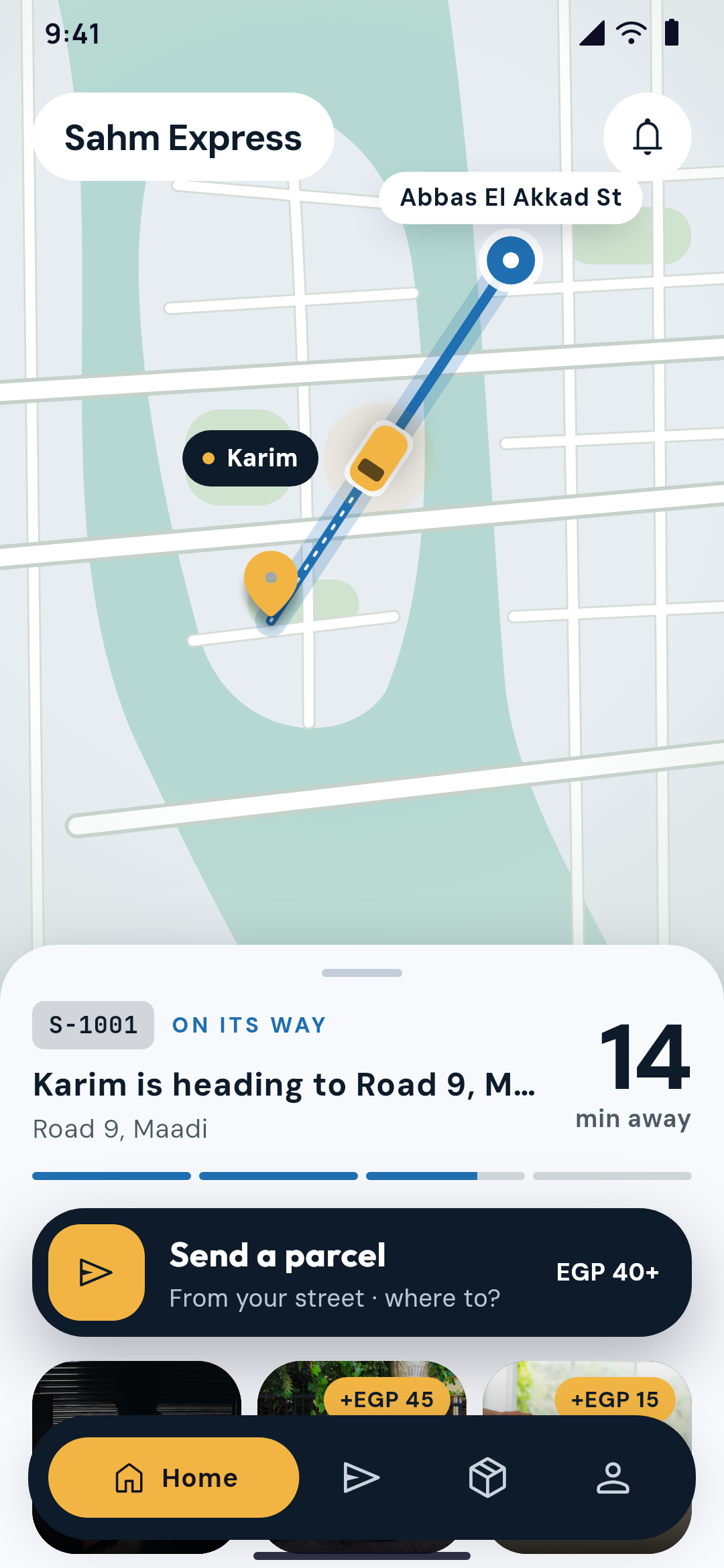
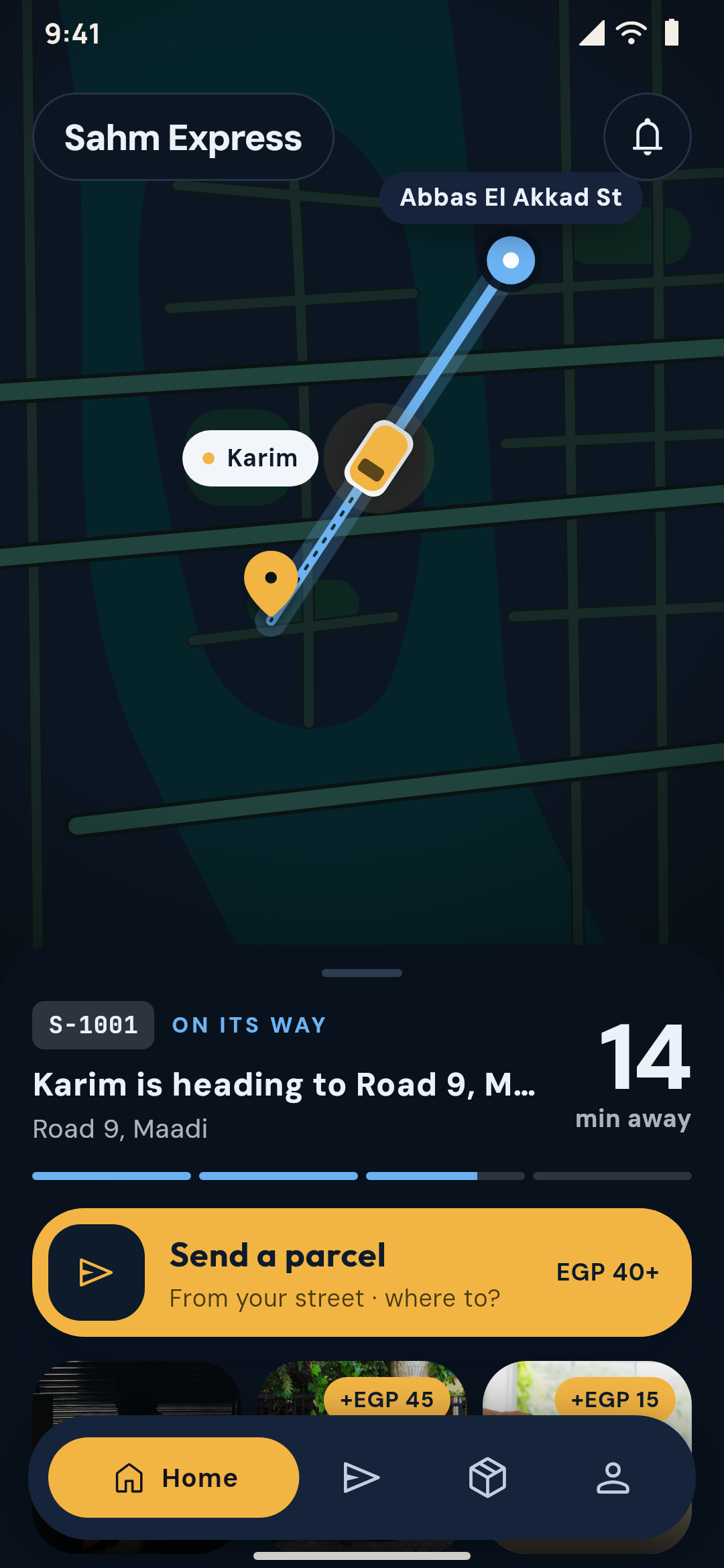
Sahm Express
A parcel company in Cairo: send a parcel across town, pay in cash and follow it, then deliver it yourself as the company's courier.
What to try
- Tap Send: choose a service, set the pickup and the drop-off (your location or a maps link) and see the price
- Send it in cash and follow its stages under My shipments
- Download Sahm Express Courier below, sign in with the same number, go on duty and deliver your own parcel: picked up, on the way, delivered
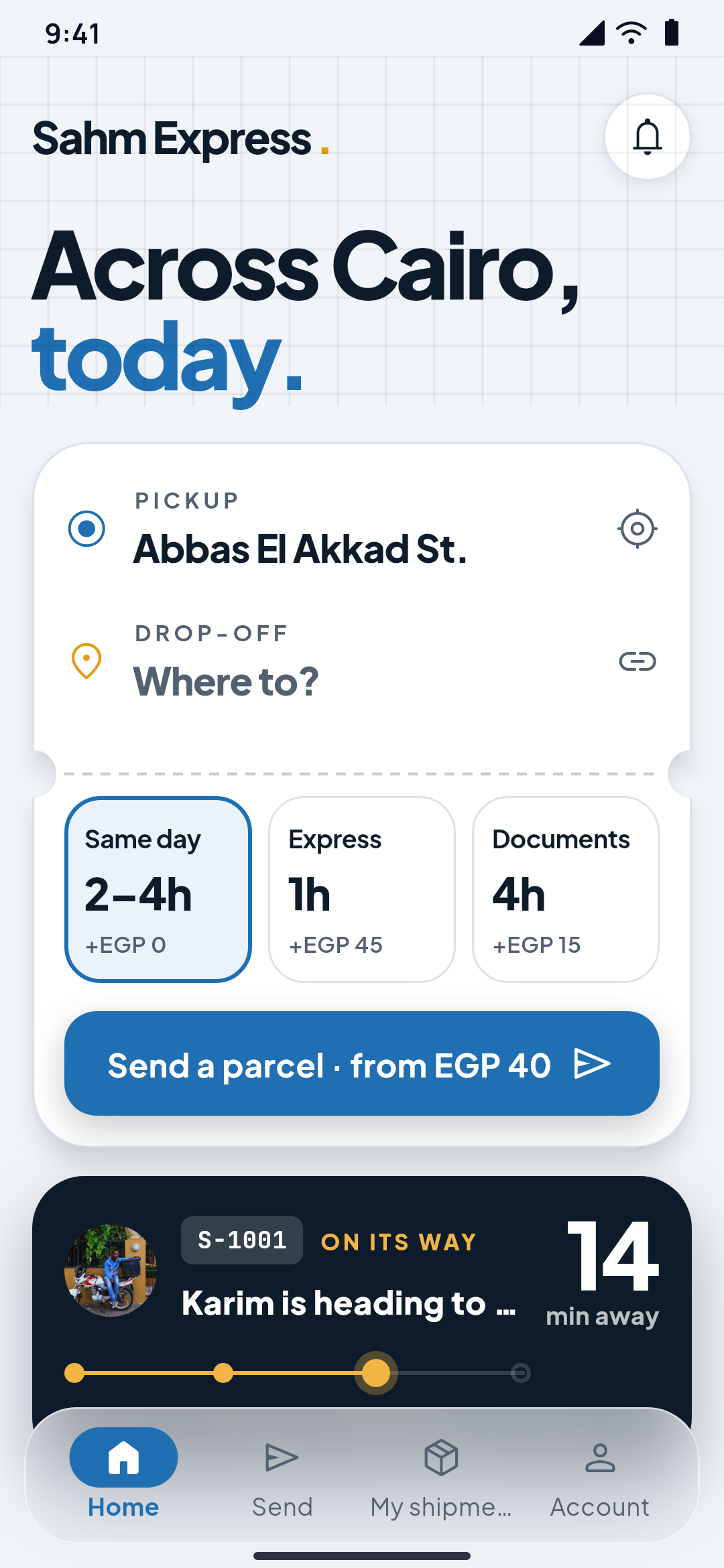
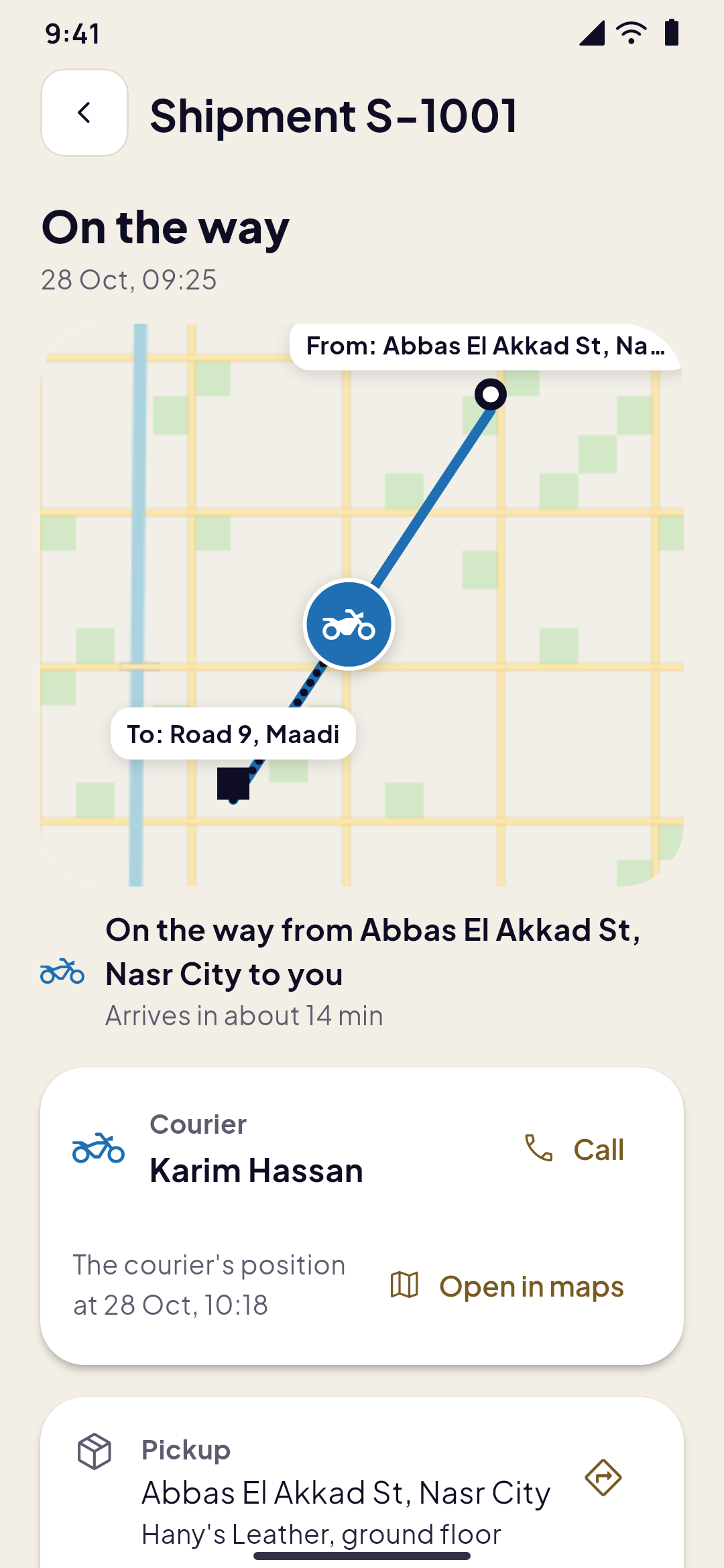
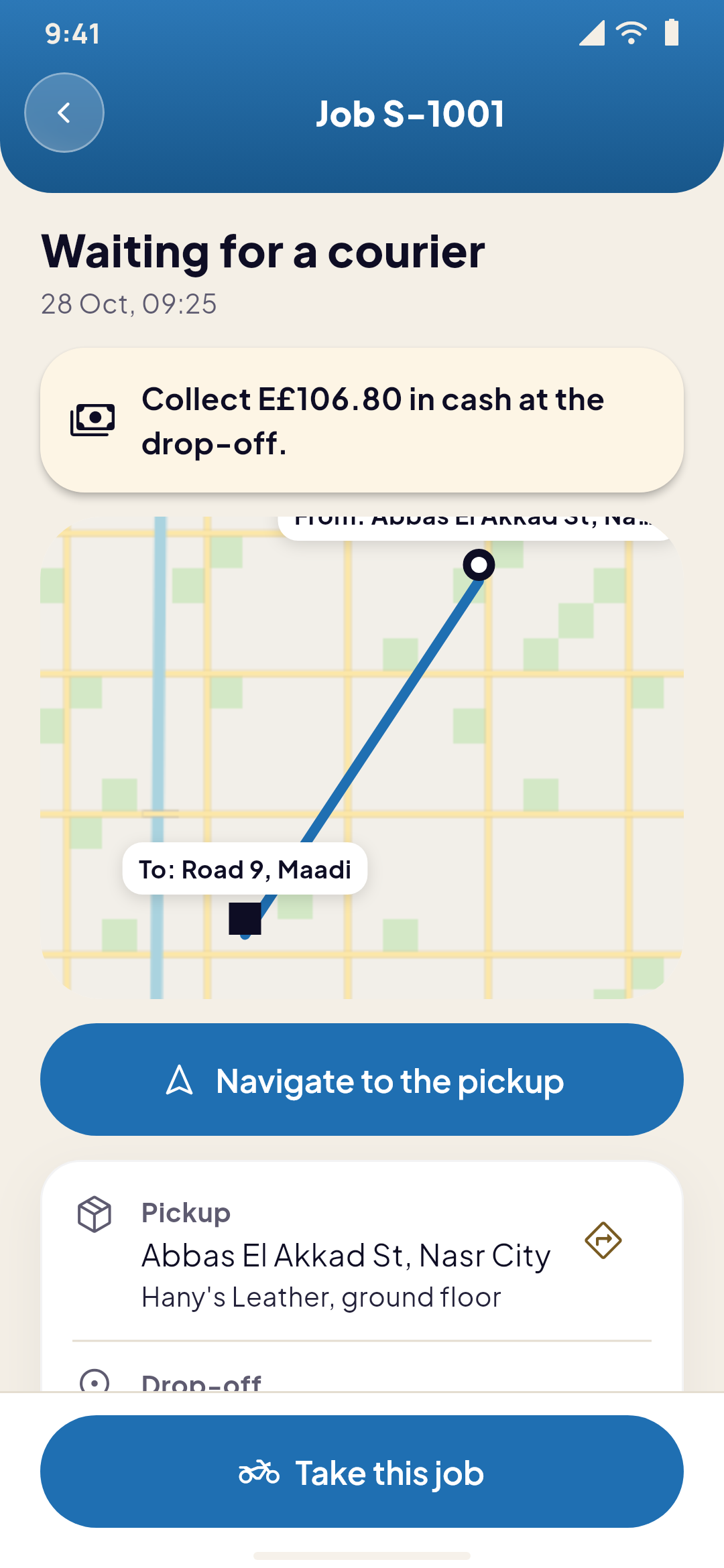
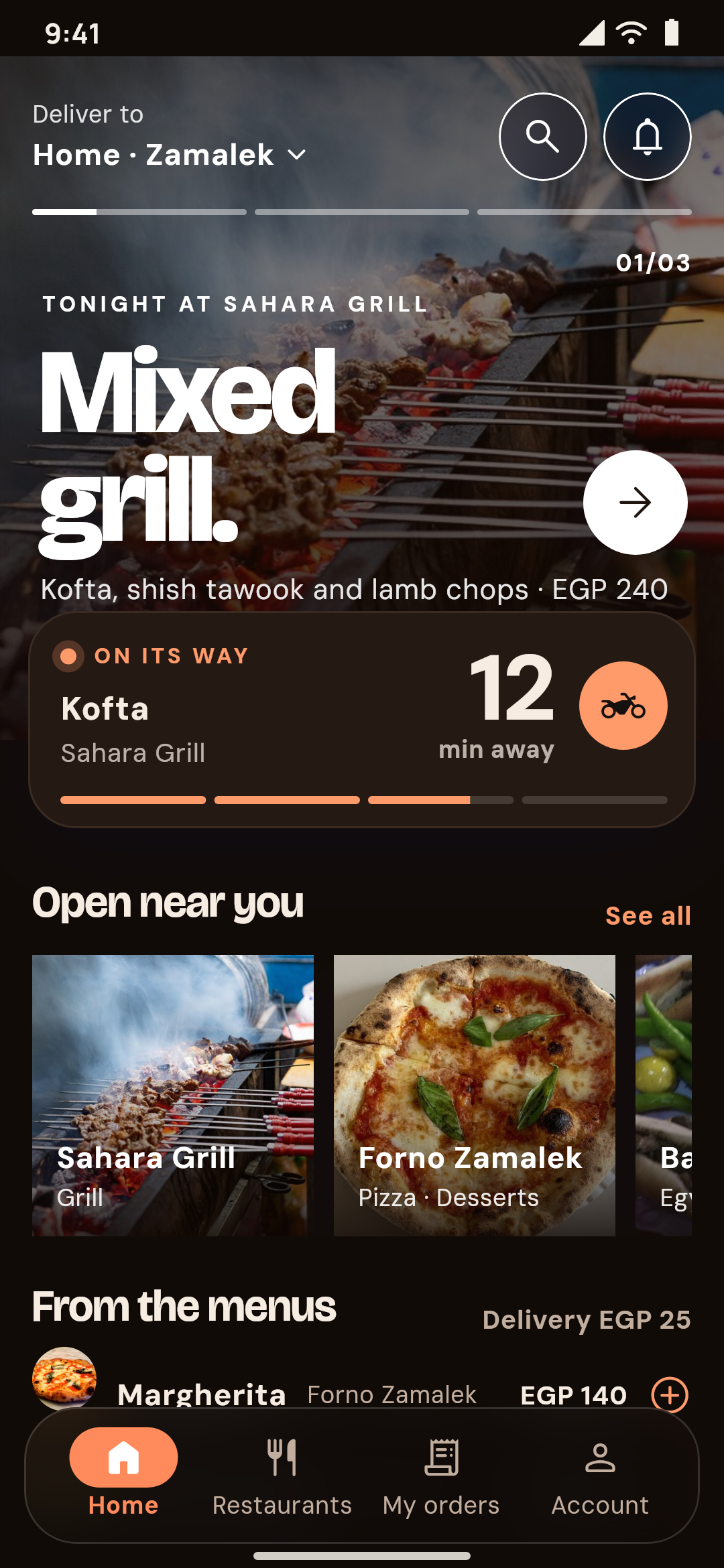
Two looks to start from
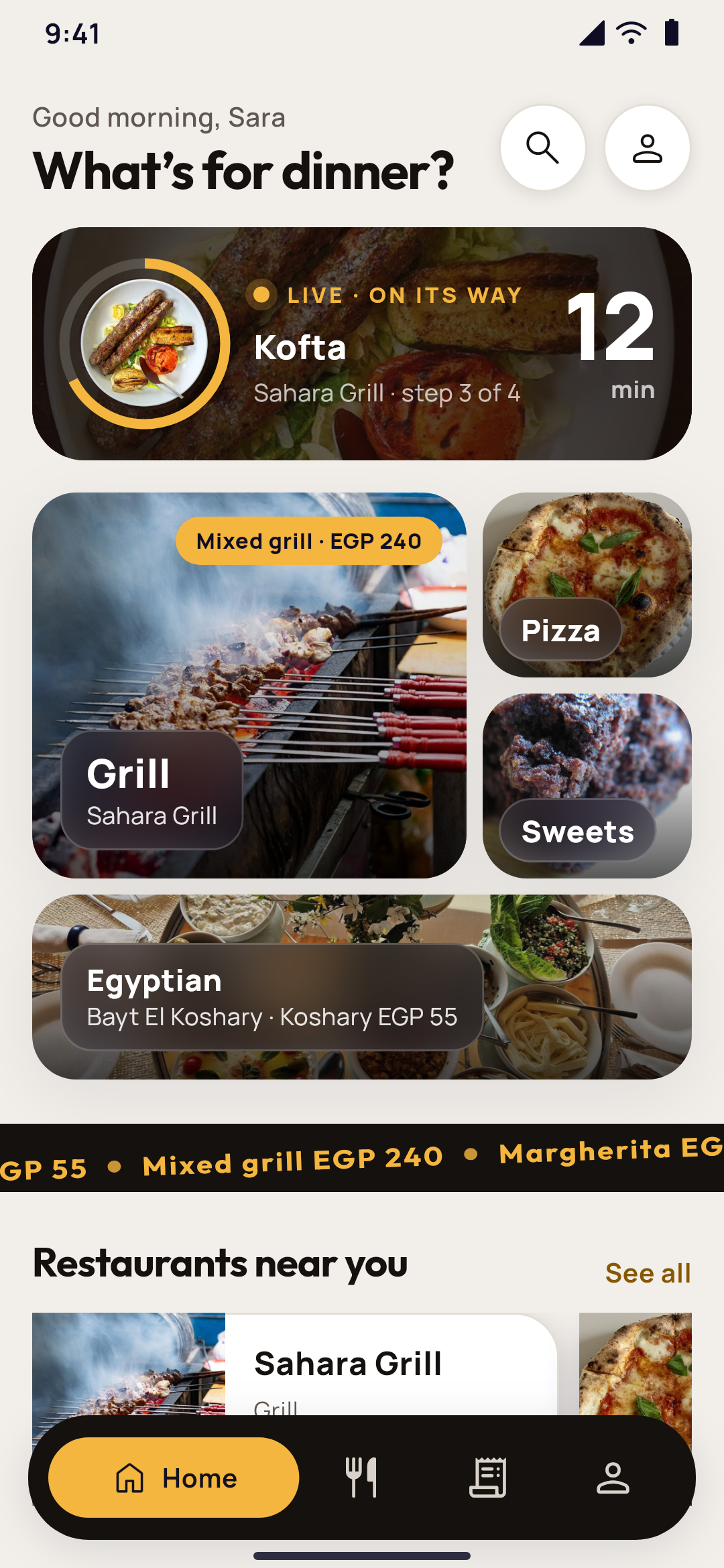
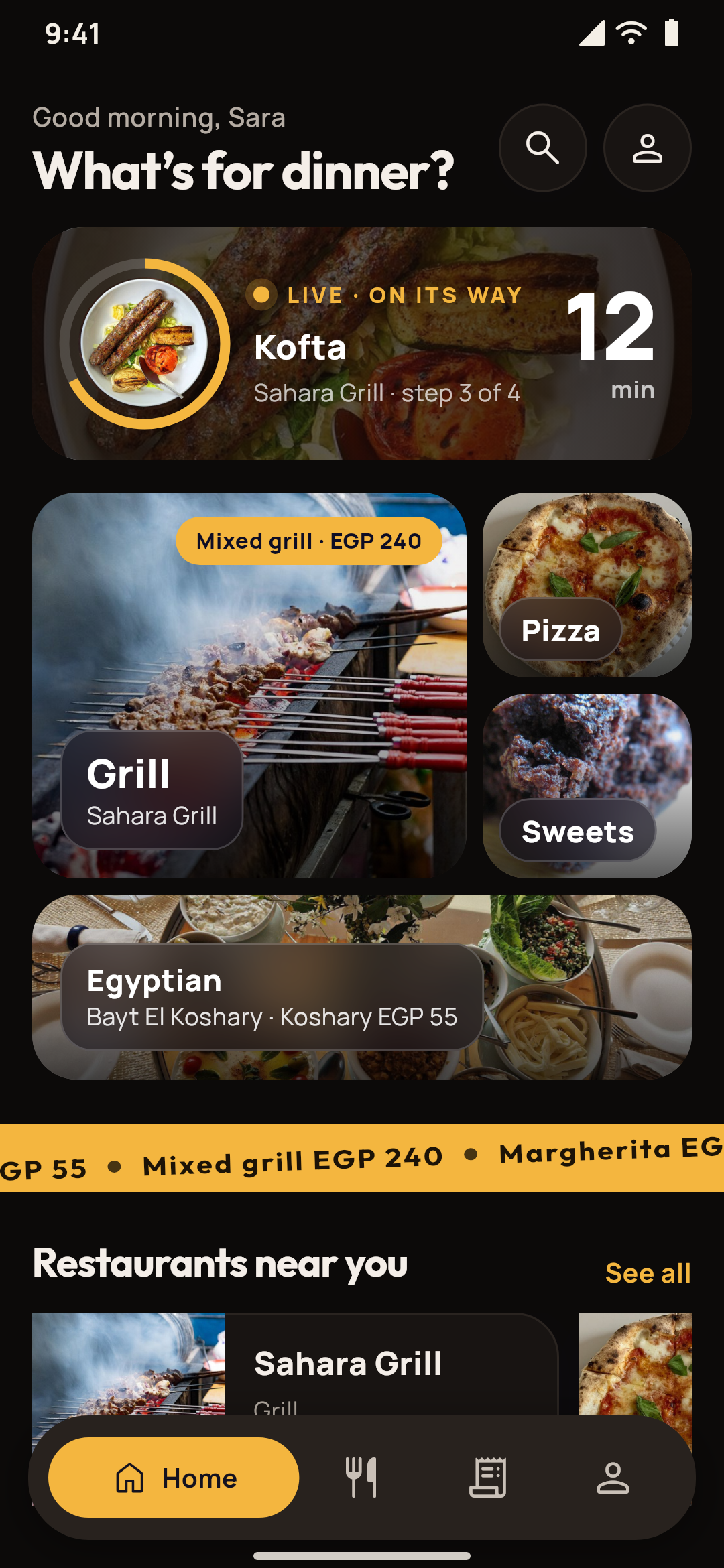
Every Studio demo comes in two looks, each in light and dark mode. A project can start from either one.
Sofra Eats
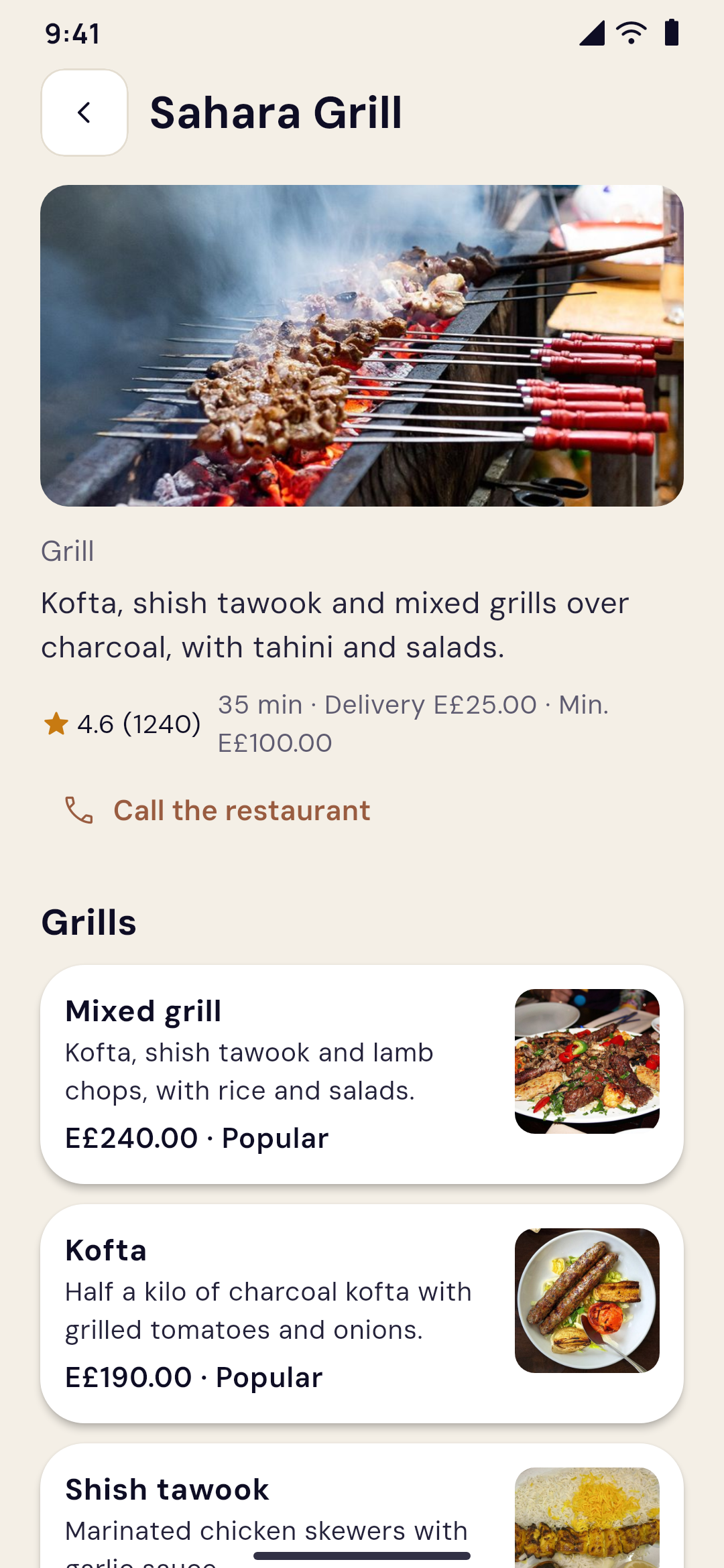
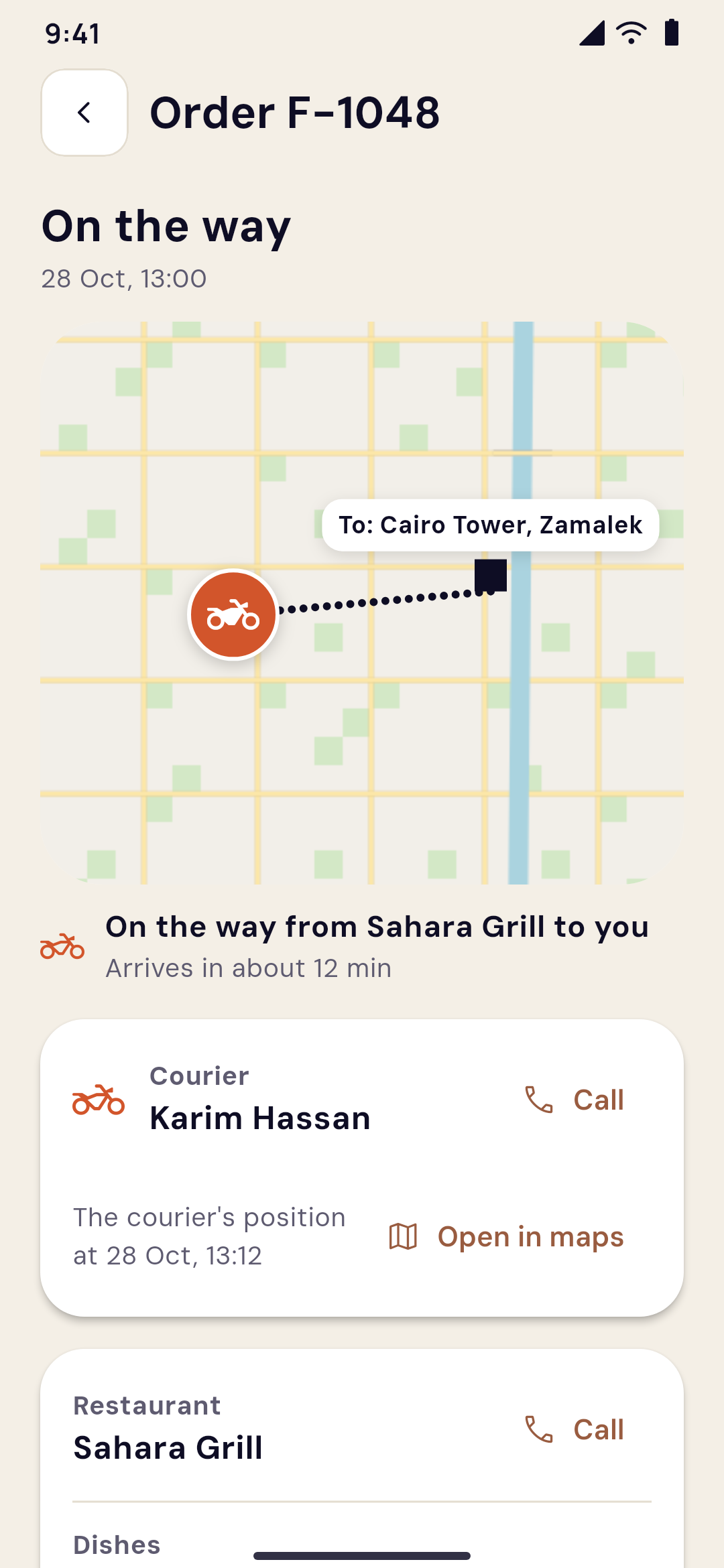
Food delivery from three restaurants: order, follow your order, then take it as the restaurant's staff and deliver it as the courier.
What to try
- Open a restaurant, pick a dish with its size and extras and check out in cash
- In the Restaurant tab, accept your order with the minutes it needs, then mark it ready
- In Sofra Eats Courier, downloaded below and signed in with the same number, take the job and deliver it, and see each stage in My orders
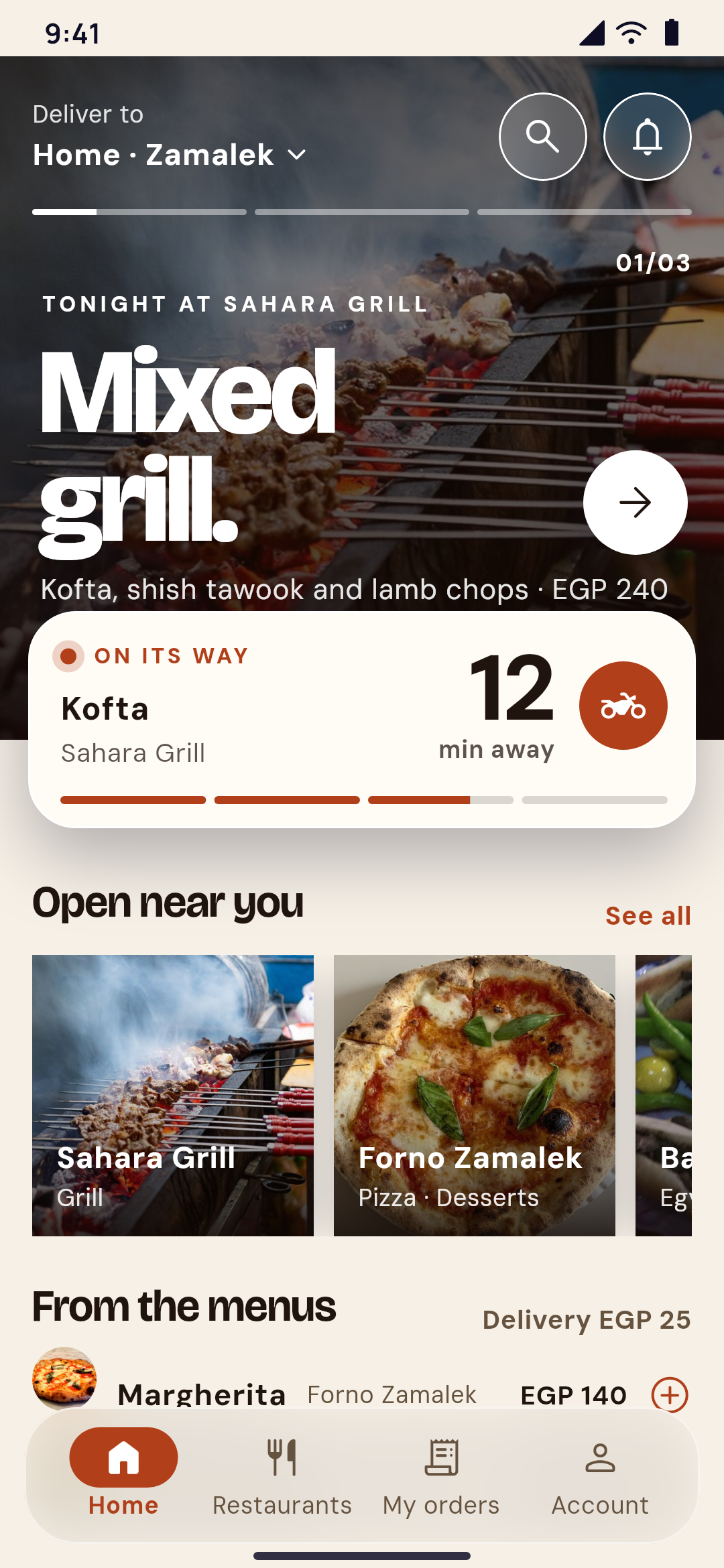
Two looks to start from
Every Studio demo comes in two looks, each in light and dark mode. A project can start from either one.
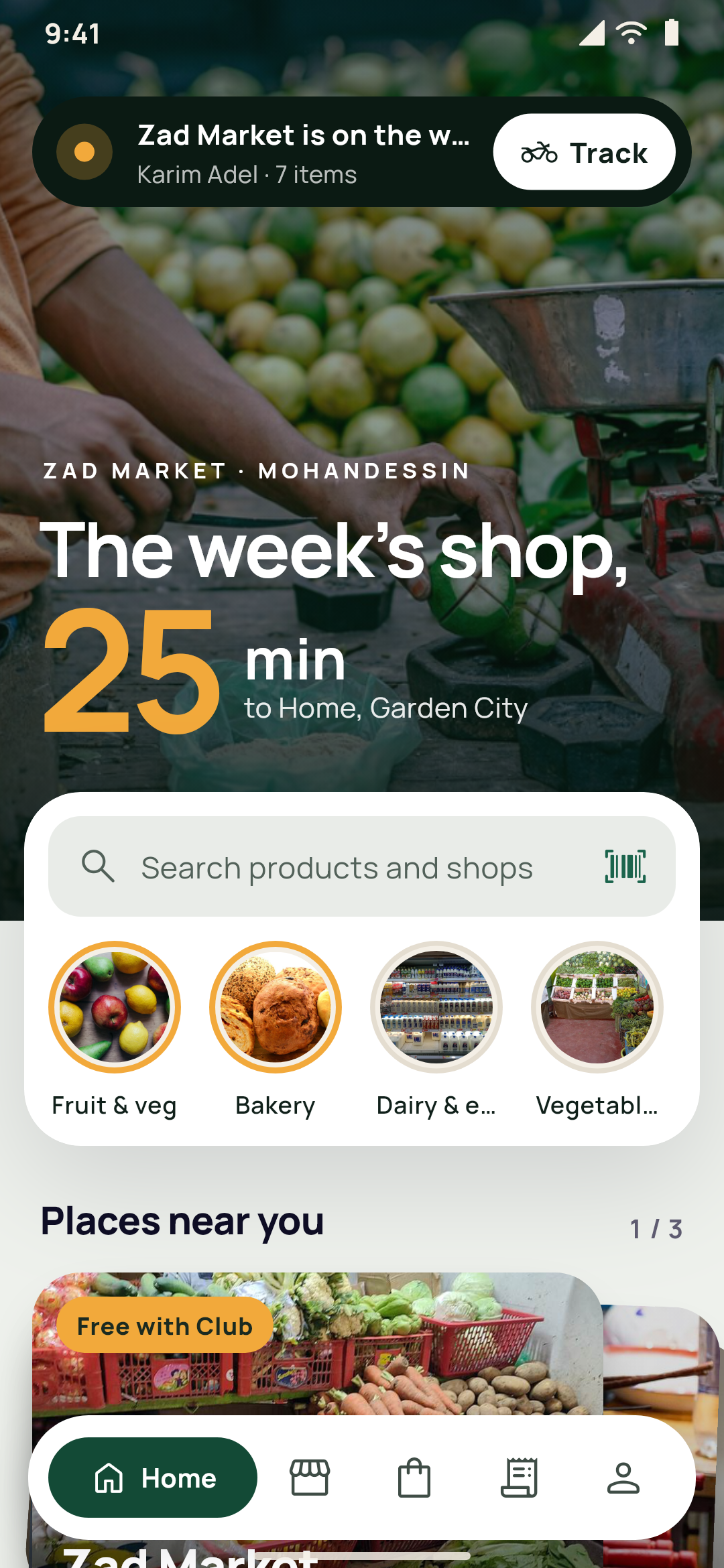
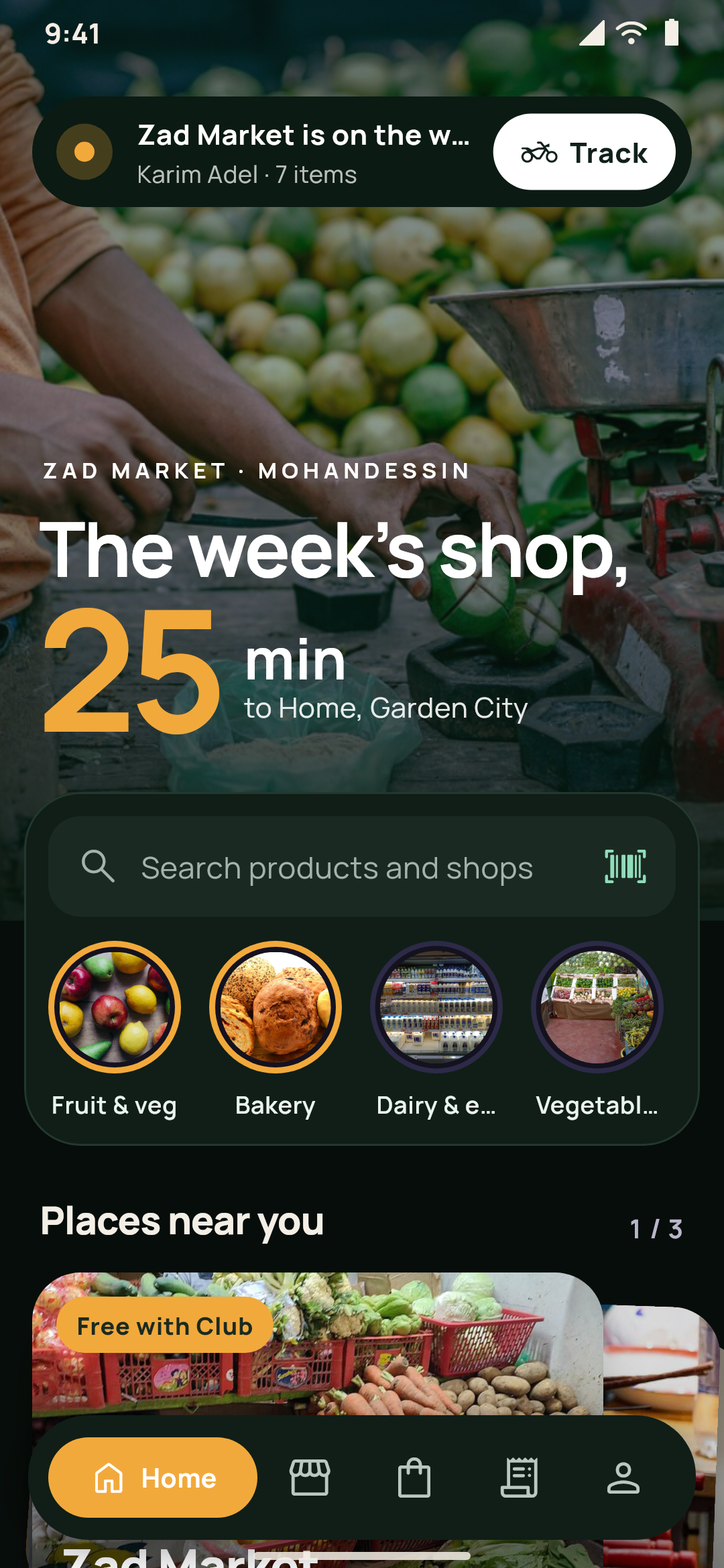
Zad
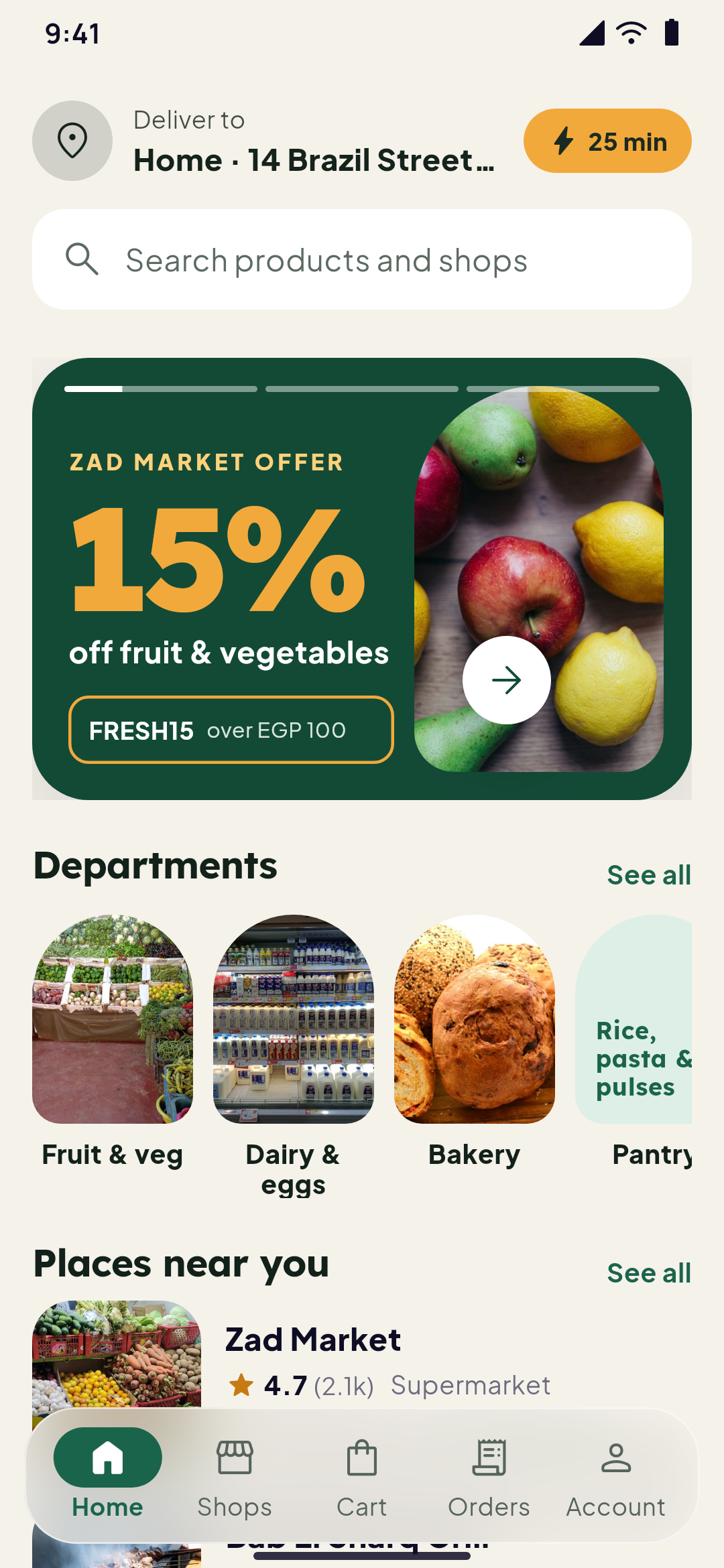
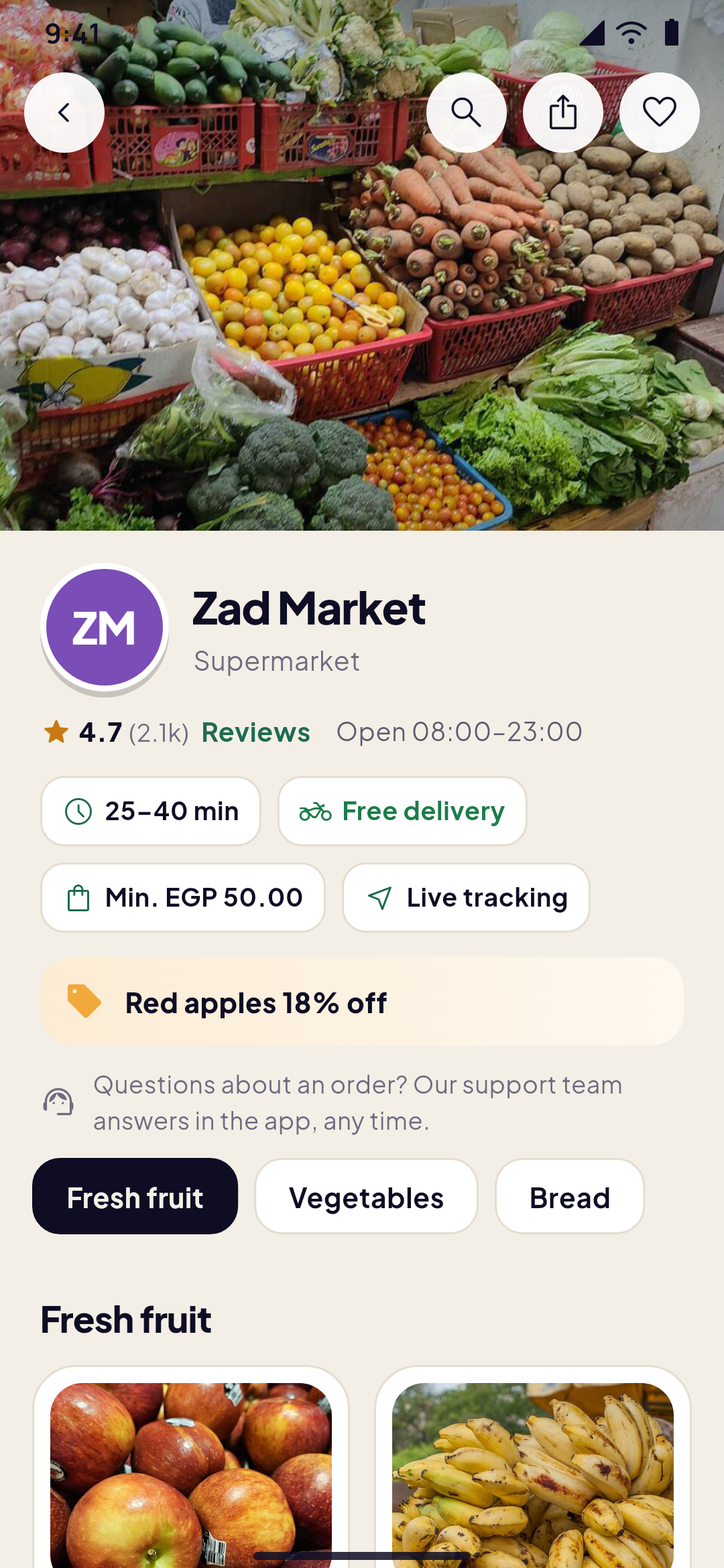
Two restaurants and a supermarket in one app: order from each, use the offers, the club and the wallet, then take the supermarket's orders as its staff and deliver them as the courier.
What to try
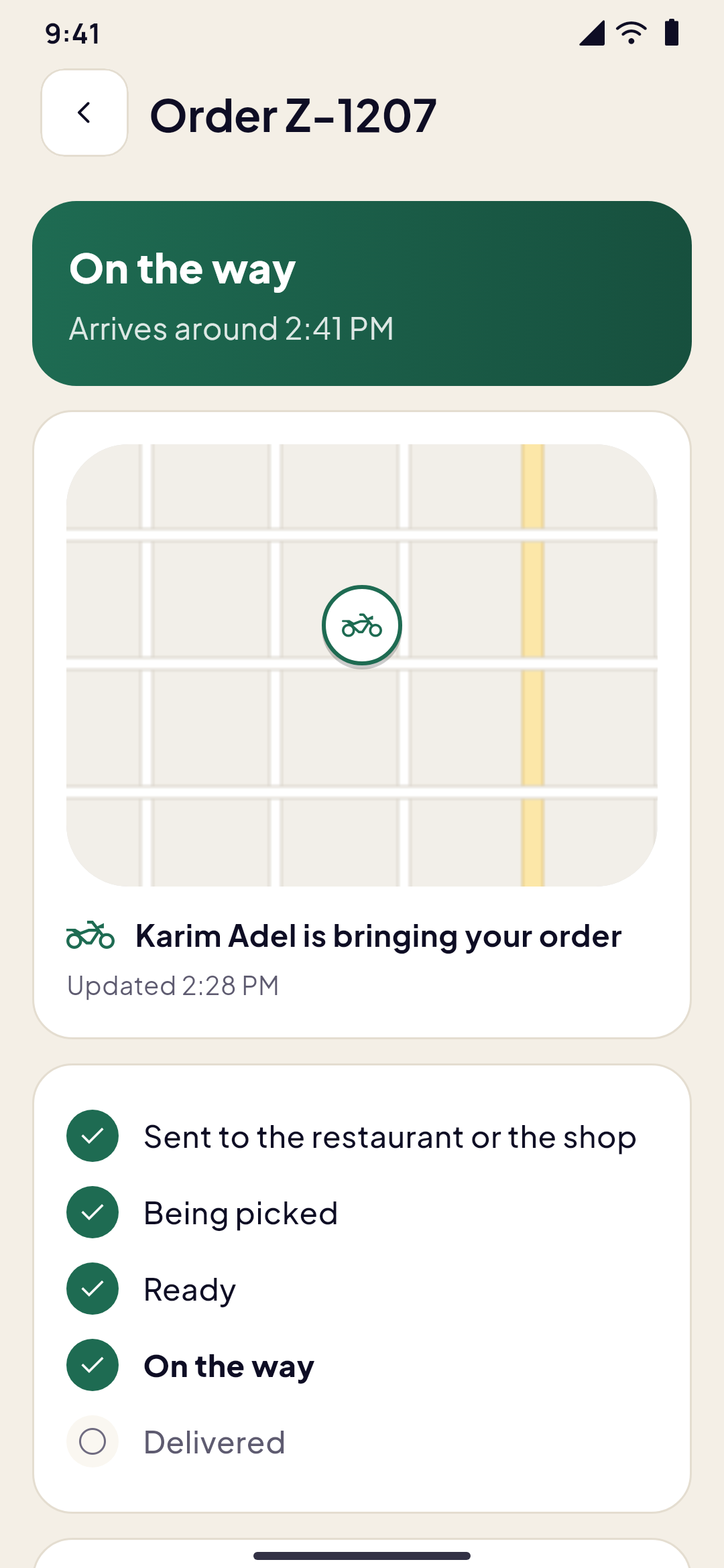
- Open My orders: one is on its way with its courier on the map, one is for tomorrow and one waits at the counter for pick-up
- Fill a basket at Zad Market, some of it by the kilo, take the market's own offer or the code ZAD20, and pay from your wallet
- In the My store tab, accept your order with the minutes it needs, pick and weigh each item, then mark it ready
- Download Zad Courier below, sign in with the same number, take its job and deliver it, then see your complaints in Zad: one open, one waiting for you, one refunded to your wallet
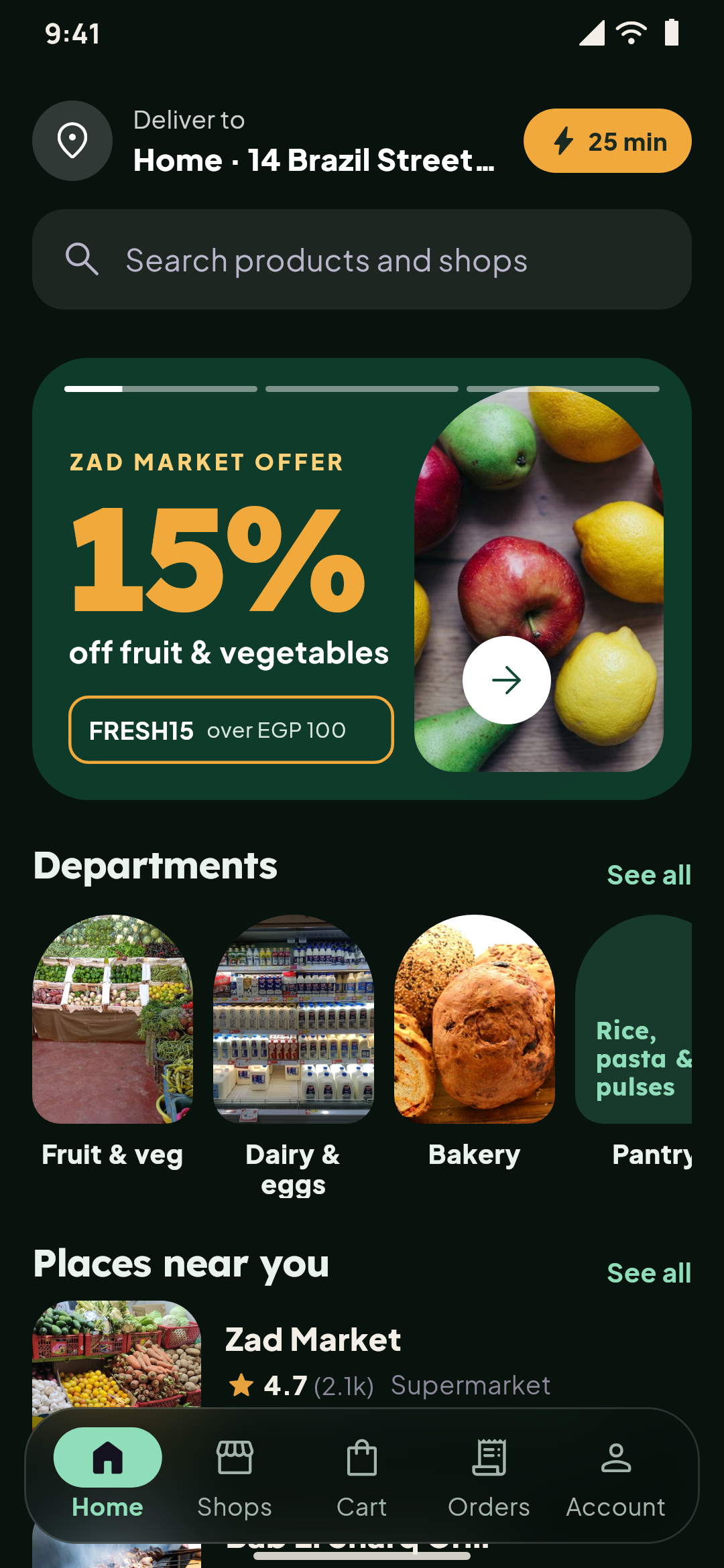
Two looks to start from
Every Studio demo comes in two looks, each in light and dark mode. A project can start from either one.
Masar Rides
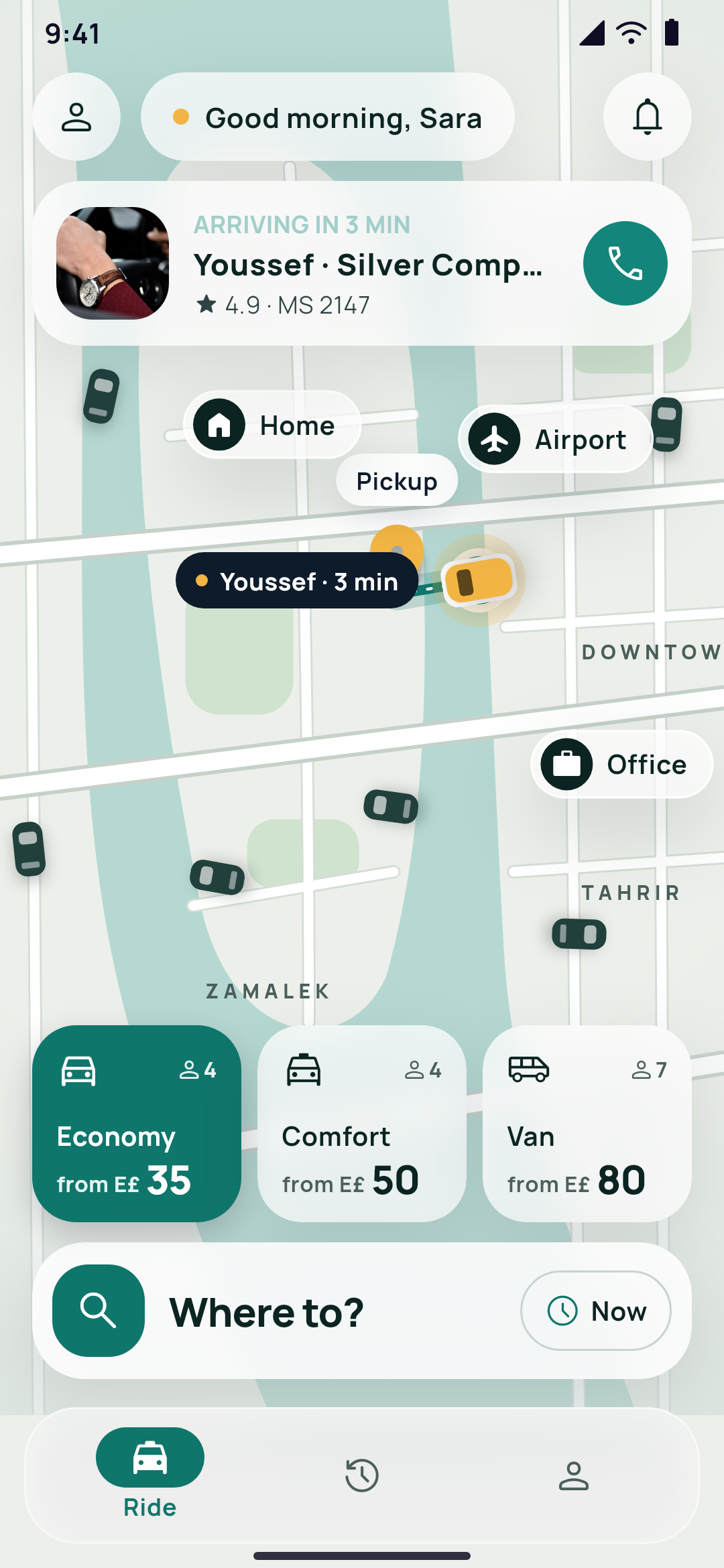
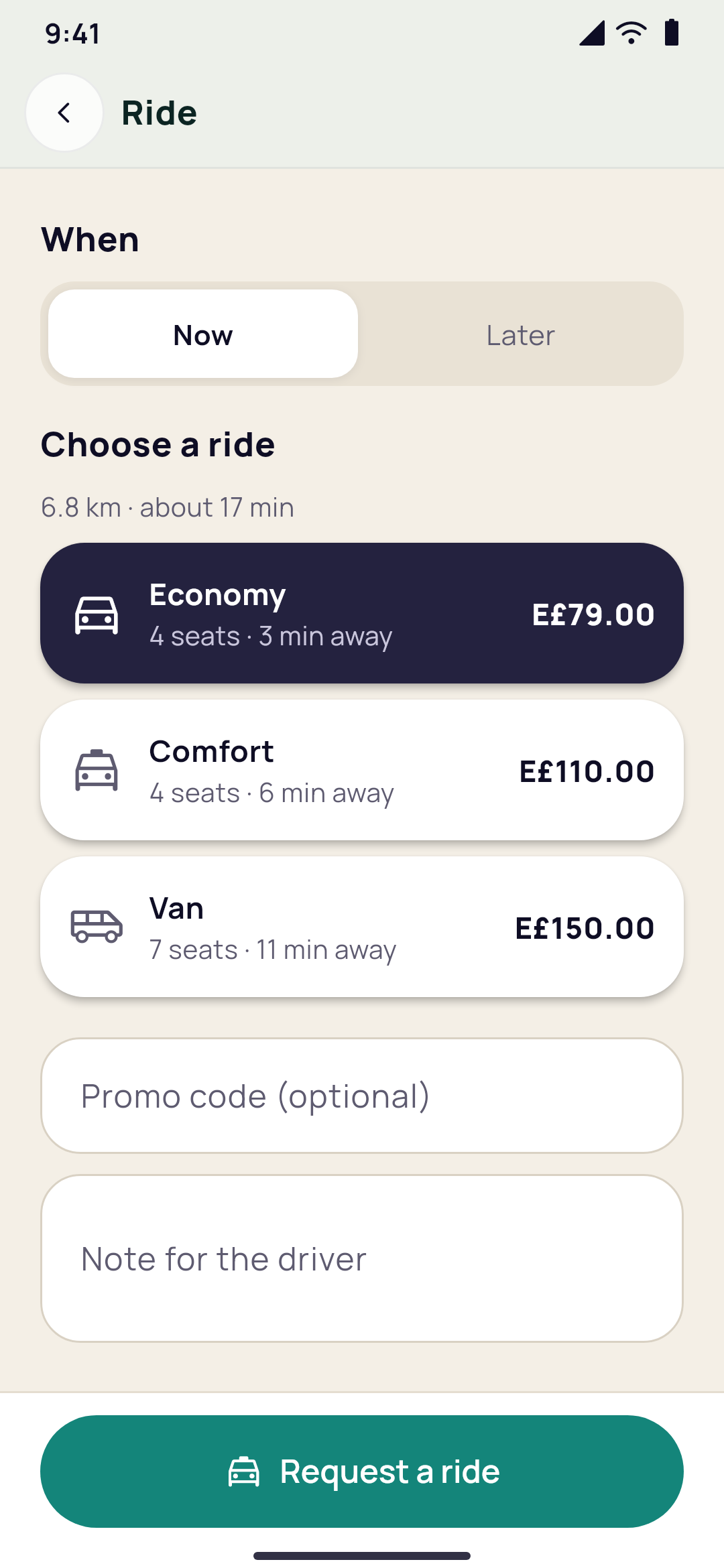
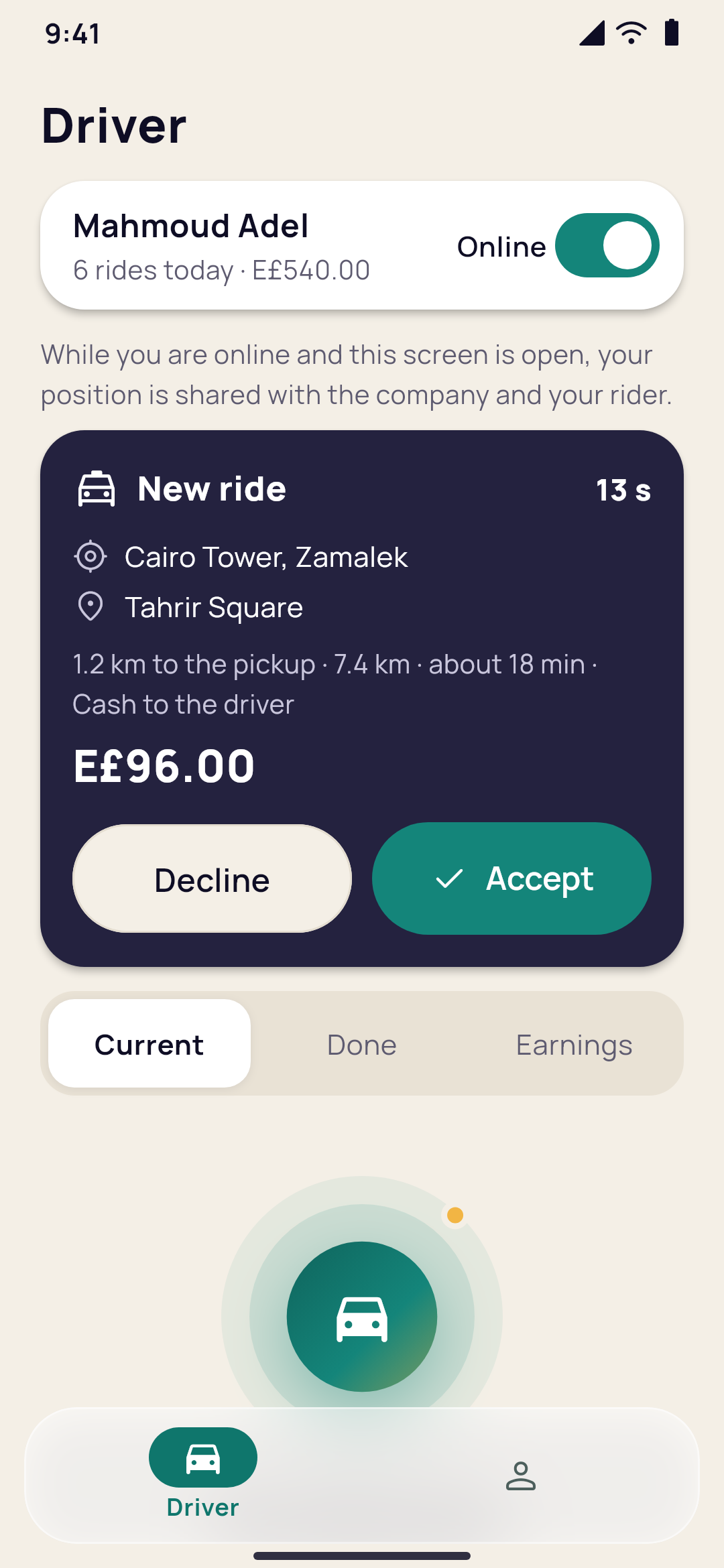
A ride service in Cairo: ask for a ride and see each car type's fare first, then take your own ride as the company's driver.
What to try
- Set the pickup and the drop-off, compare Economy, Comfort and Van, and request a ride in cash
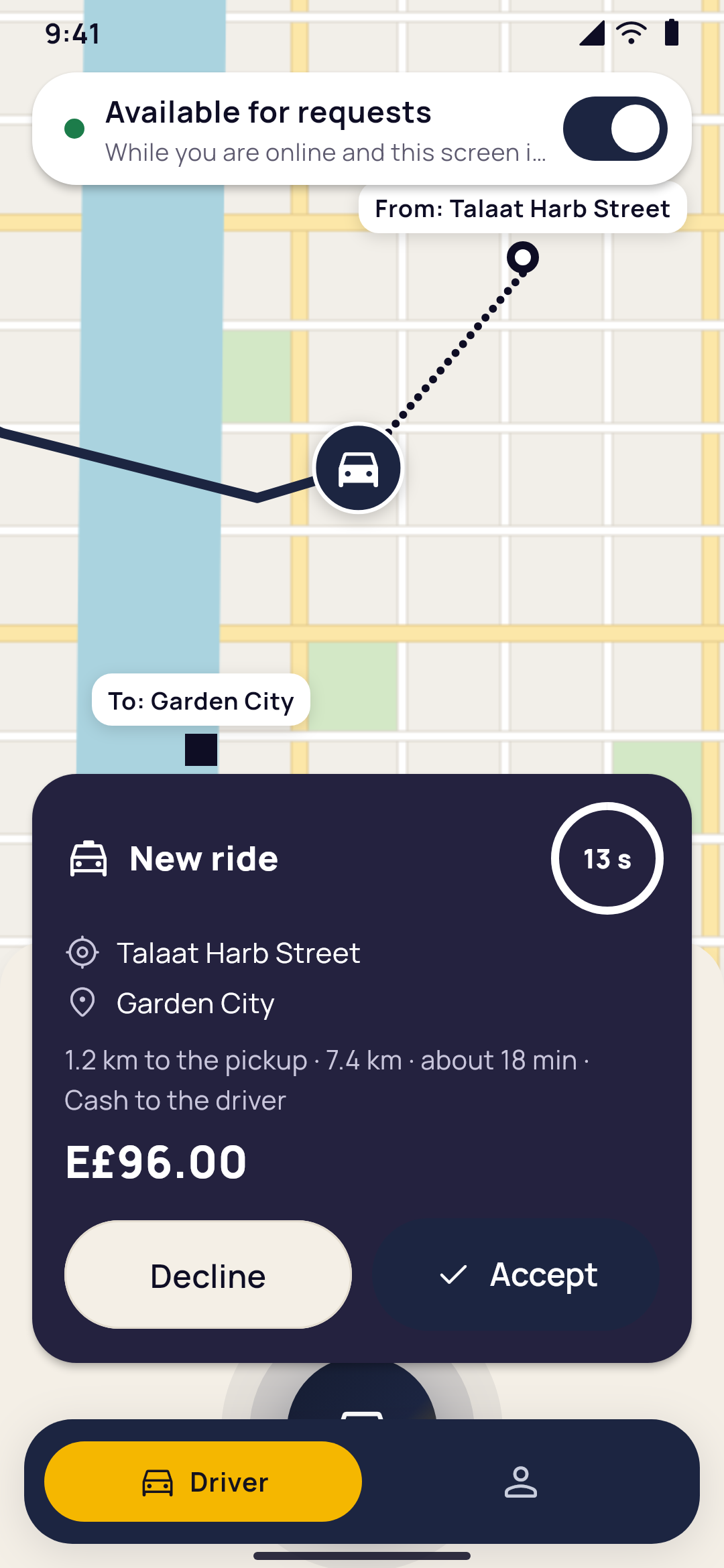
- Download Masar Rides Driver below, sign in with the same number, go online and accept your ride before the time runs out
- Tap I've arrived, start the ride with the code your ride shows, end it and rate your driver
Two looks to start from
Every Studio demo comes in two looks, each in light and dark mode. A project can start from either one.
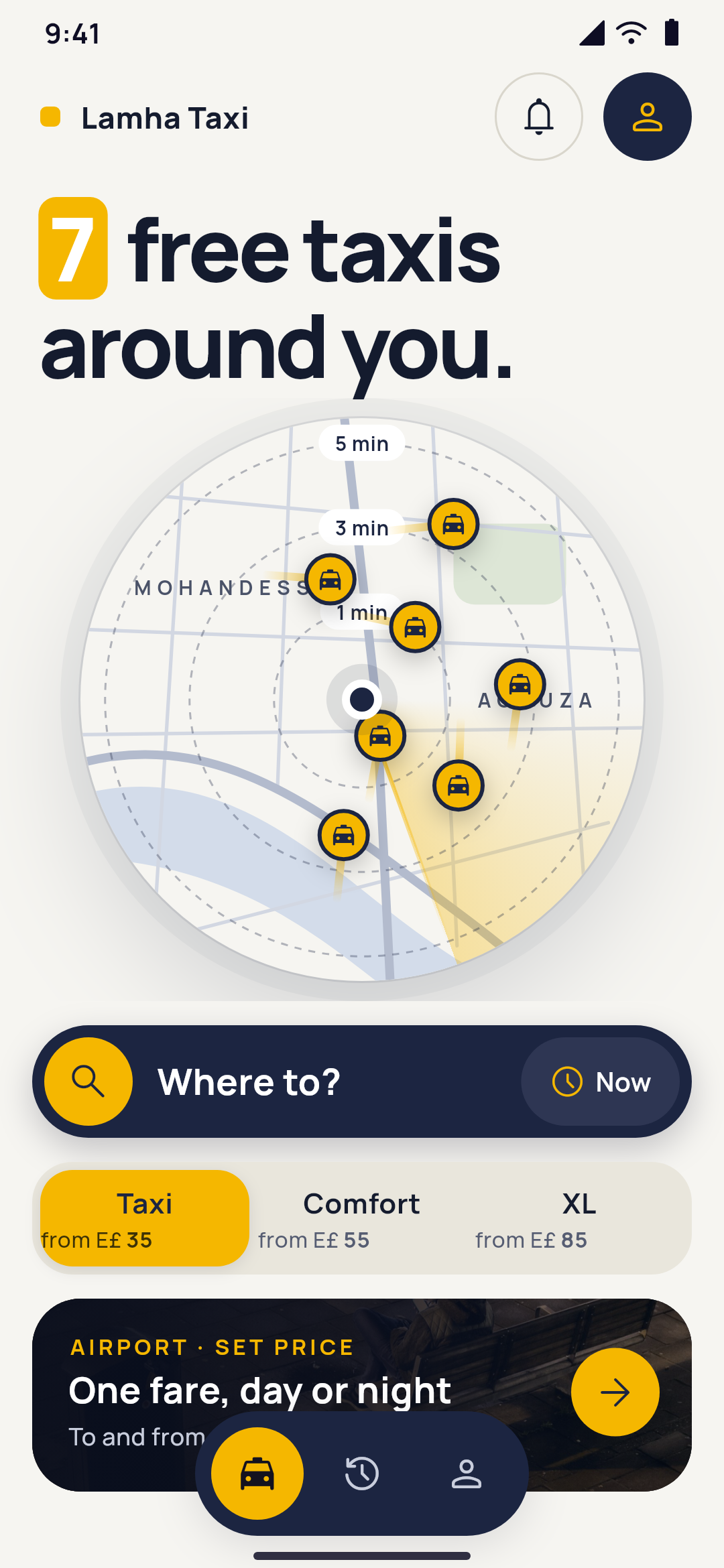
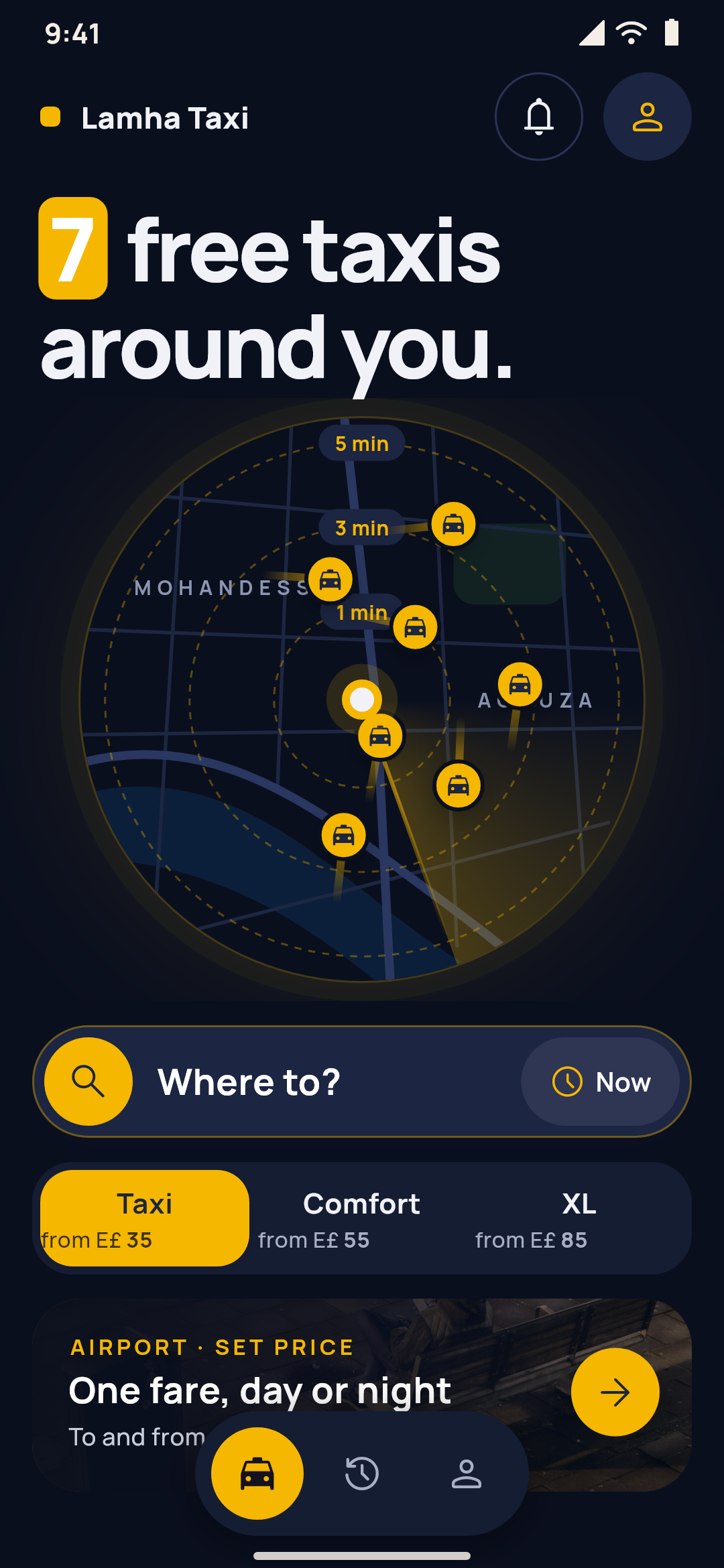
Lamha Taxi
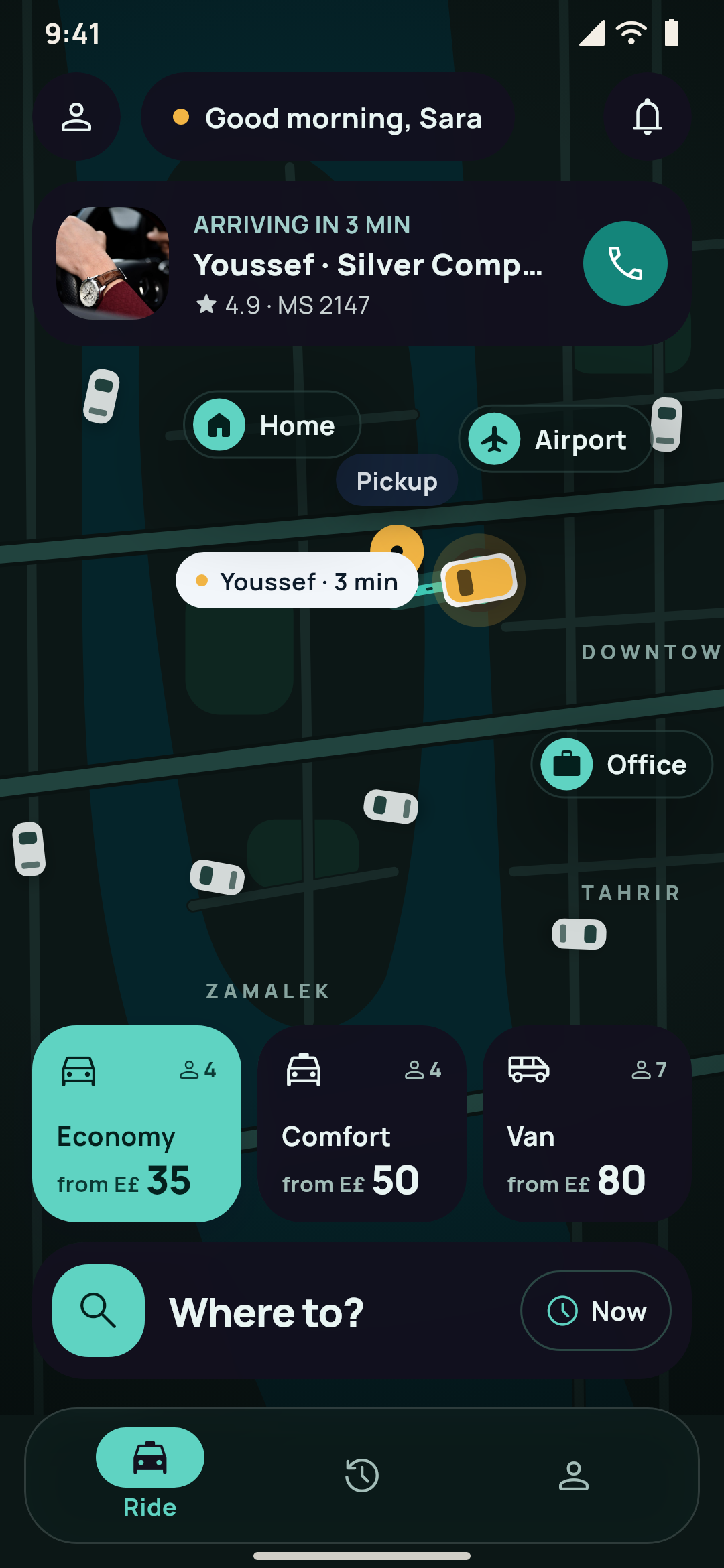
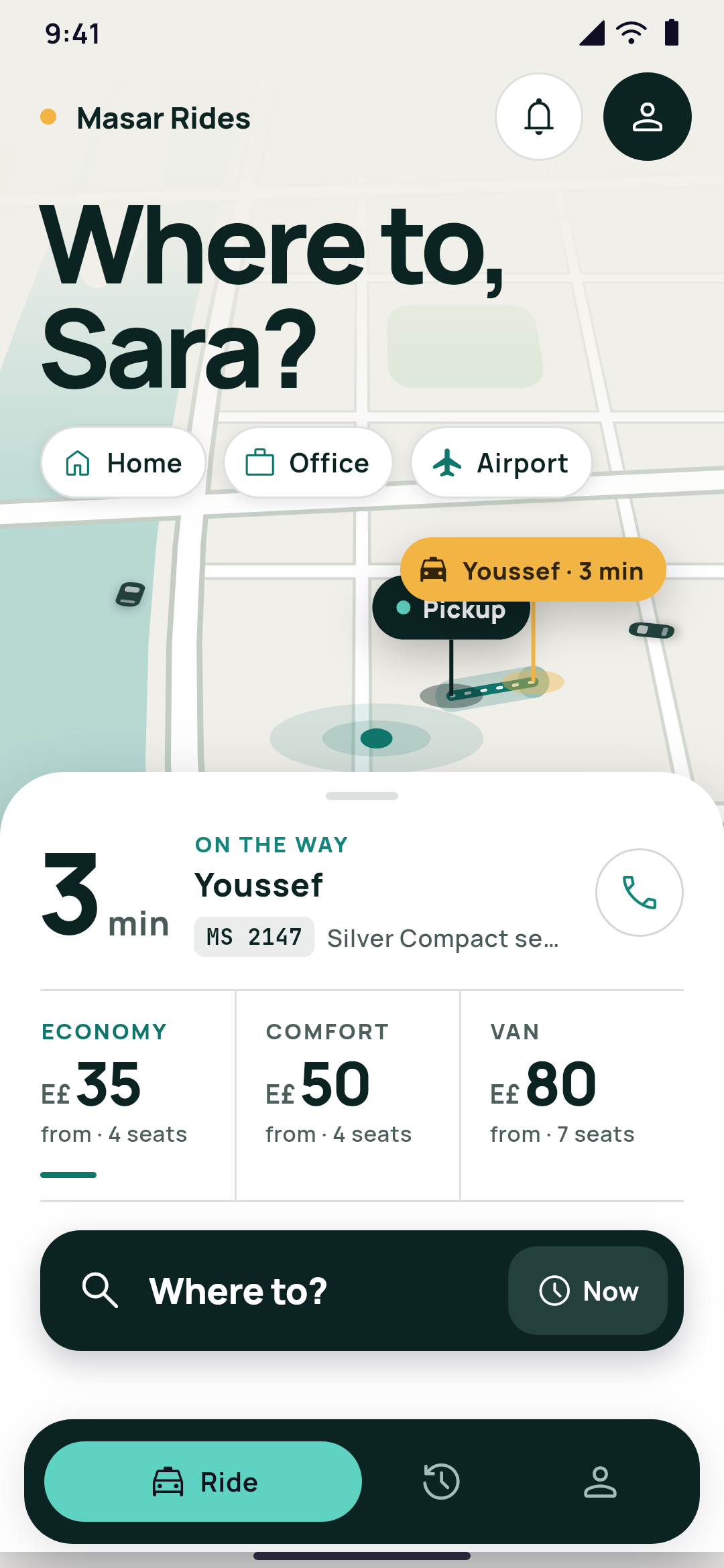
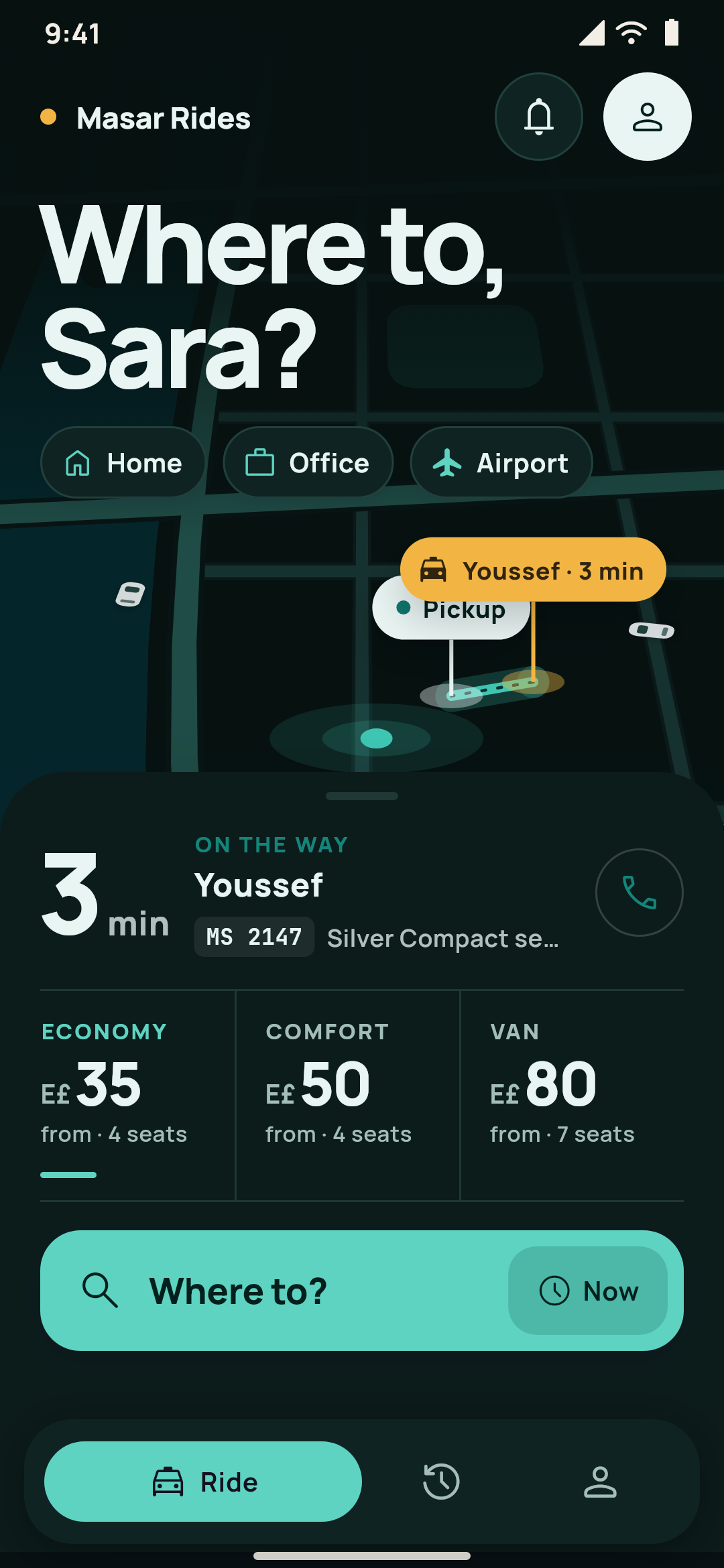
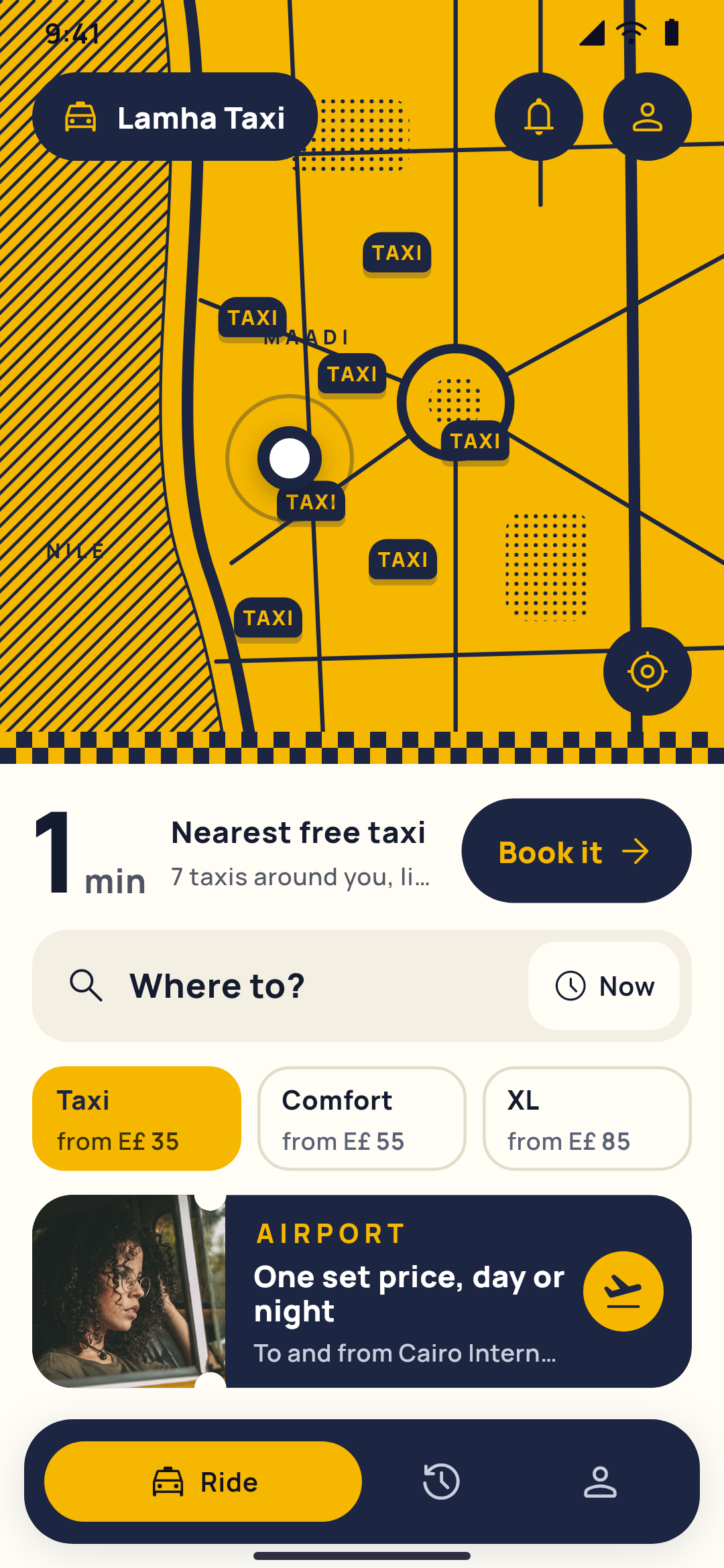
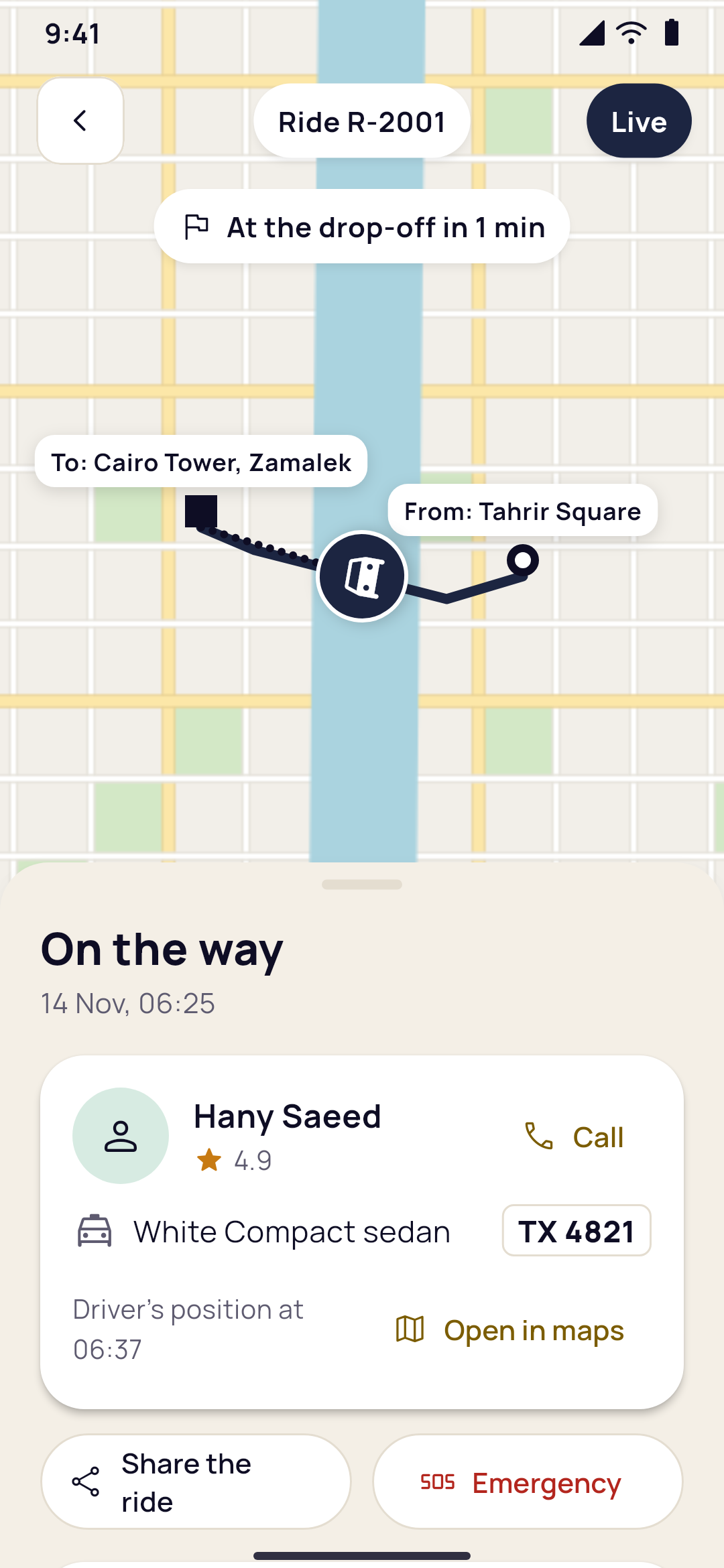
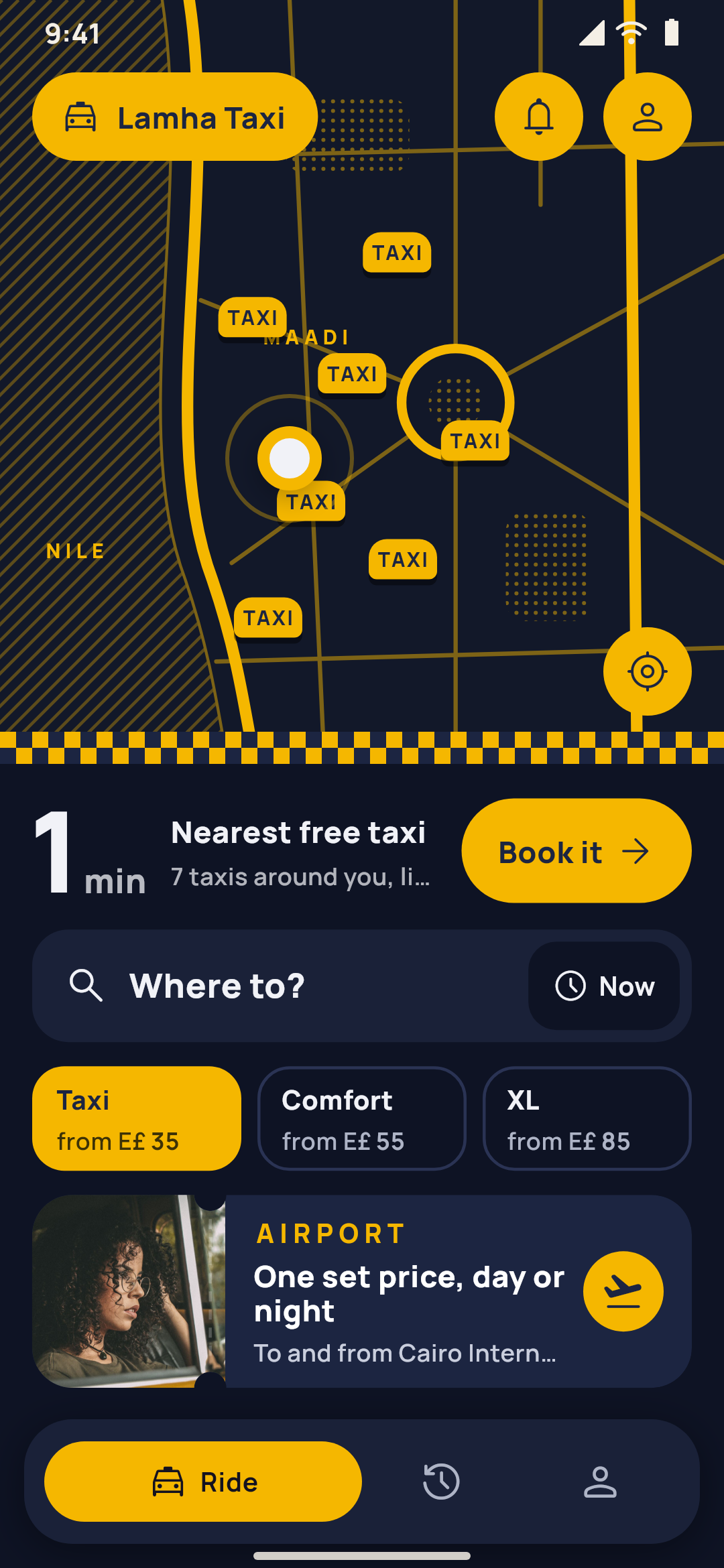
A taxi company in Cairo, live on the map: watch the free taxis move around you, ask for one and follow it, then drive your own ride as the company's driver.
What to try
- Open the app on the map and see the free taxis moving around you
- Set the pickup and where to, compare Taxi, Comfort and XL, and ask for a taxi in cash
- Download Lamha Taxi Driver below, sign in with the same number, go online and accept your ride before the countdown ends
- Tap I've arrived, start the ride with the code your ride shows, end it and rate your driver
Two looks to start from
Every Studio demo comes in two looks, each in light and dark mode. A project can start from either one.
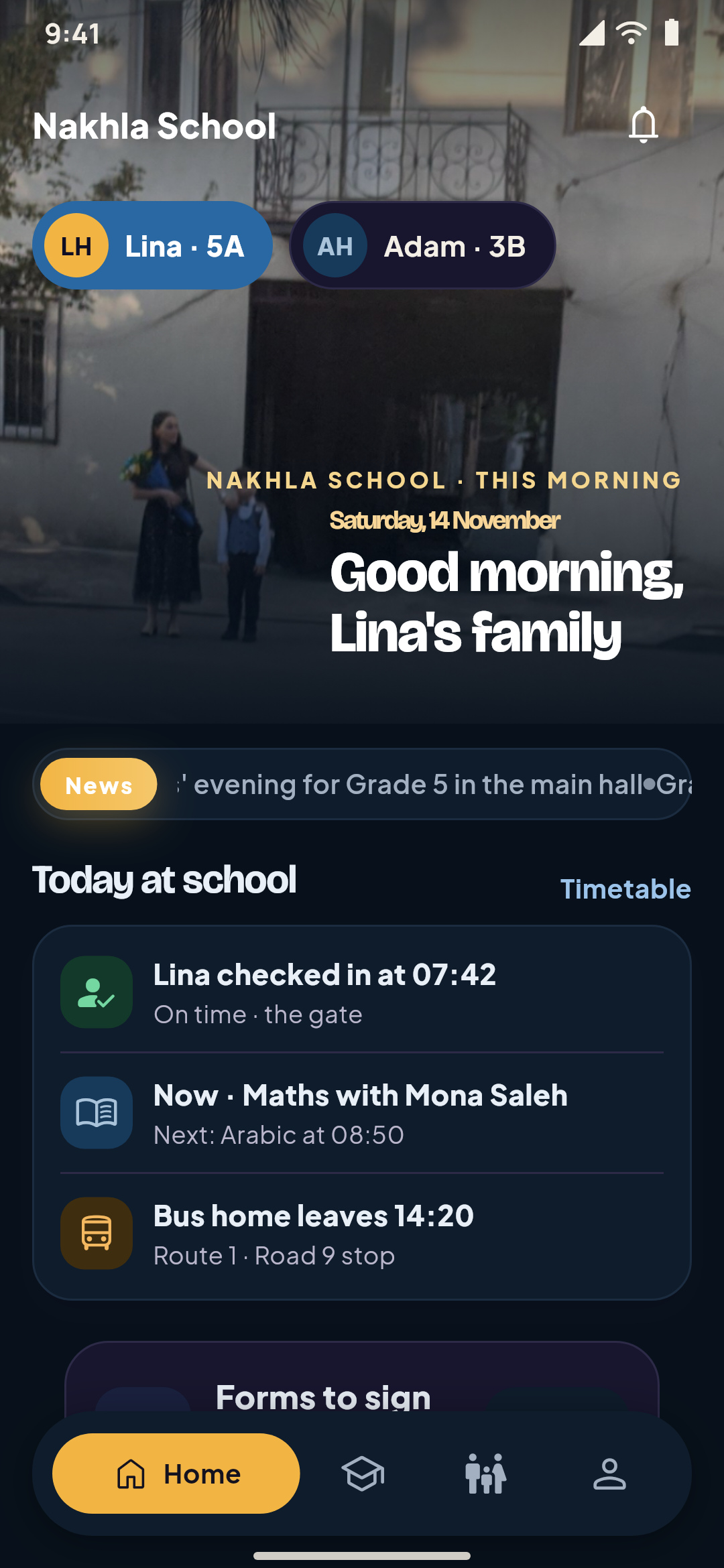
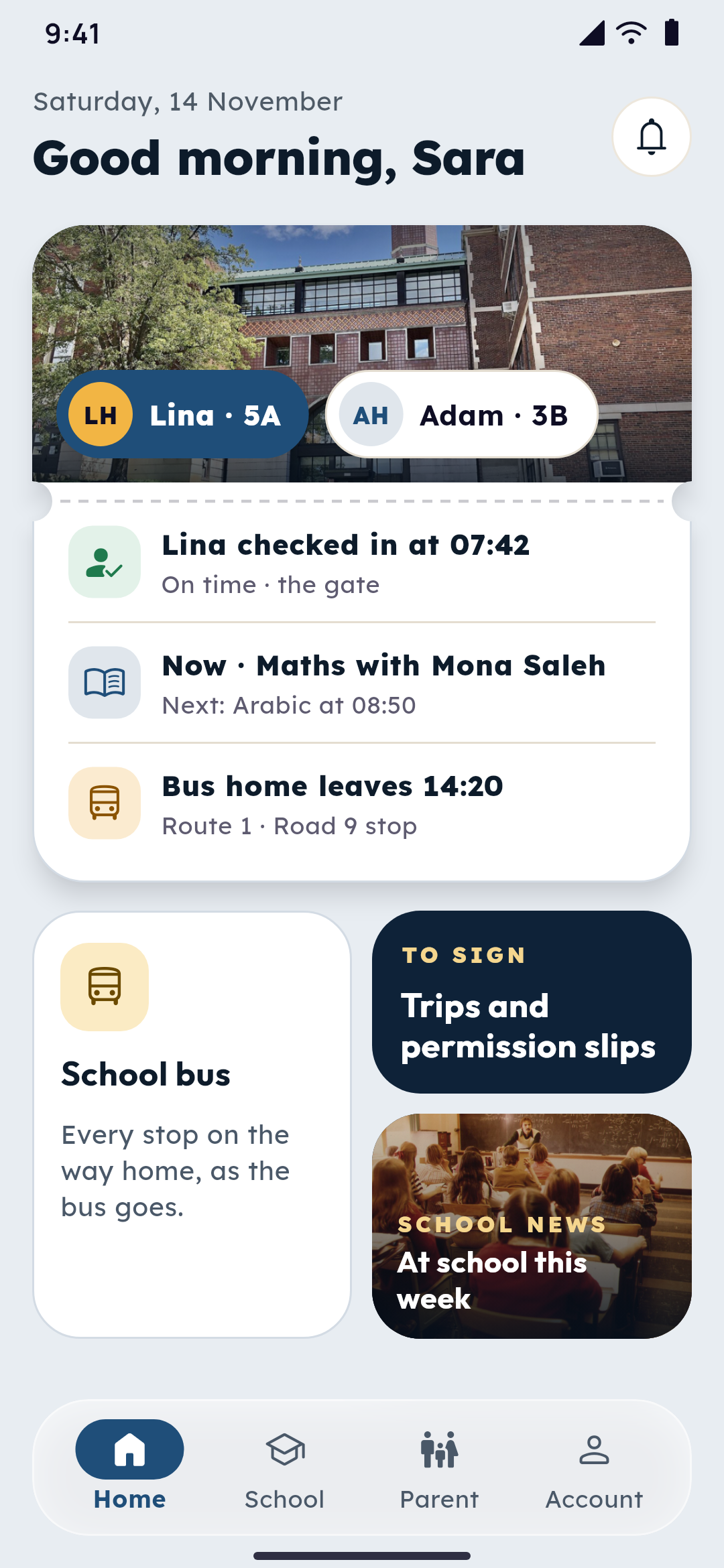
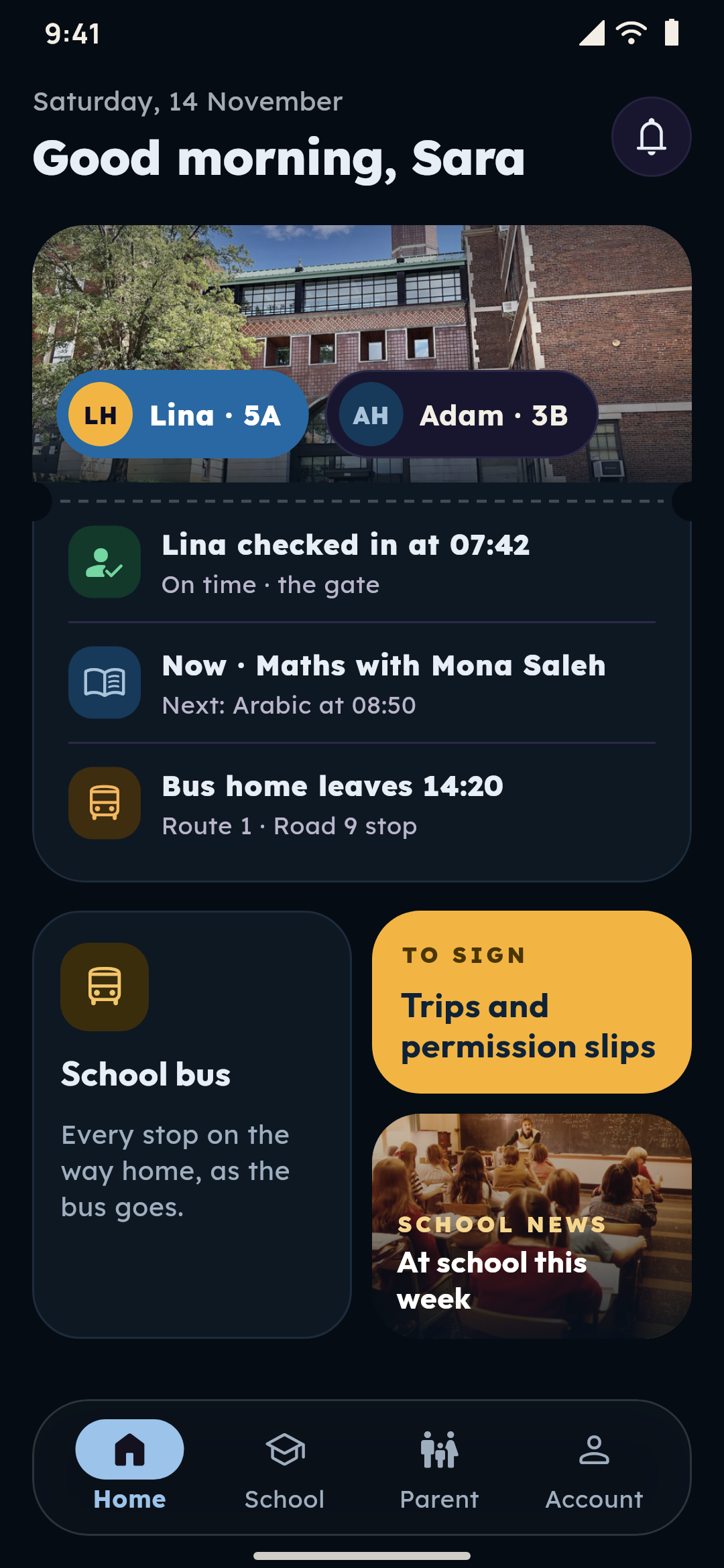
Nakhla School
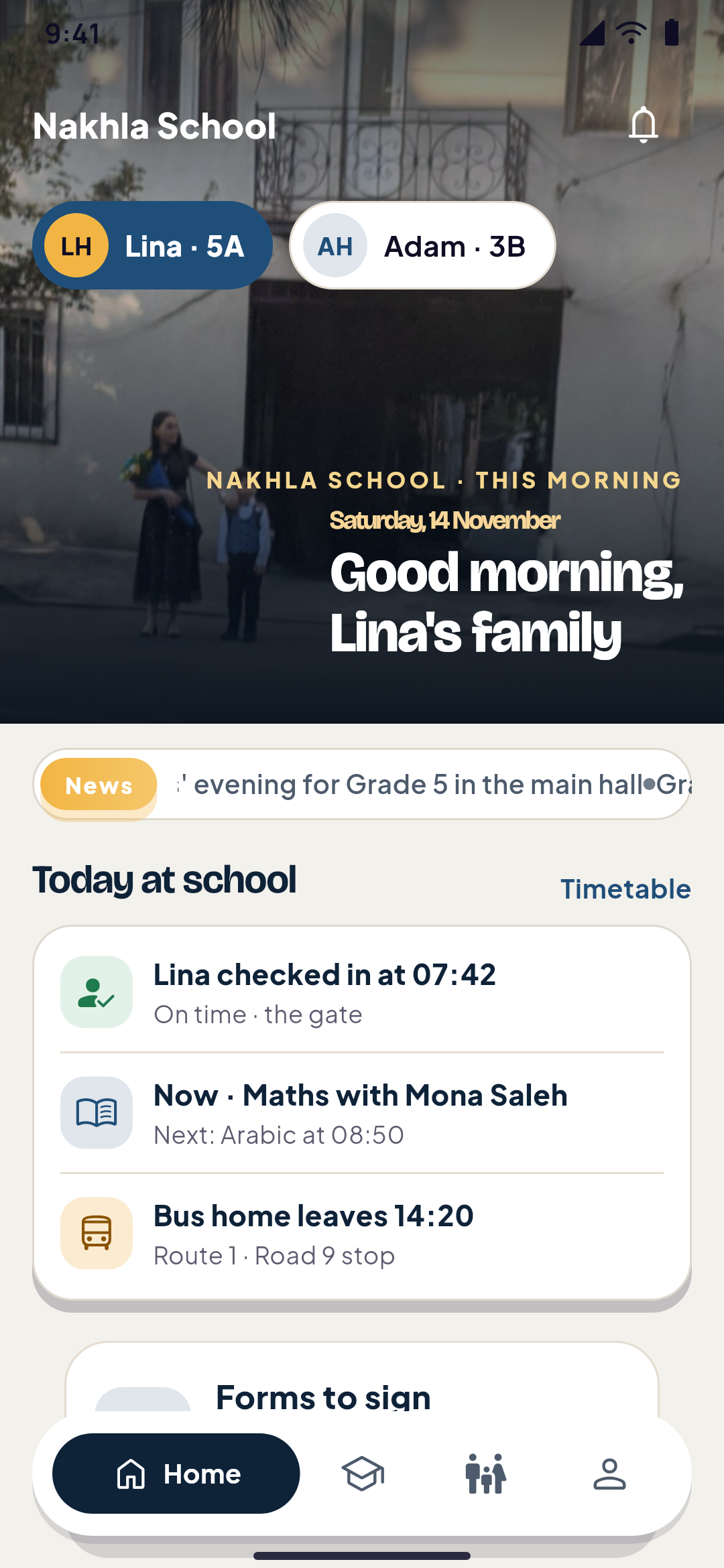
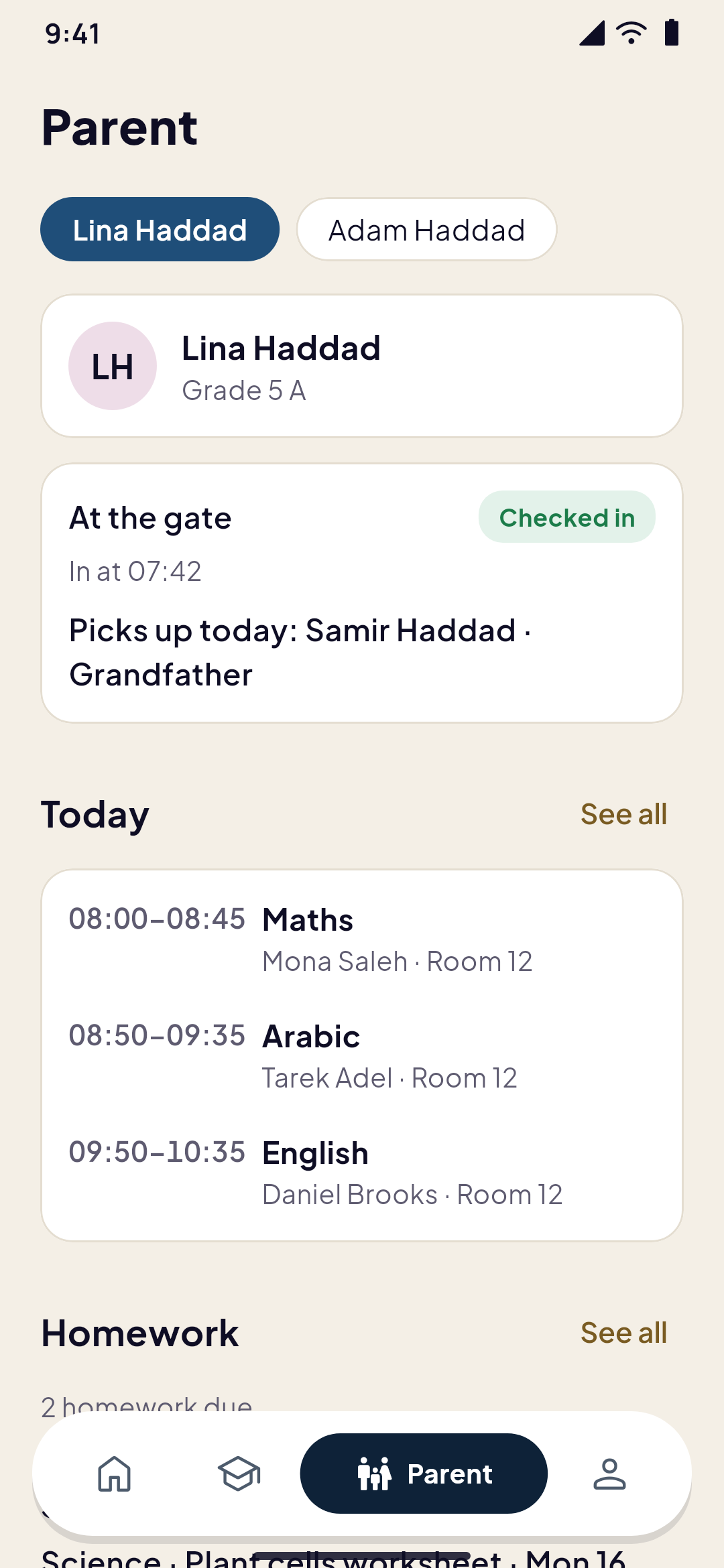
A school in Cairo seen from all three sides: the demo number is Lina, a student, her mother Rania, who also has a son, and Ms. Mona, Lina's class teacher.
What to try
- See today's lessons and the week's timetable, then hand in Lina's homework
- Switch to her brother Adam: his grades, his attendance and a fee to pay, with no card in the demo
- Download Nakhla School Staff below and sign in with the same number as Ms. Mona: take Grade 5 A's attendance, give homework and enter scores, then see them on Lina's screens
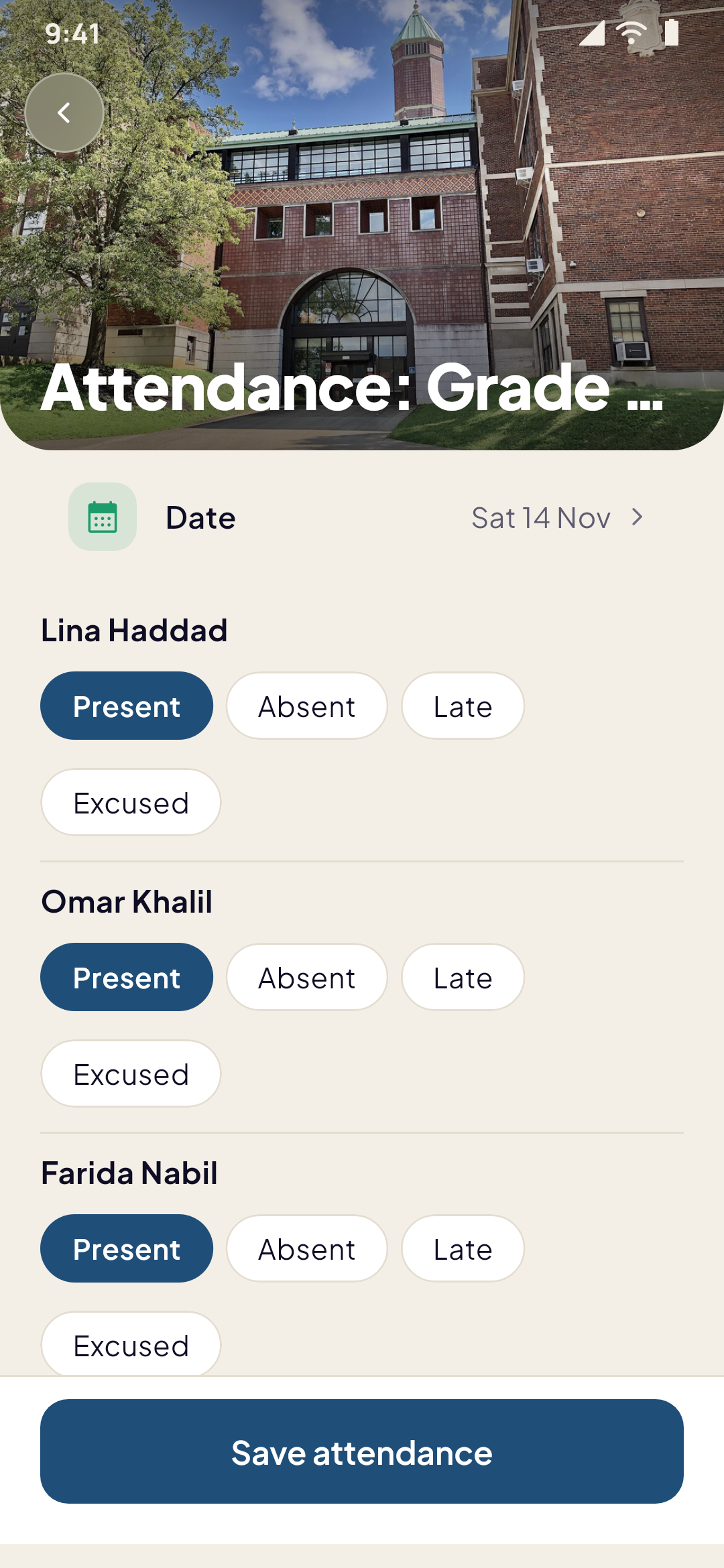
Two looks to start from
Every Studio demo comes in two looks, each in light and dark mode. A project can start from either one.
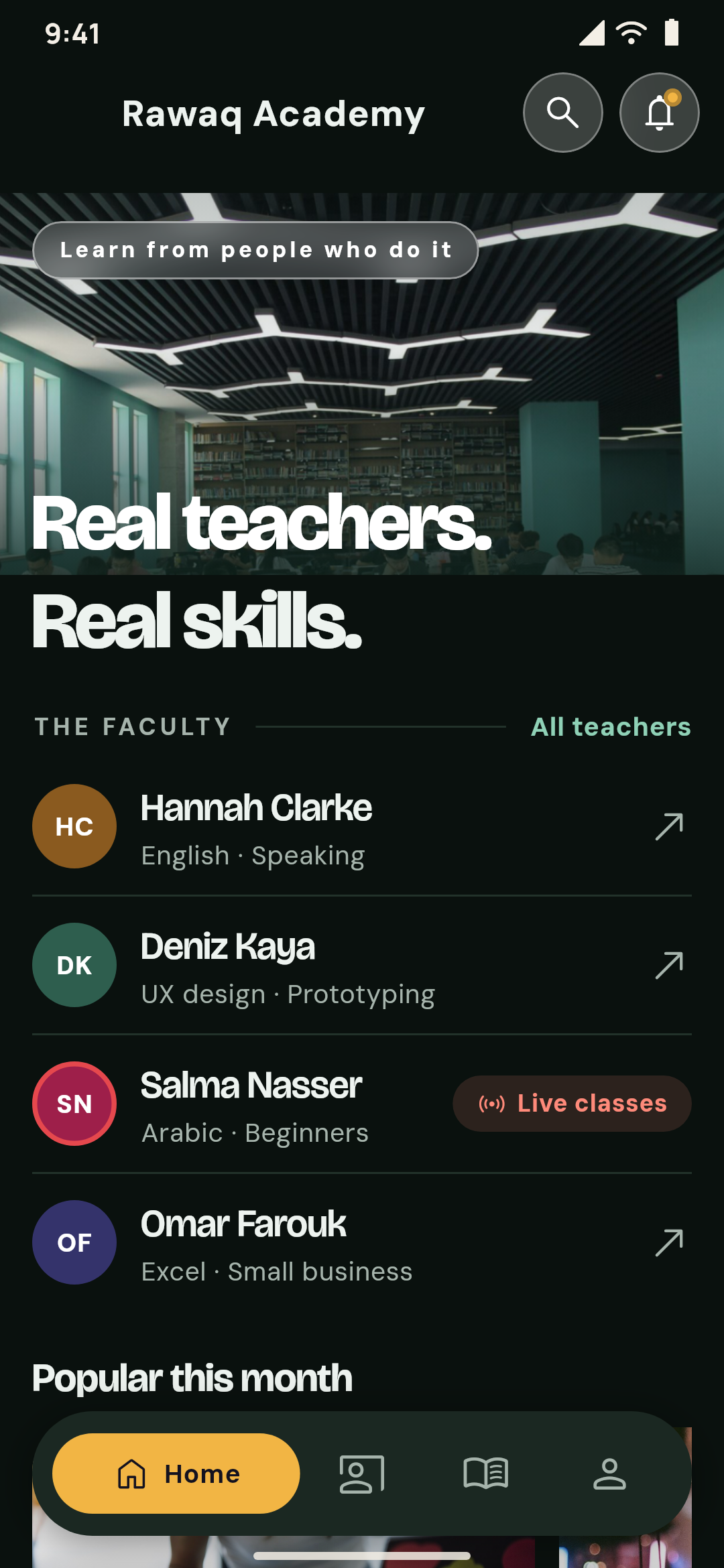
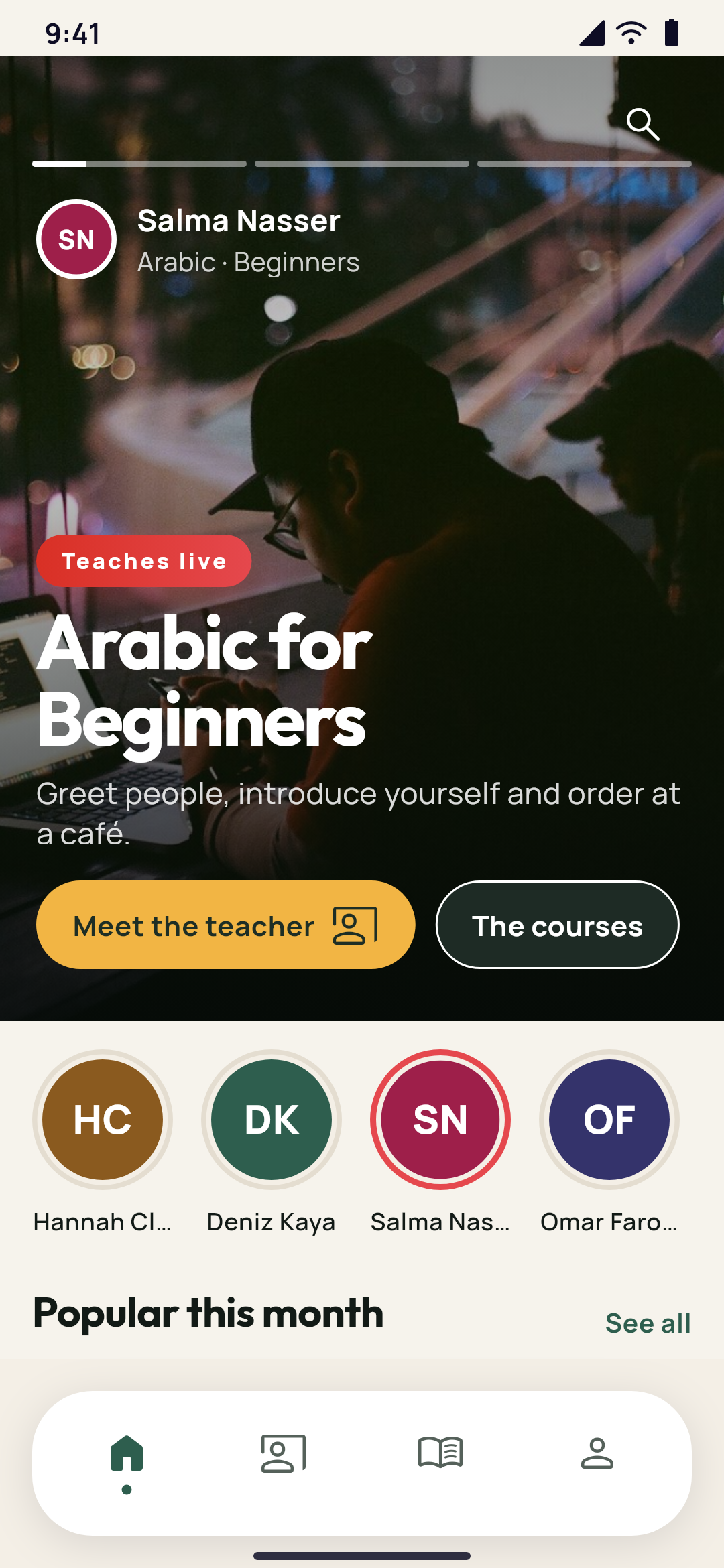
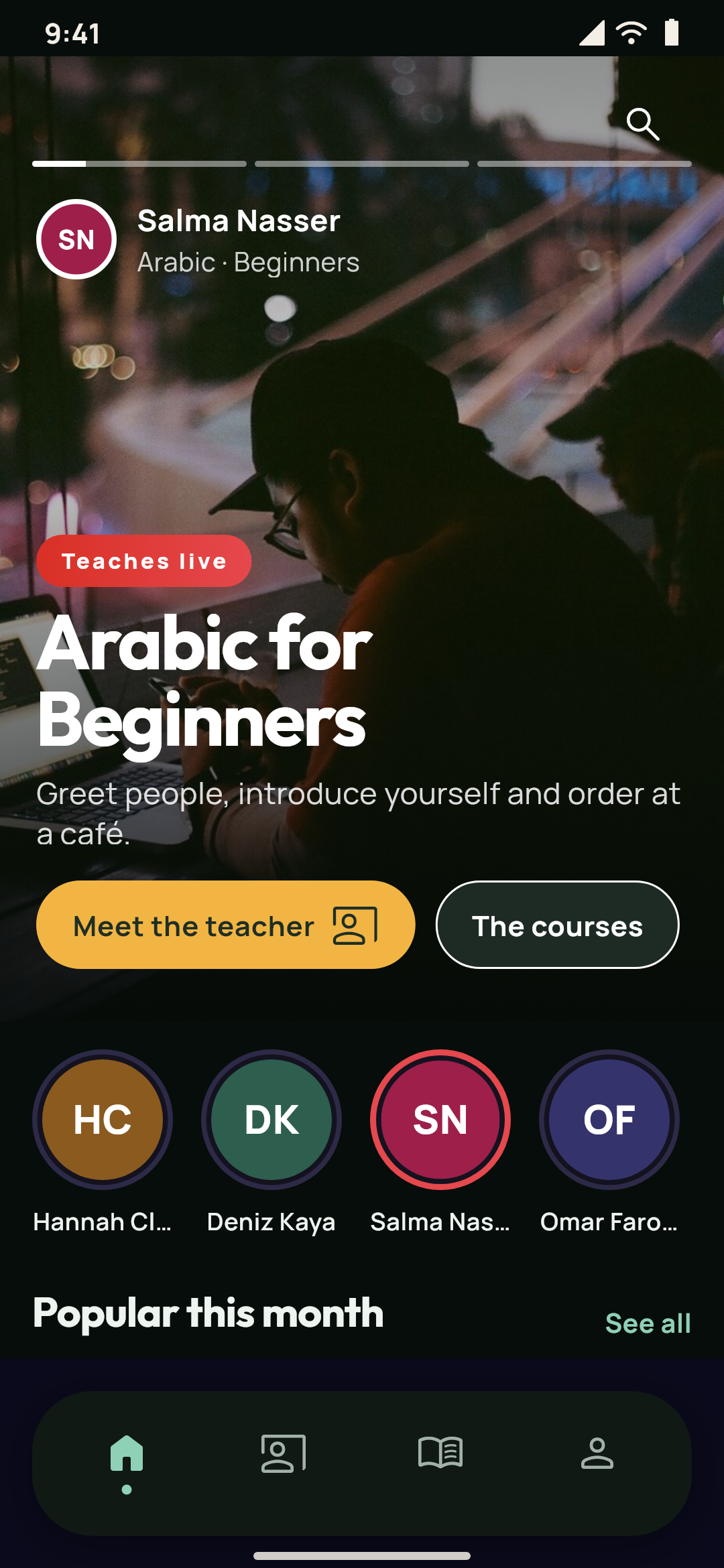
Rawaq Academy
An academy where seven teachers publish their own courses: browse the teachers, follow one, then make a course of your own as one of the academy's teachers.
What to try
- Open Teachers and read a teacher's page: about them, their courses and their followers
- Follow a teacher, then enroll in the free Excel course or buy one on Android: the demo checkout takes no card
- Download Rawaq Academy Staff below, sign in with the same number as one of the academy's teachers, make a course with a lesson and send it to the academy for review
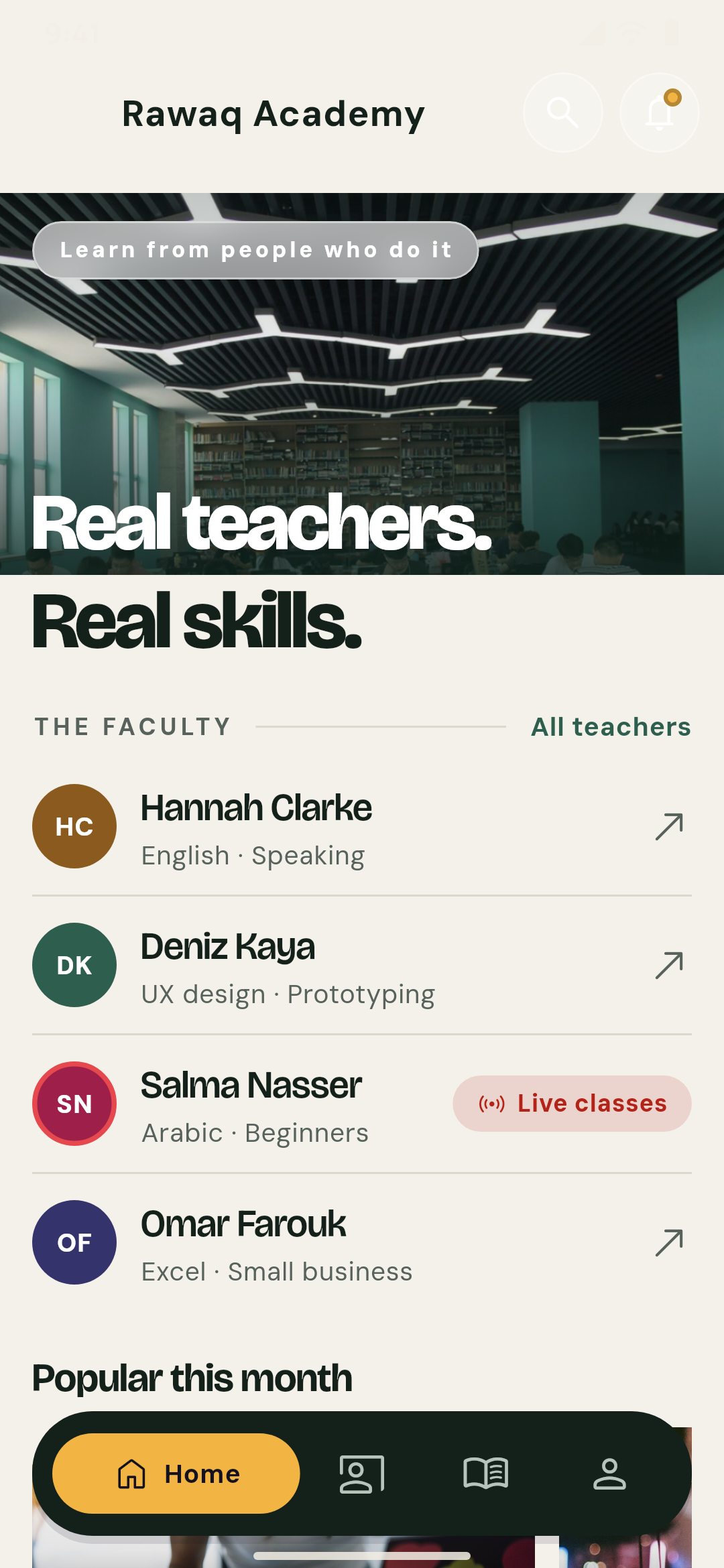
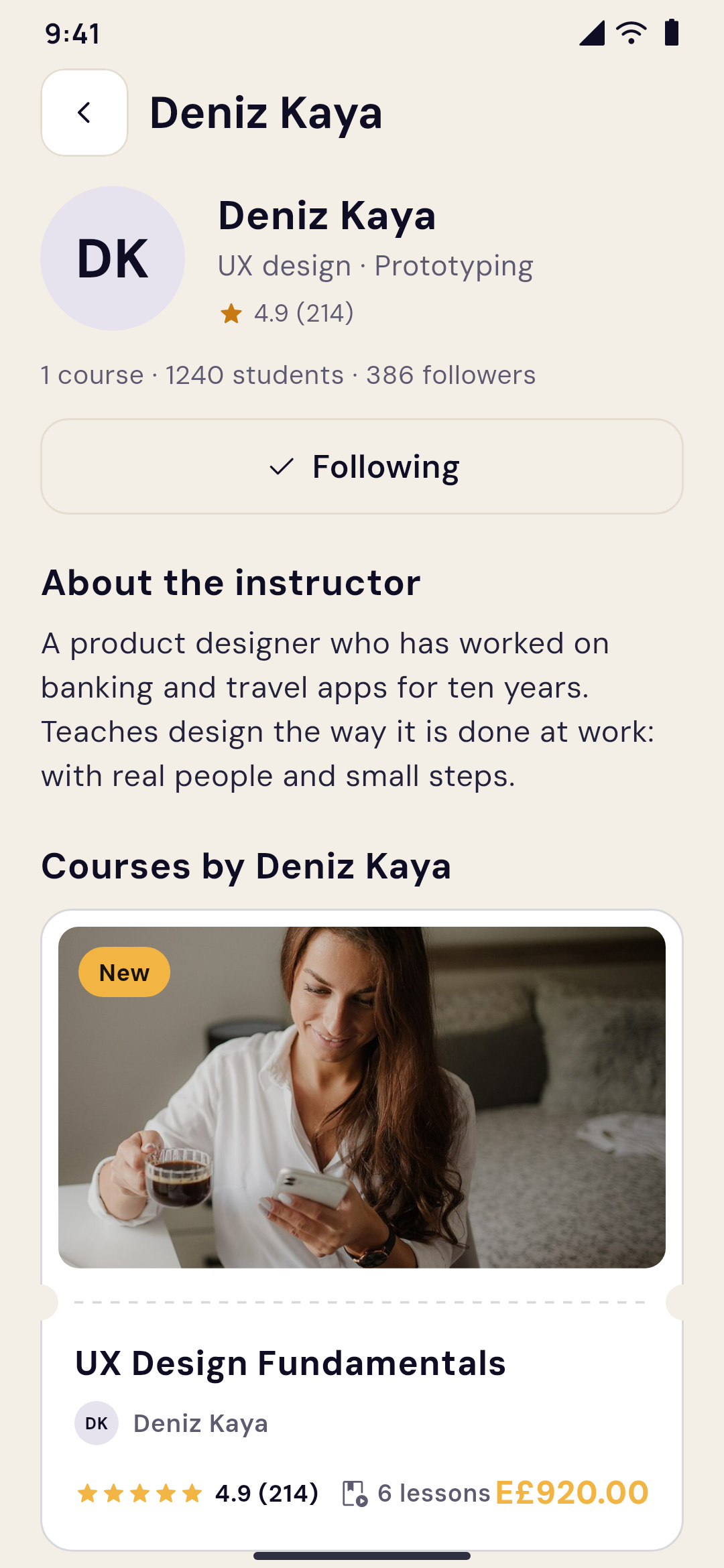
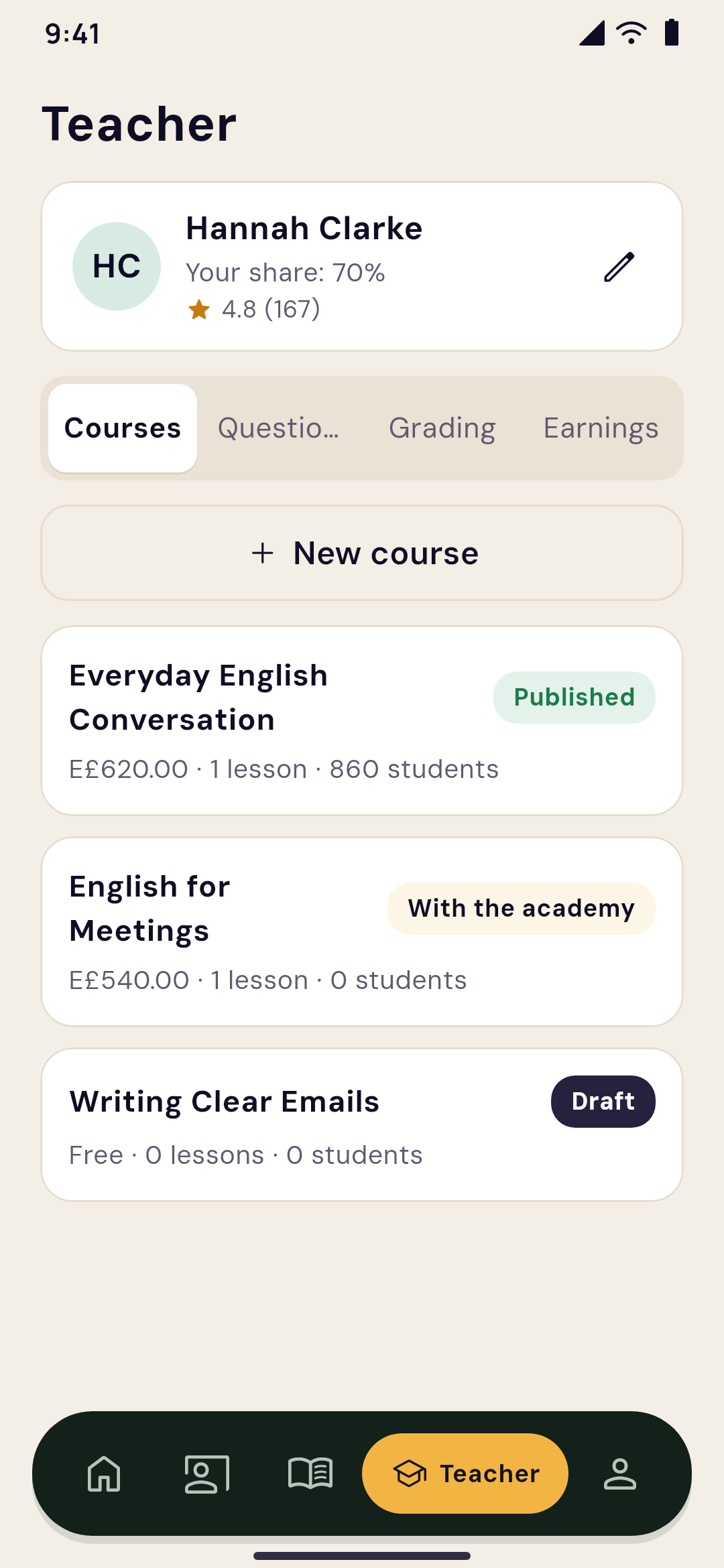
Two looks to start from
Every Studio demo comes in two looks, each in light and dark mode. A project can start from either one.
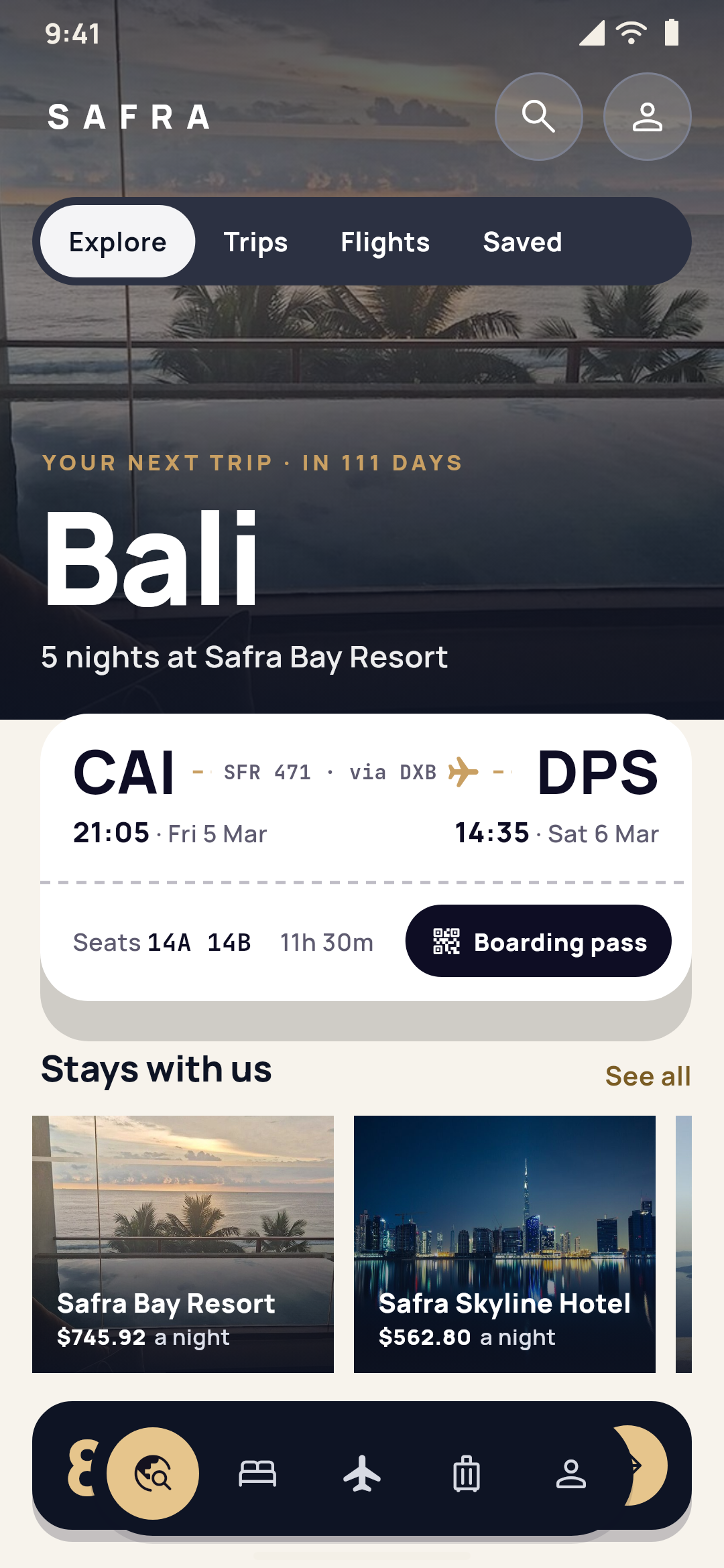
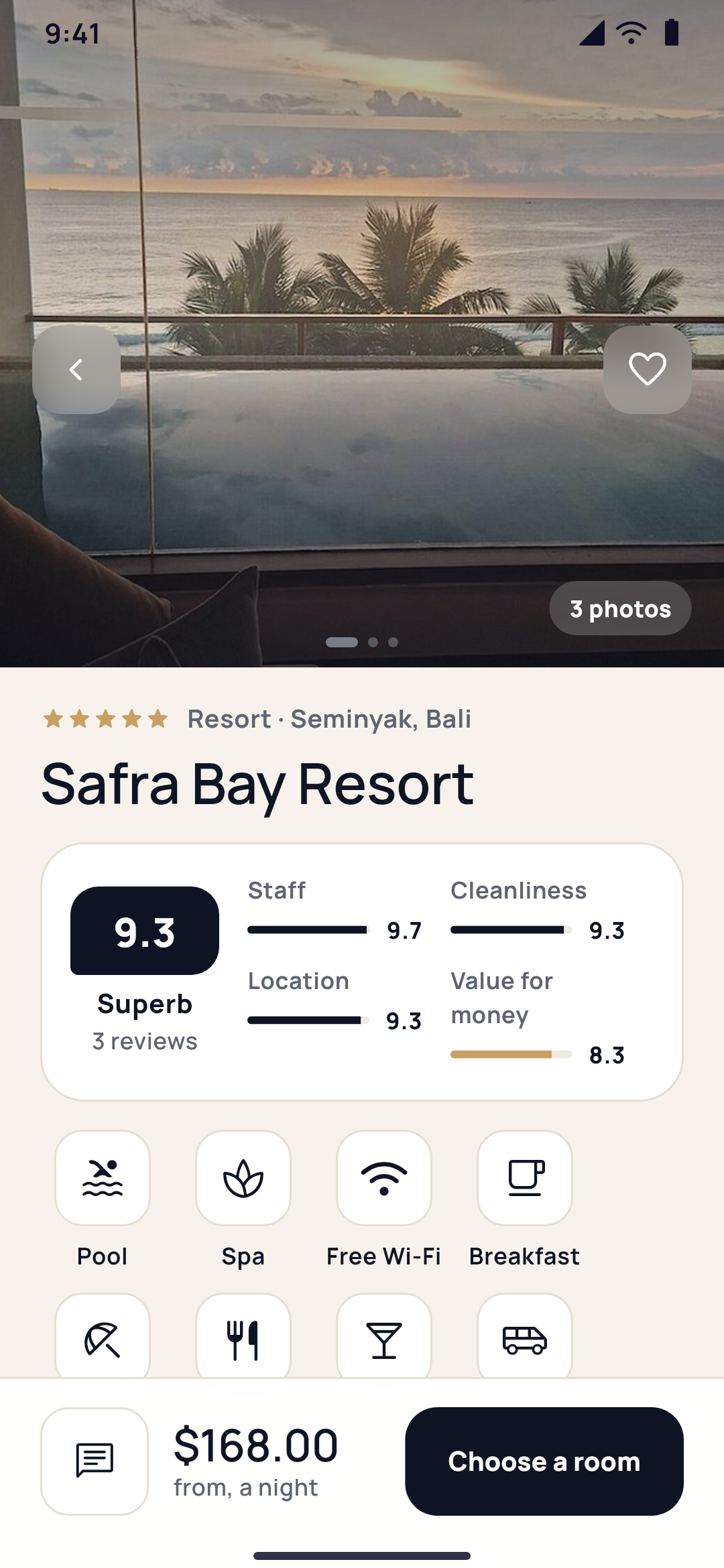
Safra
A travel company's app: its hotels and its own flights, a stay and a flight booked together for one price, and the whole trip in one place. Its hotel photos are CC0, from Wikimedia Commons.
What to try
- On the home, open a featured stay, or tap Find a stay and choose a room with breakfast and free cancellation
- Open Flights, see the month's prices, choose a fare and your seats, and book: the demo checkout takes no card
- Open Trips: the flight with its gate, the transfer, the hotel and your boarding pass
- In the flights found, turn on Track to watch the route's price, and switch the app to Arabic or to dark mode in the account
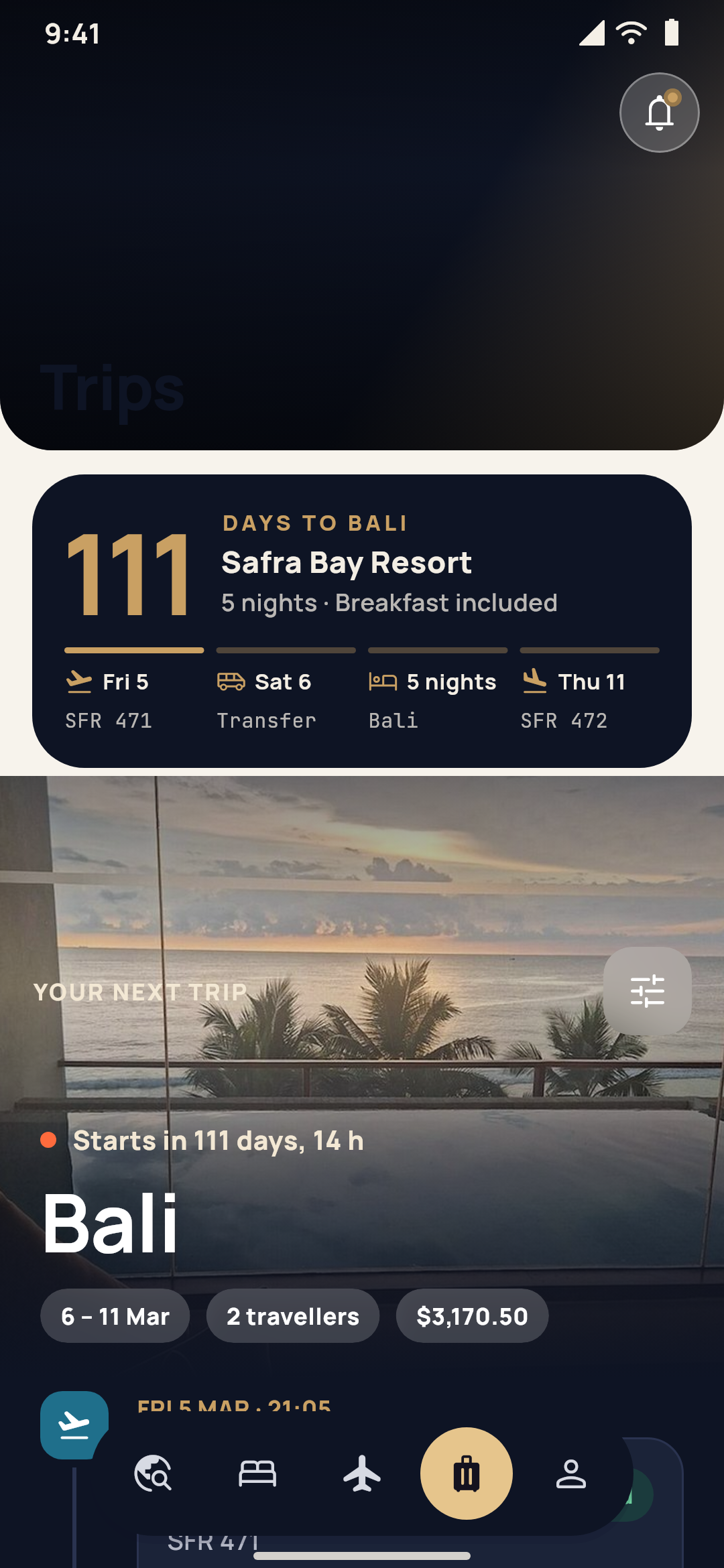
Two looks to start from
Every Studio demo comes in two looks, each in light and dark mode. A project can start from either one.
Ufuq Academy
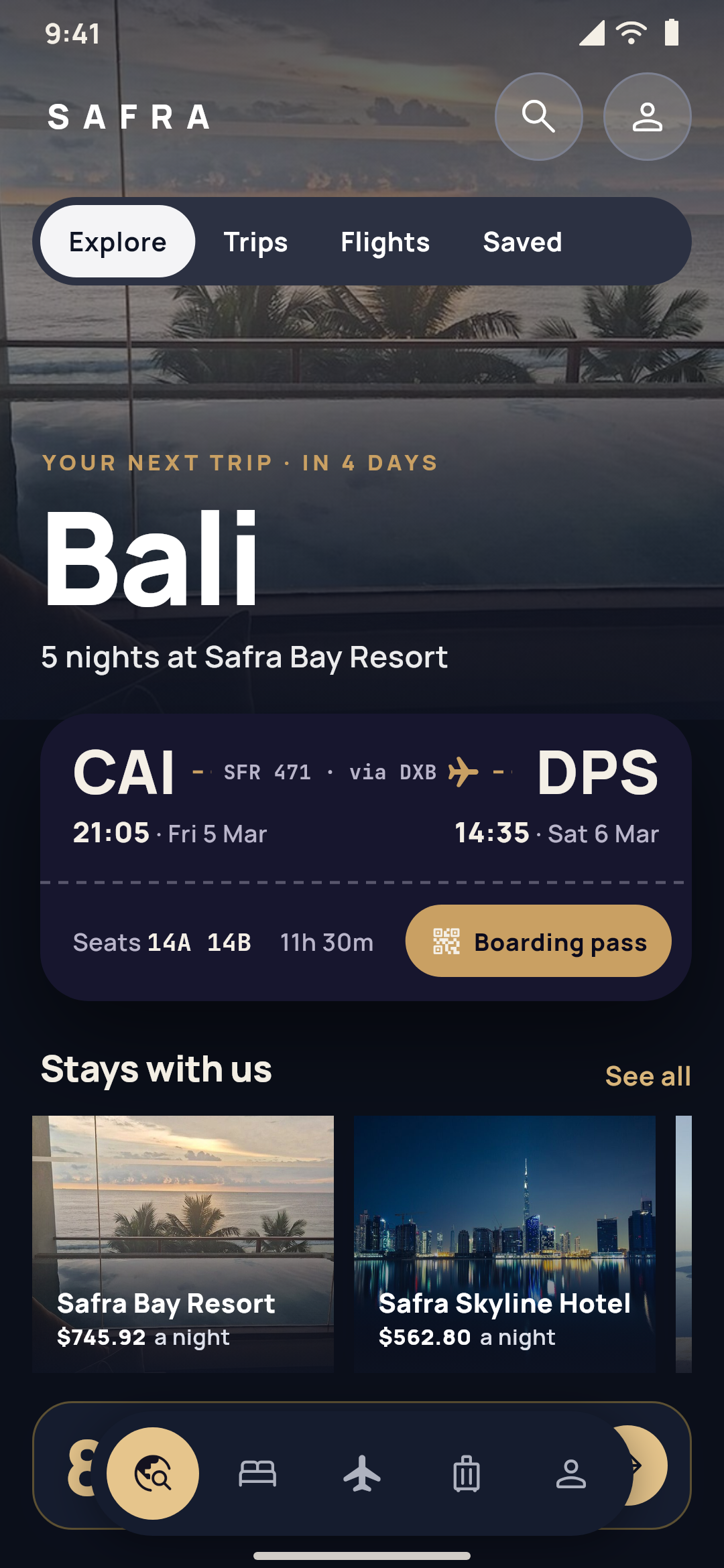
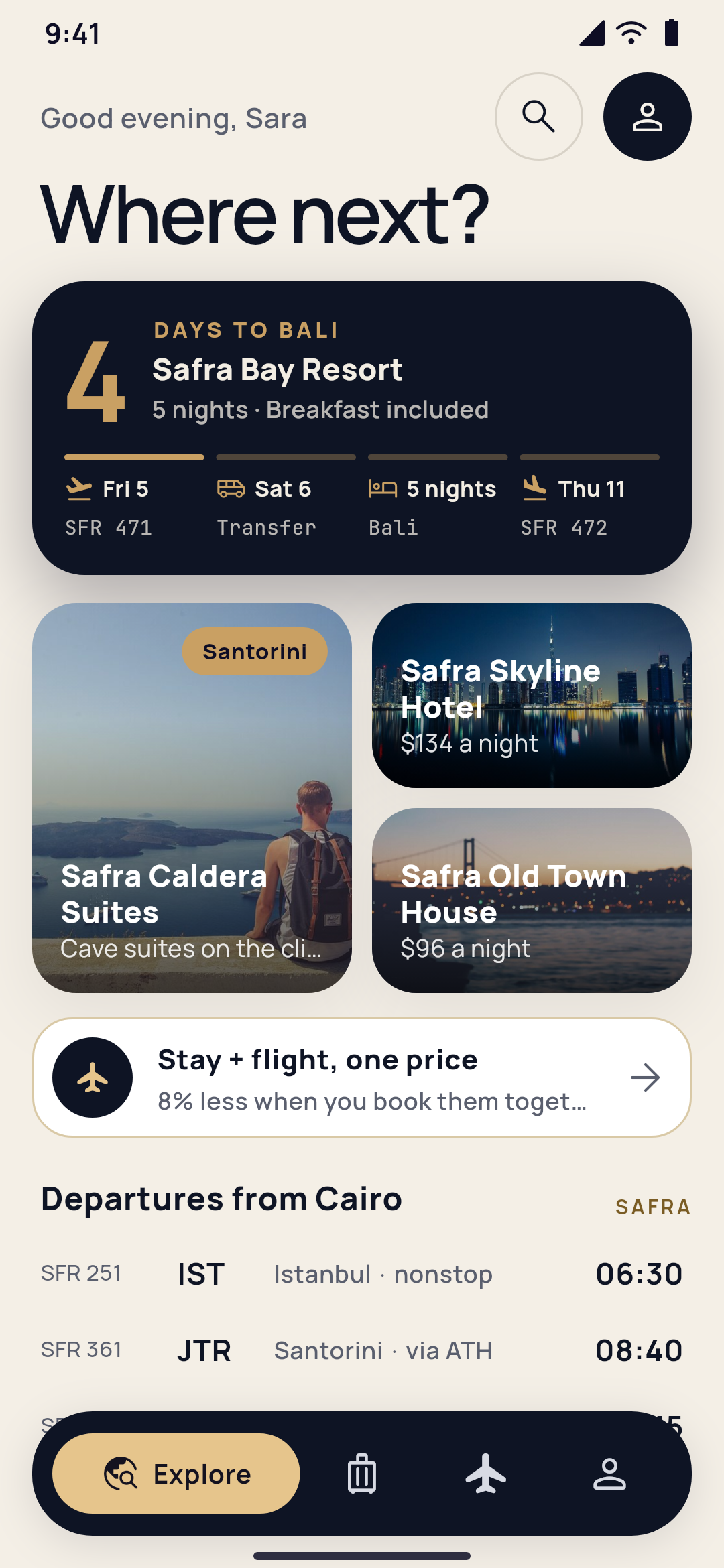
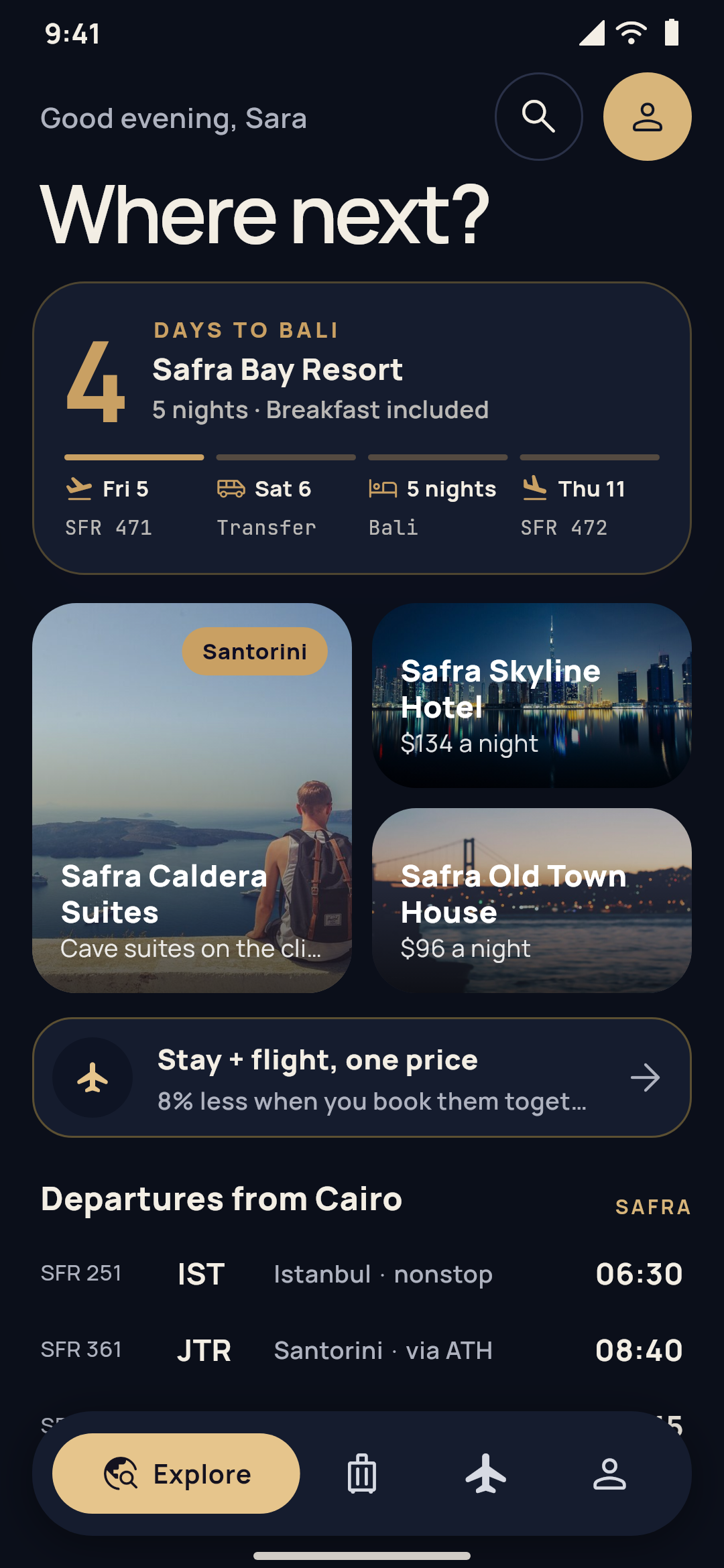
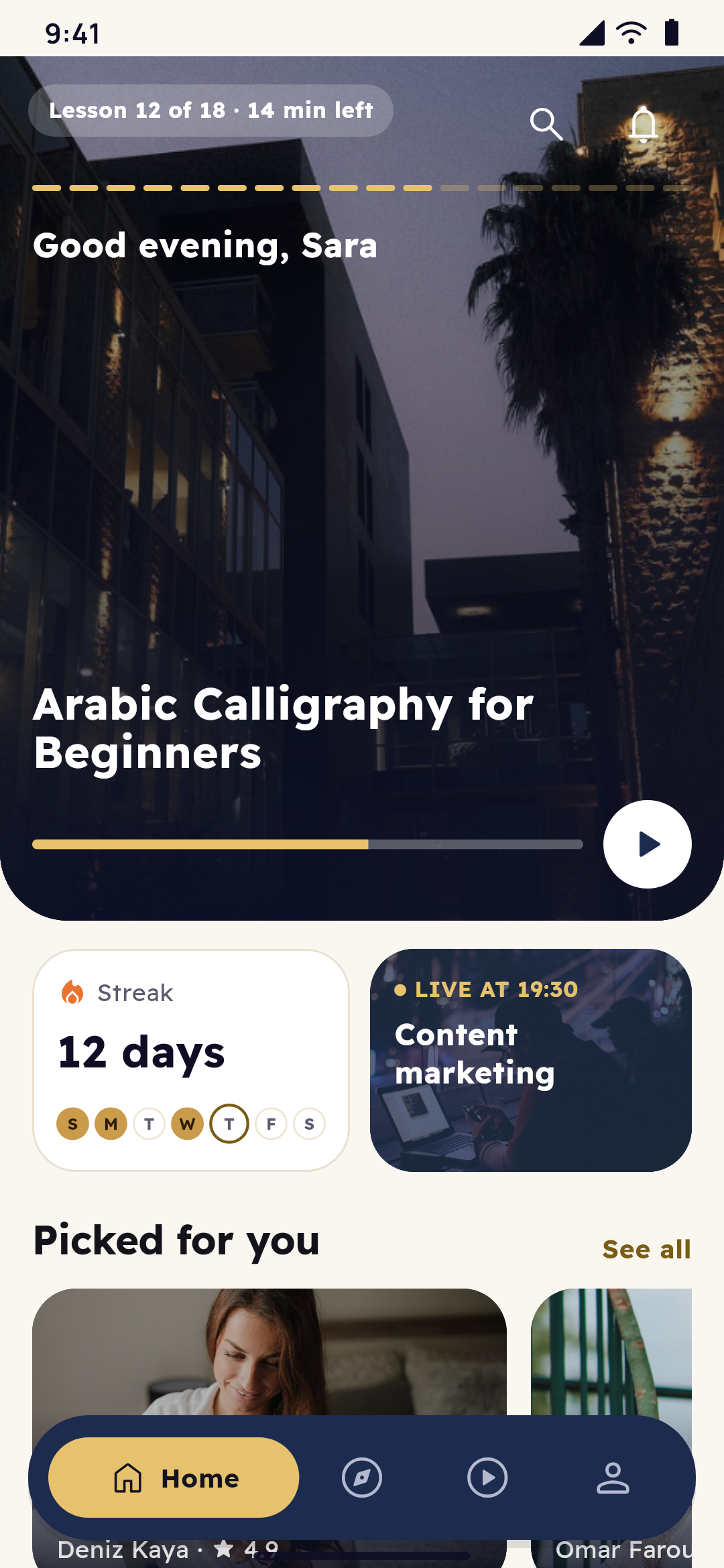
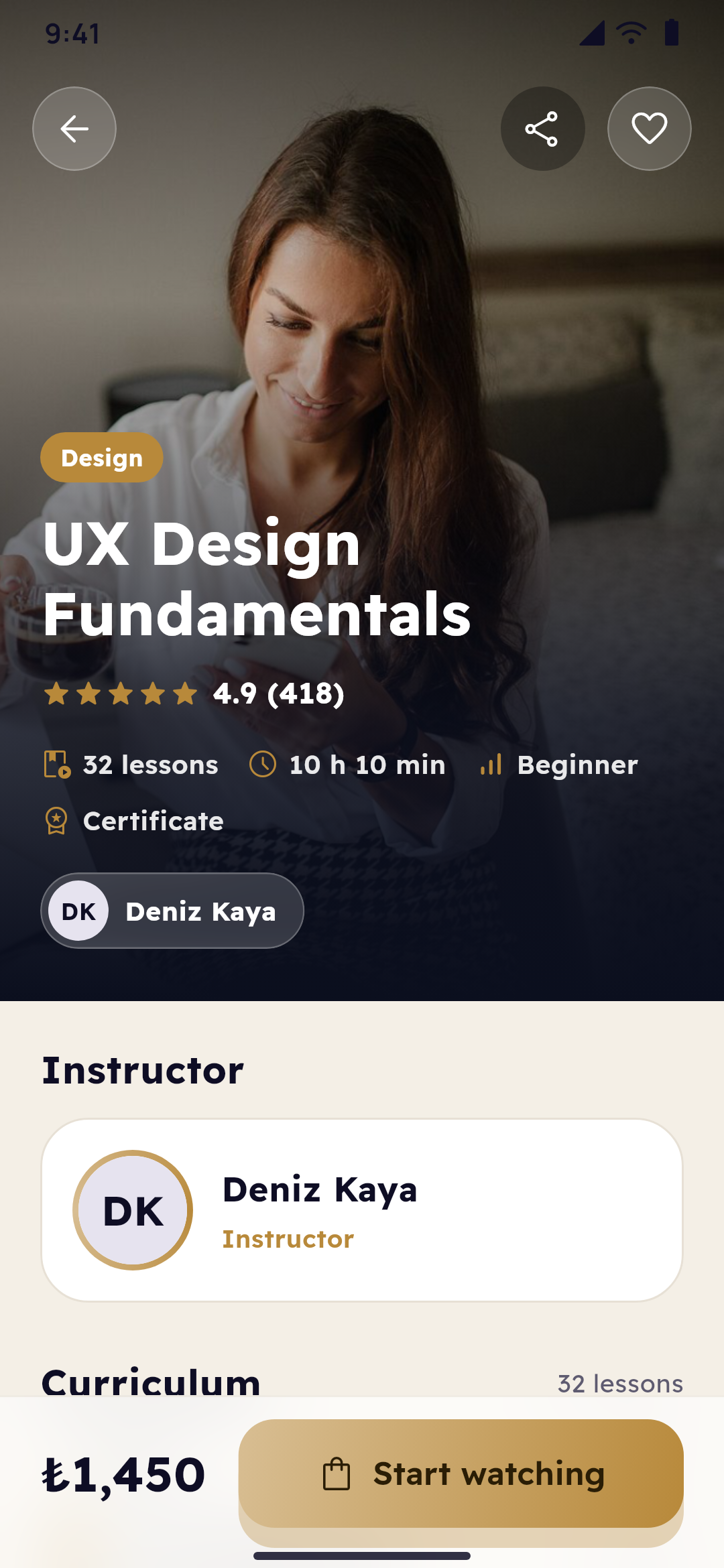
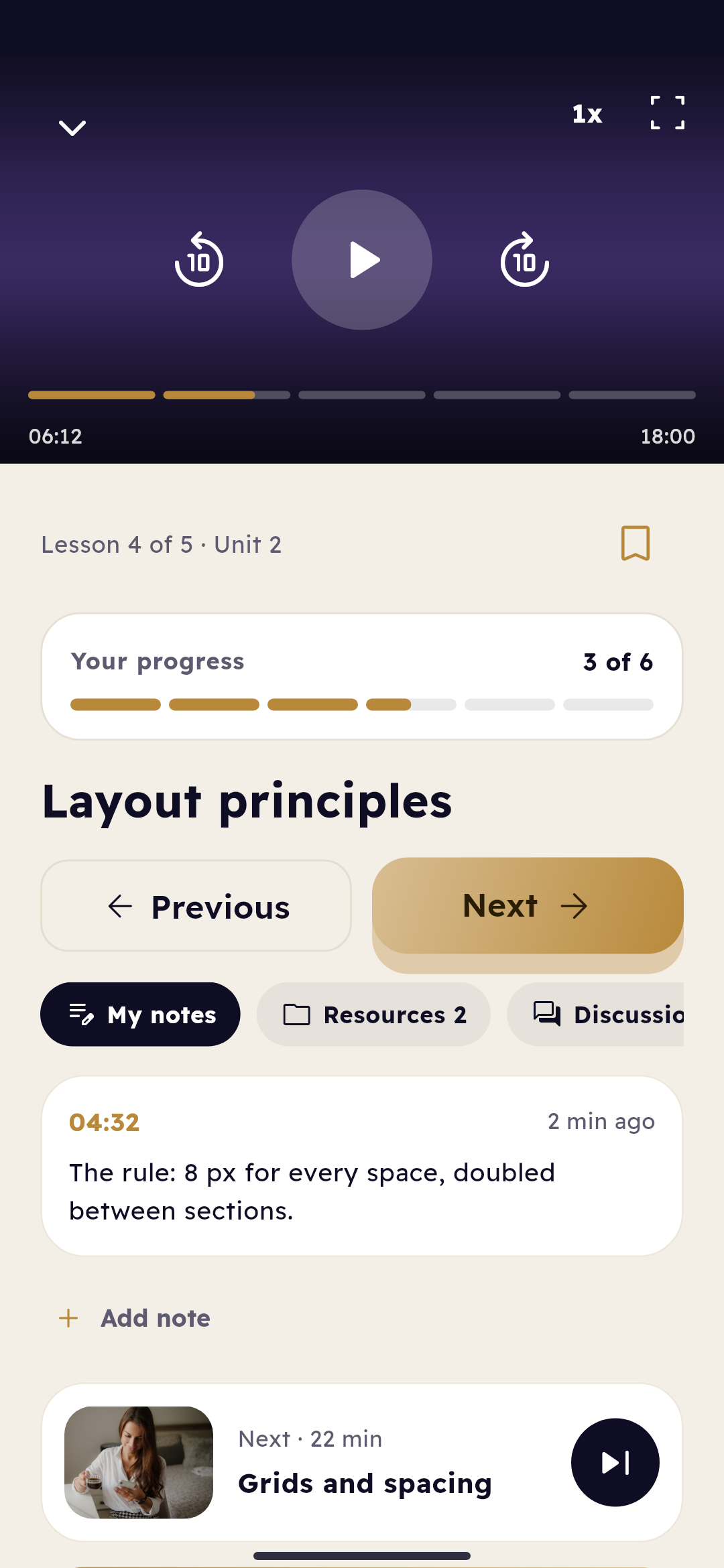
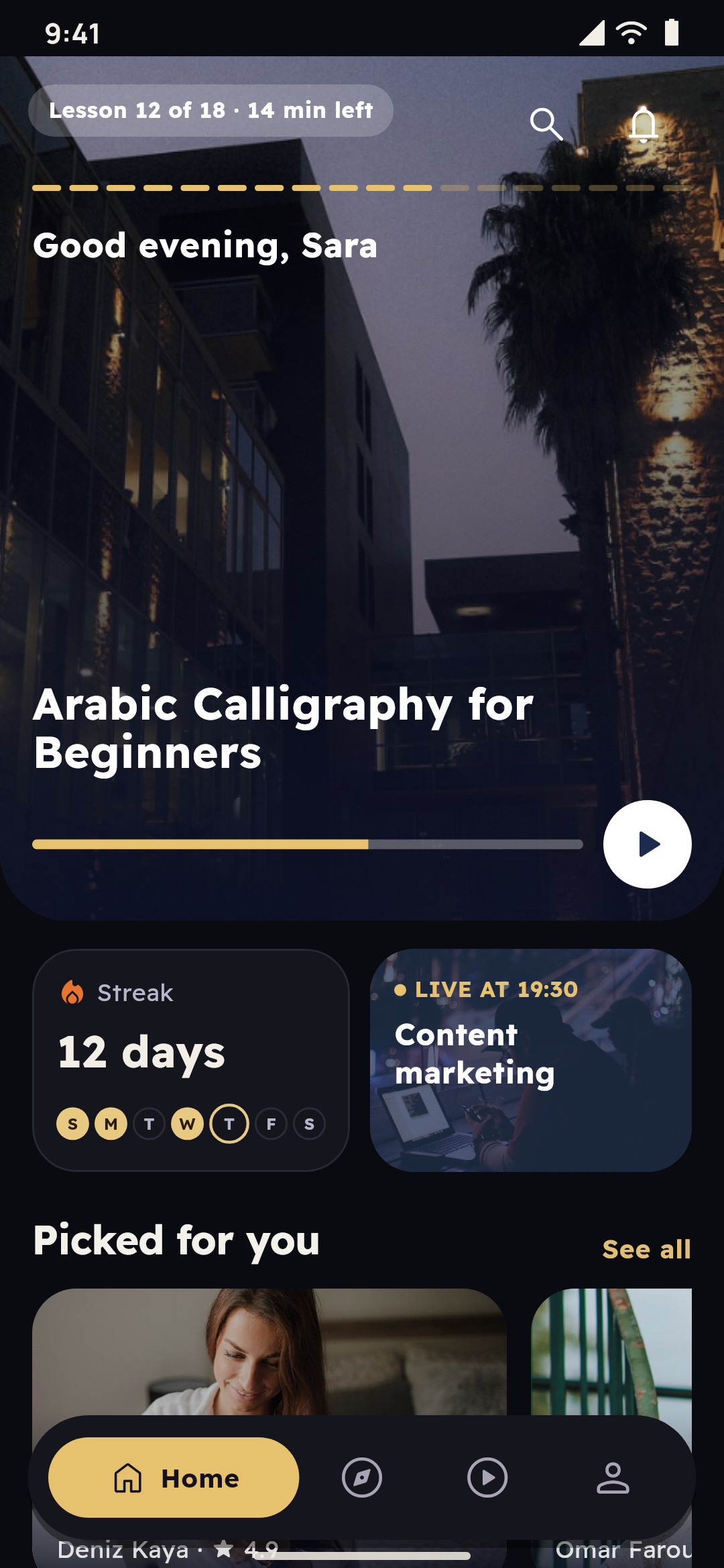
The premium academy in navy and gold: the student's own day on the home, with the course they're taking on its photo, Explore, a course and its lessons with notes, and their week of learning.
What to try
- Start a course, then see your own day on the home: the course you're taking on its photo, how far you are and your streak
- Open Explore, sort by the best rated and open a course: its curriculum, about it and its reviews
- Enroll in the free Excel course, open a lesson and keep a note of it
- Switch the app to Arabic or to dark mode in the account
Two looks to start from
Every Studio demo comes in two looks, each in light and dark mode. A project can start from either one.
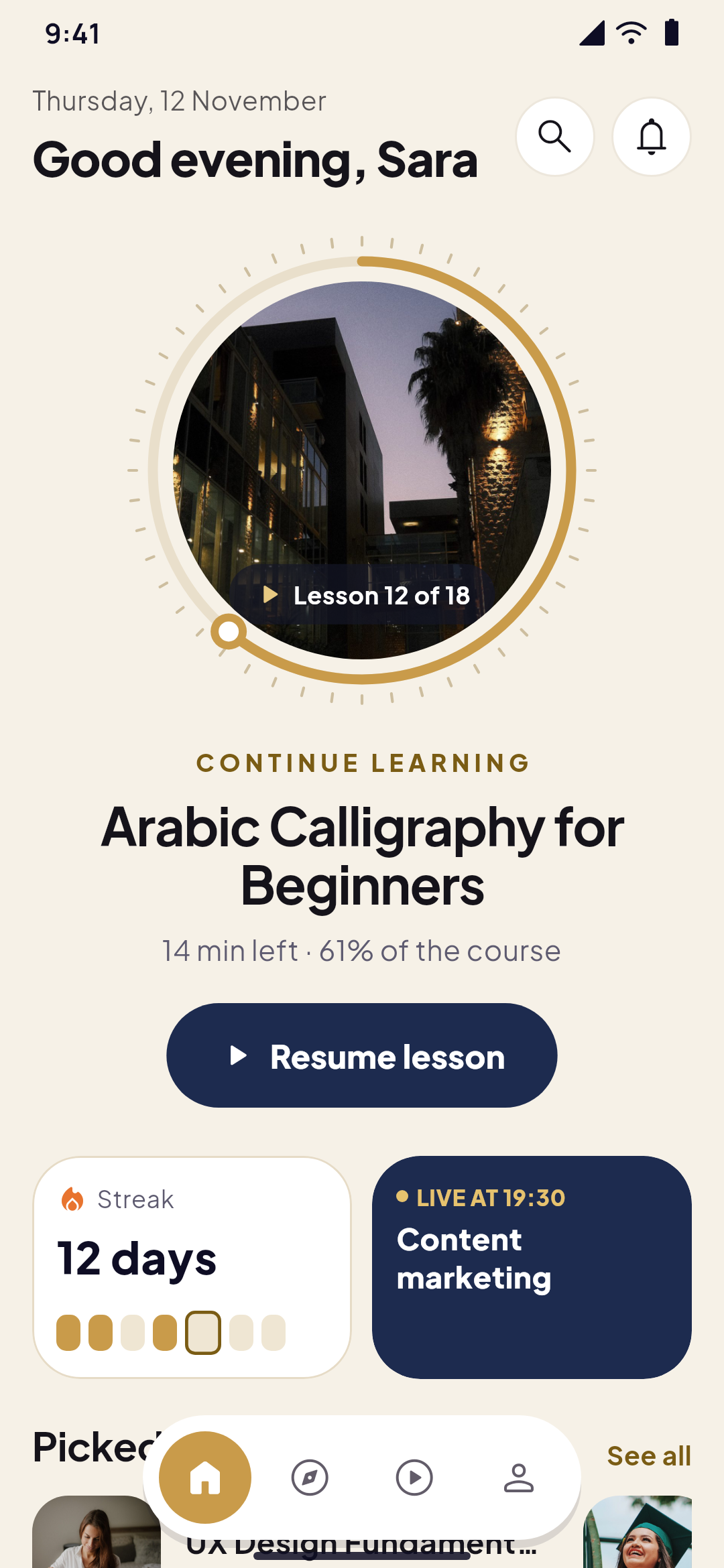
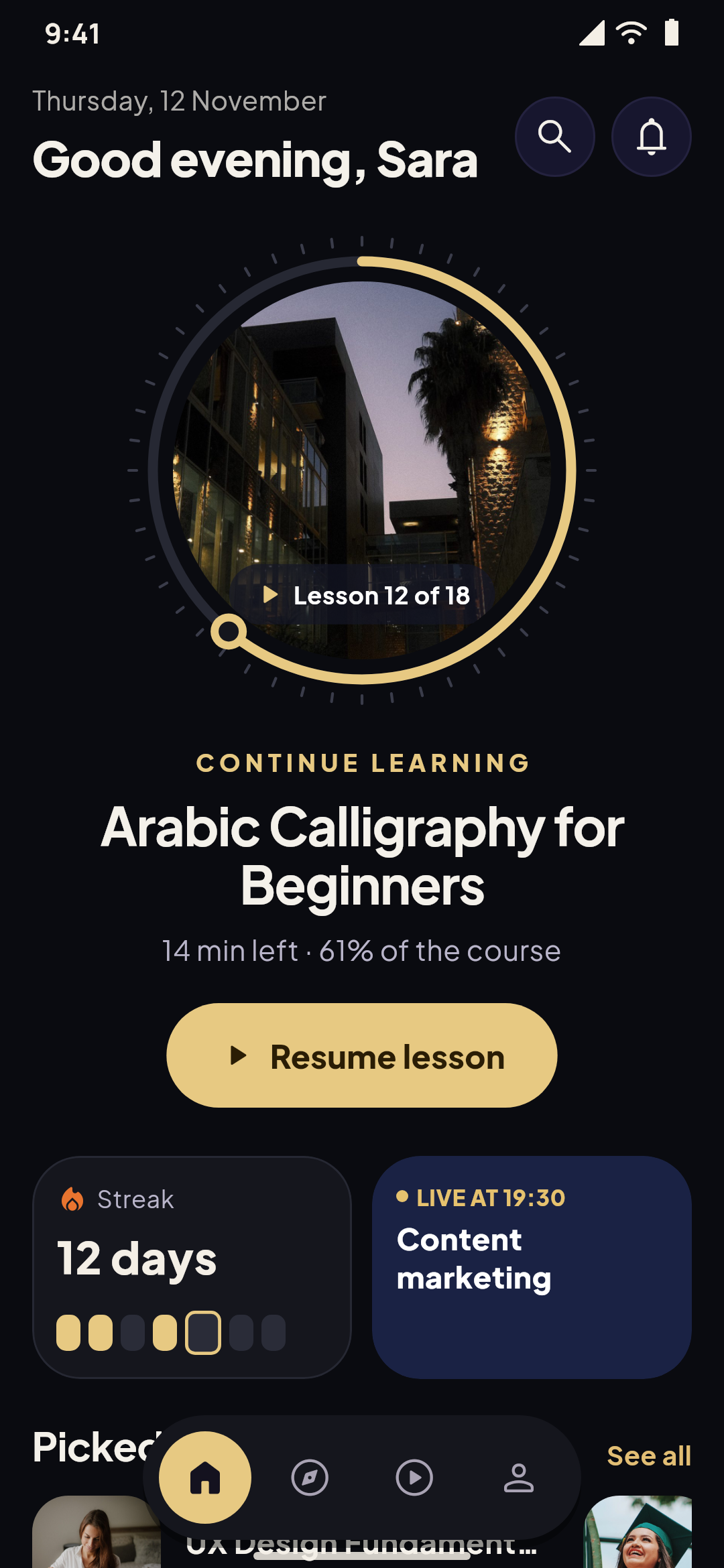
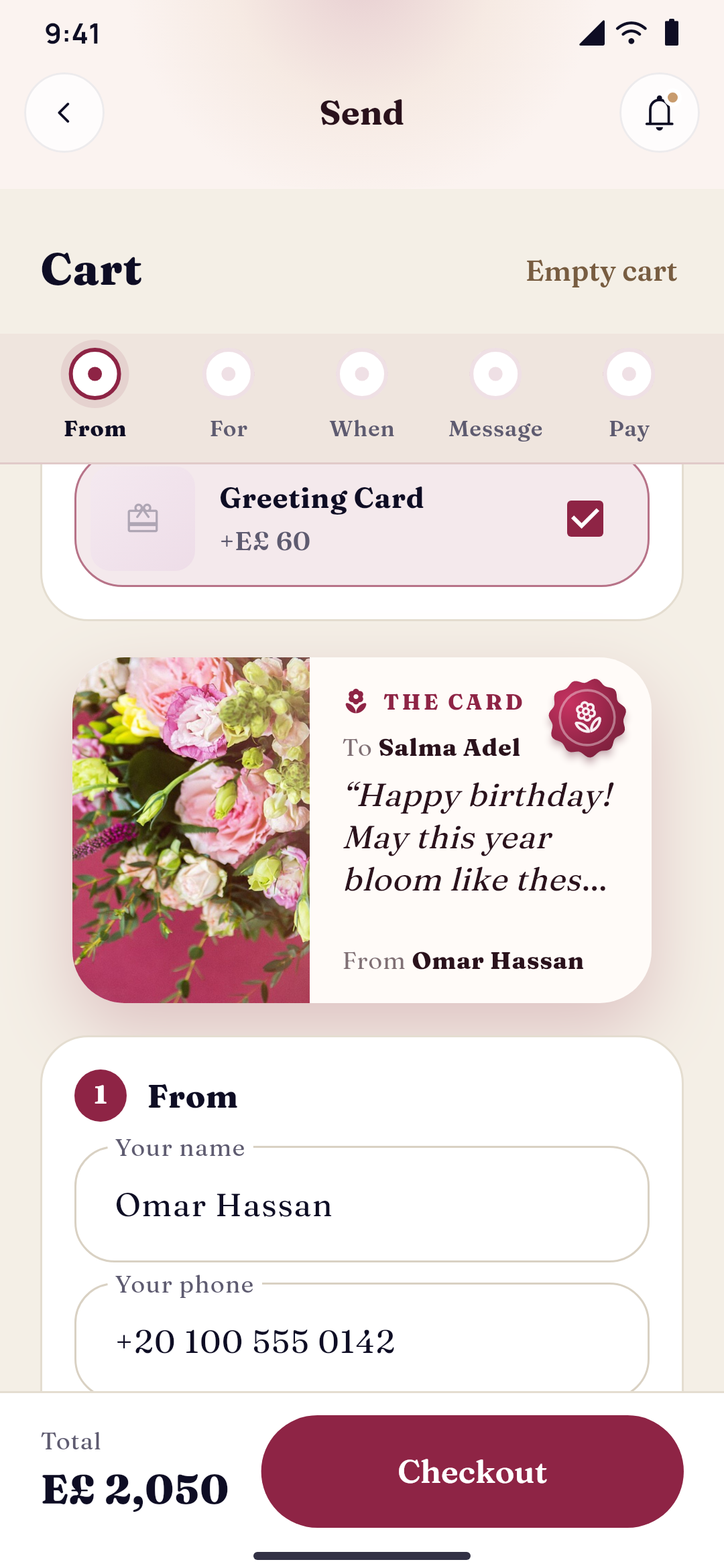
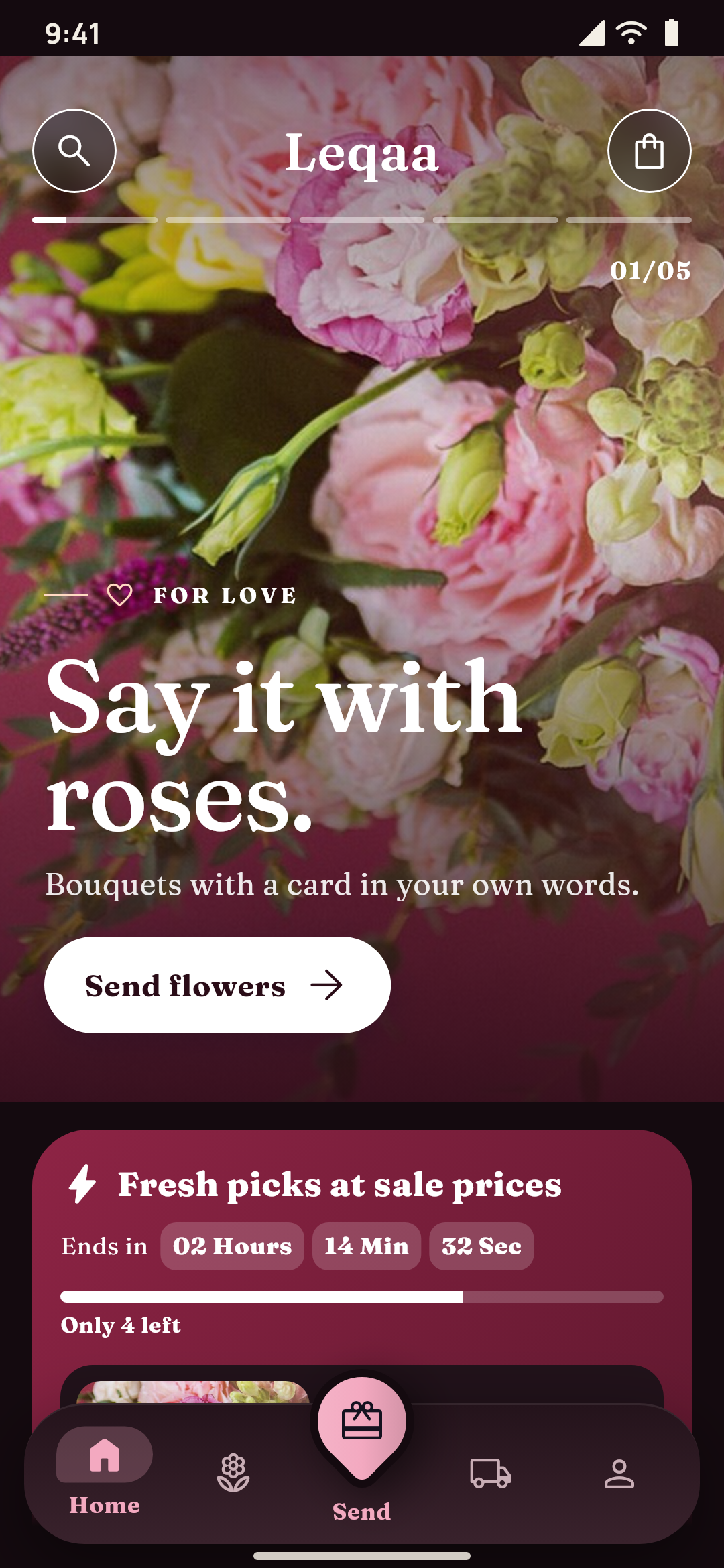
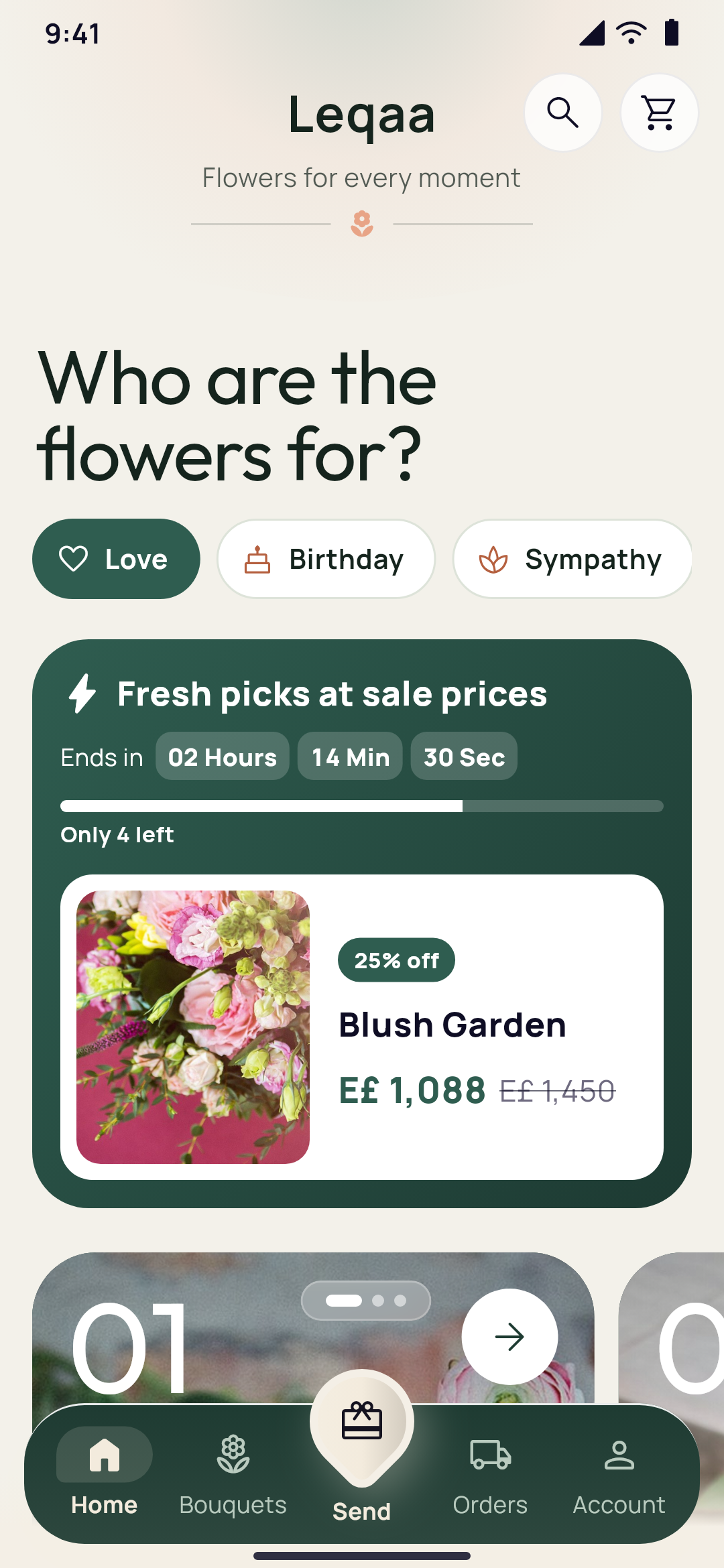
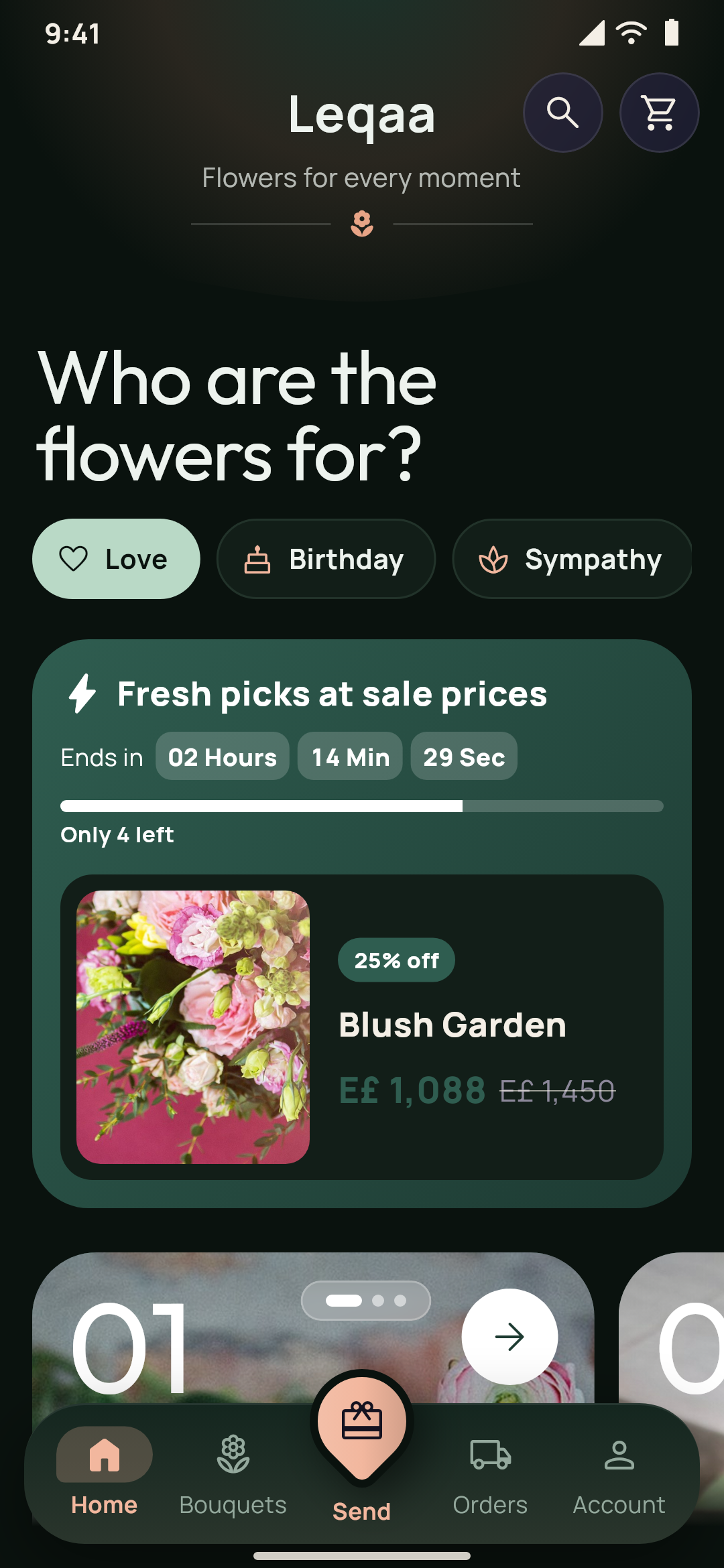
Leqaa
A flower shop in Cairo: bouquets for every occasion in three sizes, a vase, chocolates or a card with them, delivered today or on the day you pick. Its photos are CC0 or public domain, from Wikimedia Commons.
What to try
- Tap an occasion on the home, open a bouquet and choose its size and what goes with it
- In the cart, check out as a gift: who it's from, who it's for, the day and time, and the card's message
- Follow your order in Orders, and switch the app to Arabic or to dark mode in the account
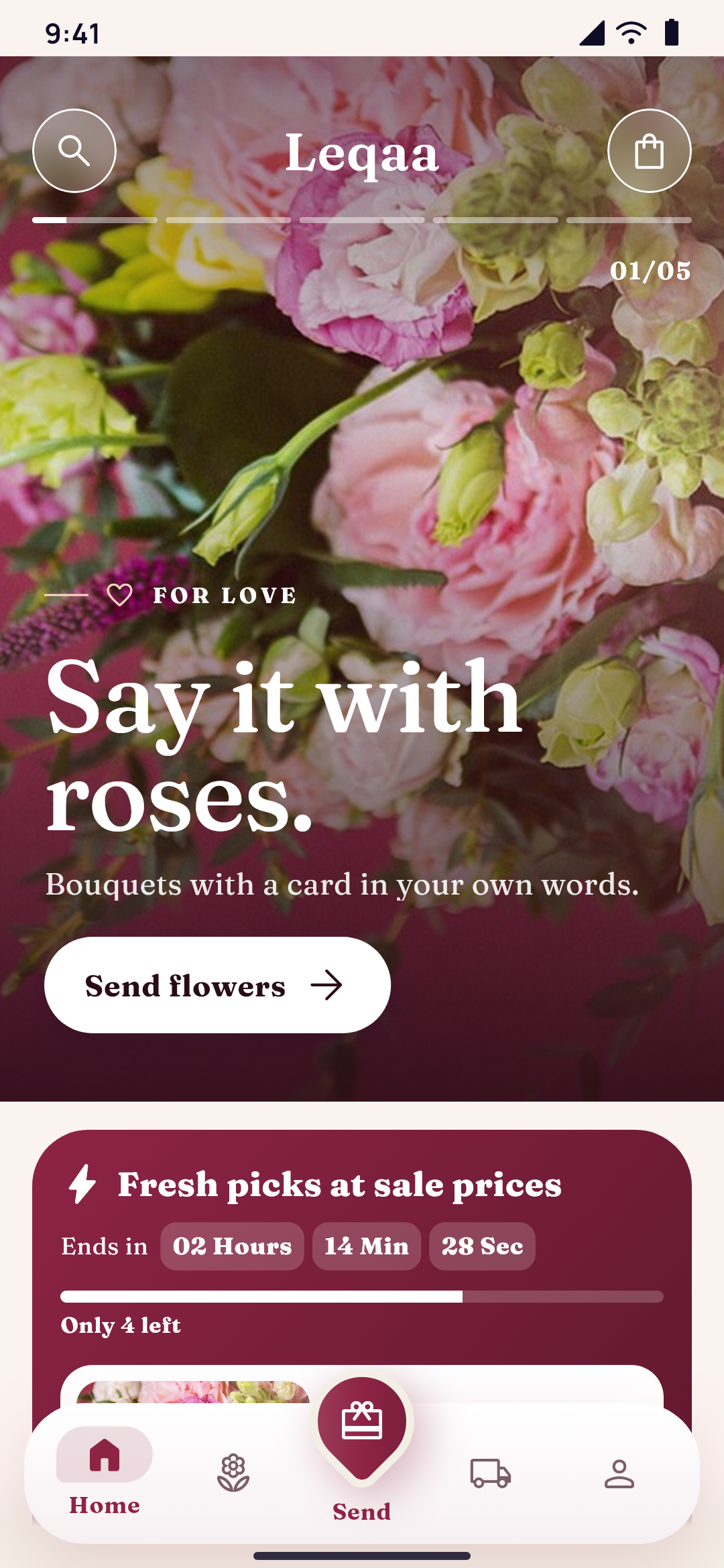
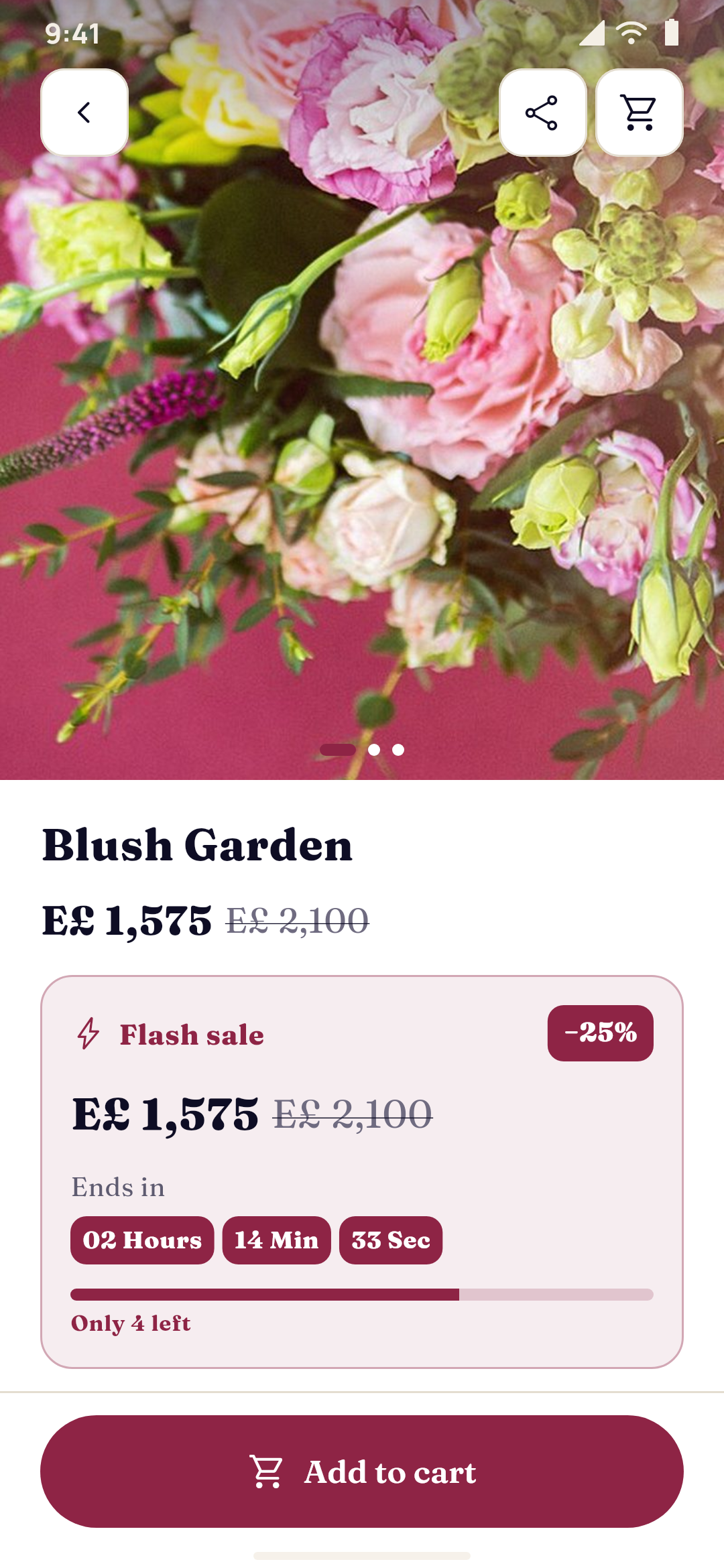
Two looks to start from
Every Studio demo comes in two looks, each in light and dark mode. A project can start from either one.
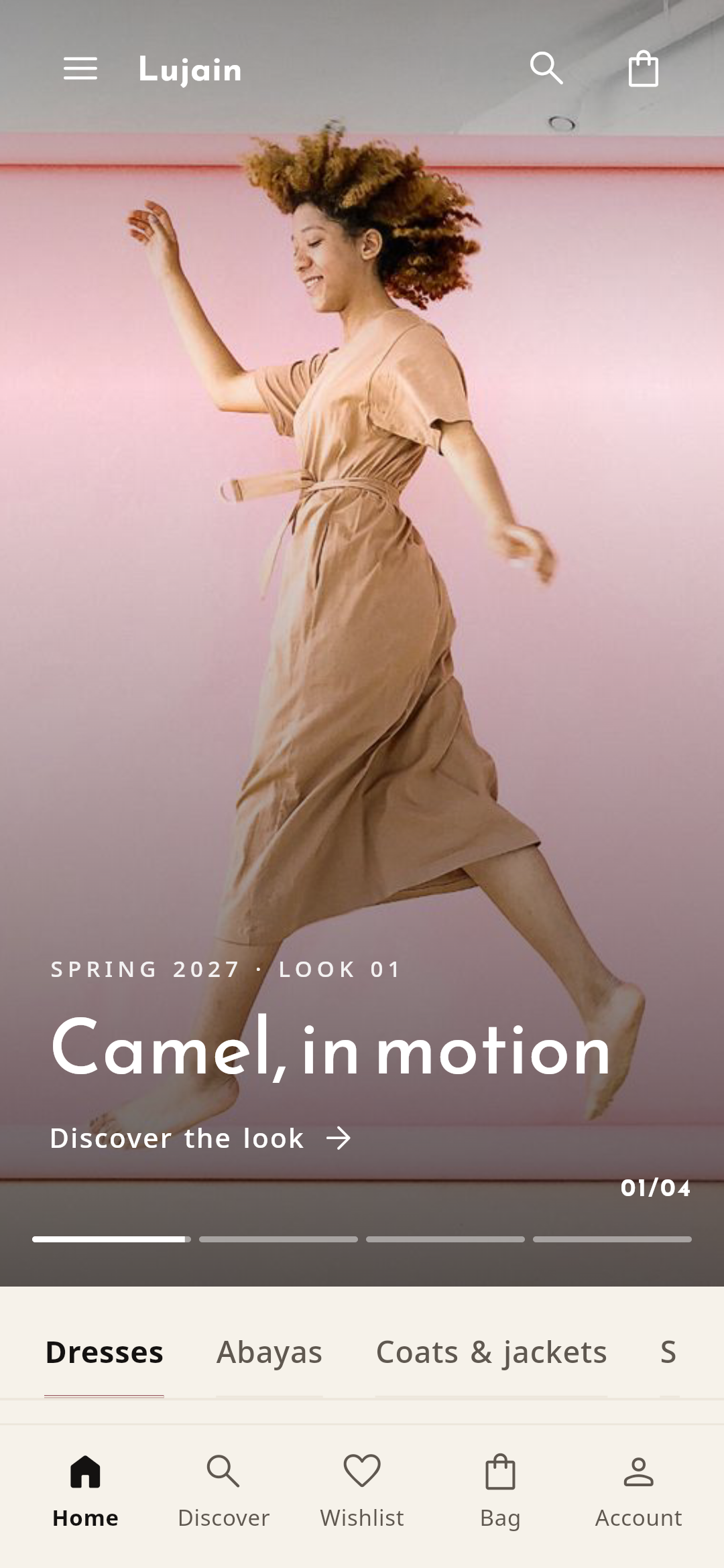
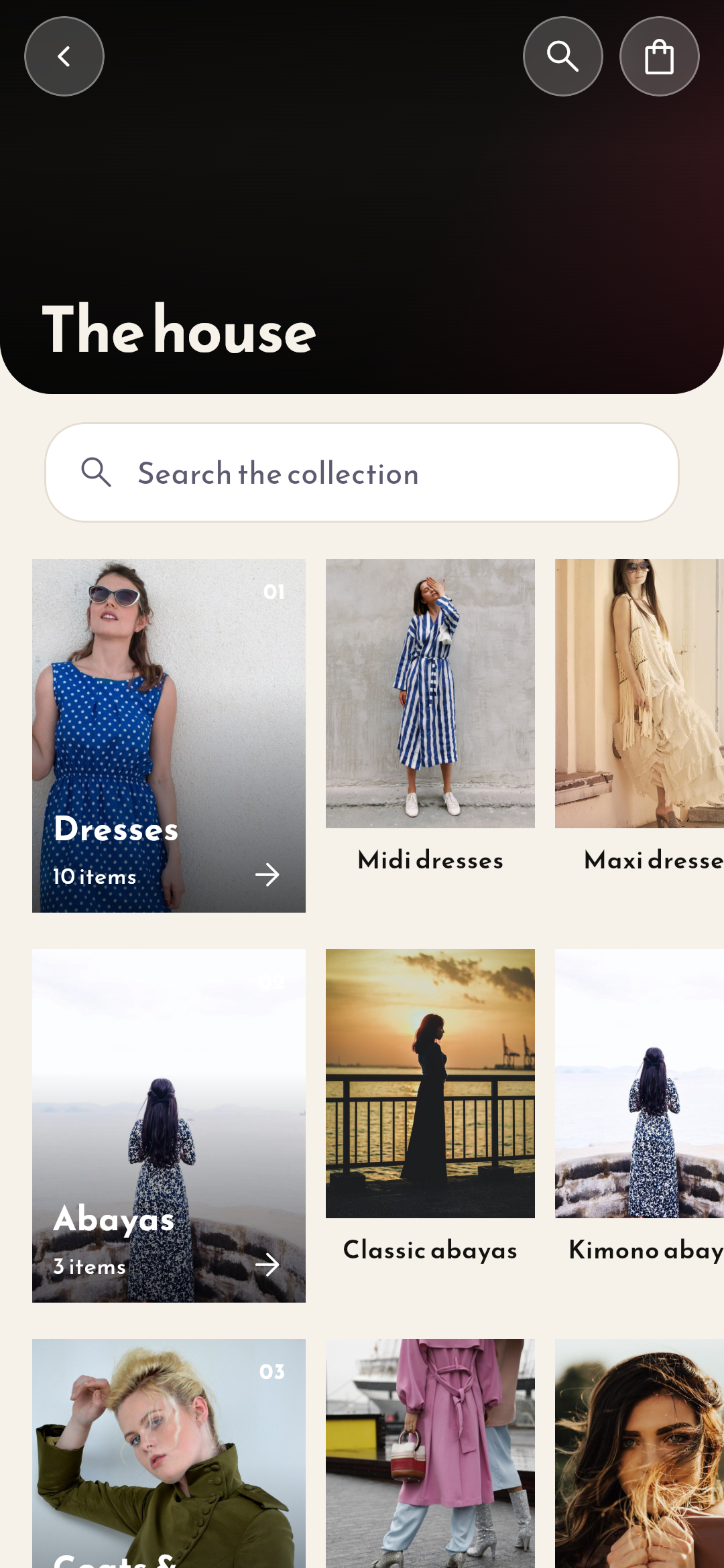
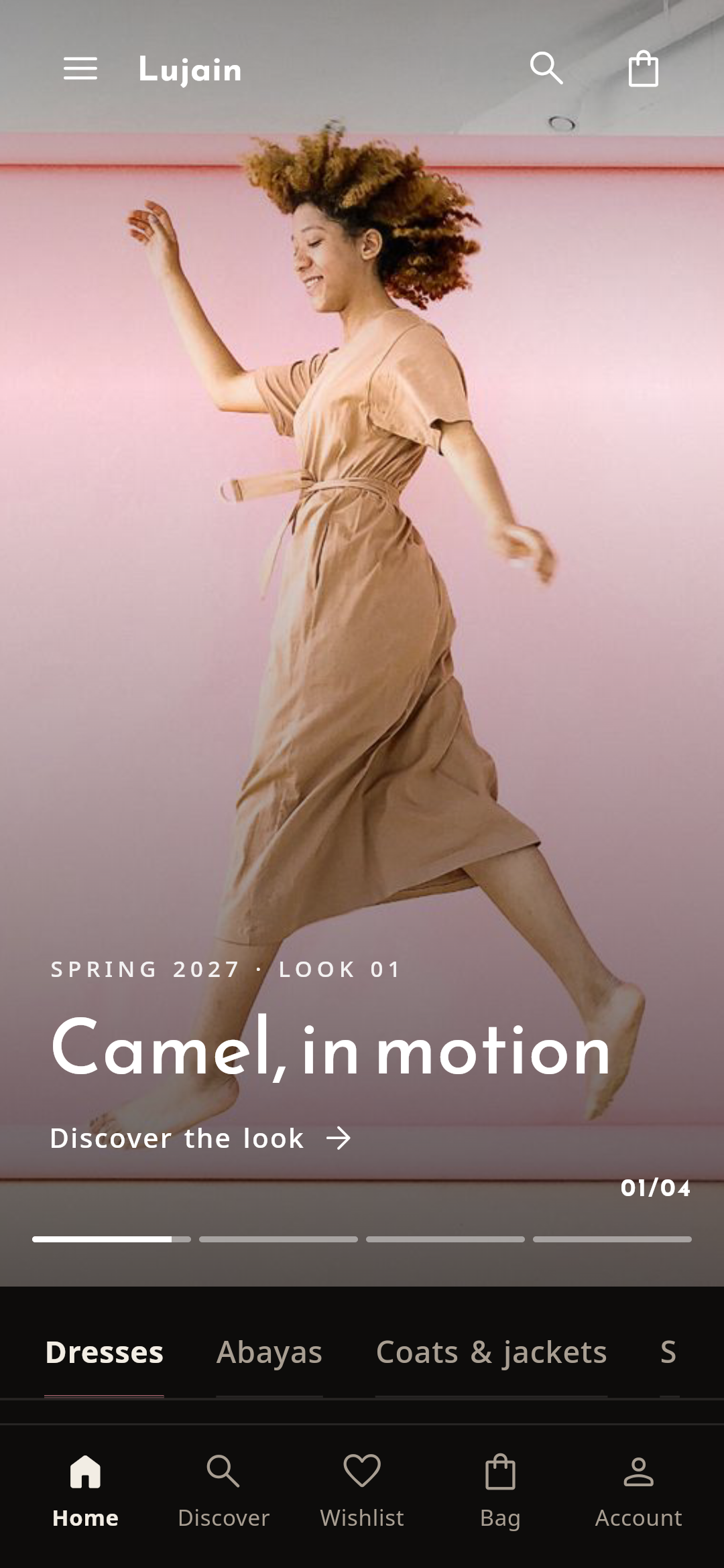
Lujain
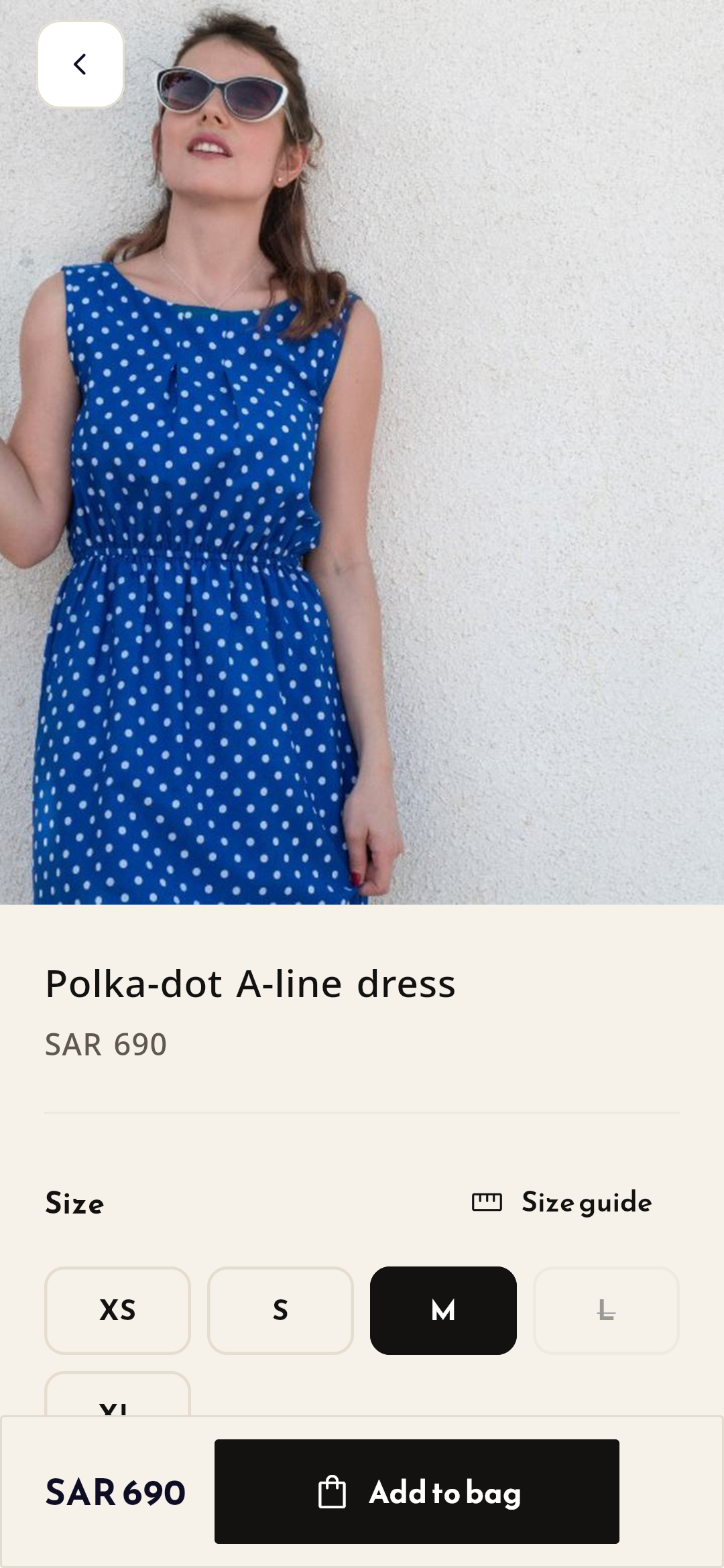
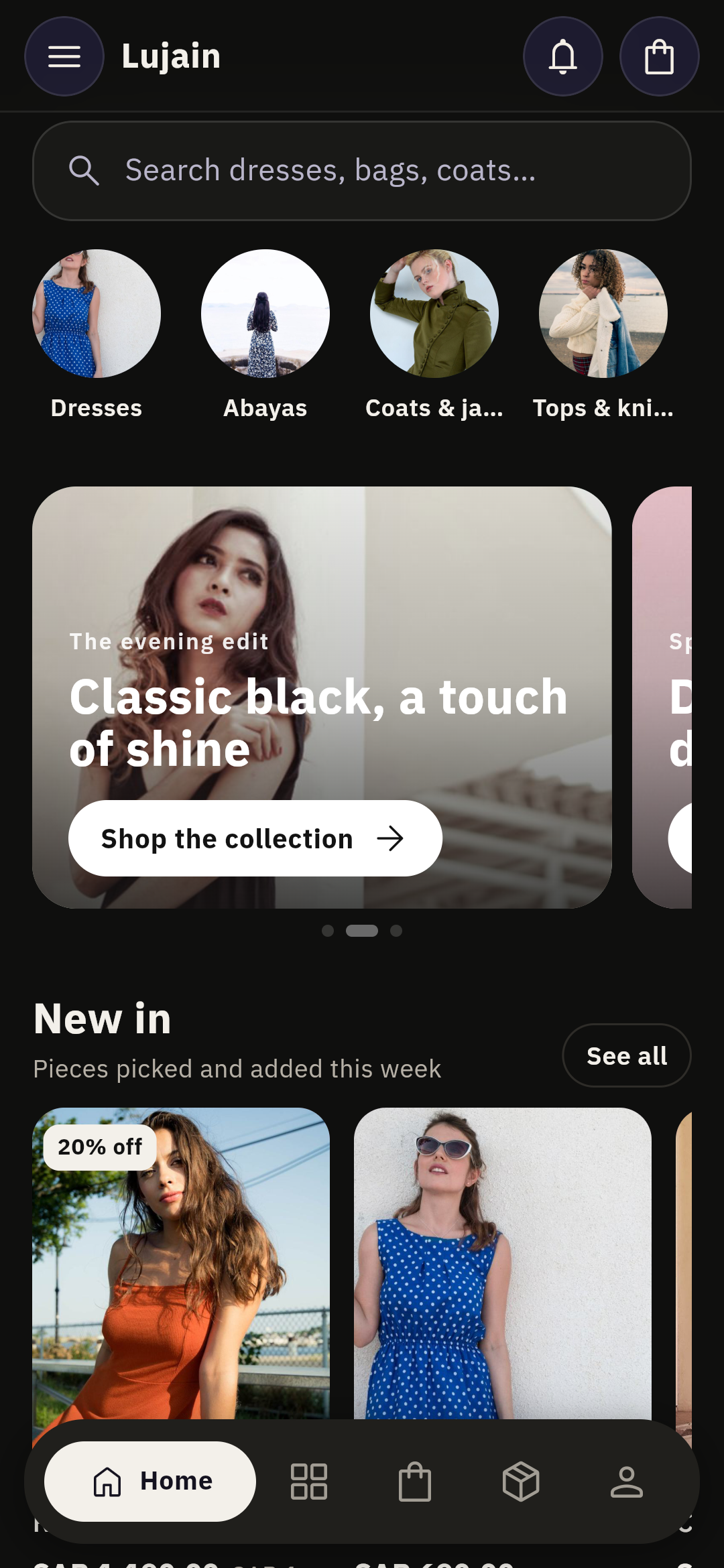
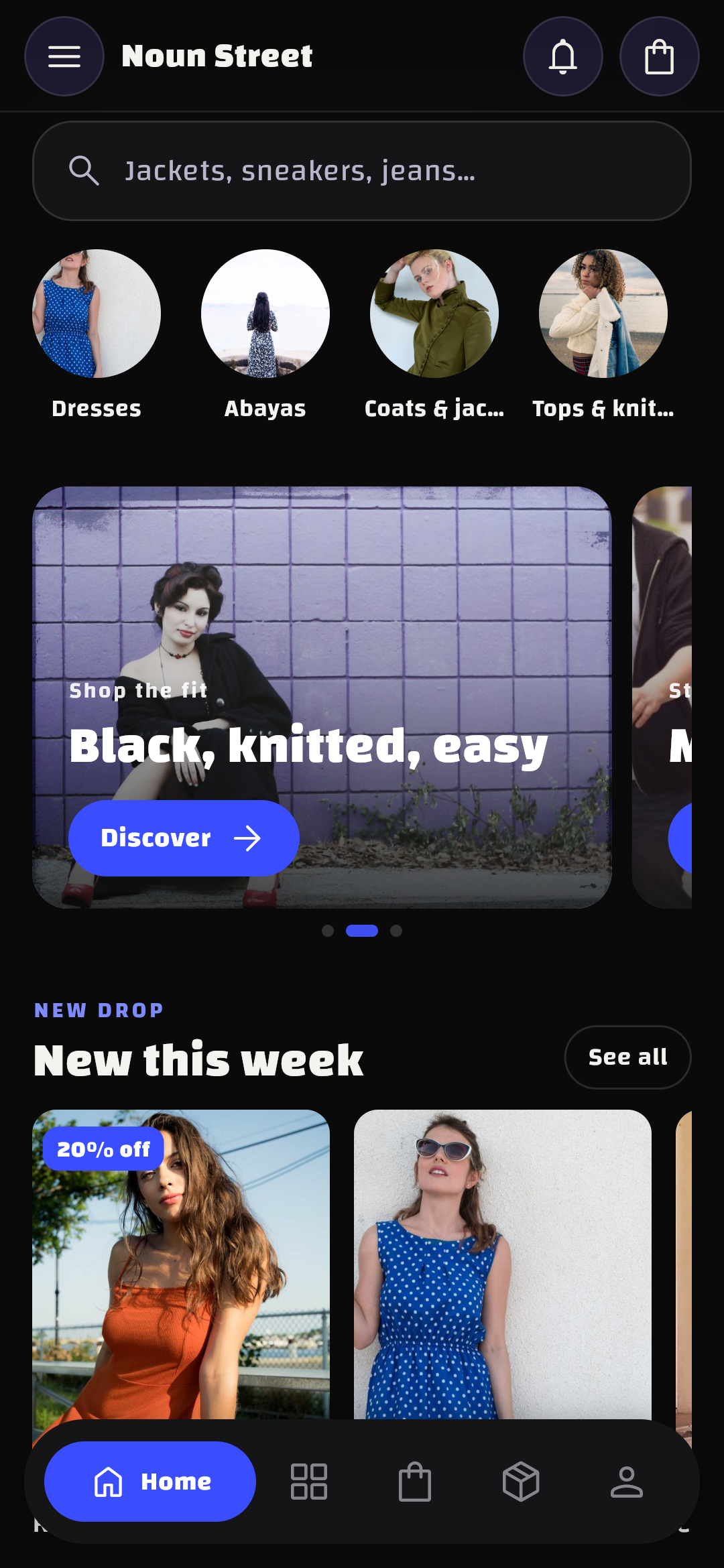
A women's fashion house in Riyadh: dresses, abayas, coats, shoes, bags and accessories in their sizes and colours, with the stock of each, a size chart and what completes the look. Its photos are CC0, from StockSnap.
What to try
- Tap the menu at the top and slide through the categories, each with its own sub-categories
- Open a dress, choose its size and colour (a size that's gone says so), and look at the size guide and what completes the look
- Check out with the shop's code, follow your order in Orders, and switch the app to Arabic or to dark mode in the account
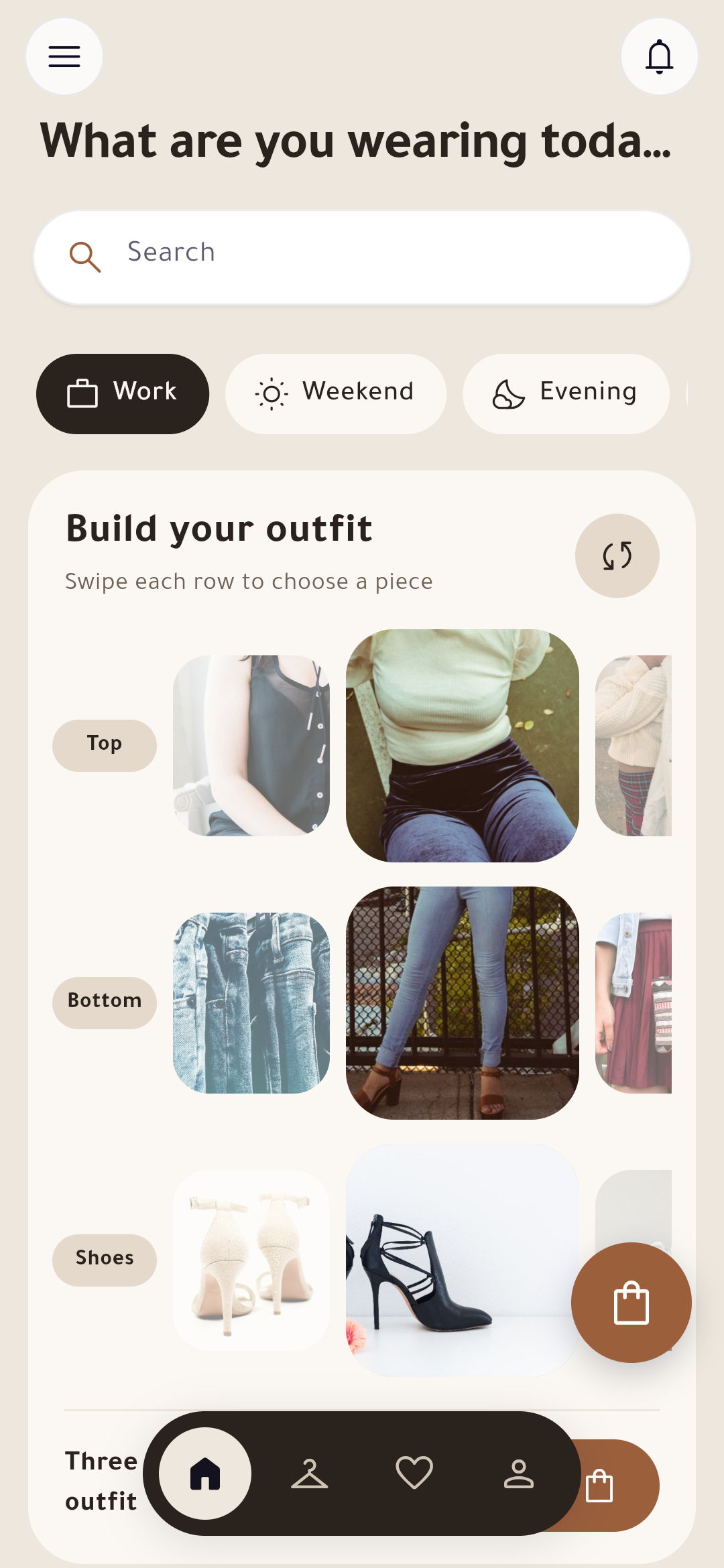
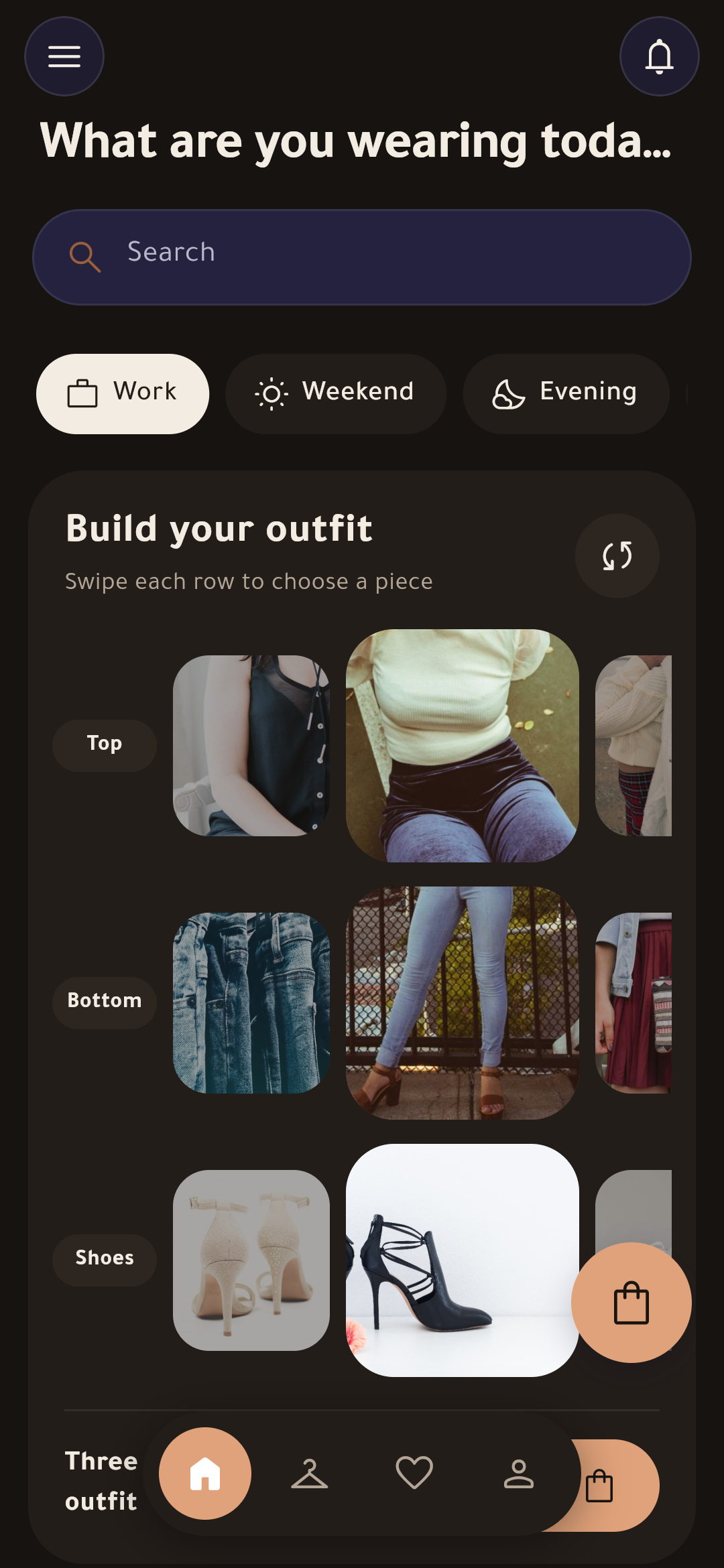
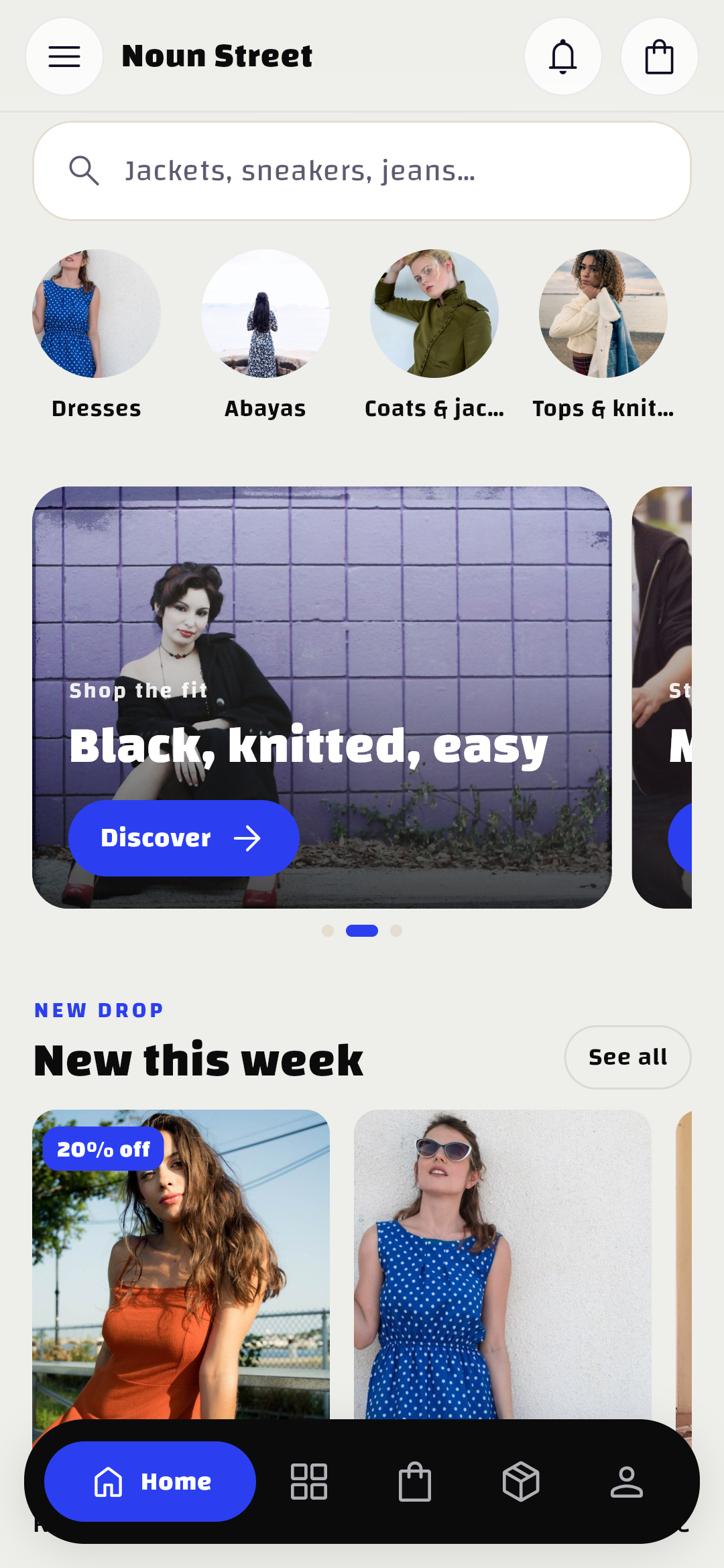
Two looks to start from
Every Studio demo comes in two looks, each in light and dark mode. A project can start from either one.
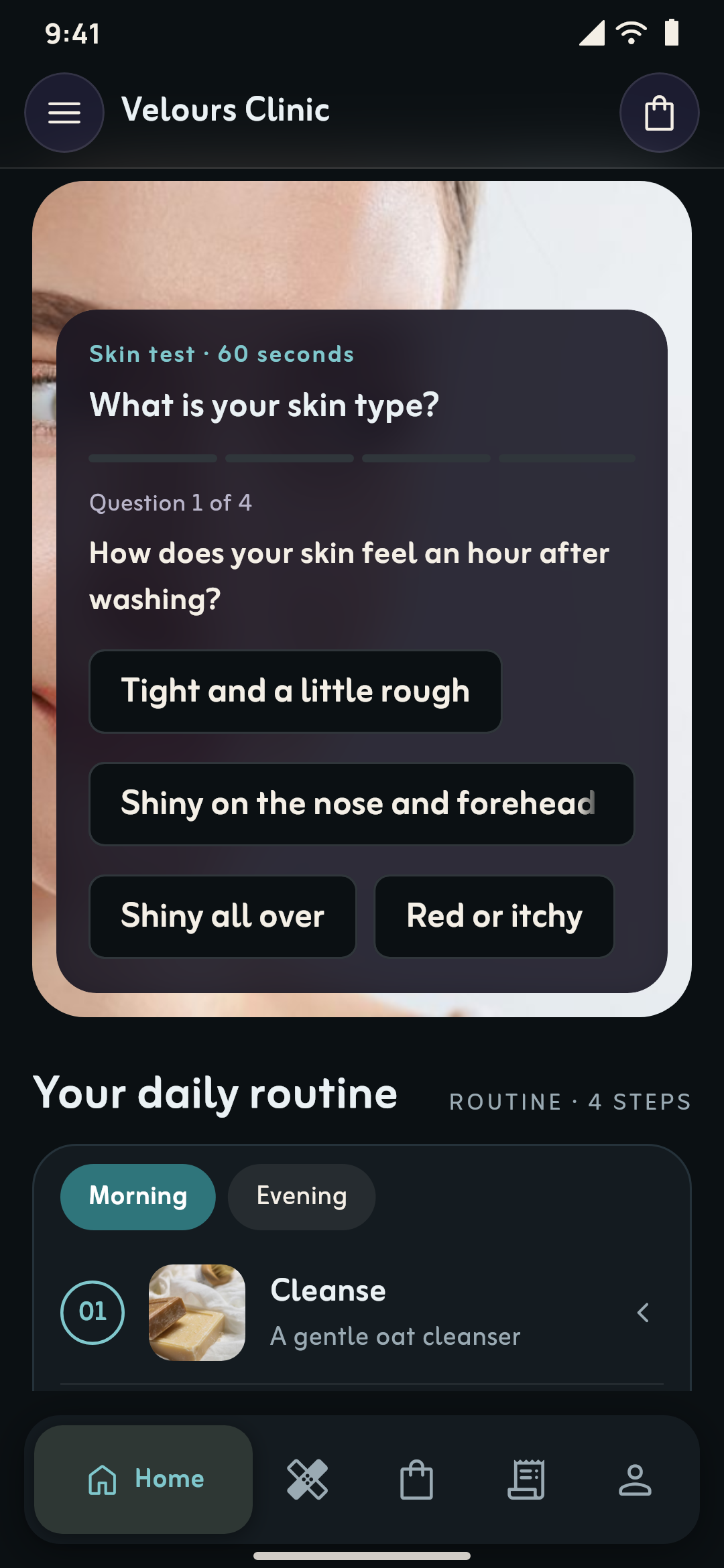
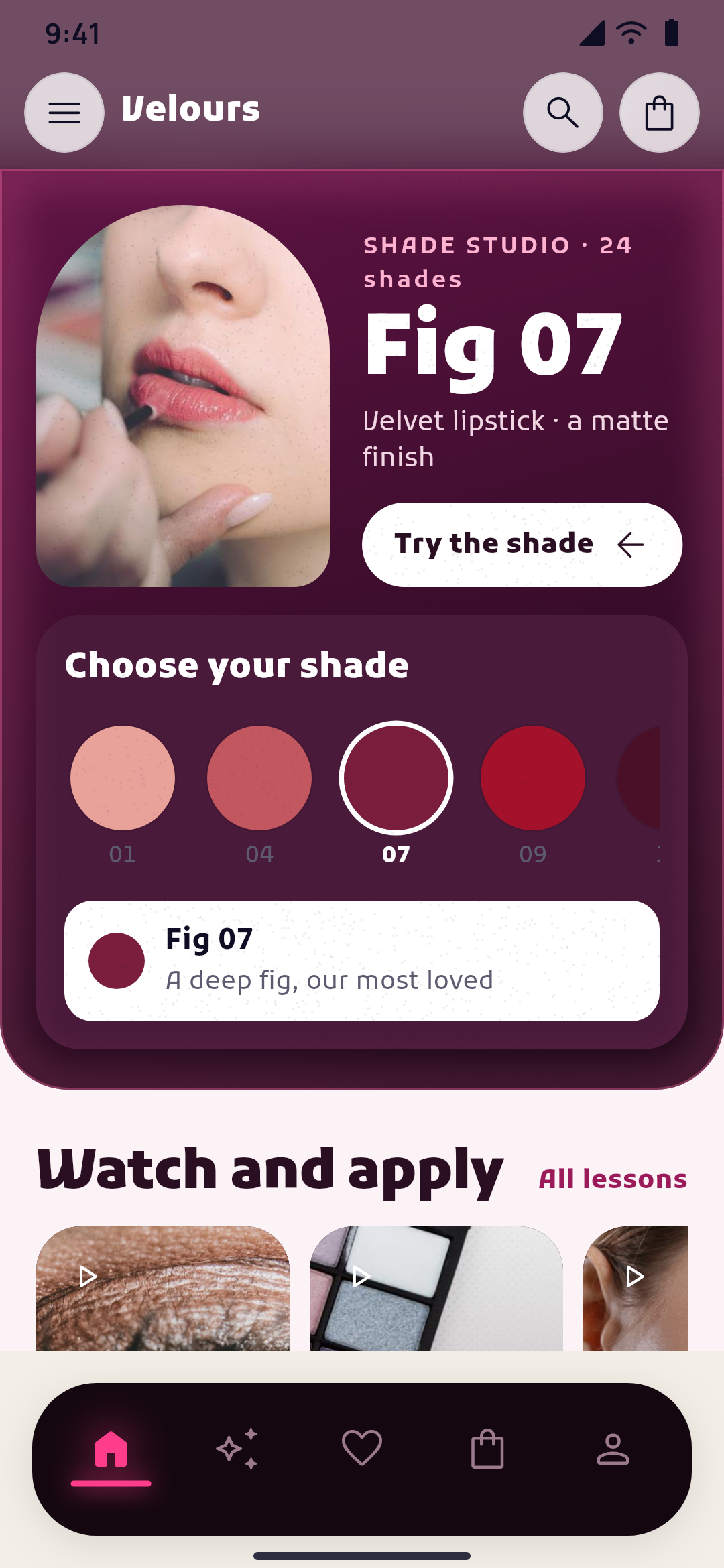
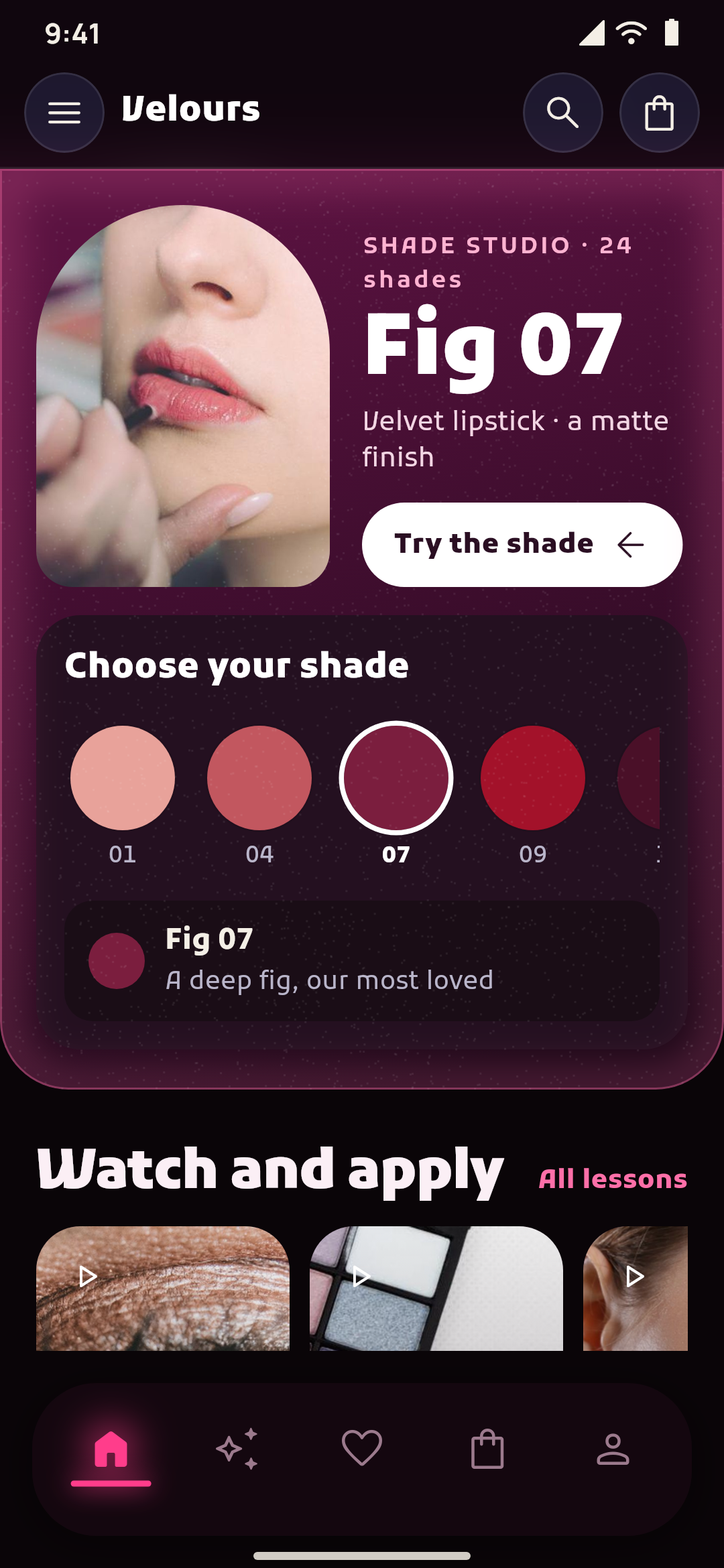
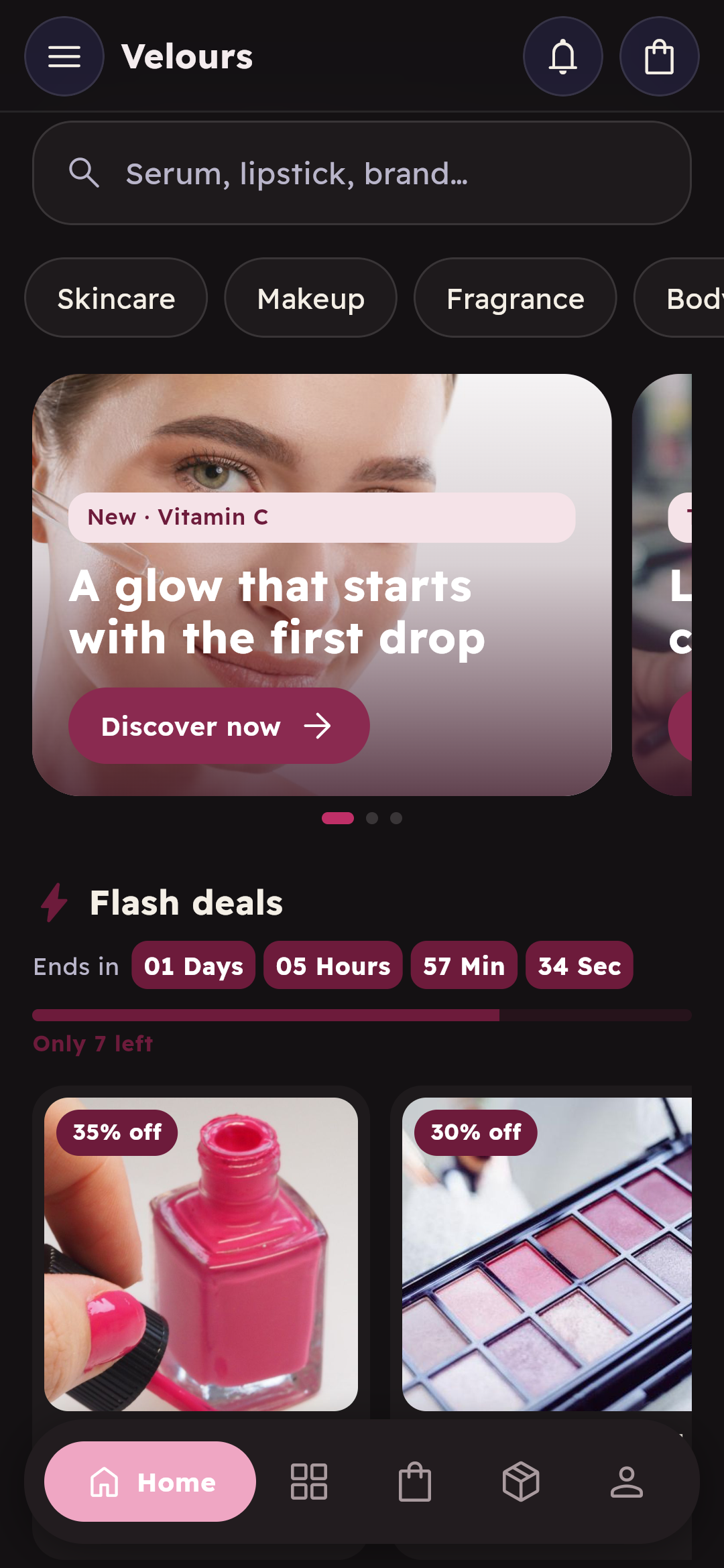
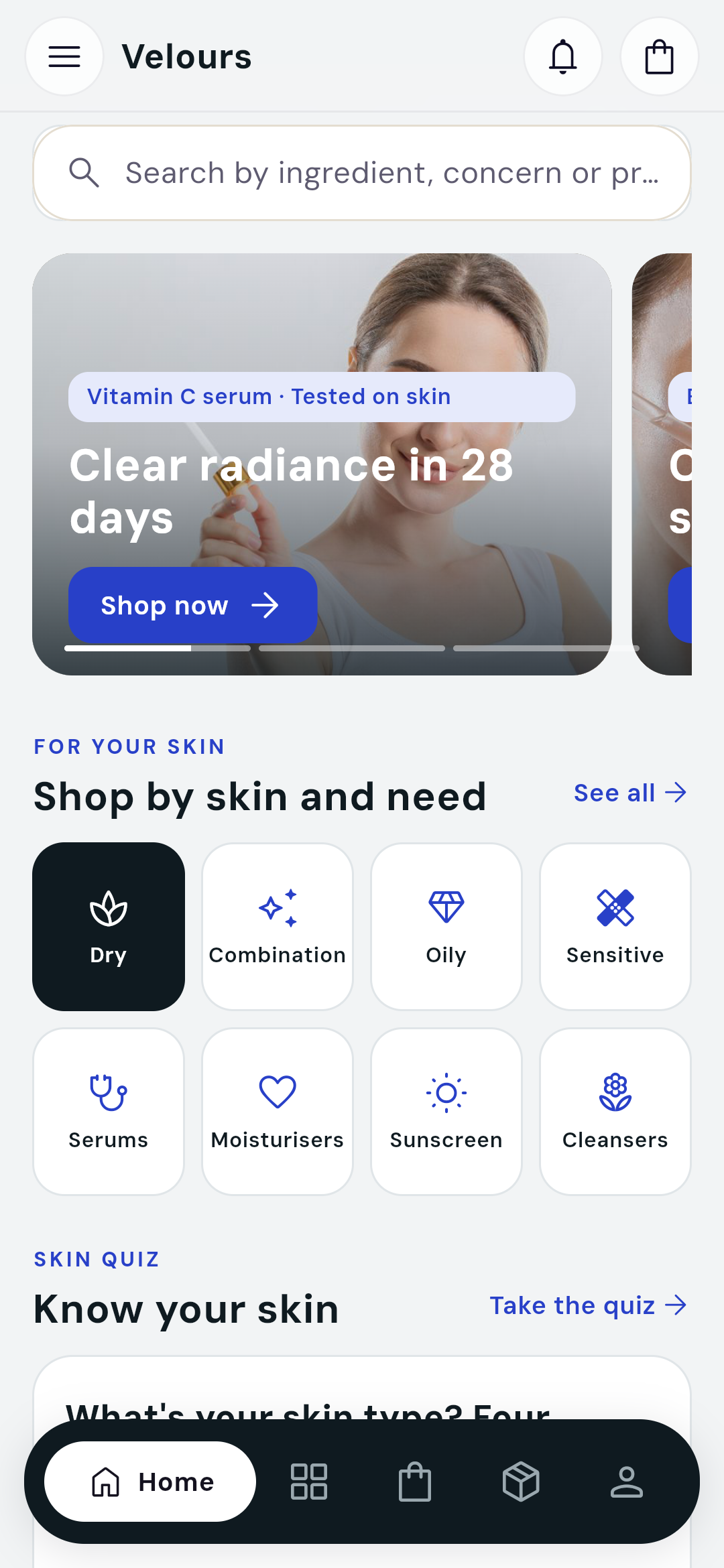
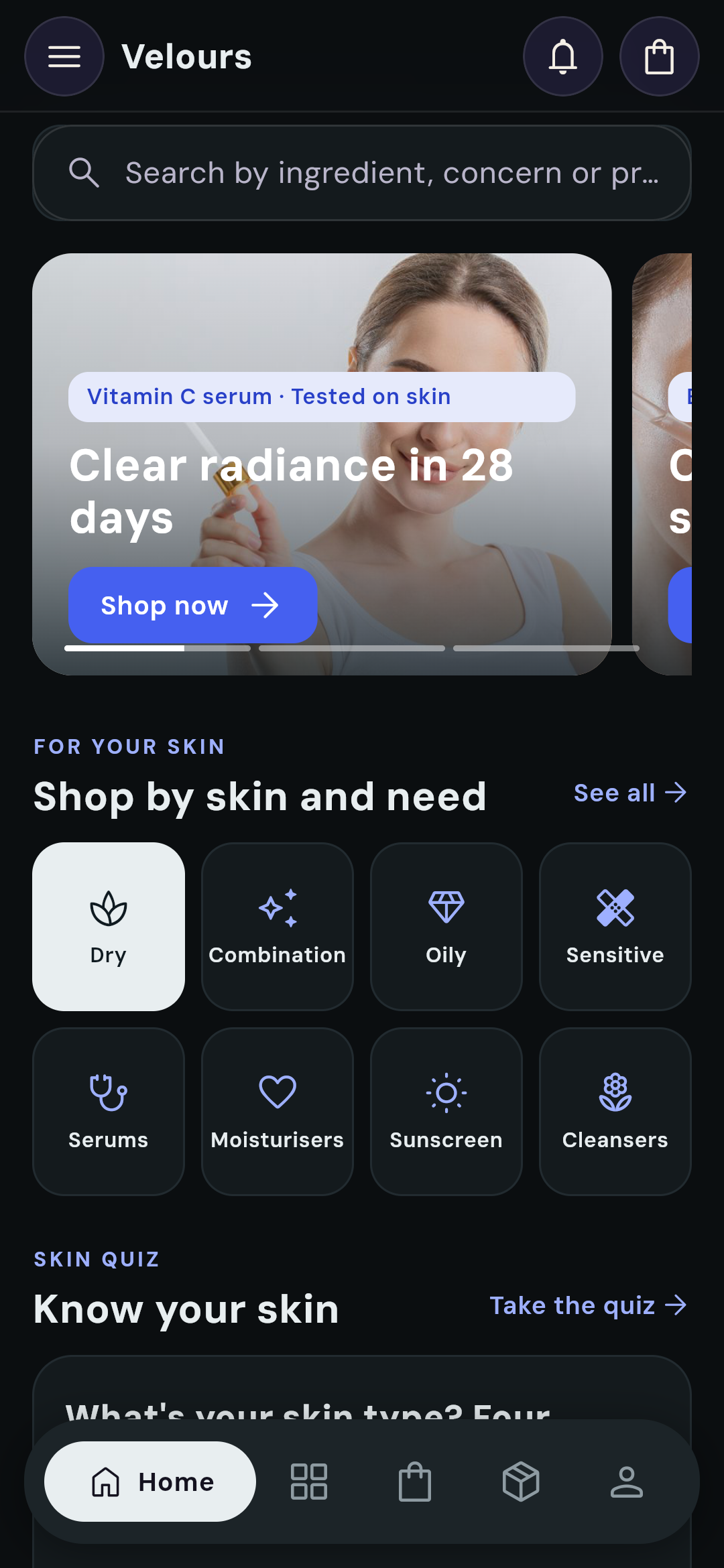
Velours
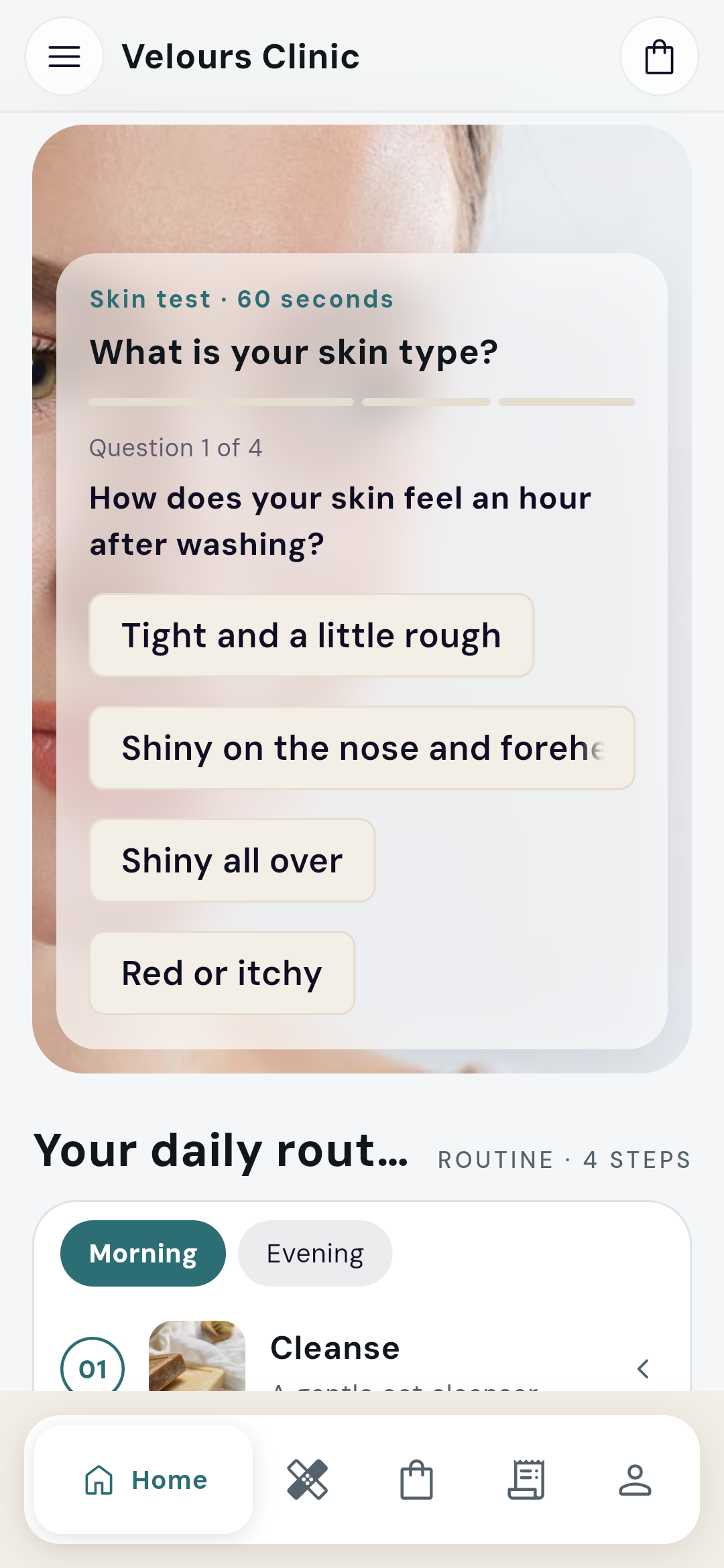
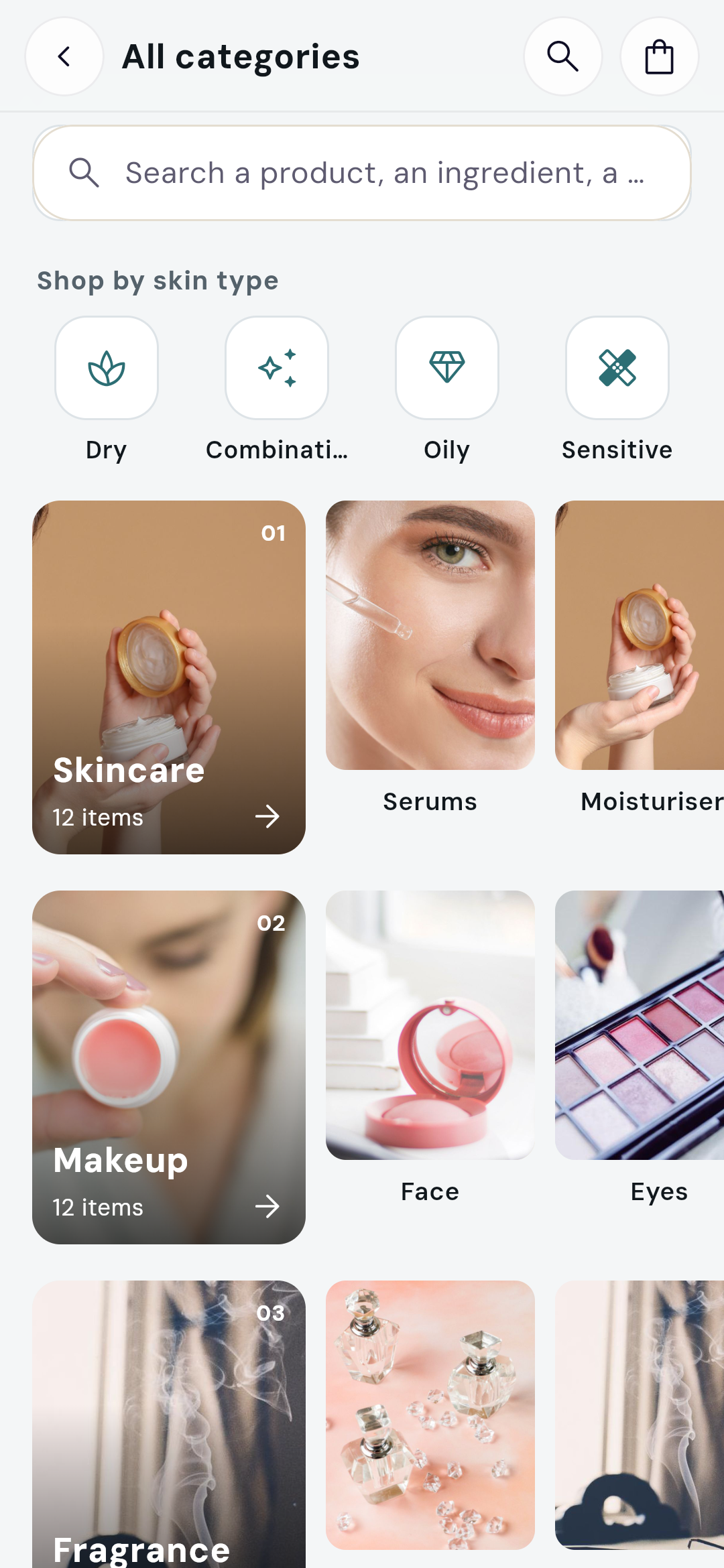
A beauty house in Dubai: skincare, makeup, fragrance, body and bath, hair and ready-made routines by six brands of its own, every product genuine with its ingredients, how to use it and its expiry. Its photos are CC0, from StockSnap.
What to try
- Tap the menu at the top and slide through the categories, then by skin type and by brand
- On the home, find your shade, take the skin quiz and open the products for your skin type
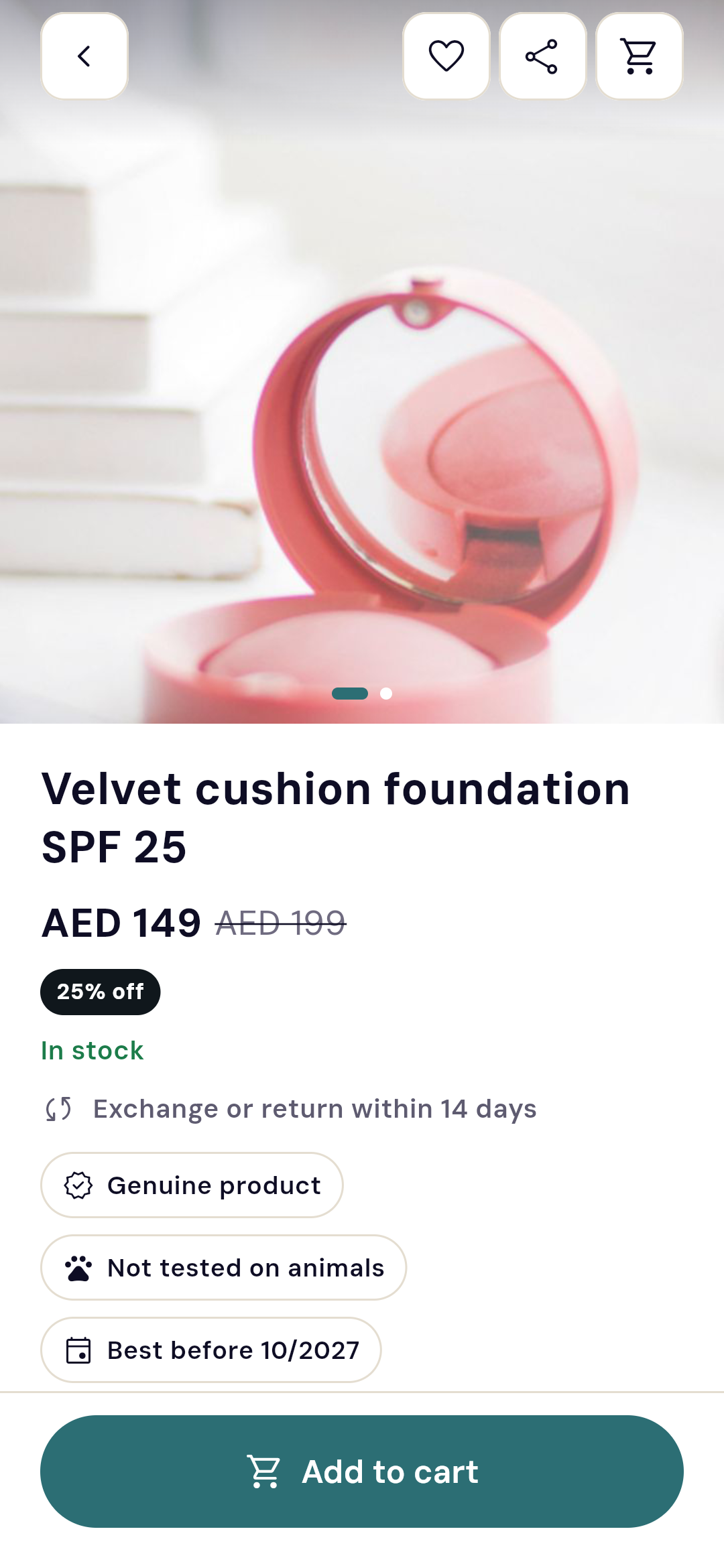
- Open the cushion foundation, choose a shade (one that's gone says so), read its ingredients and expiry, and add a ready-made routine to the cart
- Check out with the shop's code, follow your order in Orders, and switch the app to Arabic or to dark mode in the account
Two looks to start from
Every Studio demo comes in two looks, each in light and dark mode. A project can start from either one.
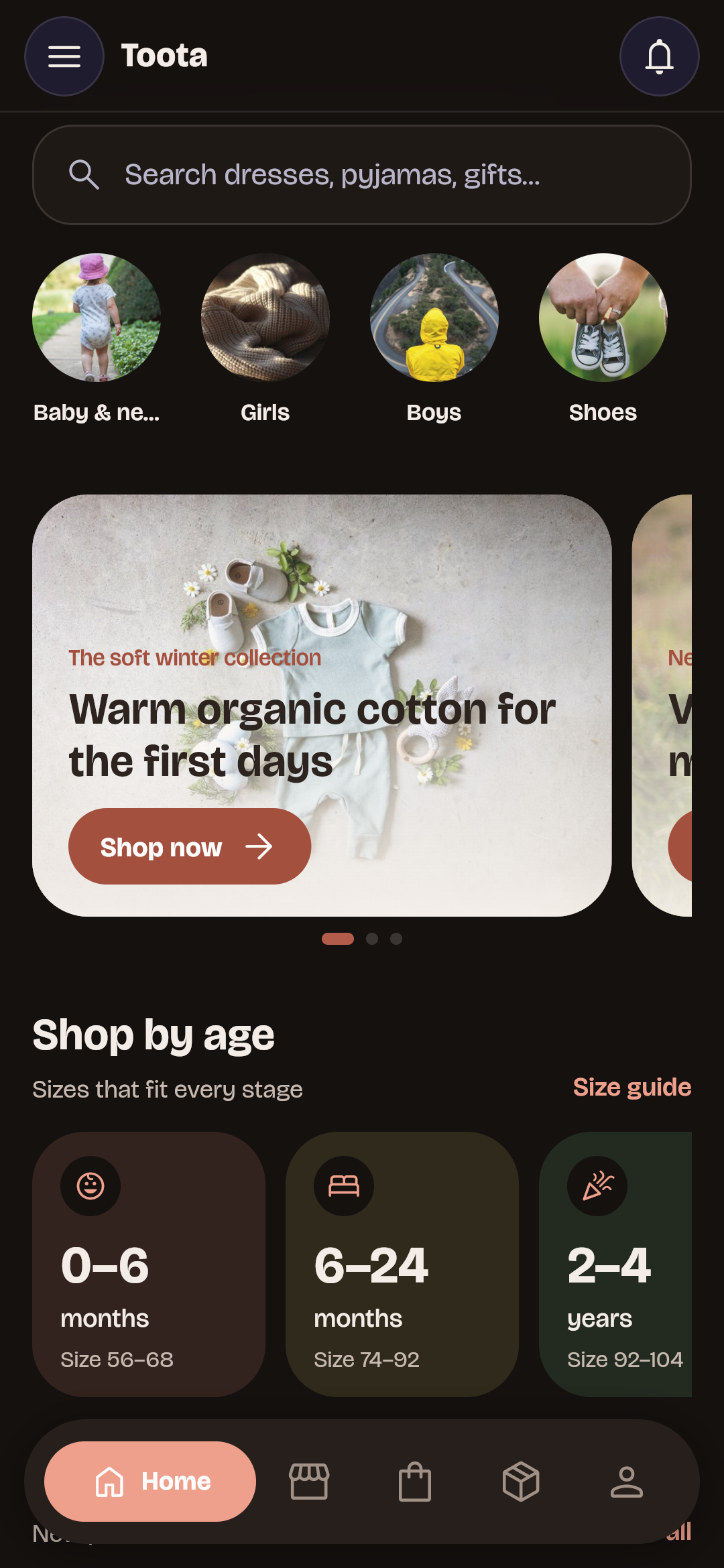
Toota
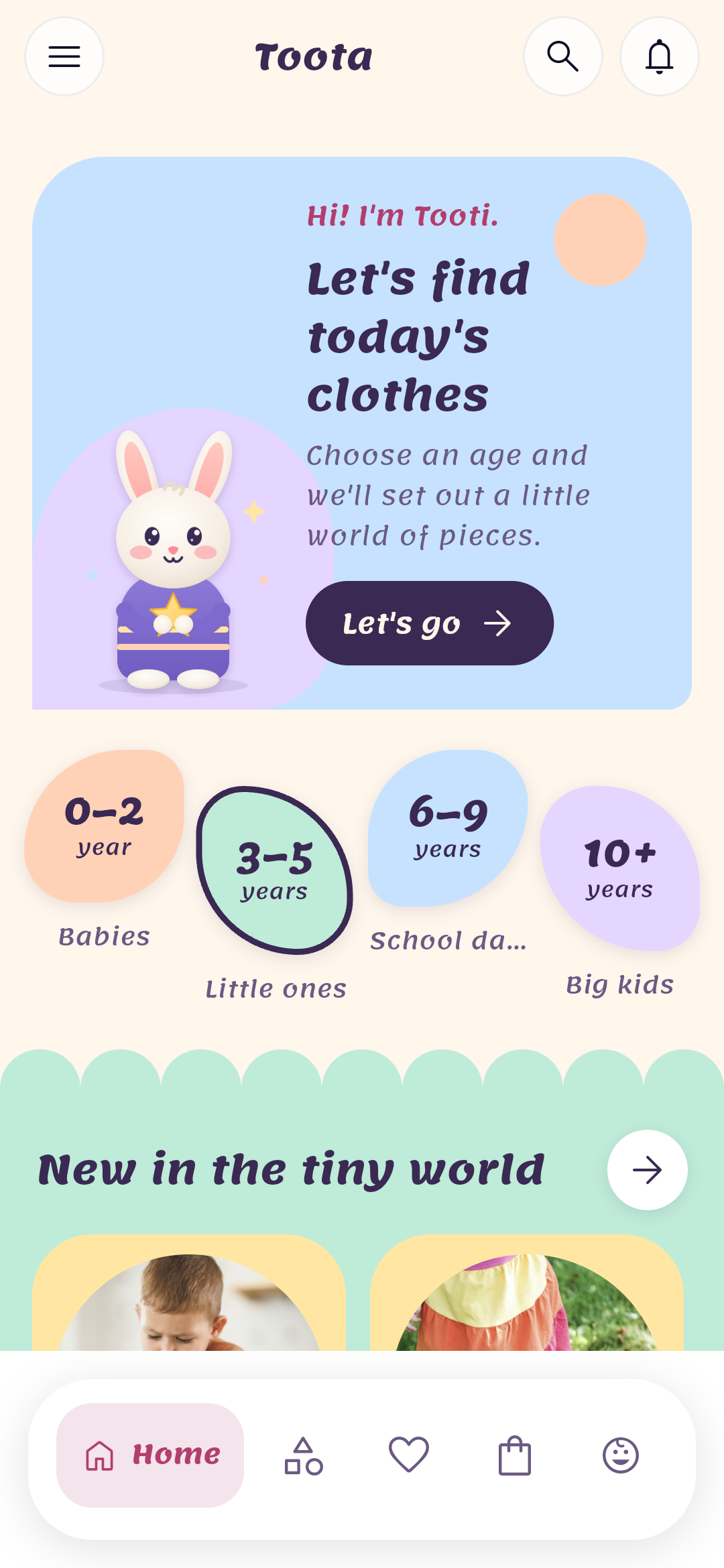
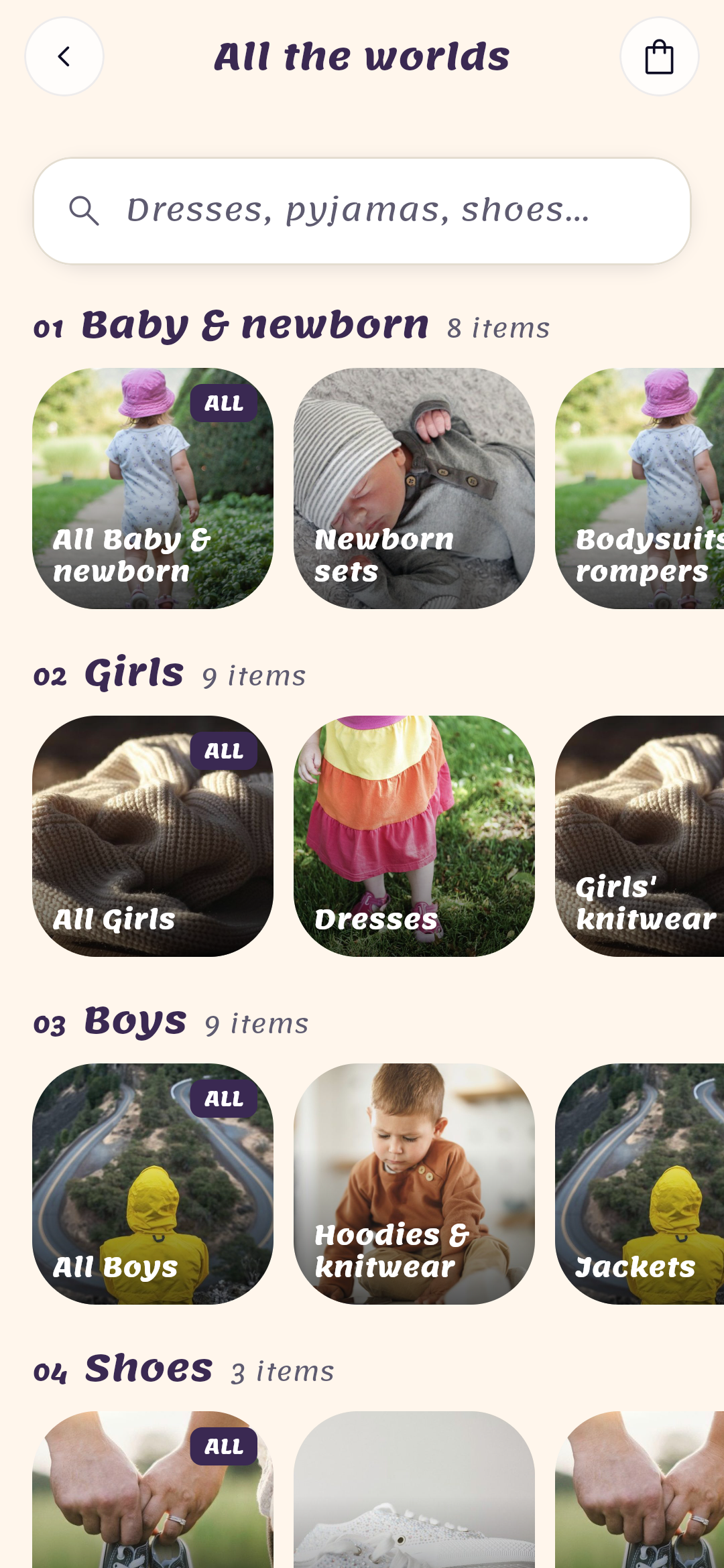
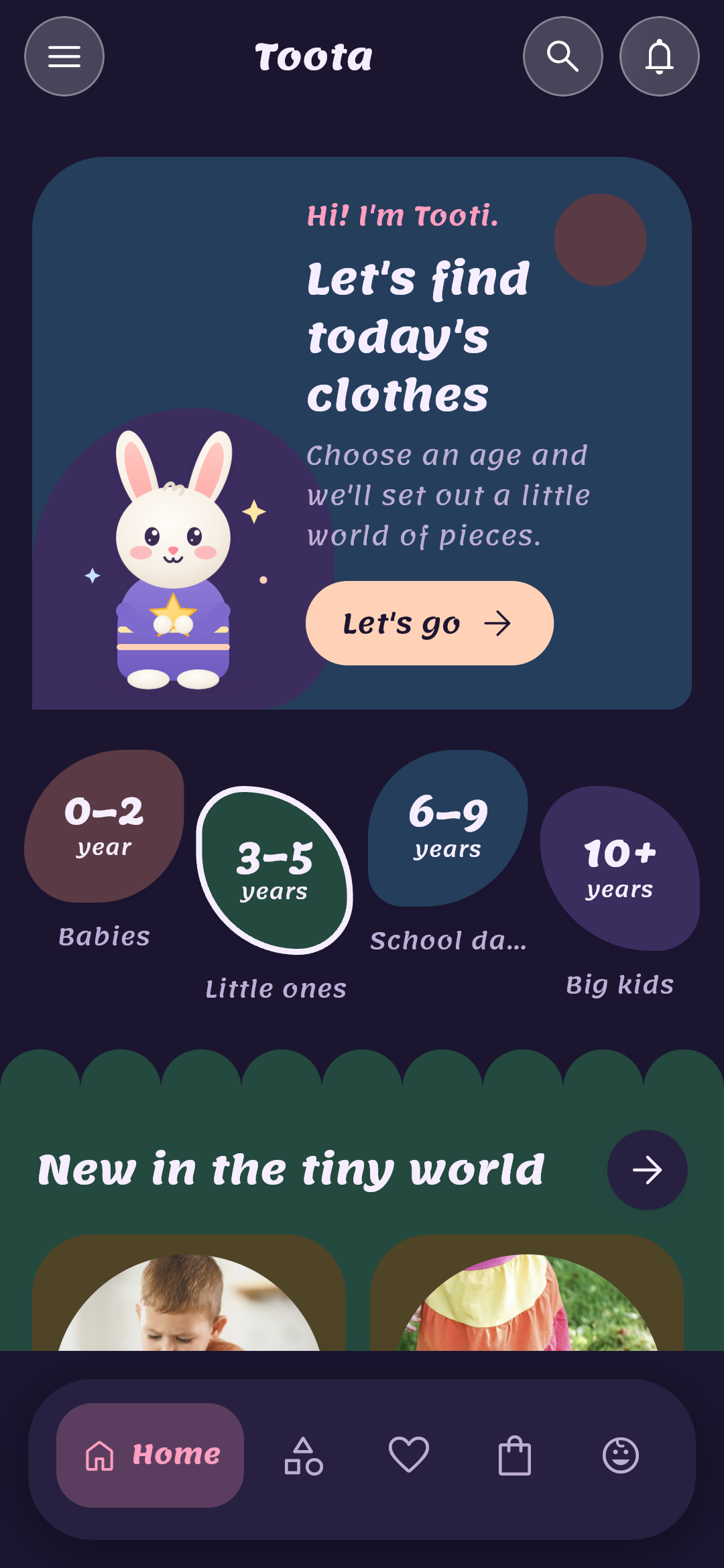
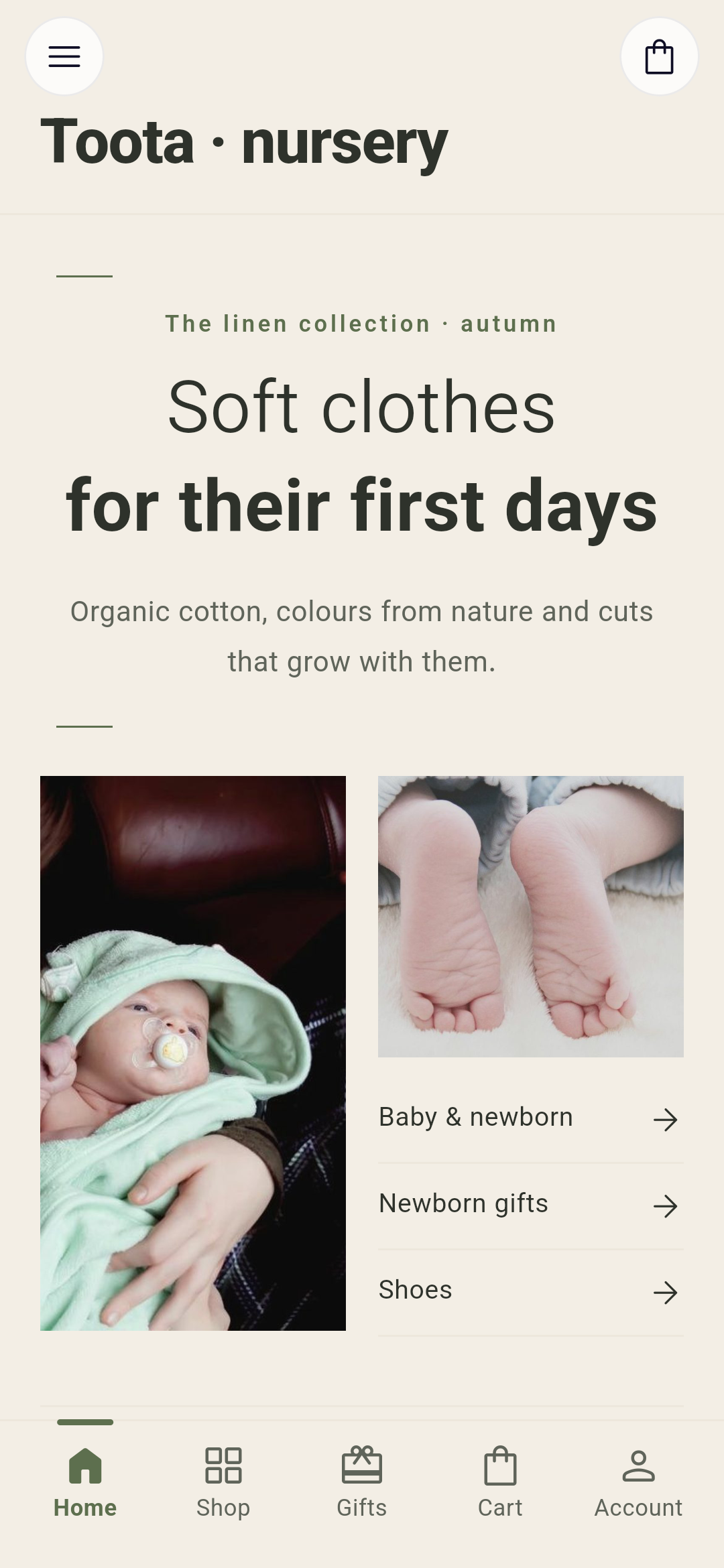
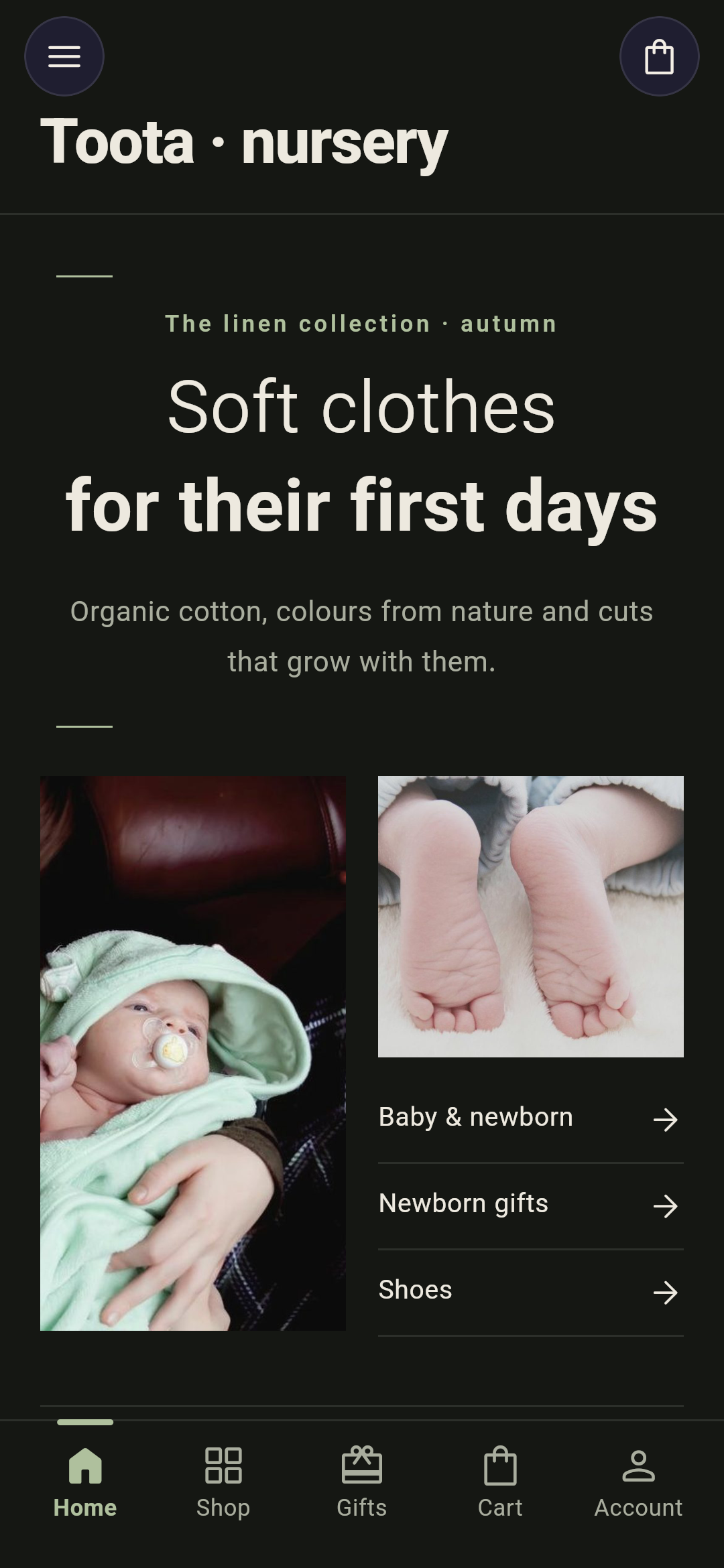
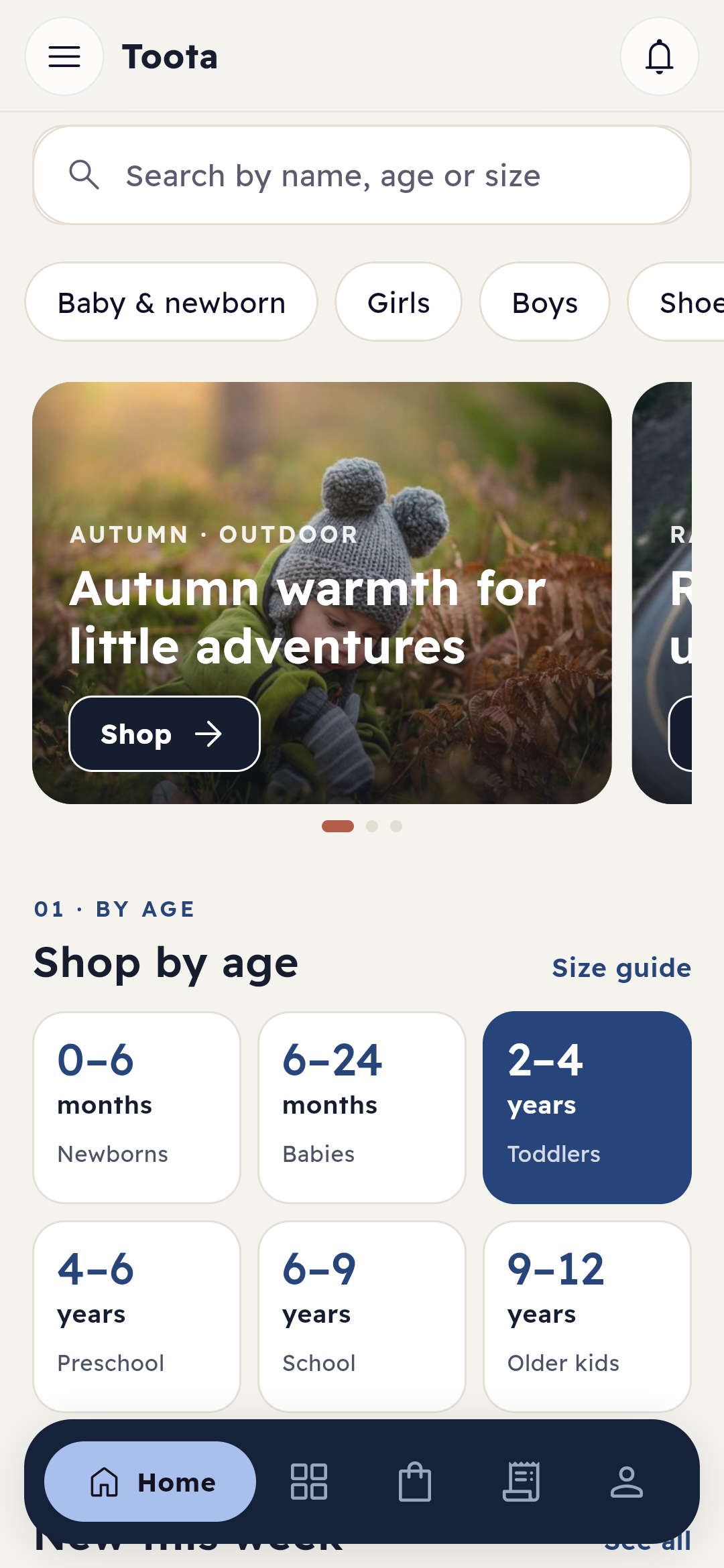
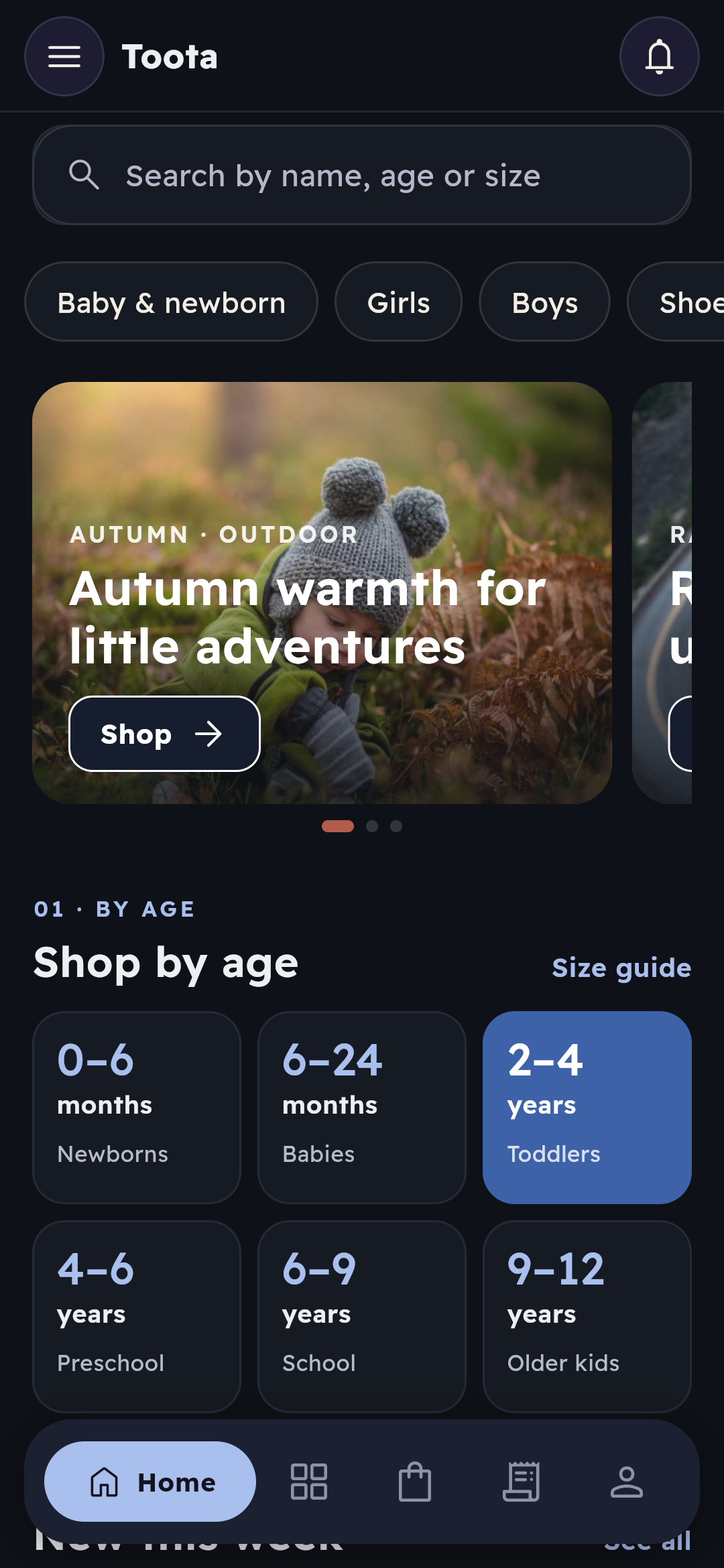
A children's clothes shop in Cairo, from birth to 12: baby and newborn, girls, boys, shoes and accessories in sizes by age, newborn gift boxes with gift wrapping and a card, and ready-made sets. Its photos are CC0, from StockSnap.
What to try
- In the size finder on the home, pick your child's age and see the size that fits, with the height, weight and chest
- Tap the menu at the top and slide through Girls, Boys and Baby & newborn, each with its own sub-categories
- Open the first newborn gift box, add gift wrapping and a card, and write the card's message at checkout
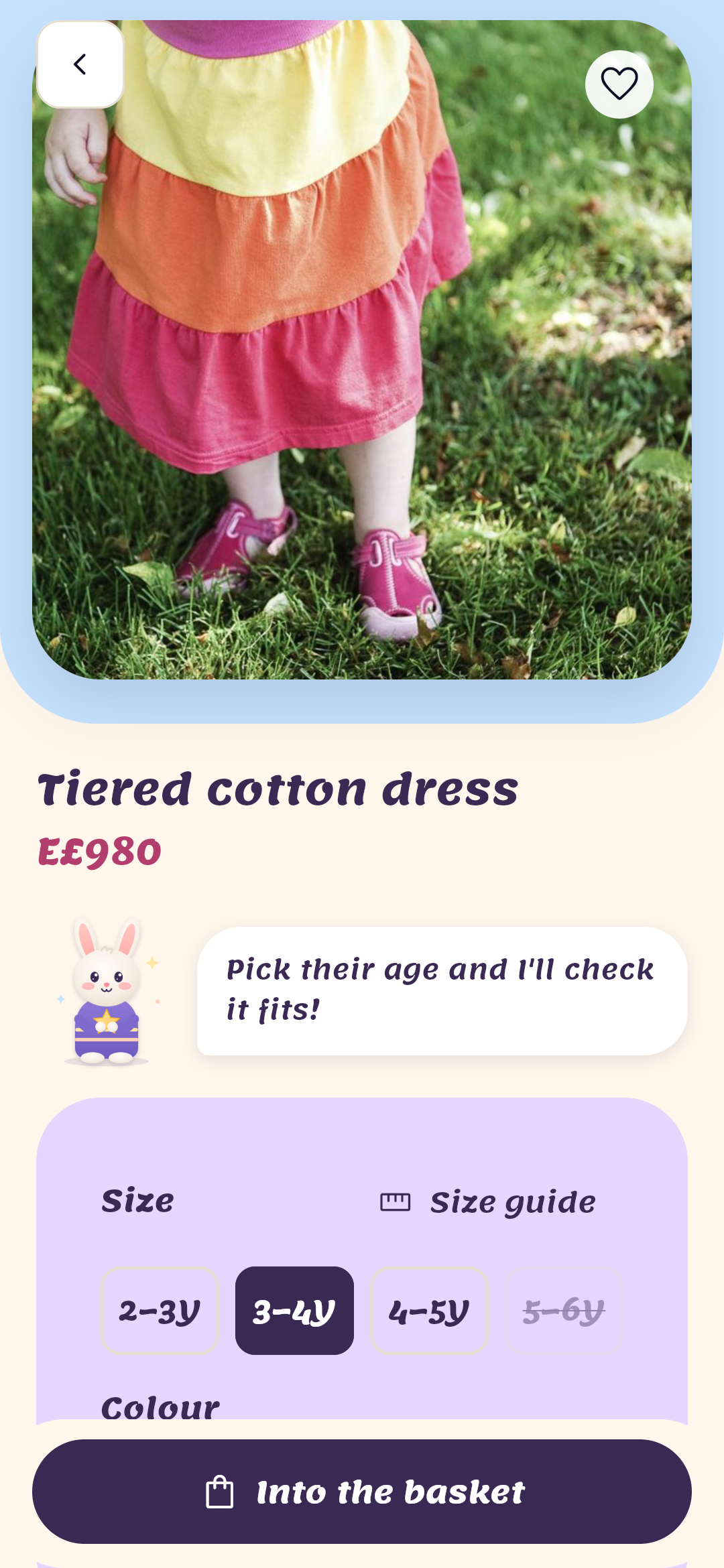
Two looks to start from
Every Studio demo comes in two looks, each in light and dark mode. A project can start from either one.
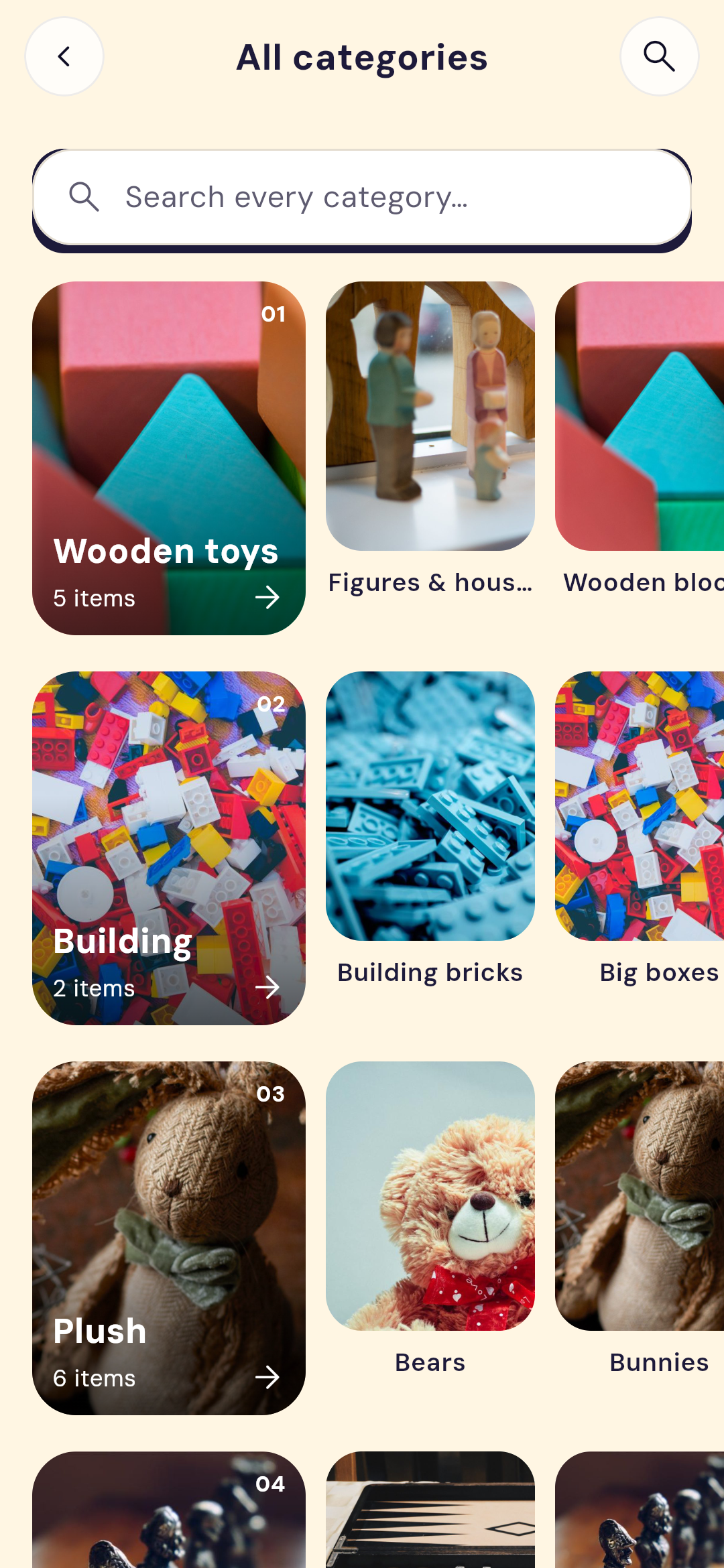
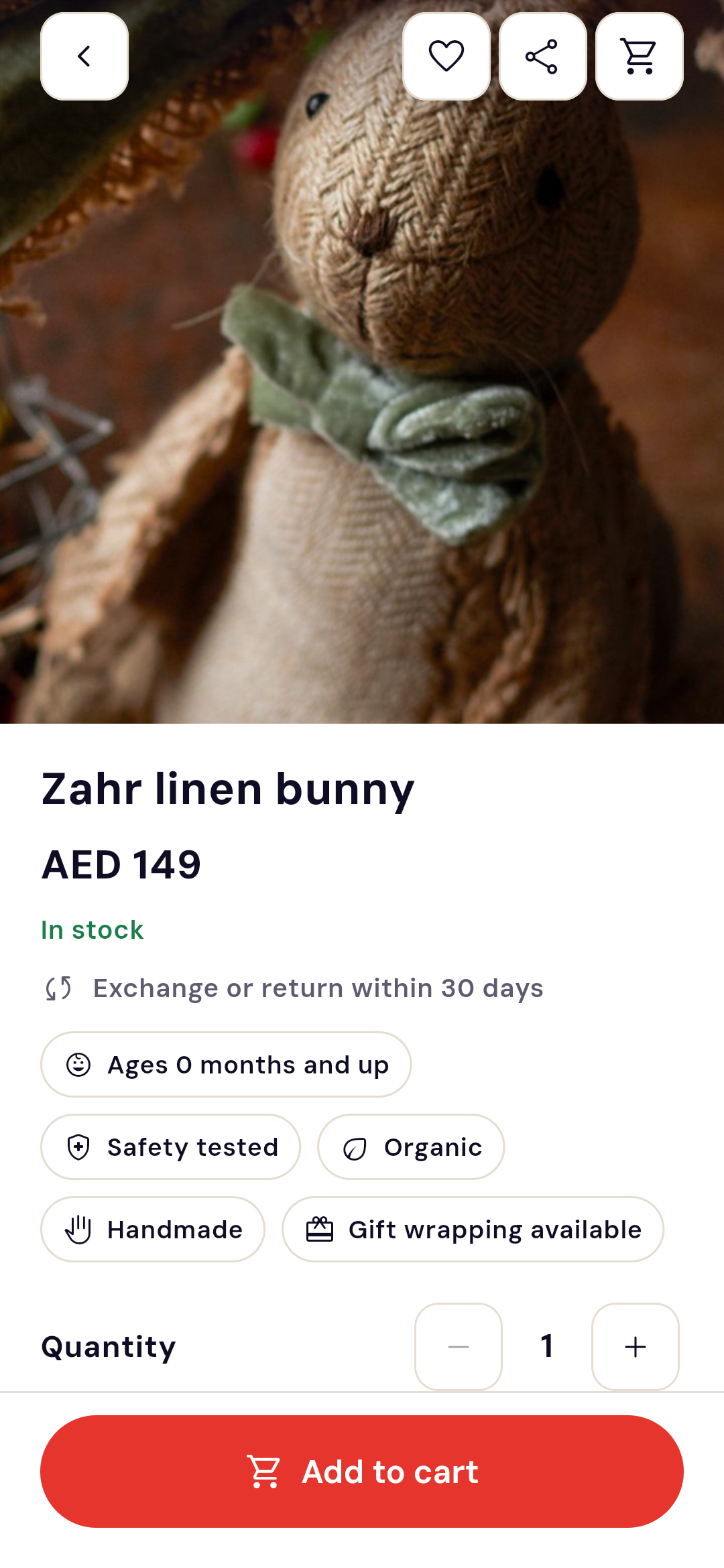
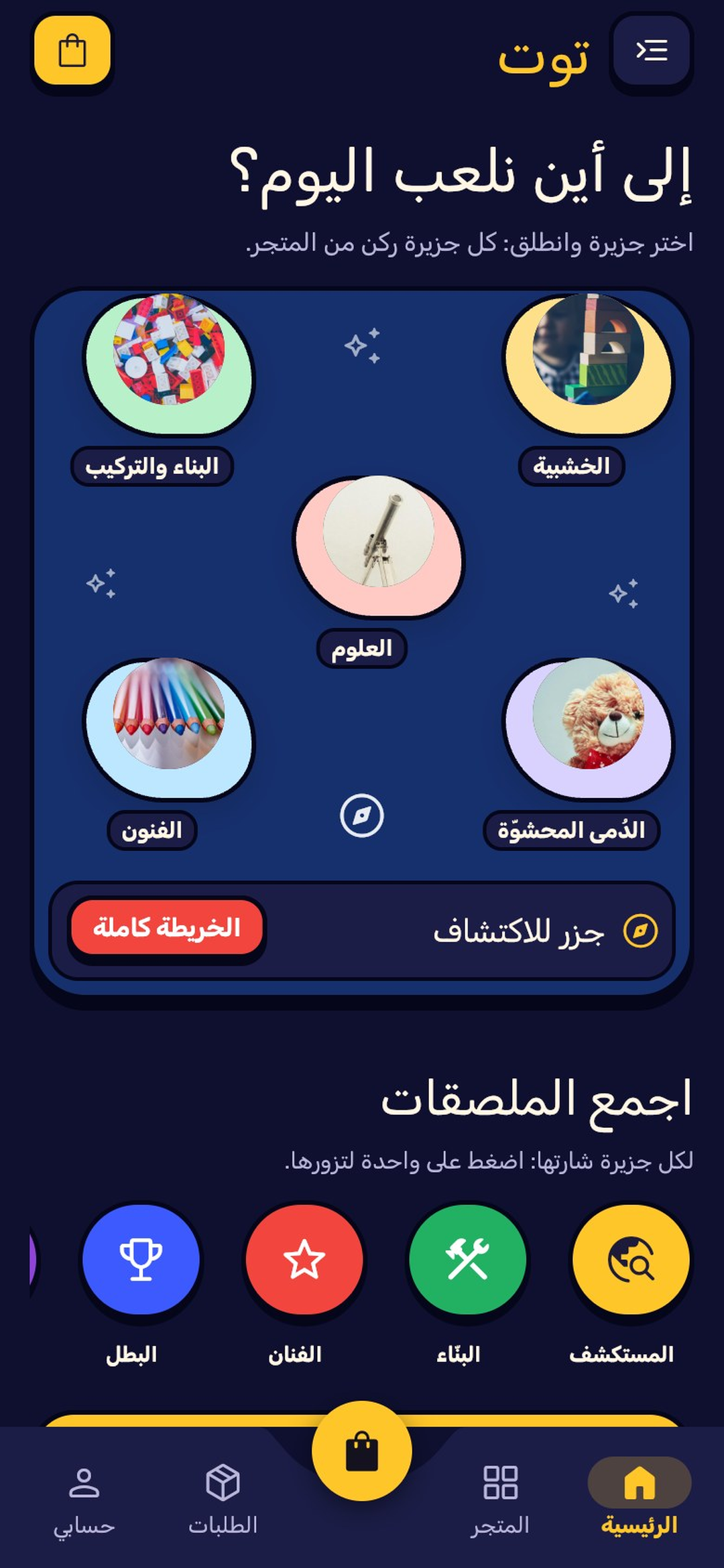
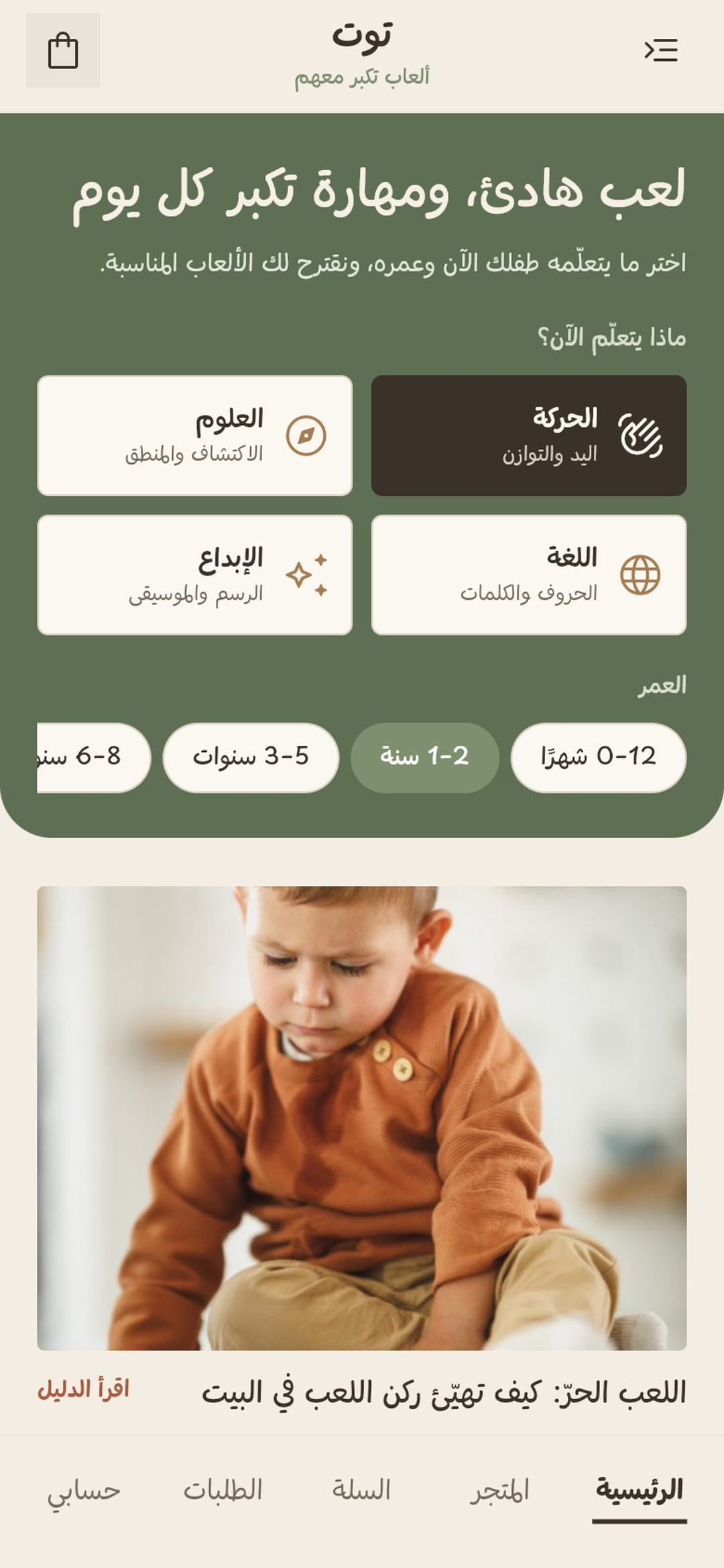
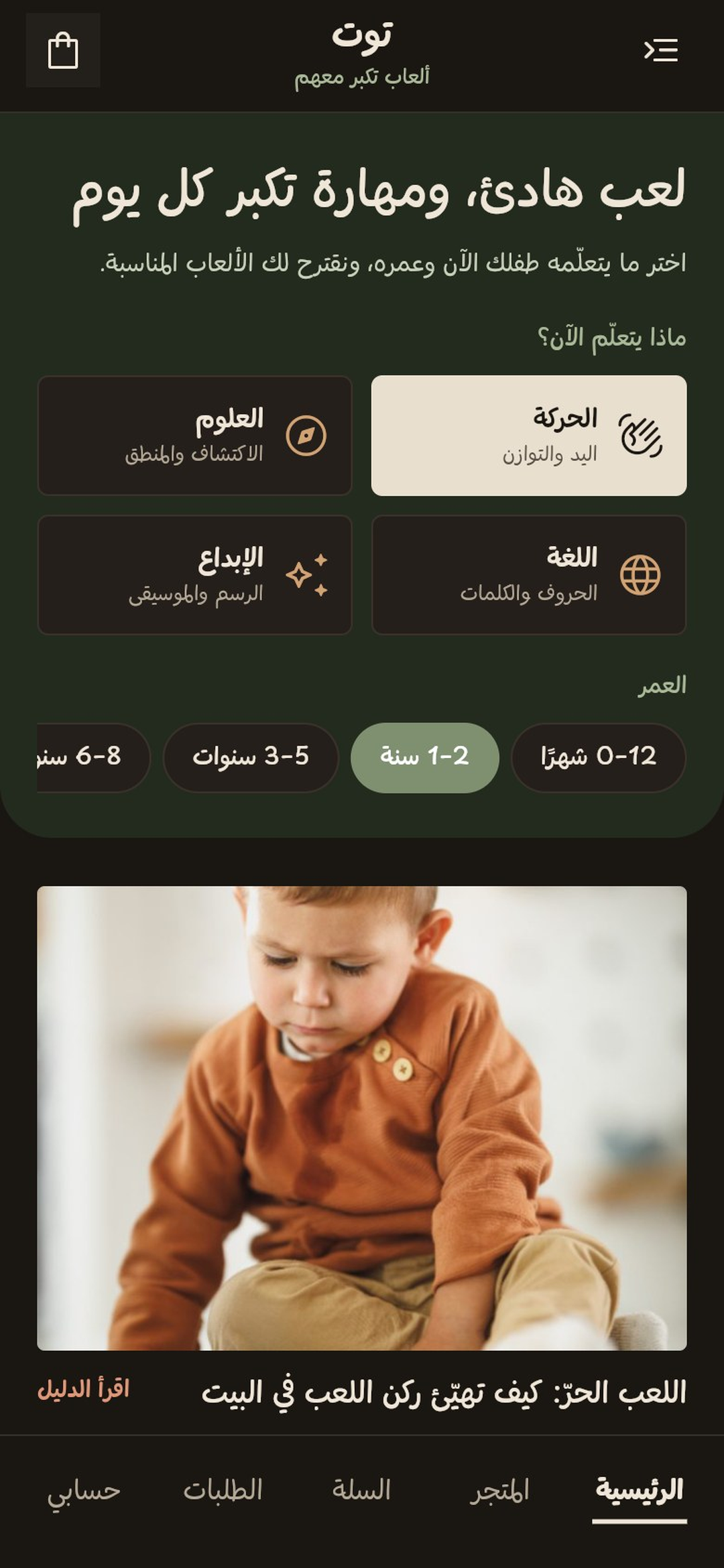
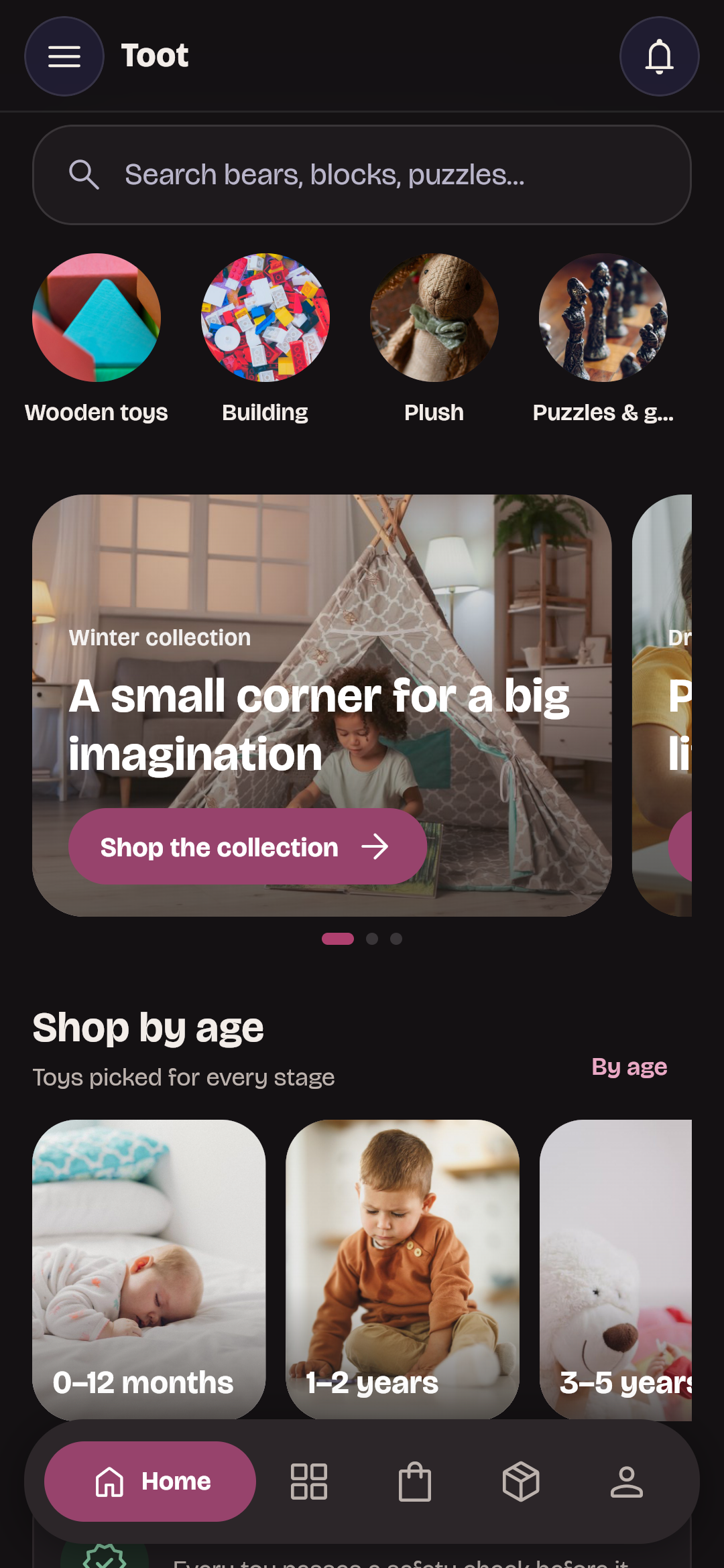
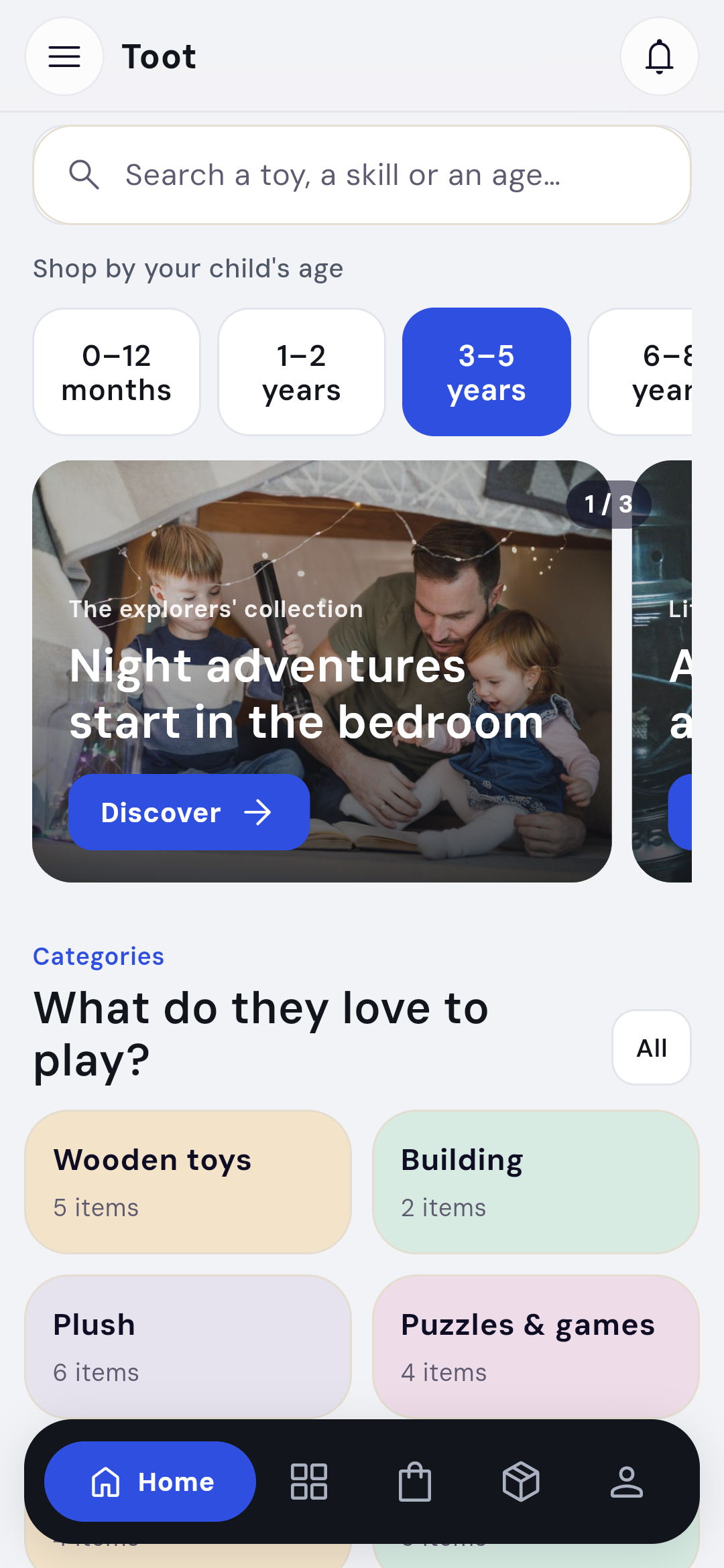
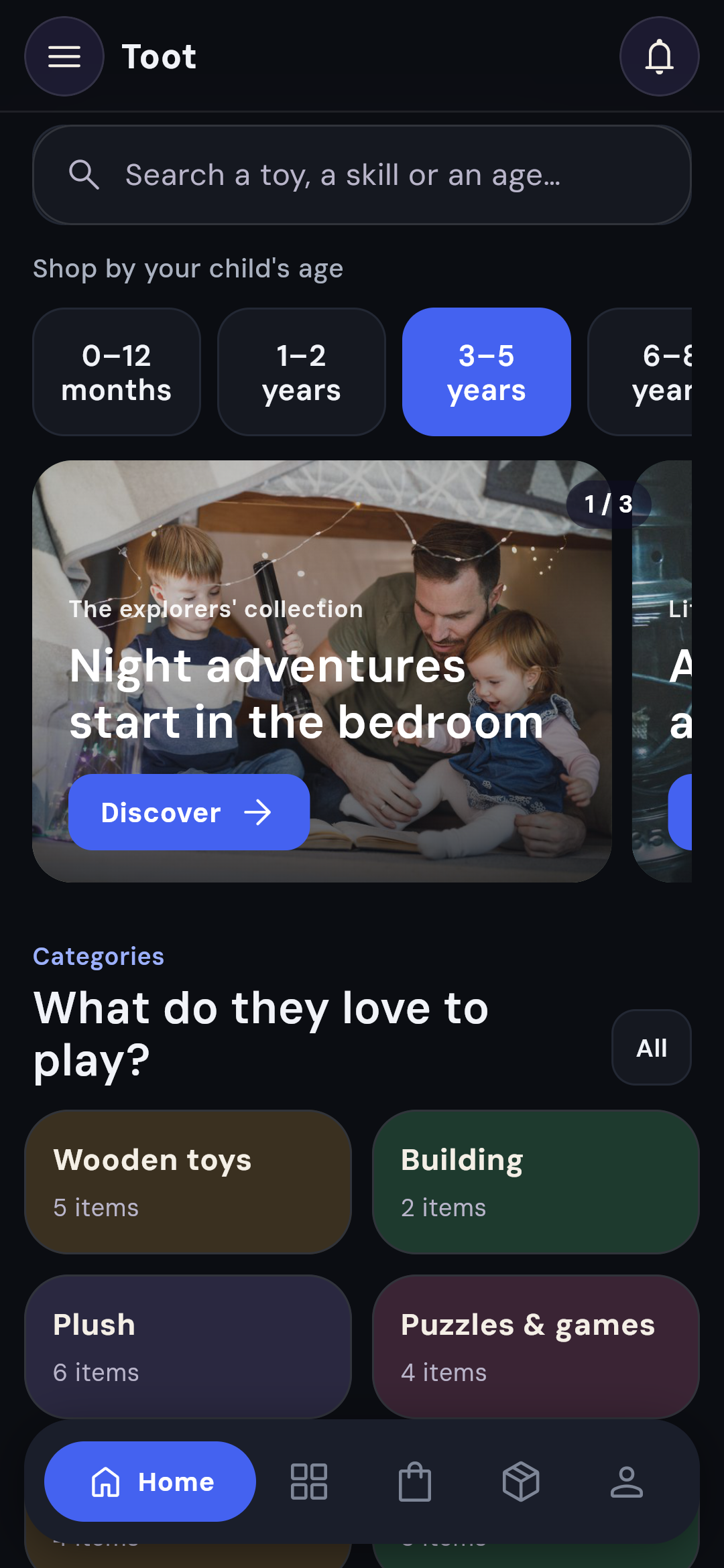
Toot
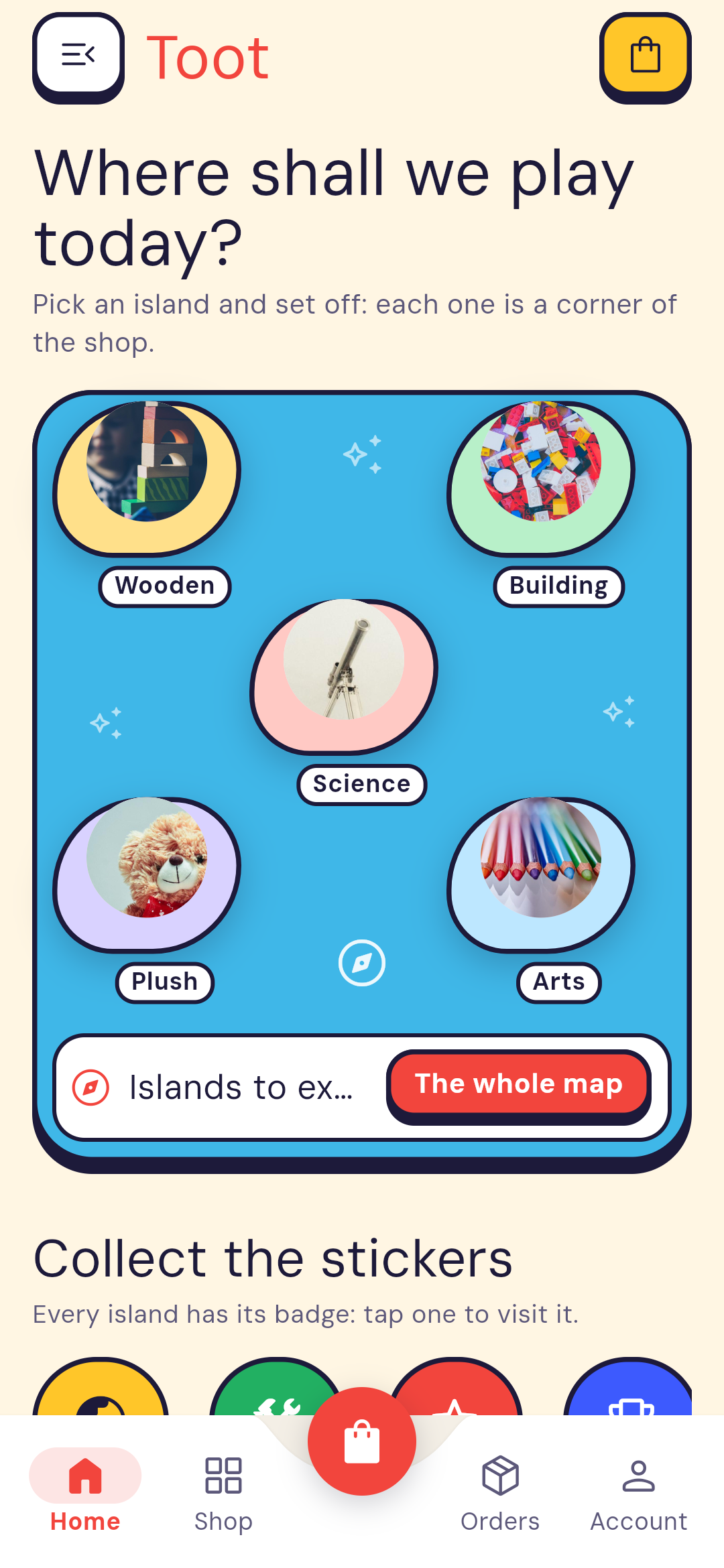
A toy shop in Dubai: wooden toys, plush, building sets, puzzles, science kits and outdoor toys, each with its age, safety and materials, shopped by age or by type, with gift wrapping and a birthday card. Its photos are CC0, from StockSnap.
What to try
- Tap an age on the home, or the menu at the top, and slide through the categories: by type of toy, by age and the birthday gifts
- Answer the gift finder's three questions, open a toy and read its age, safety and materials
- Add a gift wrap and a card in the cart, write the card's message at checkout with the shop's code, then follow your order in Orders
Two looks to start from
Every Studio demo comes in two looks, each in light and dark mode. A project can start from either one.
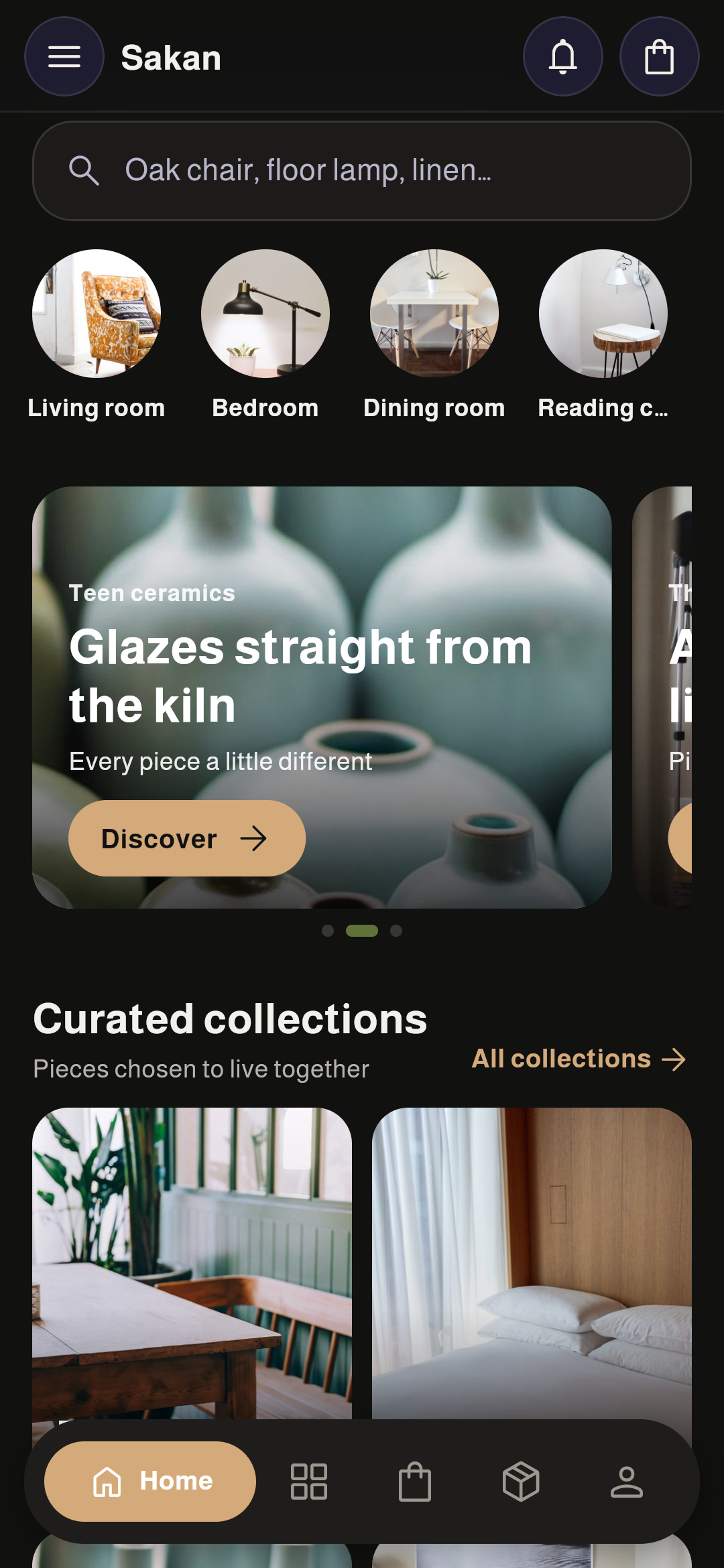
Sakan
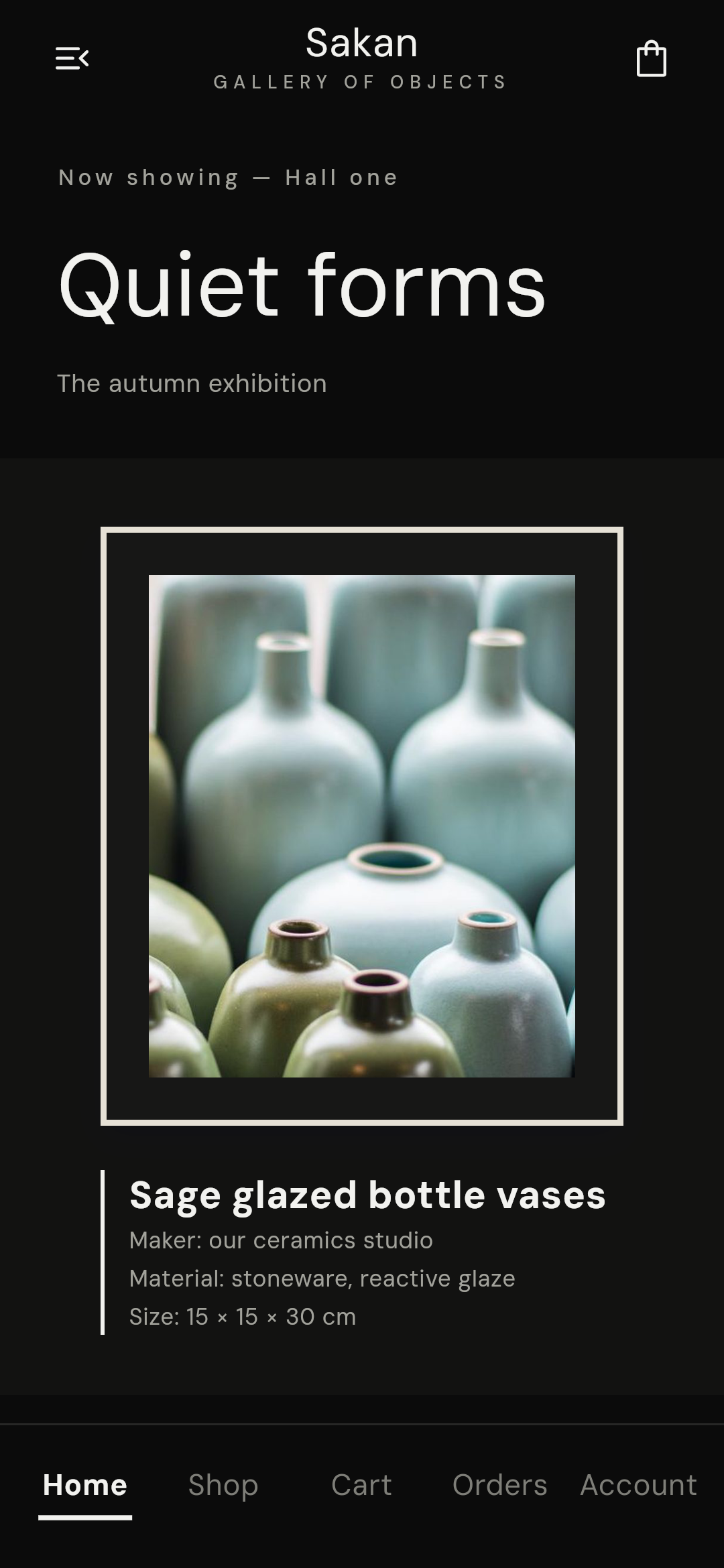
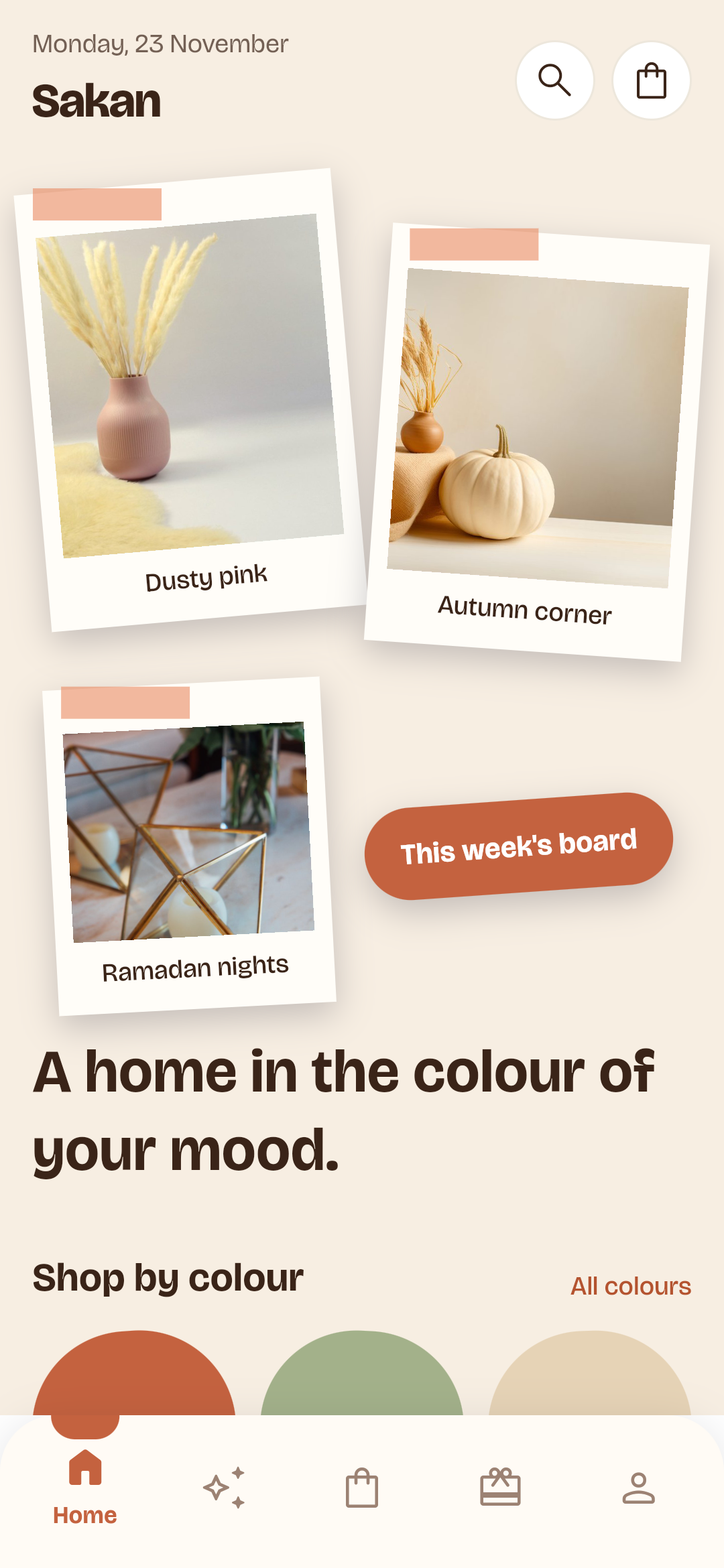
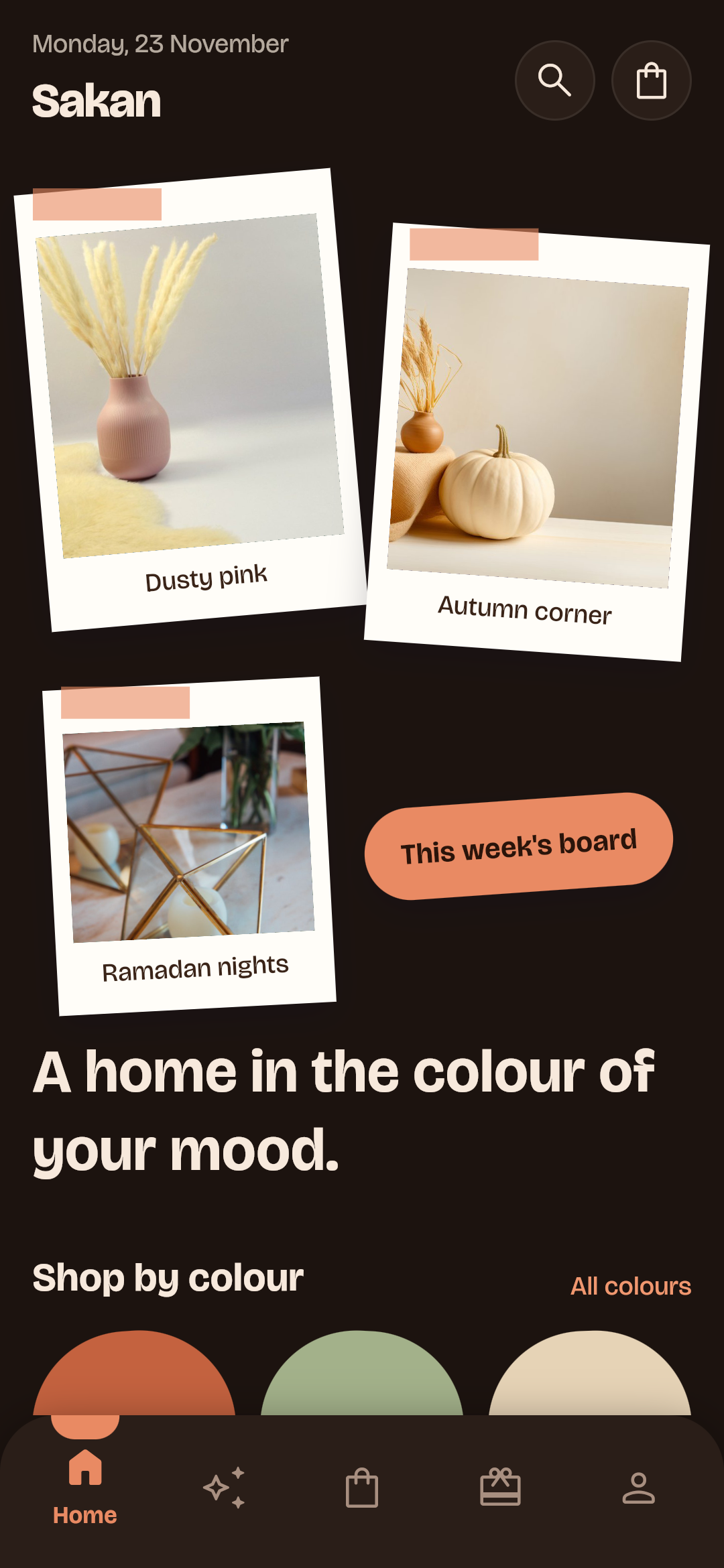
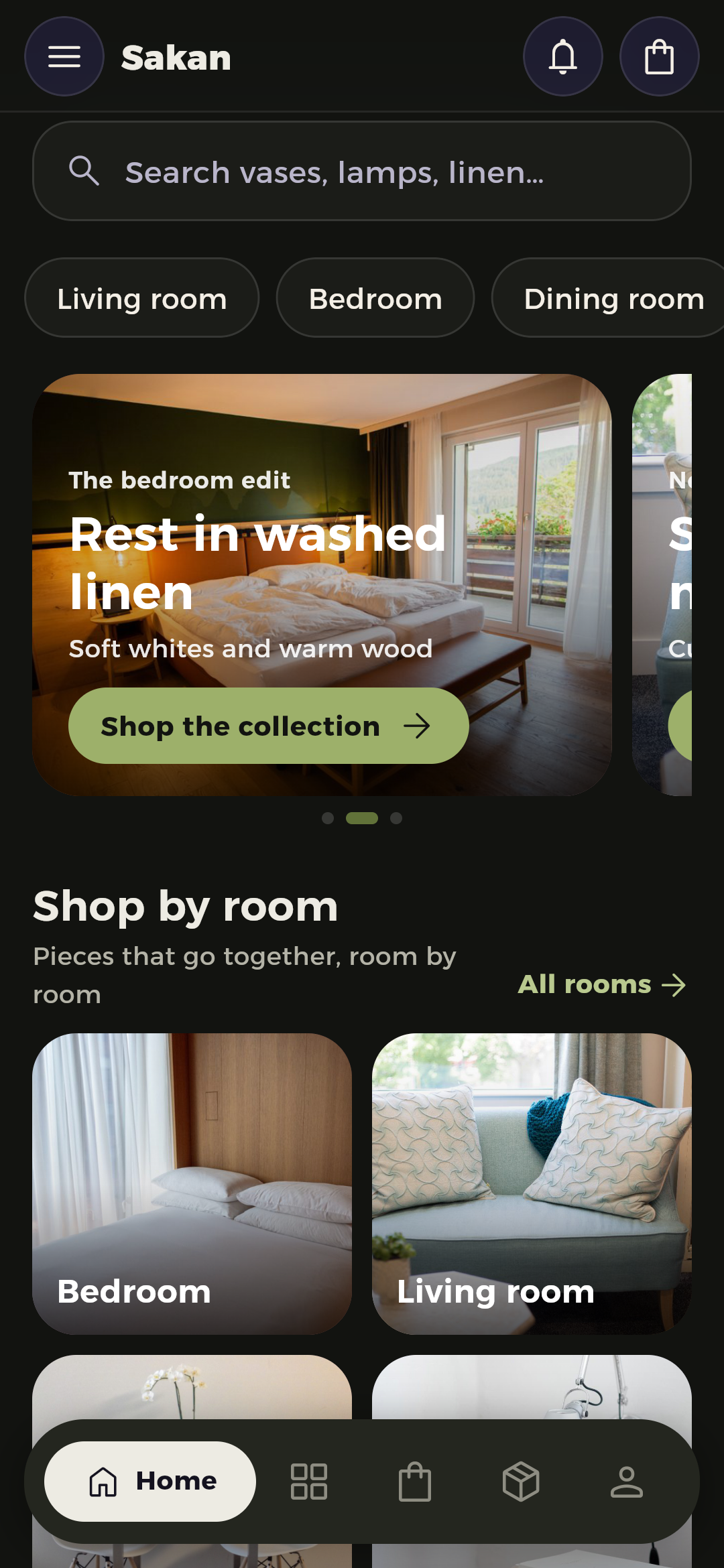
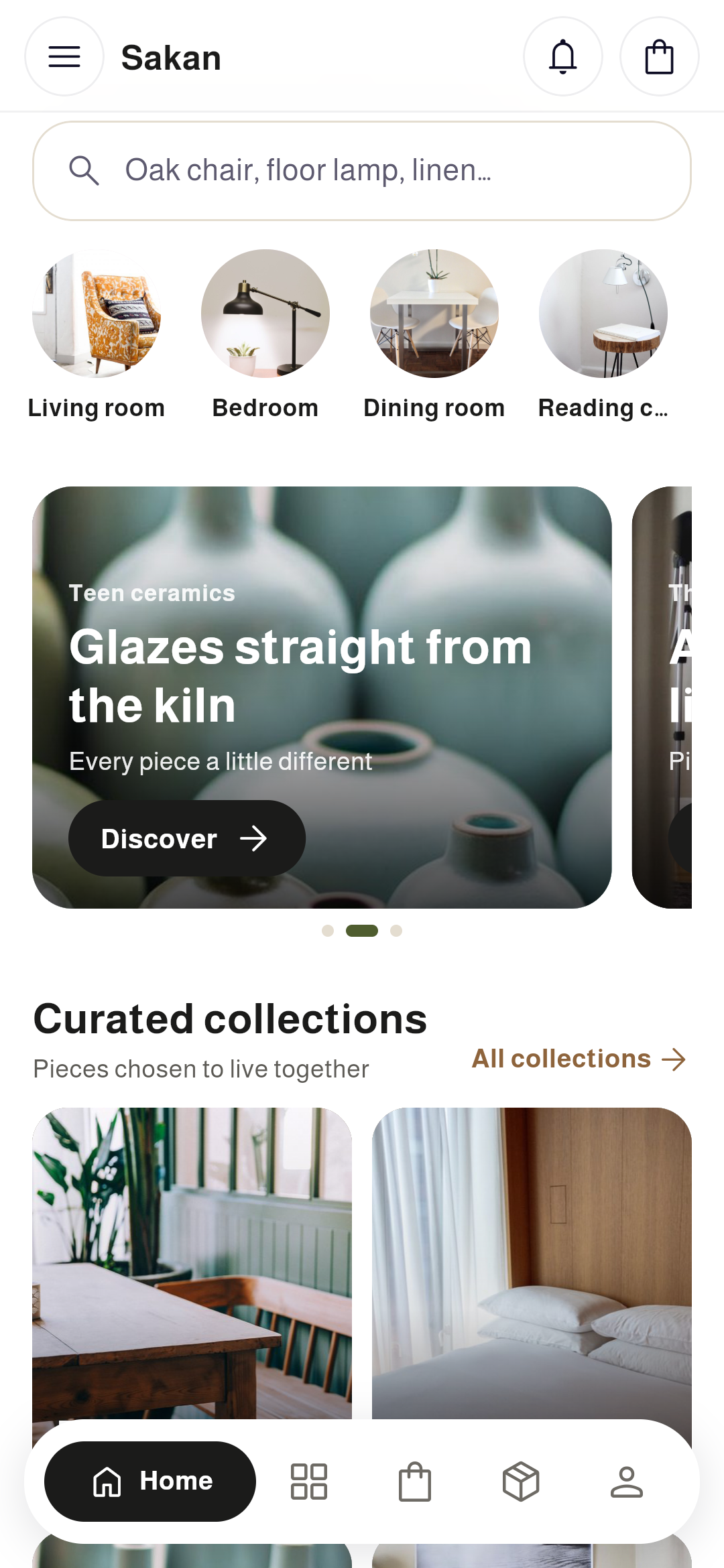
A home decor house in Riyadh: vases and ceramics, lighting, textiles, wall decor and a few pieces of furniture, shopped by room, by style or straight from a styled room, wrapped as a gift with a card. Its photos are CC0, from StockSnap.
What to try
- Tap a spot on the styled room in Shop the look to open that piece, then shop by room or by style
- Open a vase or a lamp, see its size in cm and its colours, and add gift wrapping with a card in the cart
- Check out with the shop's code, follow your order in Orders, and switch the app to Arabic or to dark mode in the account
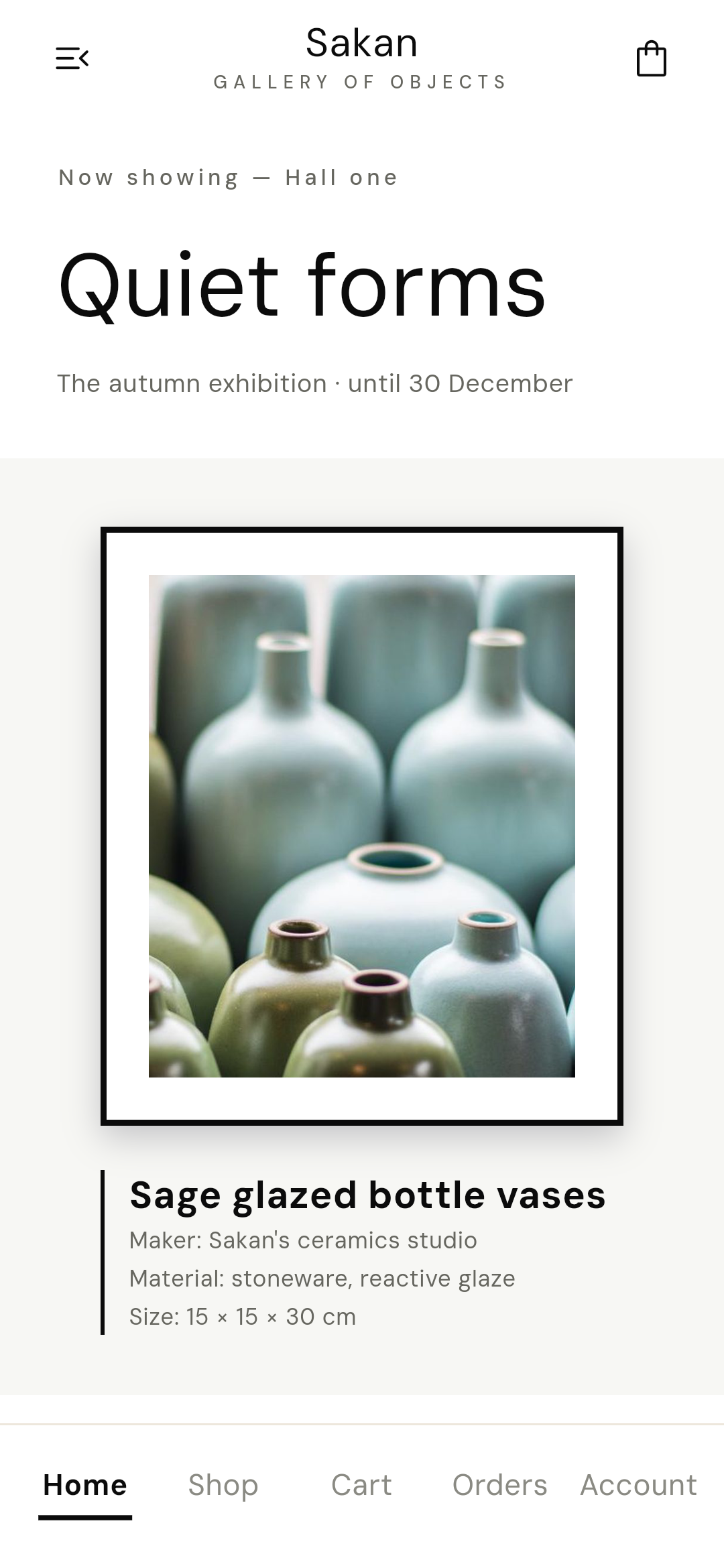
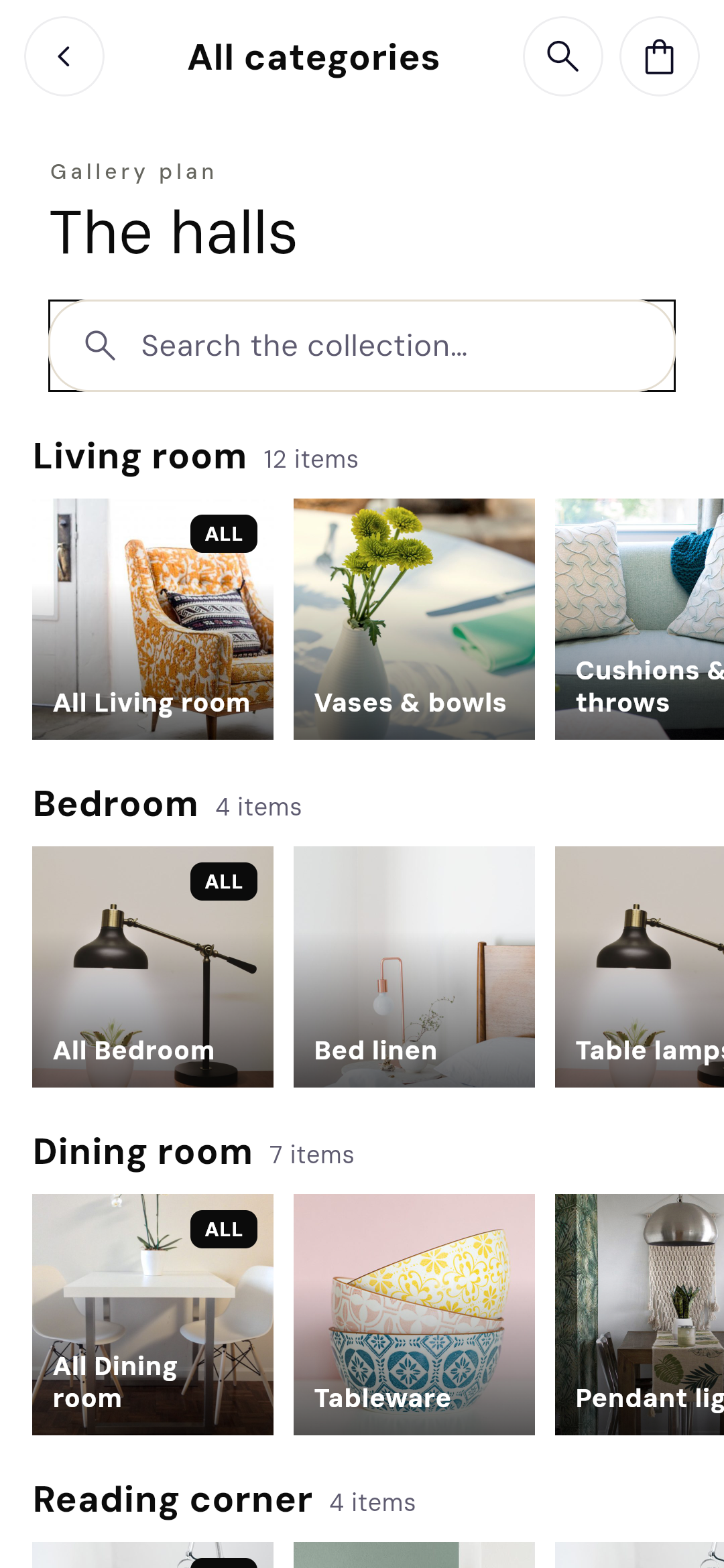
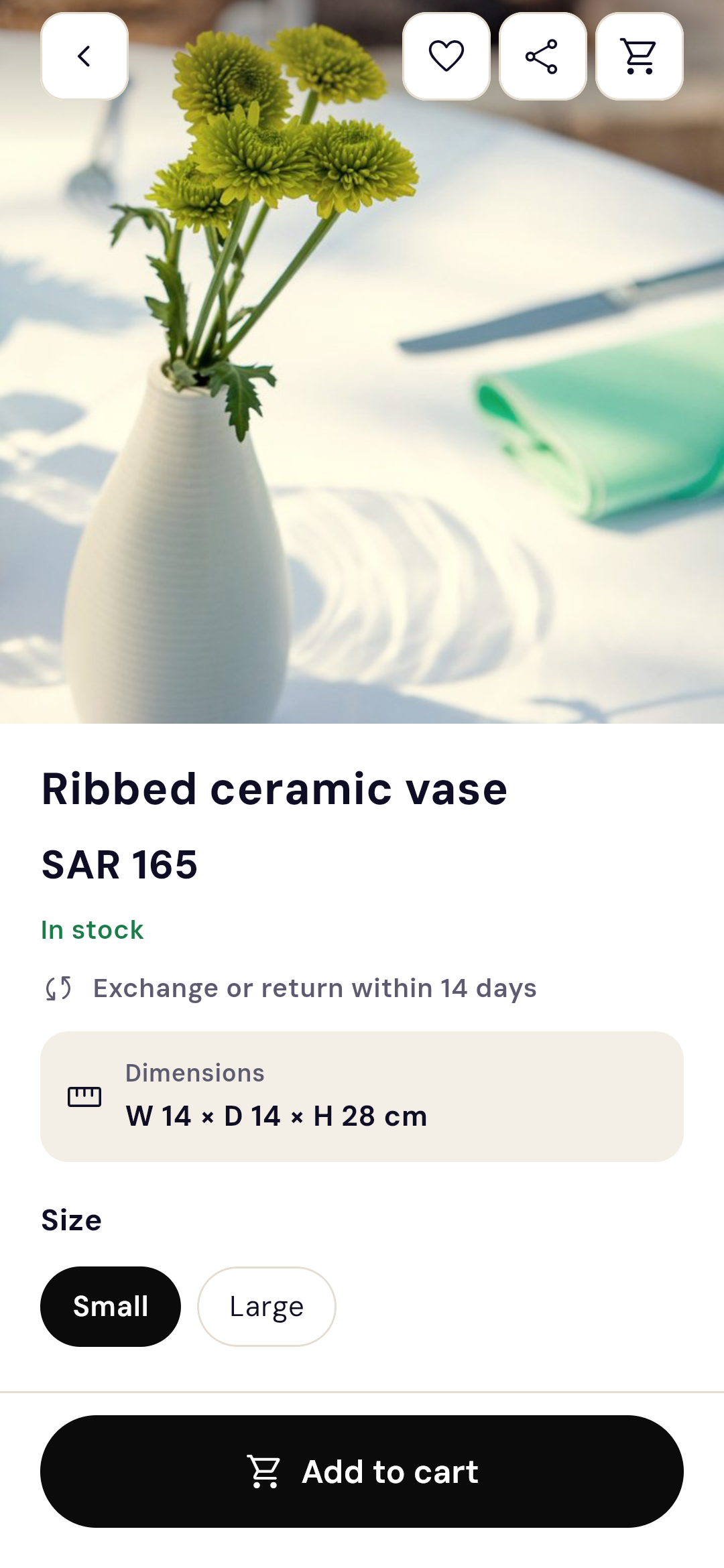
Two looks to start from
Every Studio demo comes in two looks, each in light and dark mode. A project can start from either one.
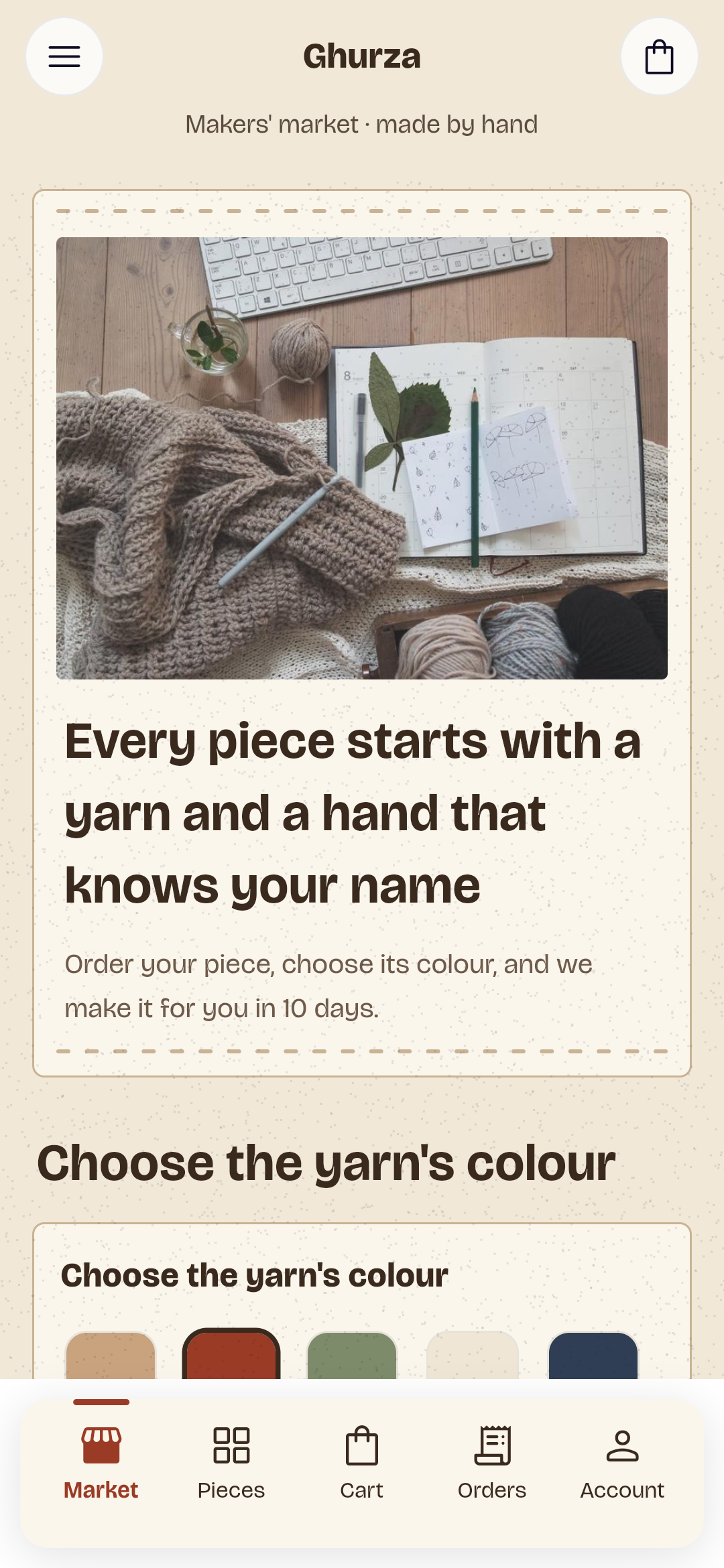
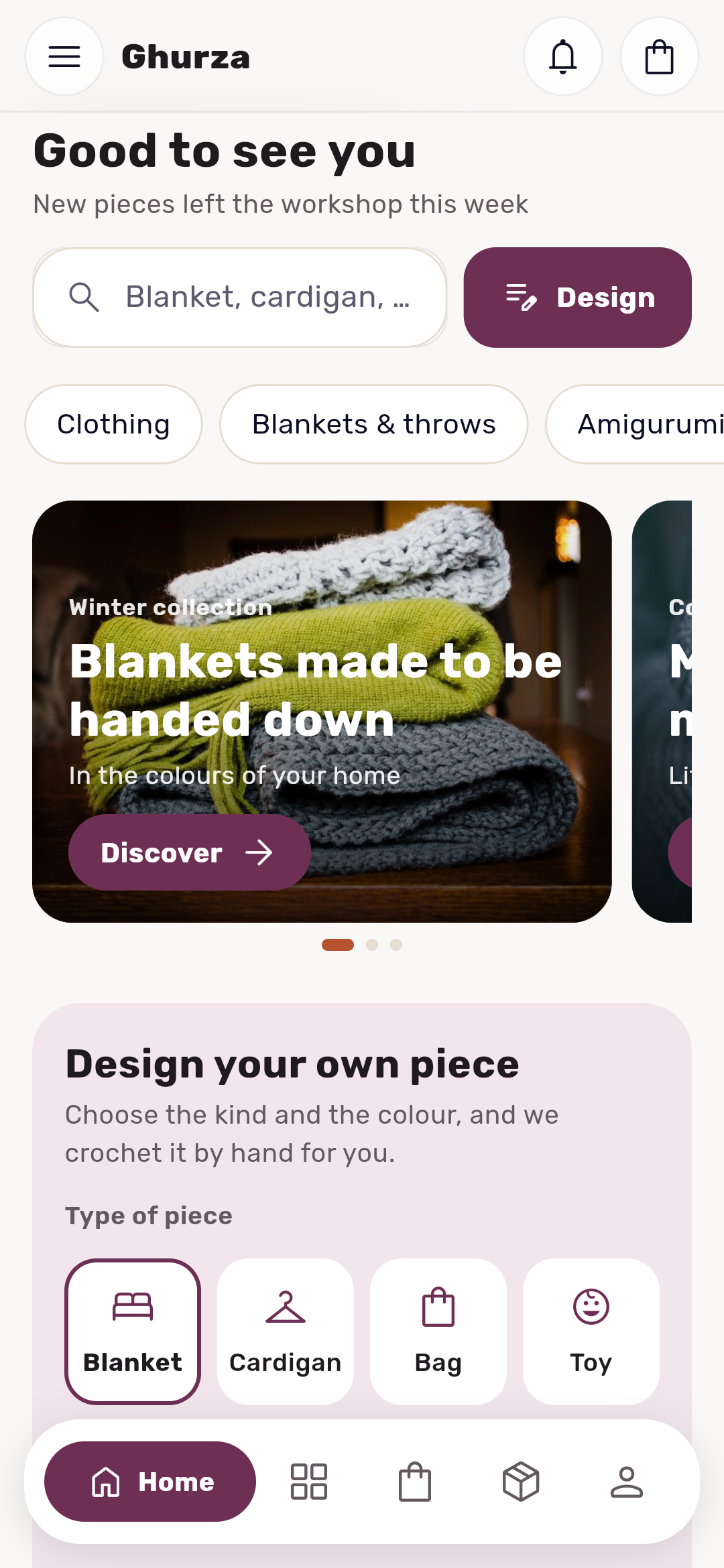
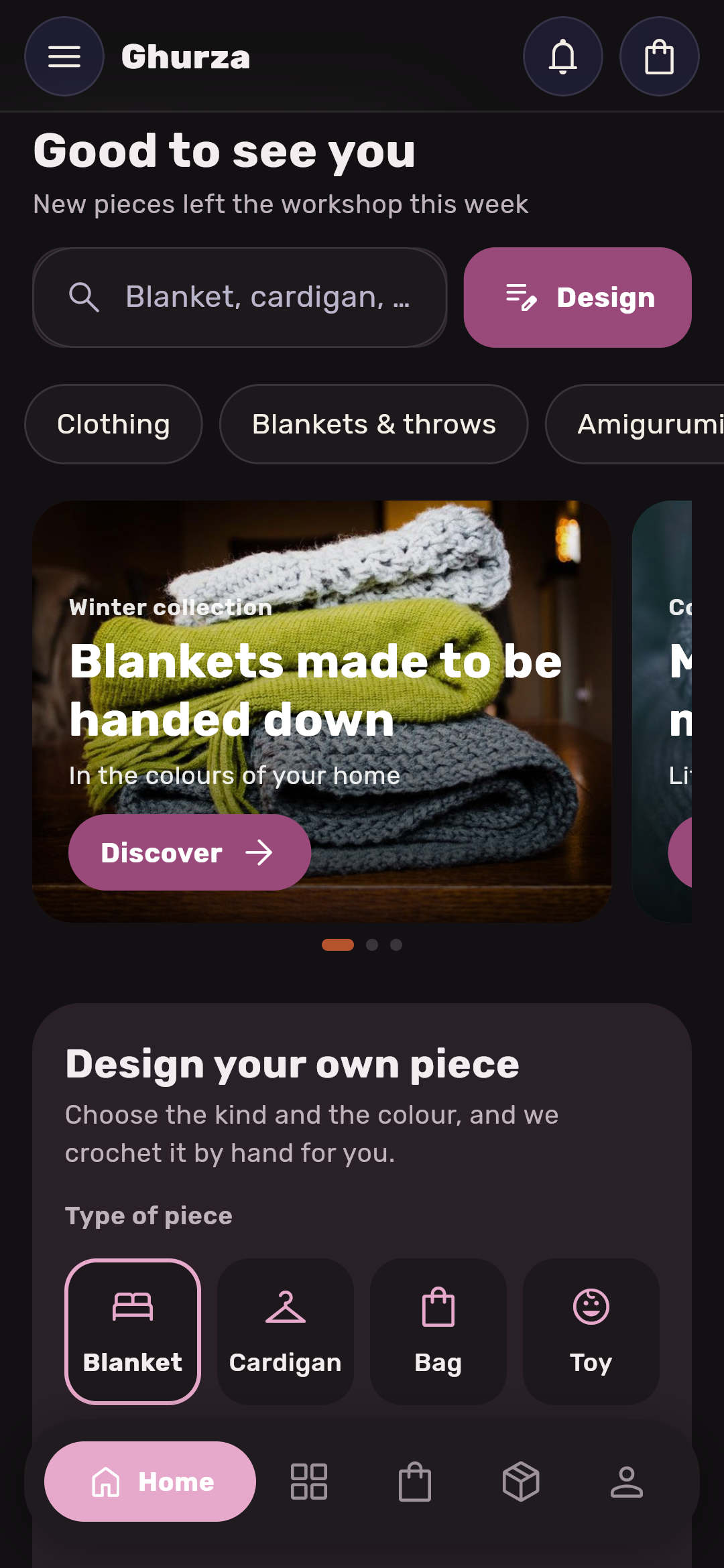
Ghurza
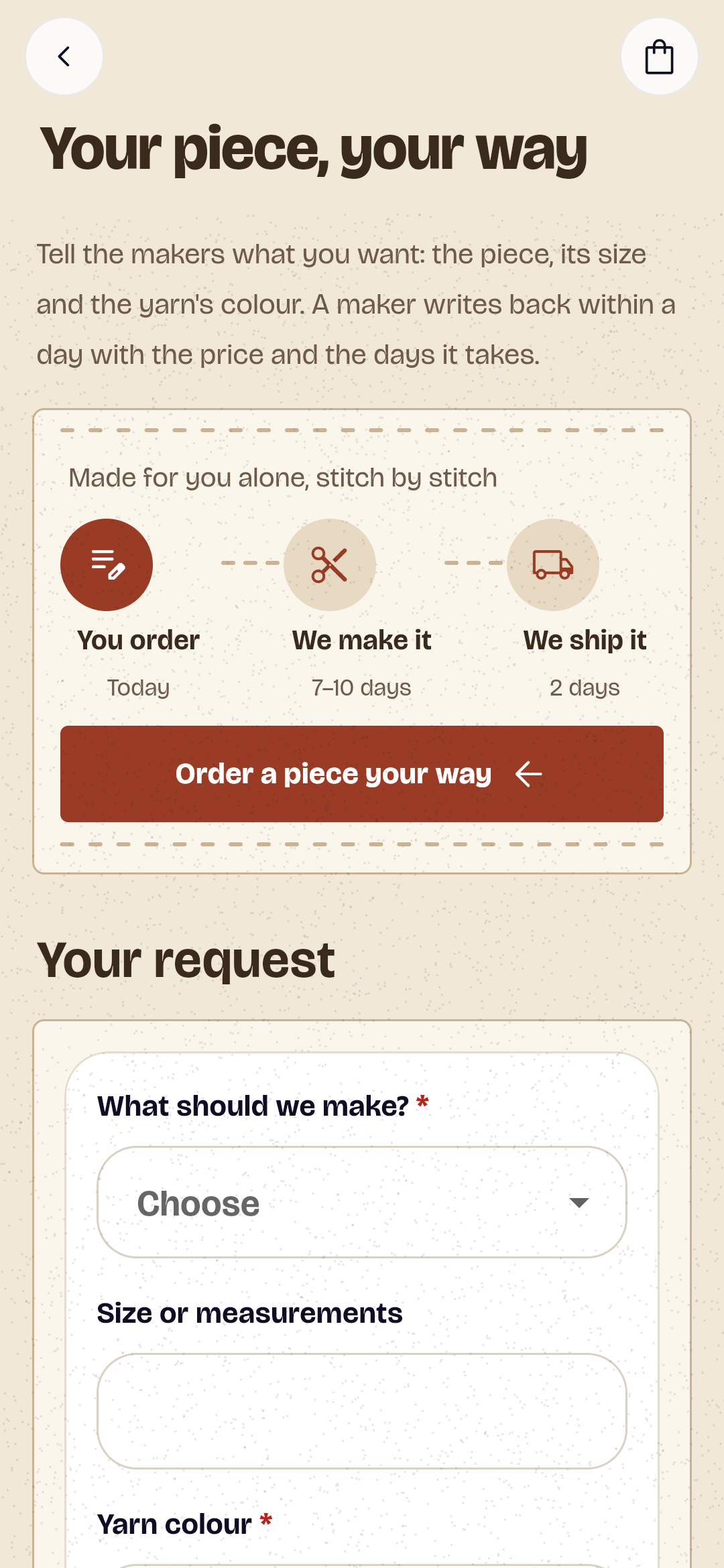
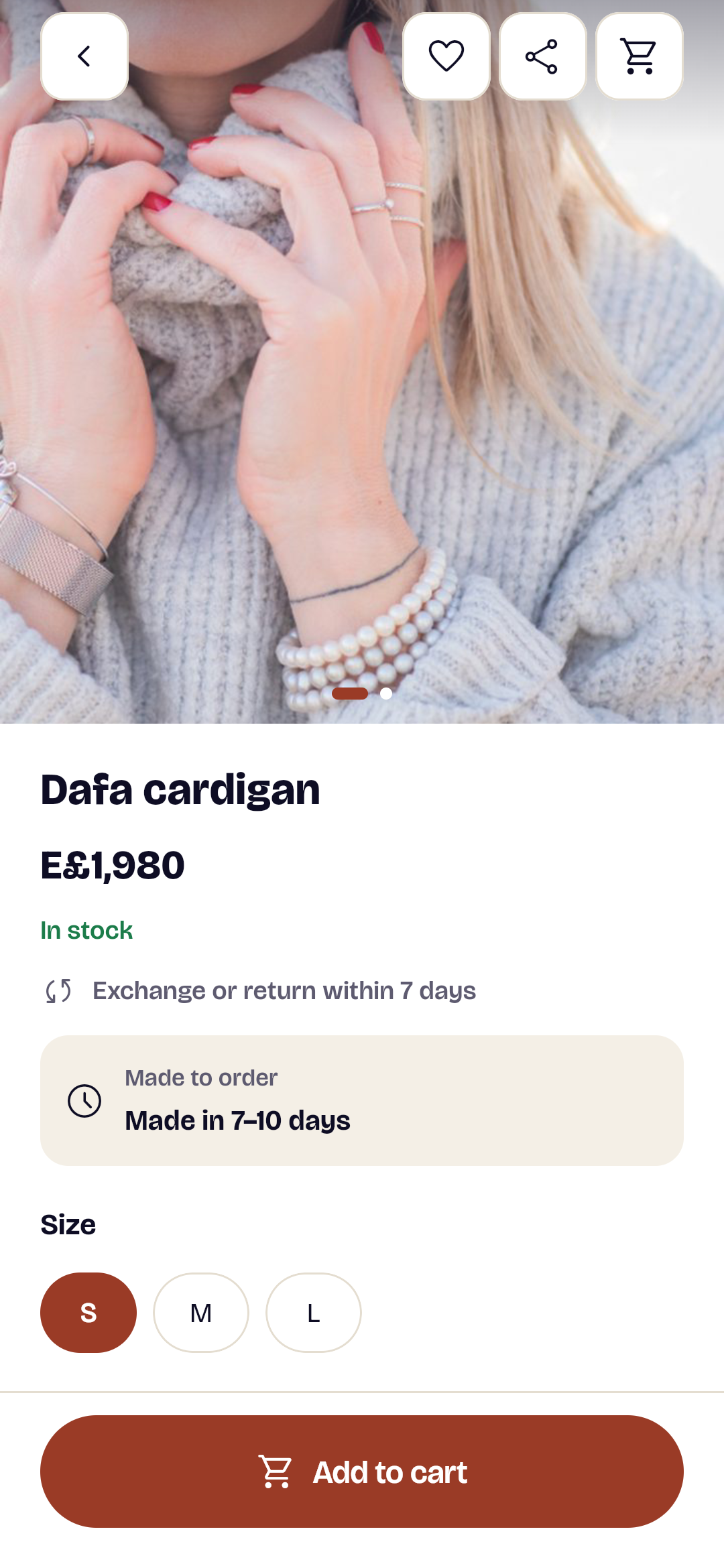
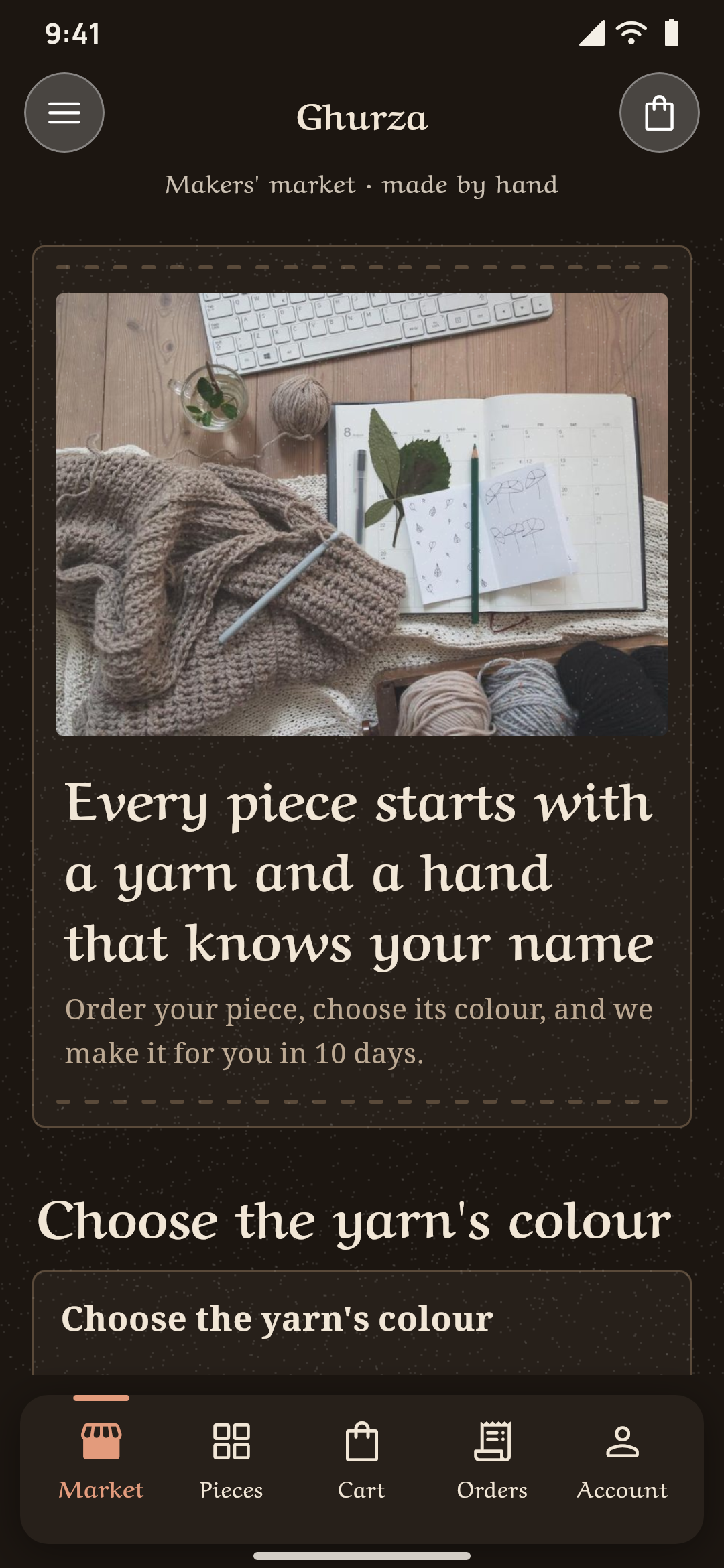
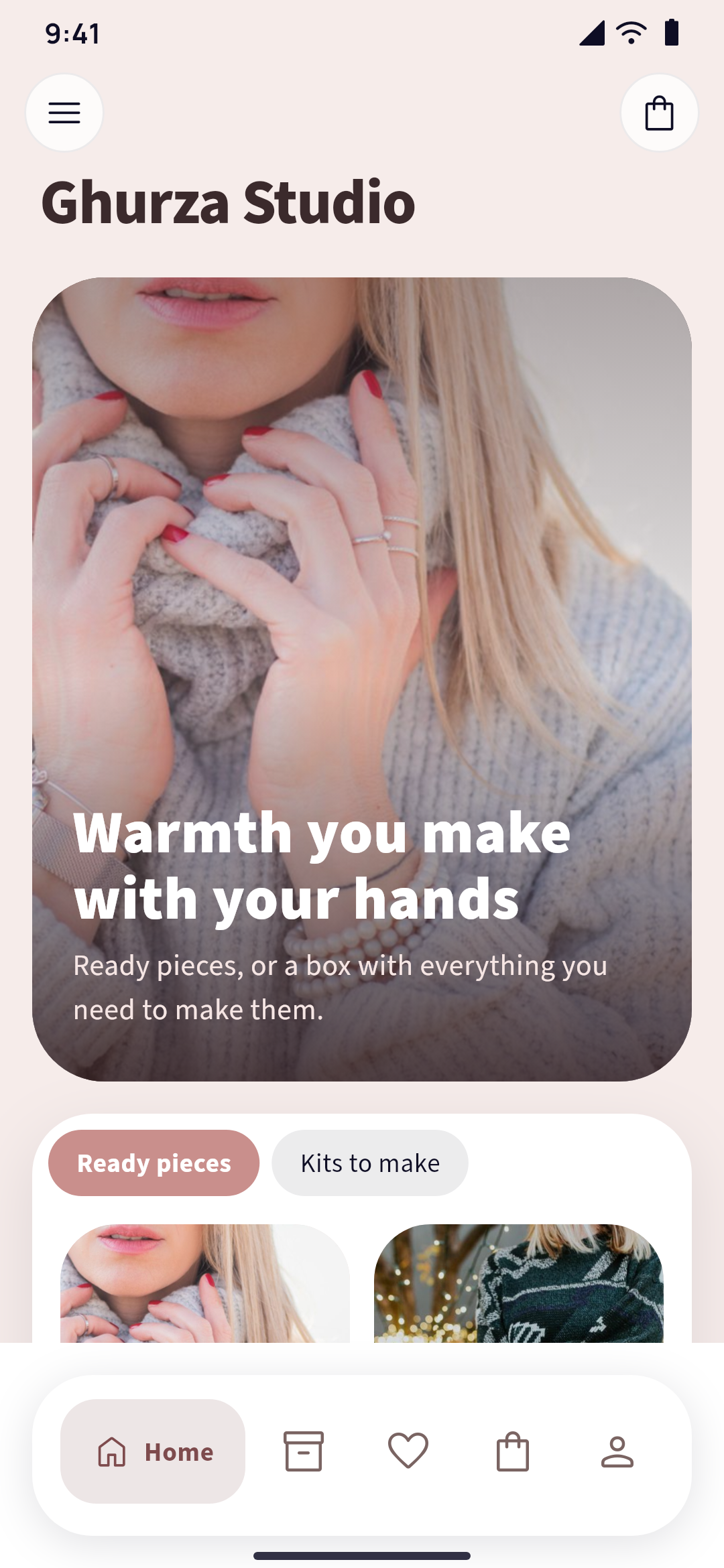
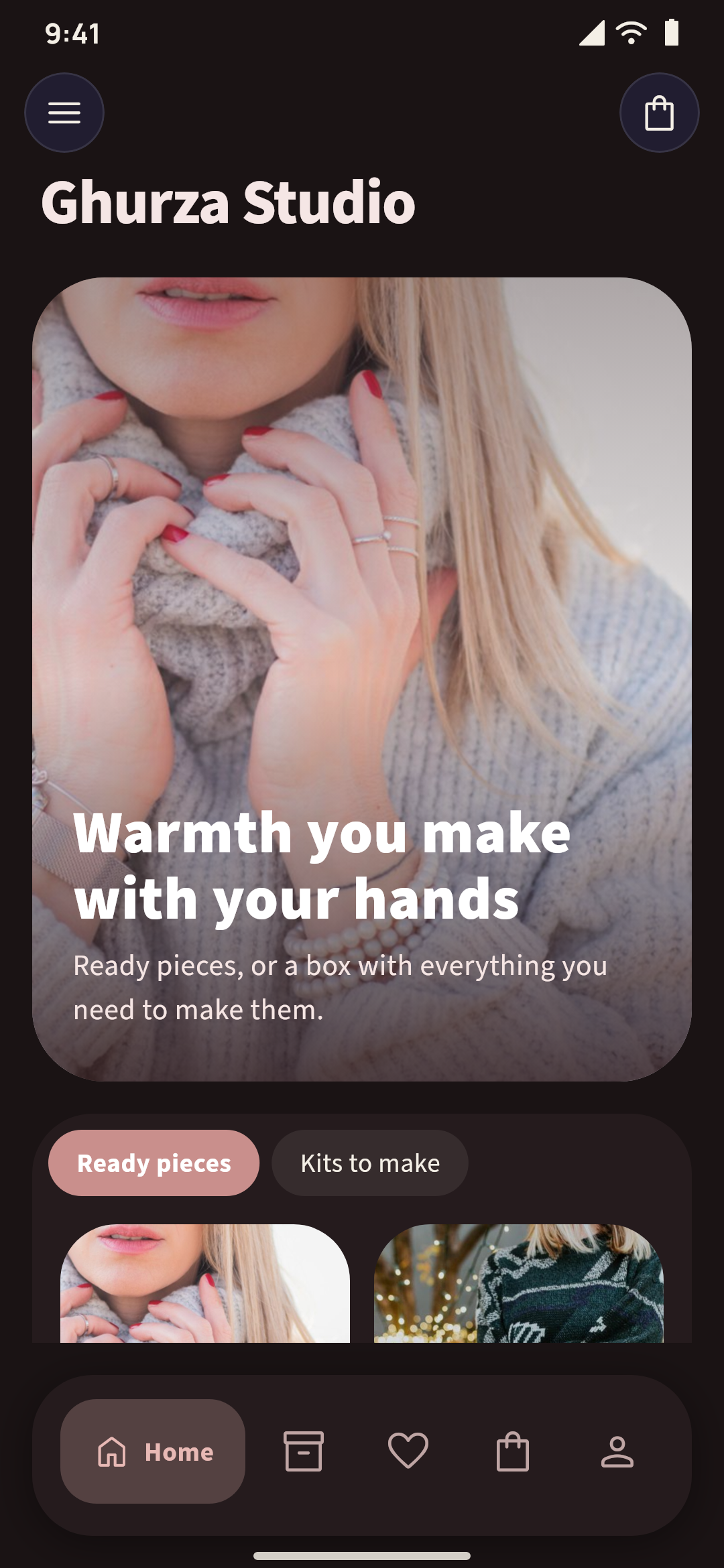
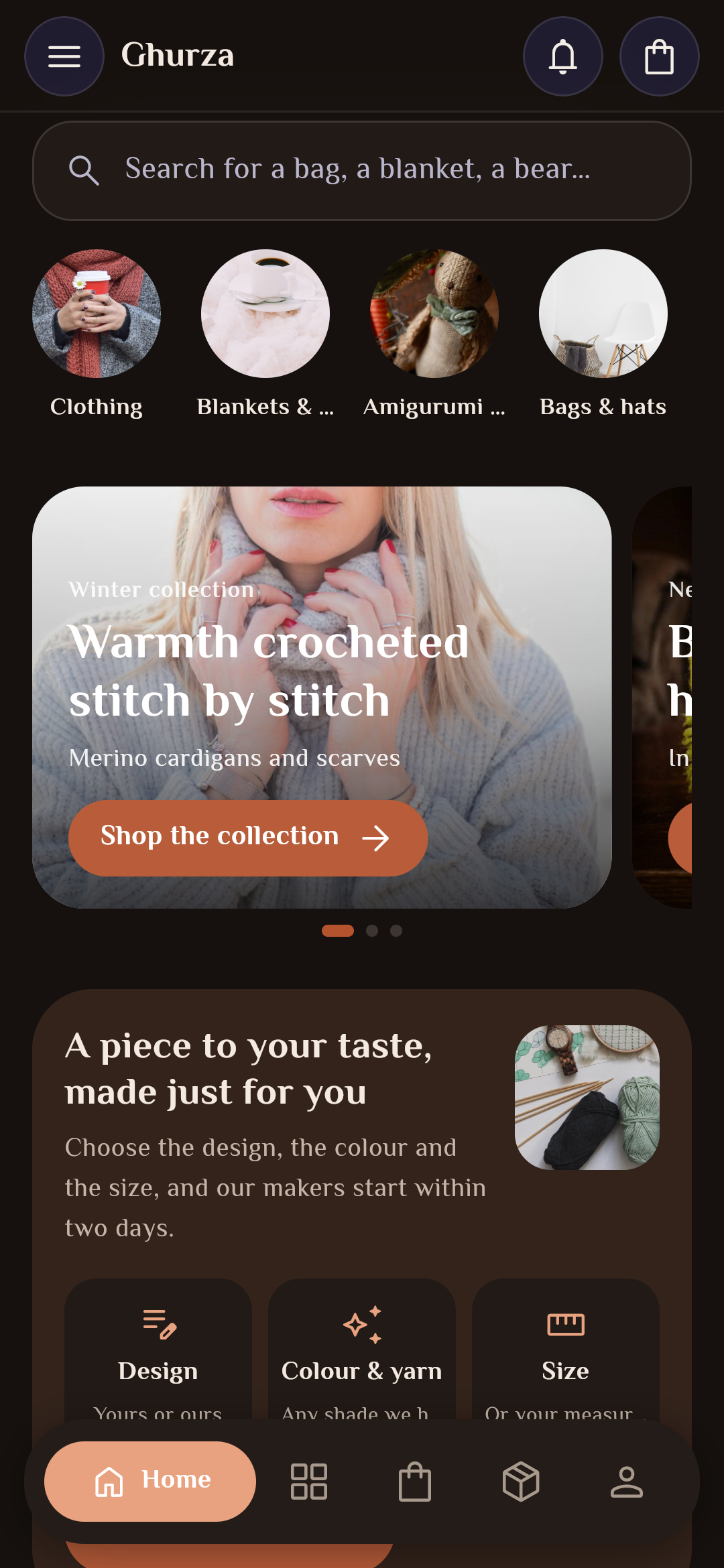
A crochet workshop in Cairo: blankets, cardigans, toys and bags made by hand, each with the days it takes to make, yarn and tools to make your own, workshops with its makers, and custom orders in your size and colour. Its photos are CC0, from StockSnap.
What to try
- Start a custom order from the home: what you'd like made, its size and colour, and send it (it reaches the shop's dashboard and Yallapp Business)
- Open a piece to see how many days it takes to make, then browse the yarn and tools
- Read the maker's story, look at the workshops, and switch the app to Arabic or to dark mode in the account
Two looks to start from
Every Studio demo comes in two looks, each in light and dark mode. A project can start from either one.
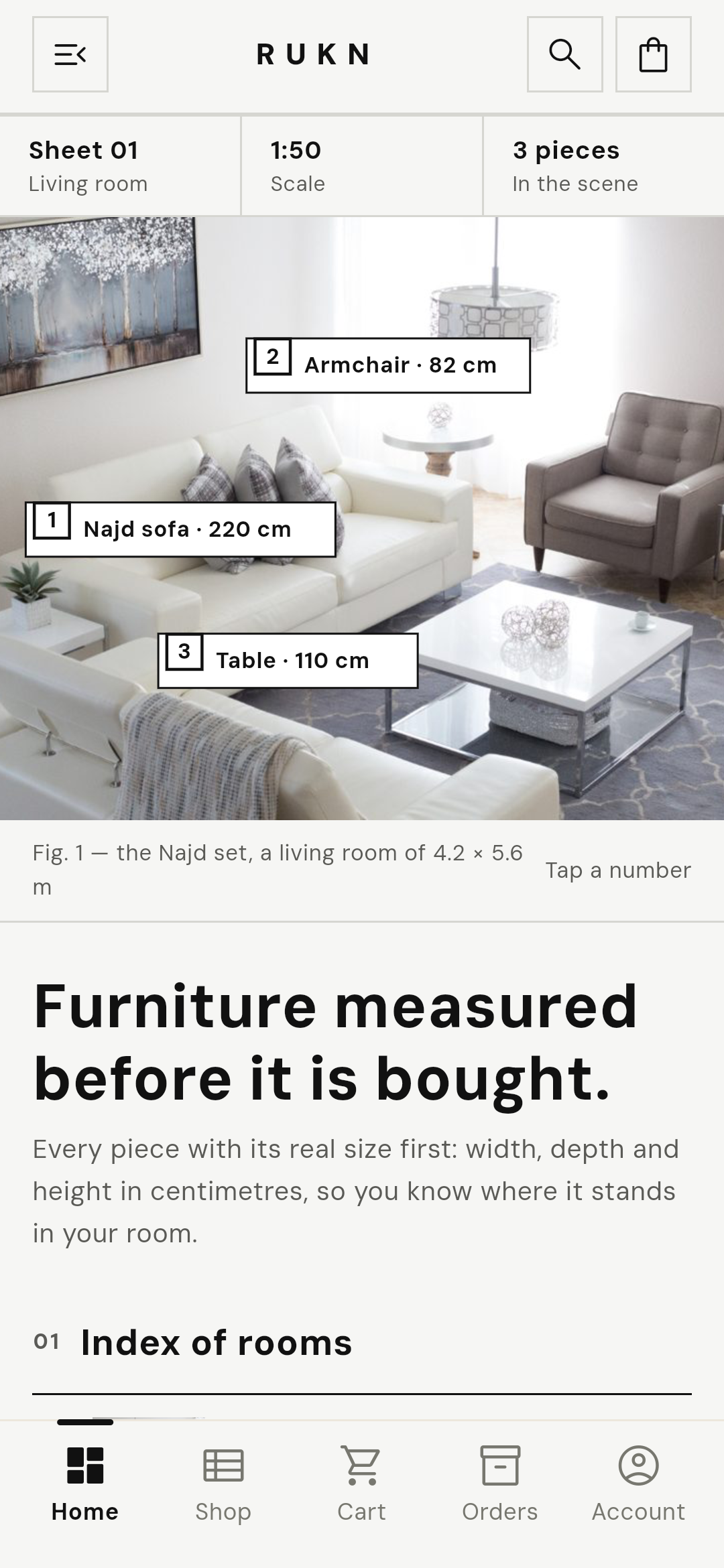
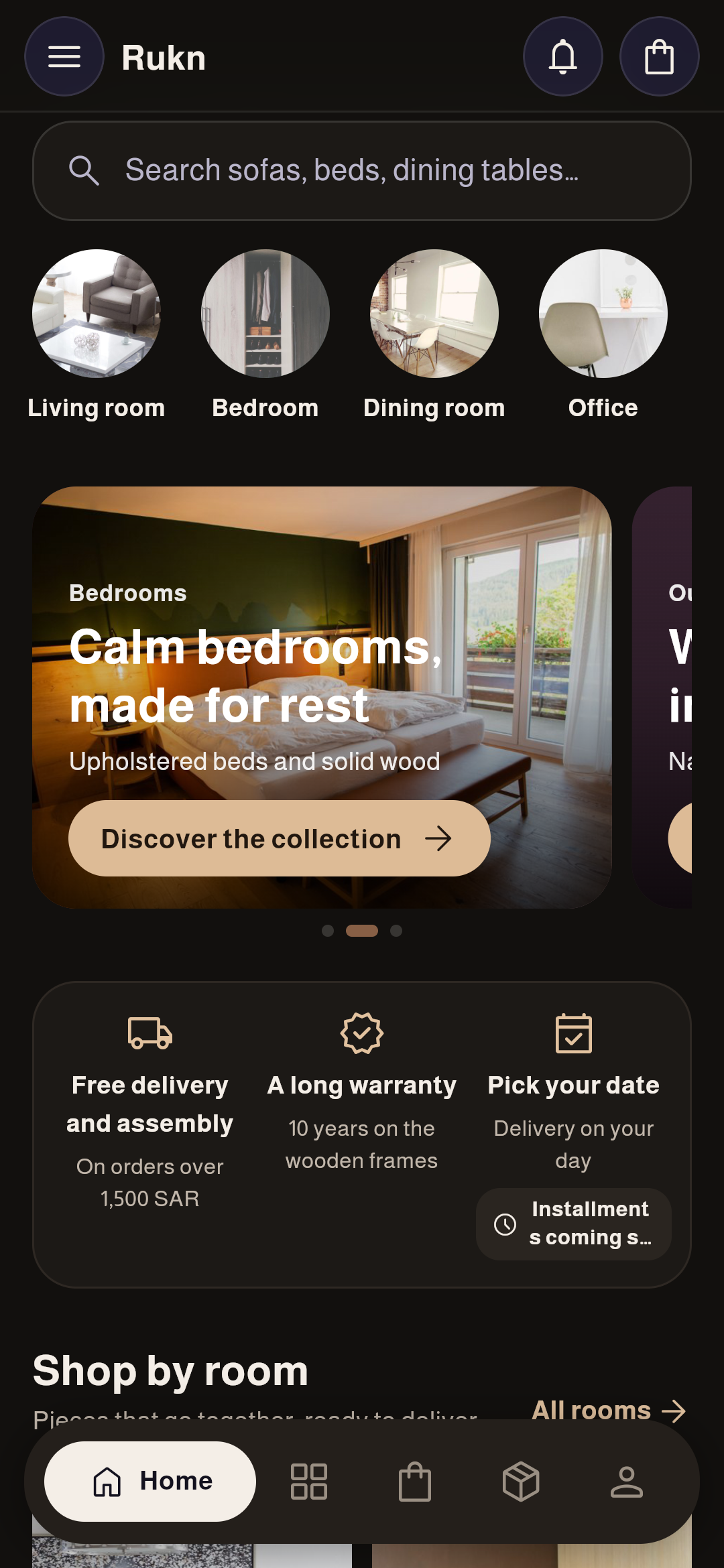
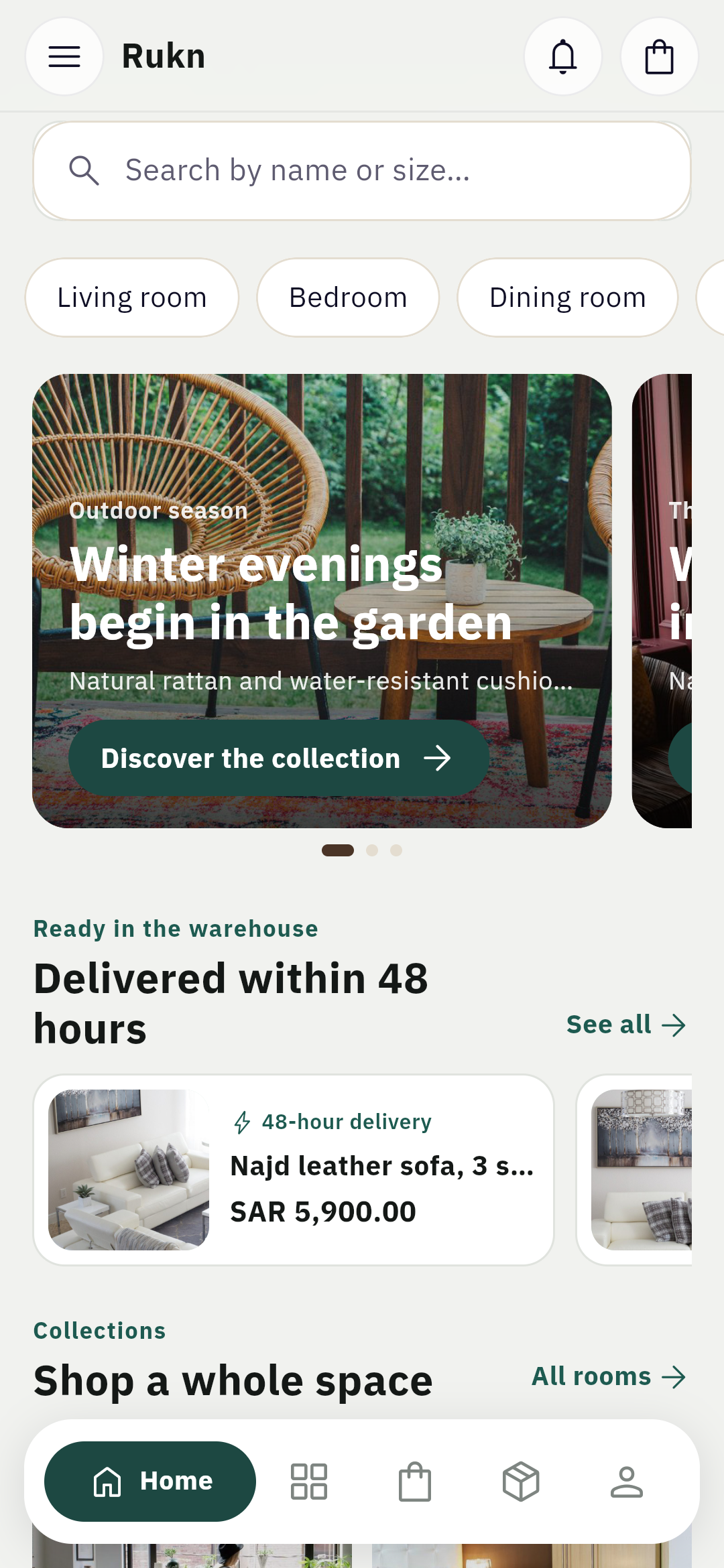
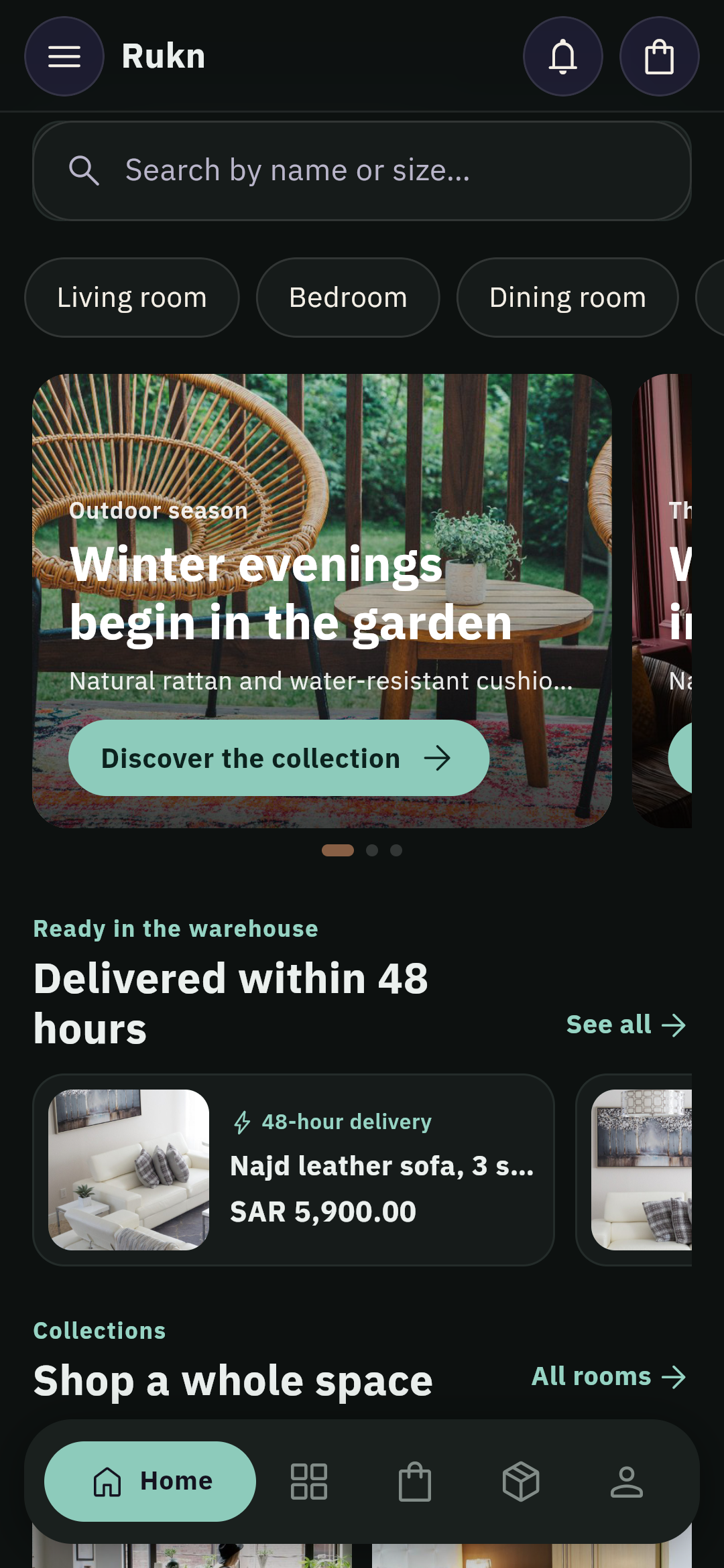
Rukn
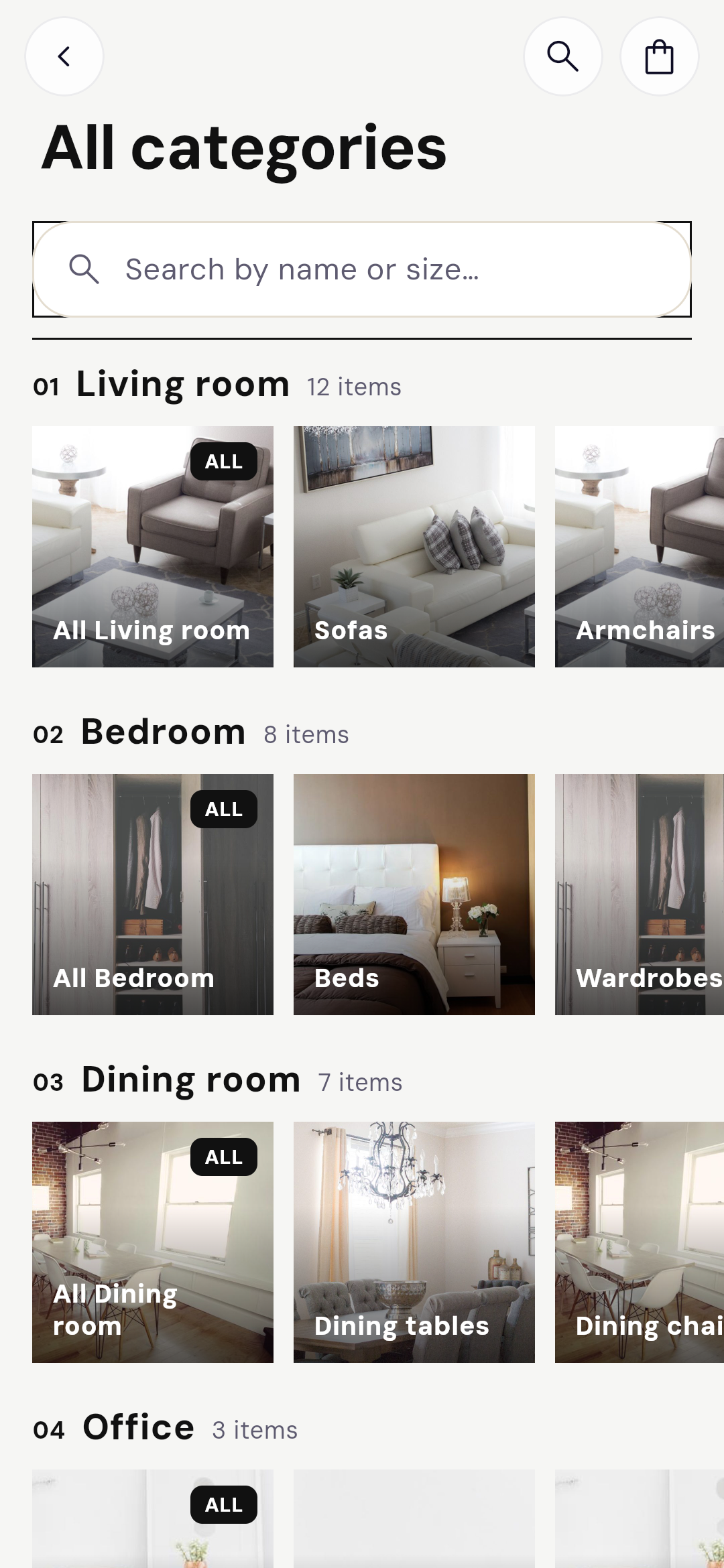
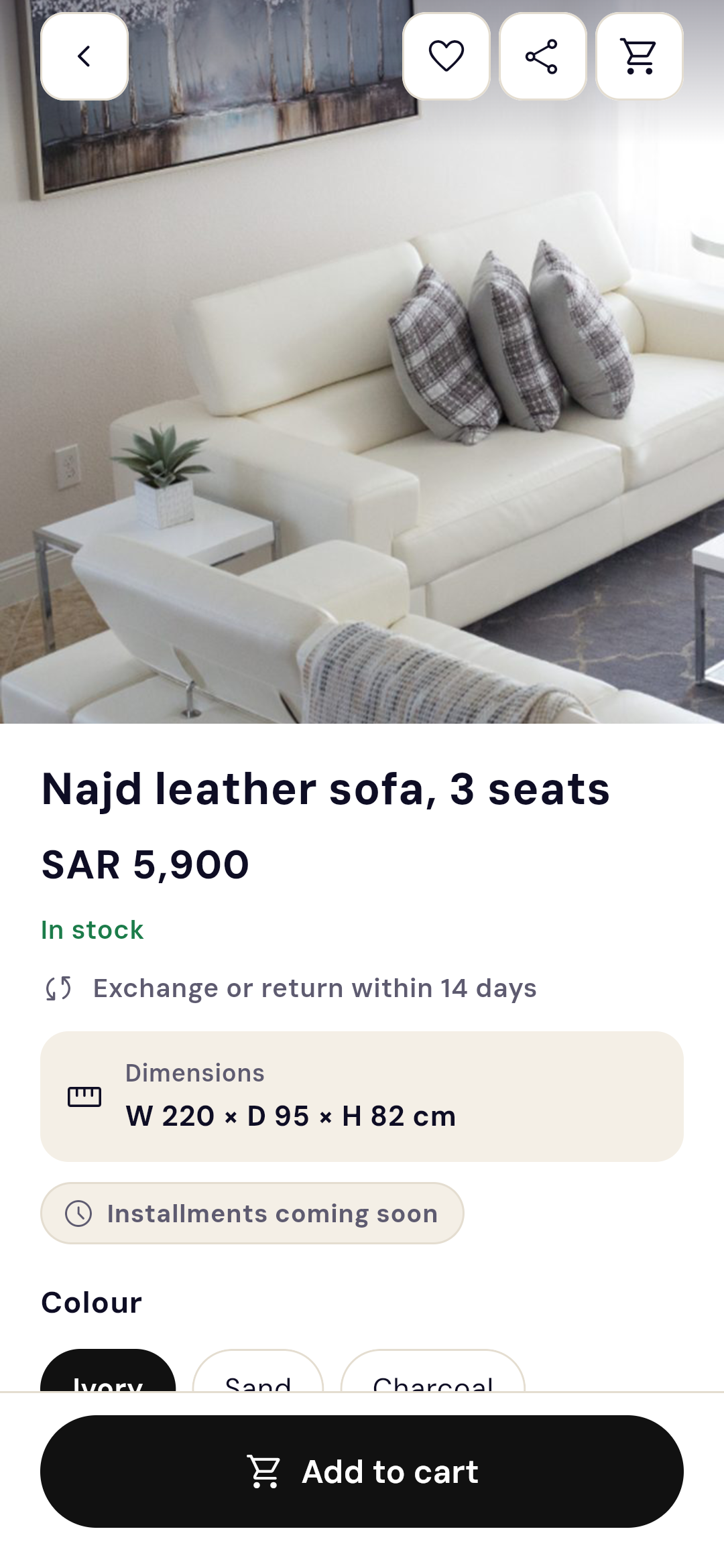
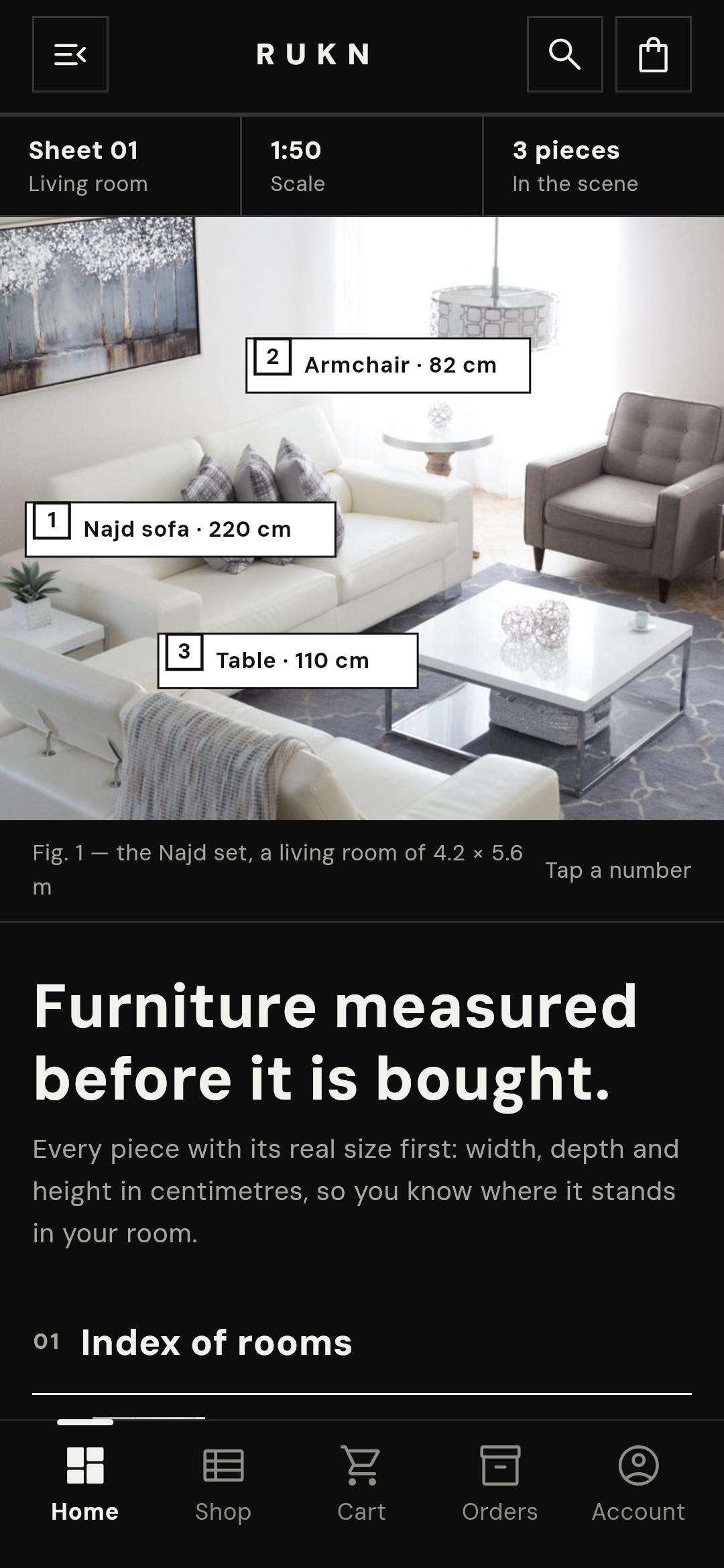
A furniture house in Riyadh: sofas, beds, dining tables, chairs and storage in their materials and colours, with dimensions in cm, delivery and assembly on the day you pick, shop by room and pieces made to order. Installments are coming soon. Its photos are CC0, from StockSnap.
What to try
- Shop by room, open a sofa and choose its fabric and colour; its width, depth and height are in cm
- Book the delivery and assembly from the home: pick the day and the time, and the cart keeps it for checkout
- Ask for a piece made to your size from the custom order, then switch the app to Arabic or to dark mode in the account
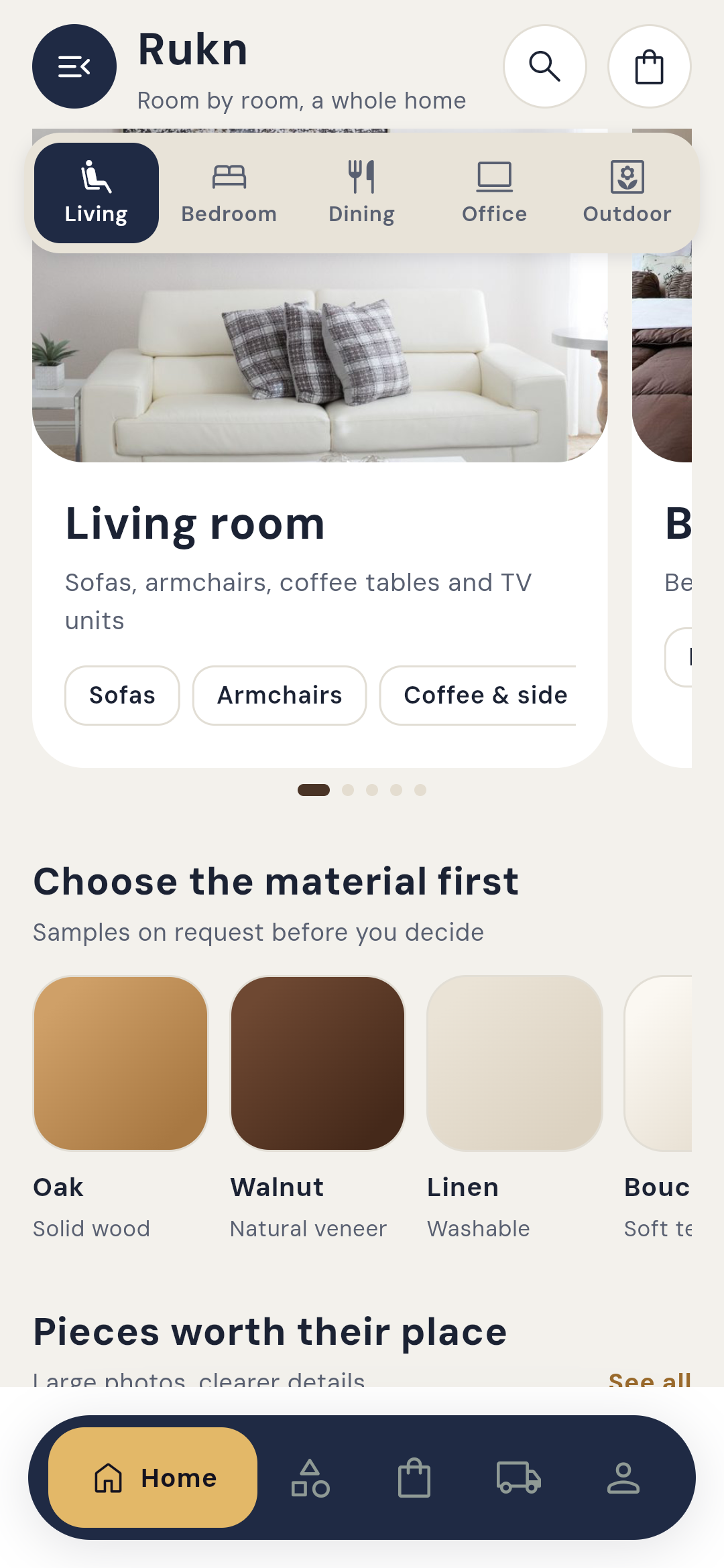
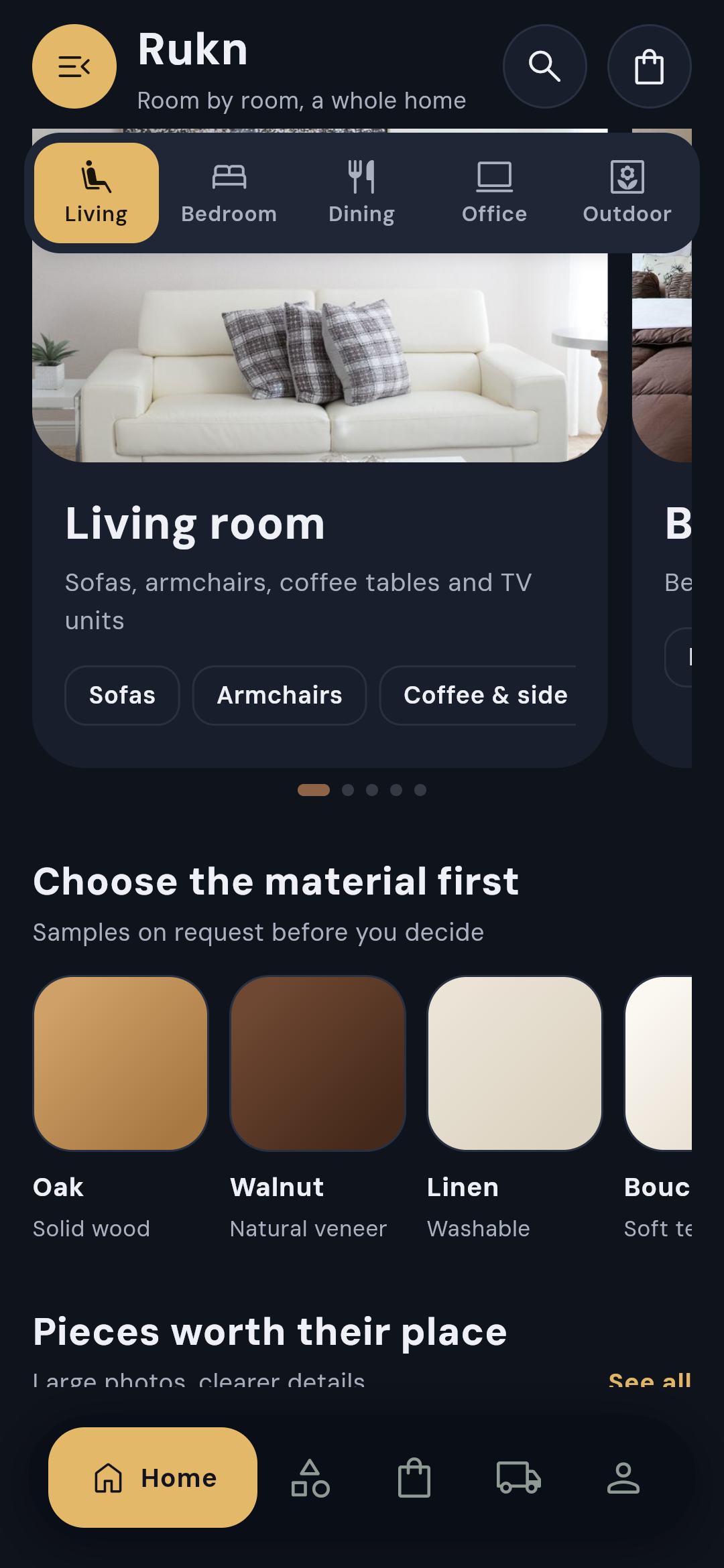
Two looks to start from
Every Studio demo comes in two looks, each in light and dark mode. A project can start from either one.
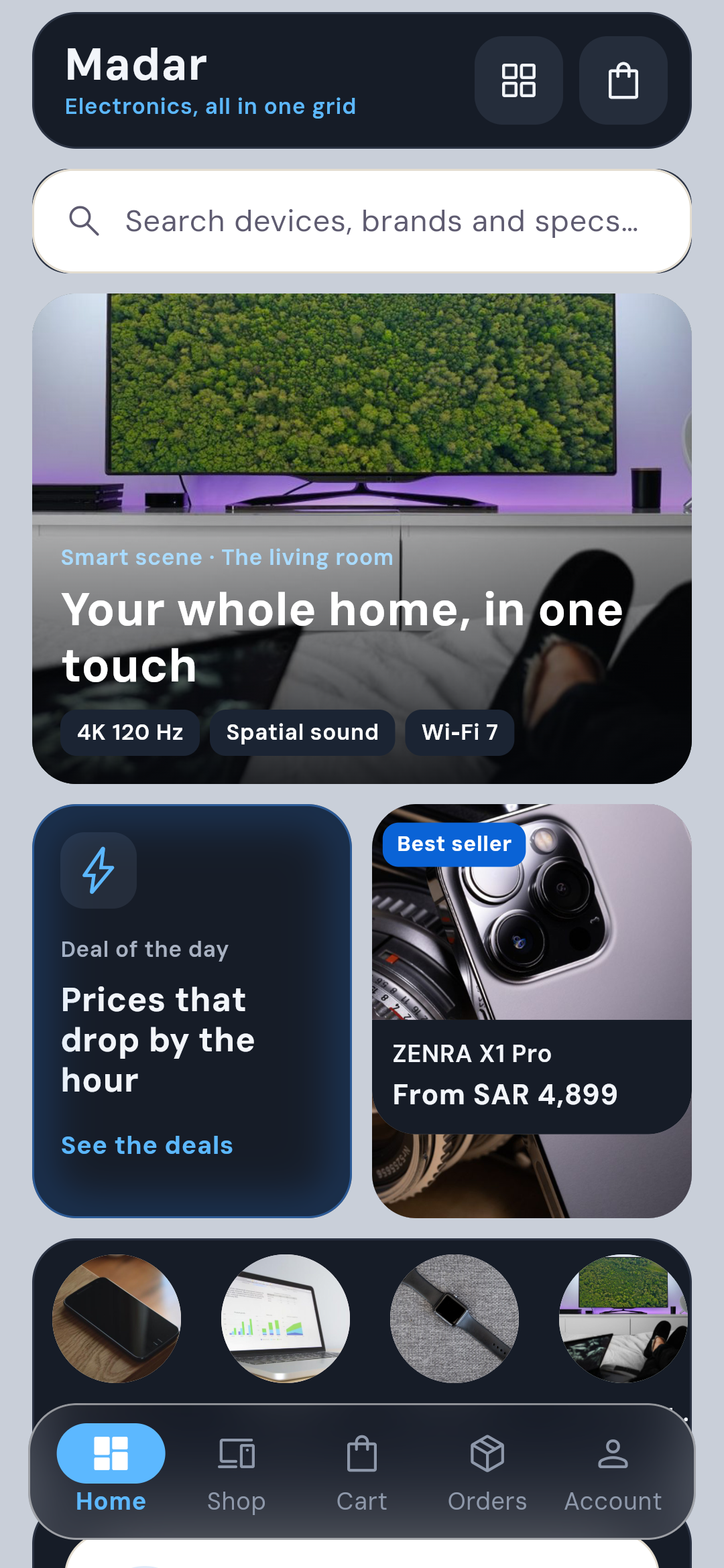
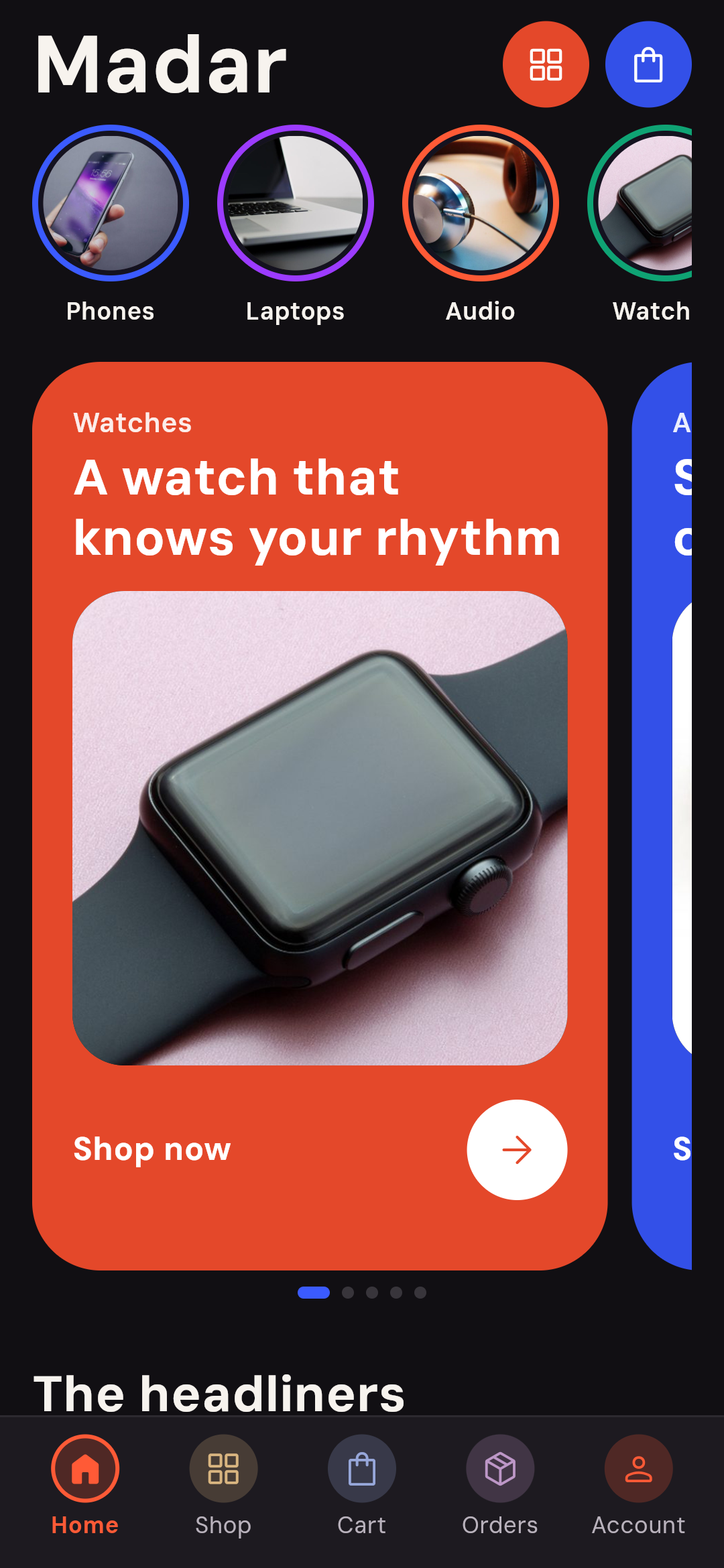
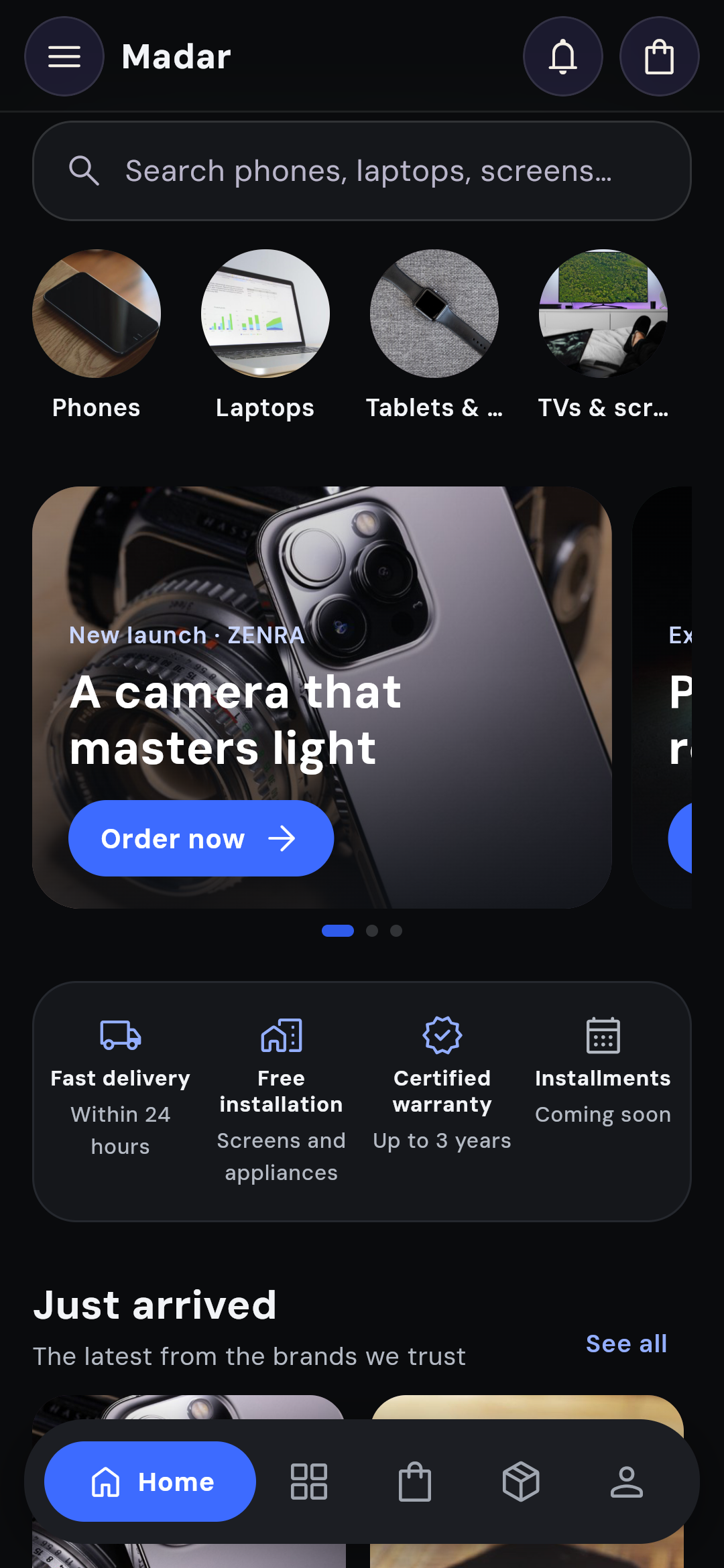
Madar
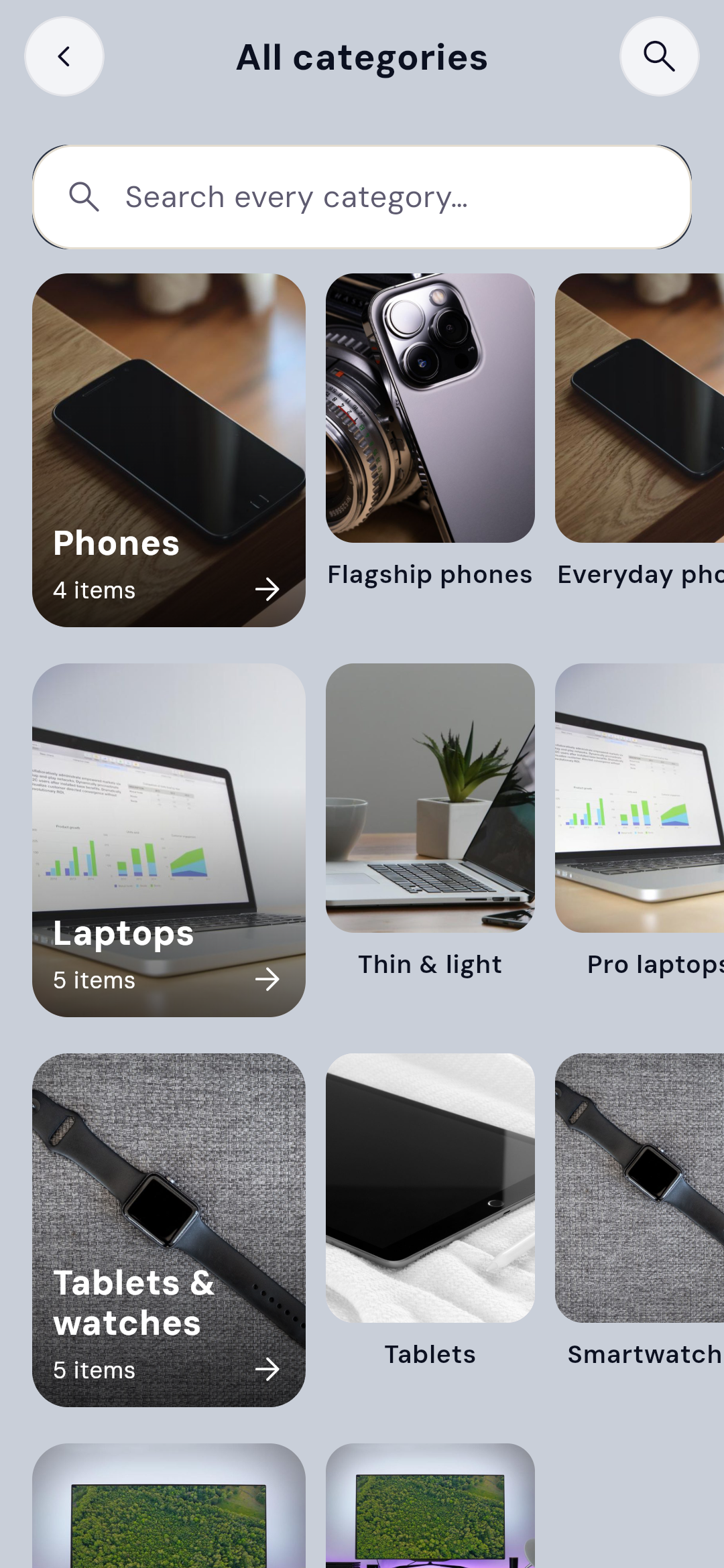
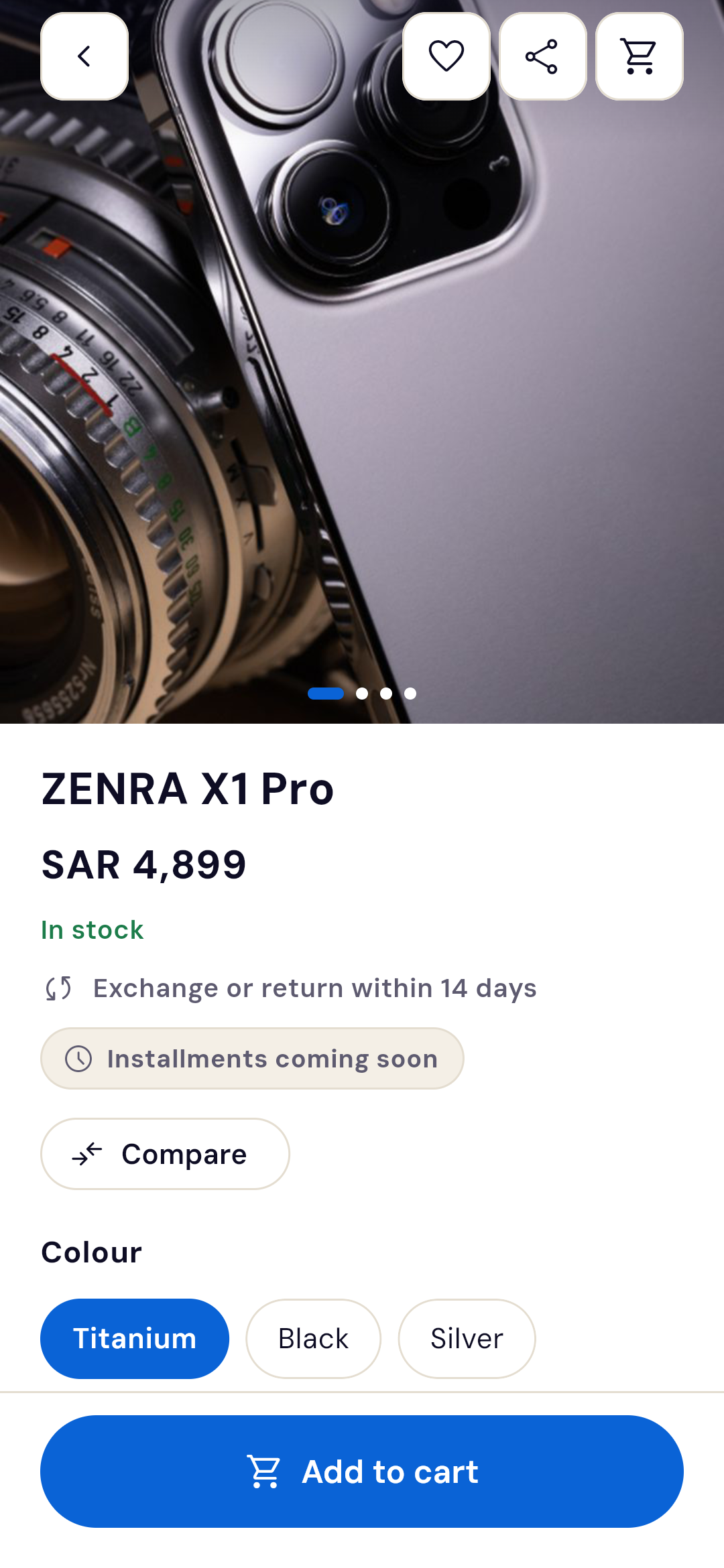
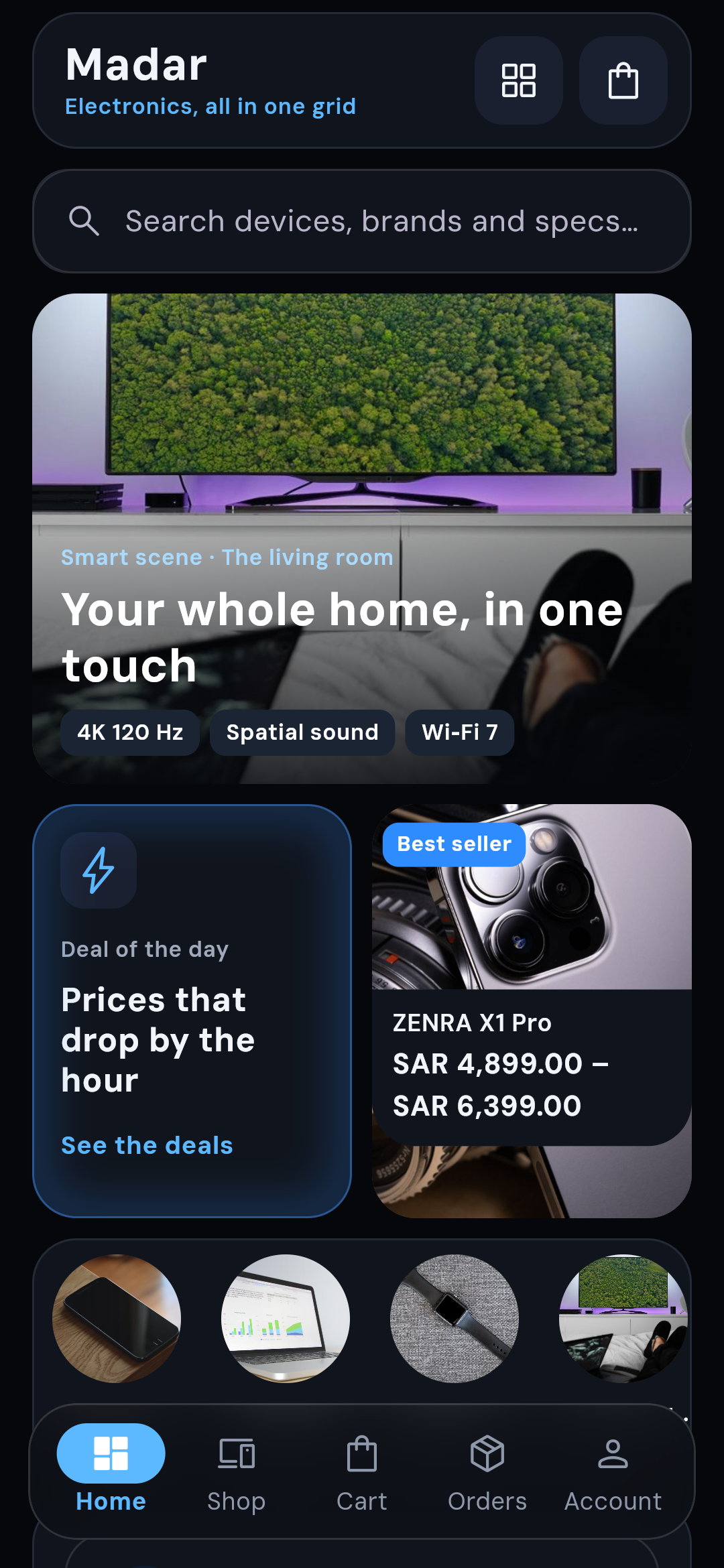
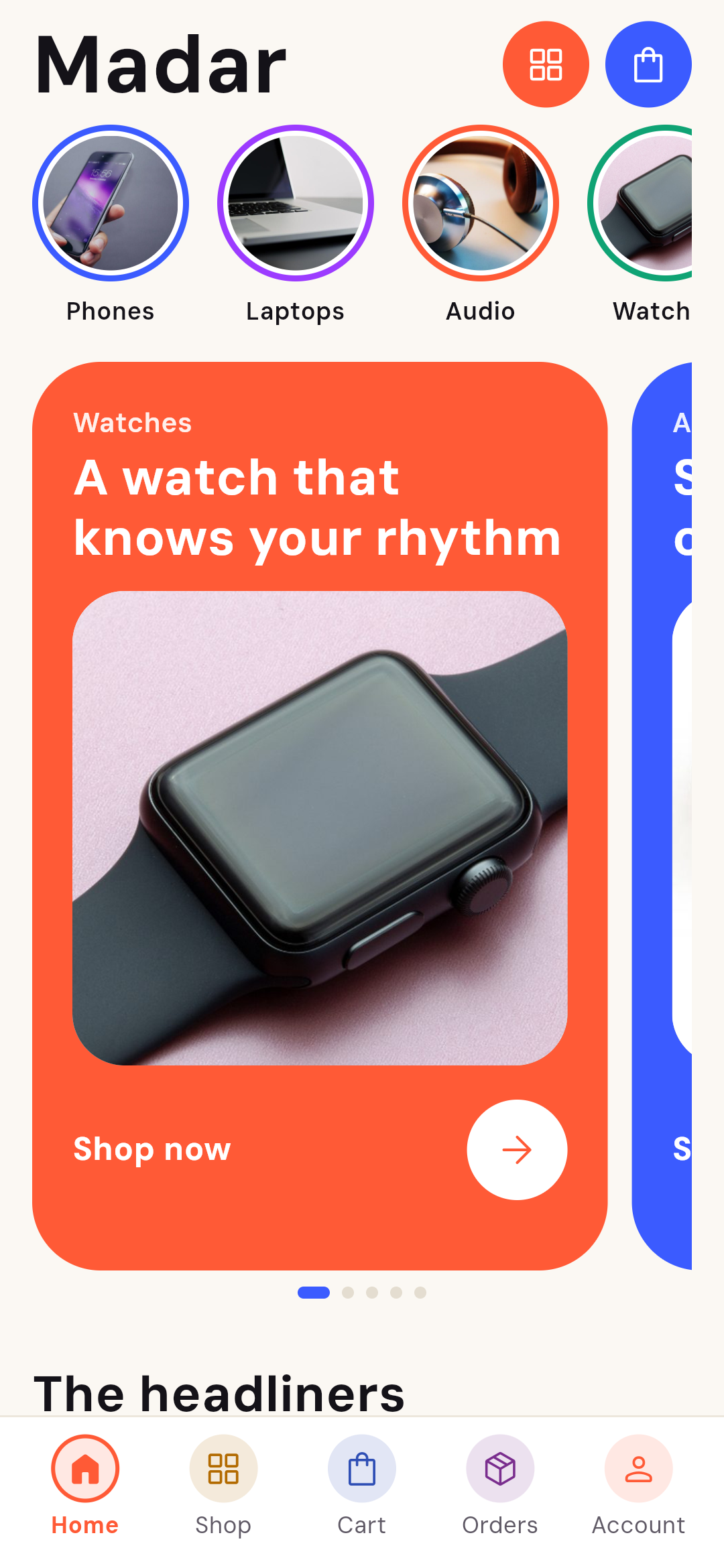
An all-in-one electronics store in Riyadh: phones, laptops, tablets and watches, TVs, audio, cameras and drones, gaming and home appliances, each with its specifications, its colours and storages, its warranty and more cover to add. Its photos are CC0, from StockSnap.
What to try
- Open a phone, choose its colour and storage (each storage its own price), read its specifications and add a year more of warranty
- Compare two phones side by side, spec by spec, and see what your old phone is worth on the trade-in page
- Check out with the shop's code, follow your order in Orders, and switch the app to Arabic or to dark mode in the account
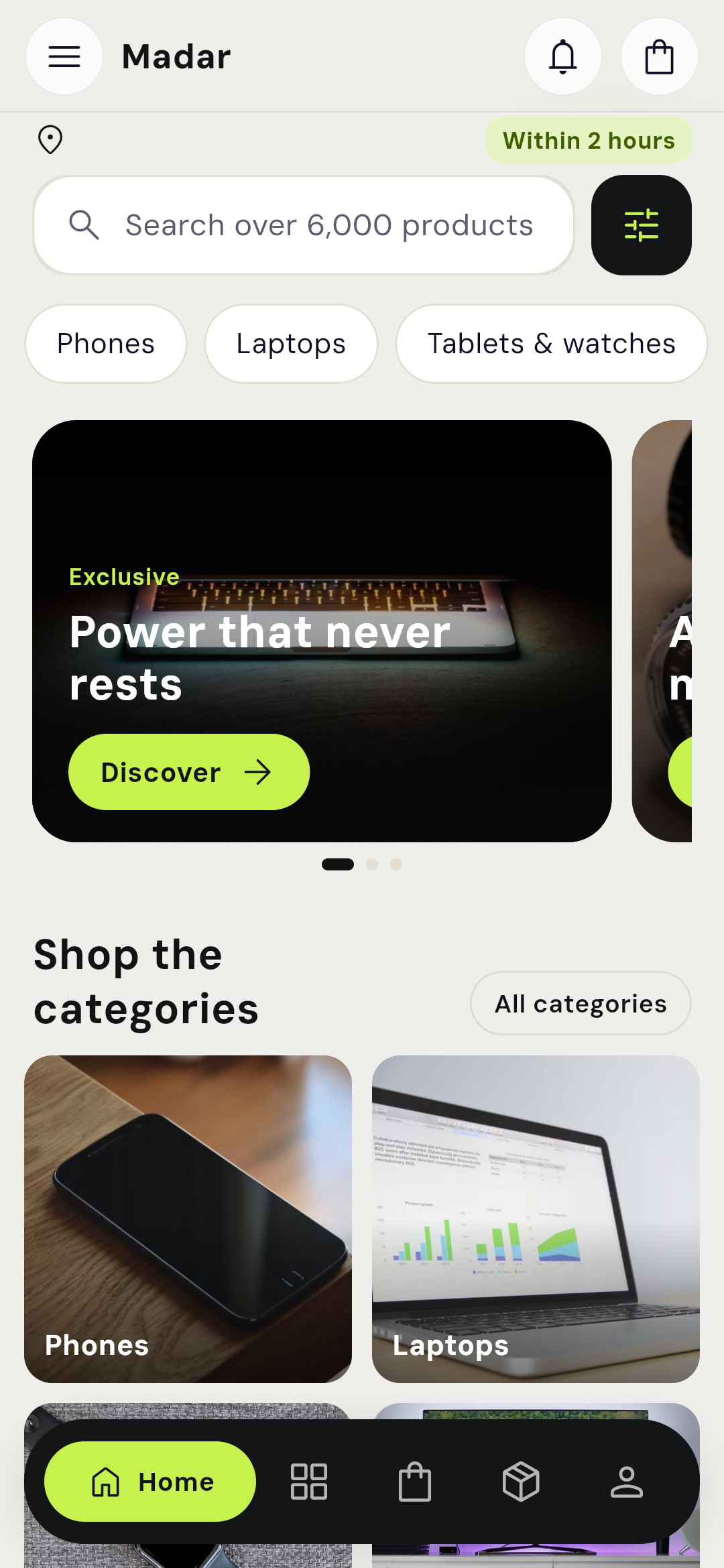
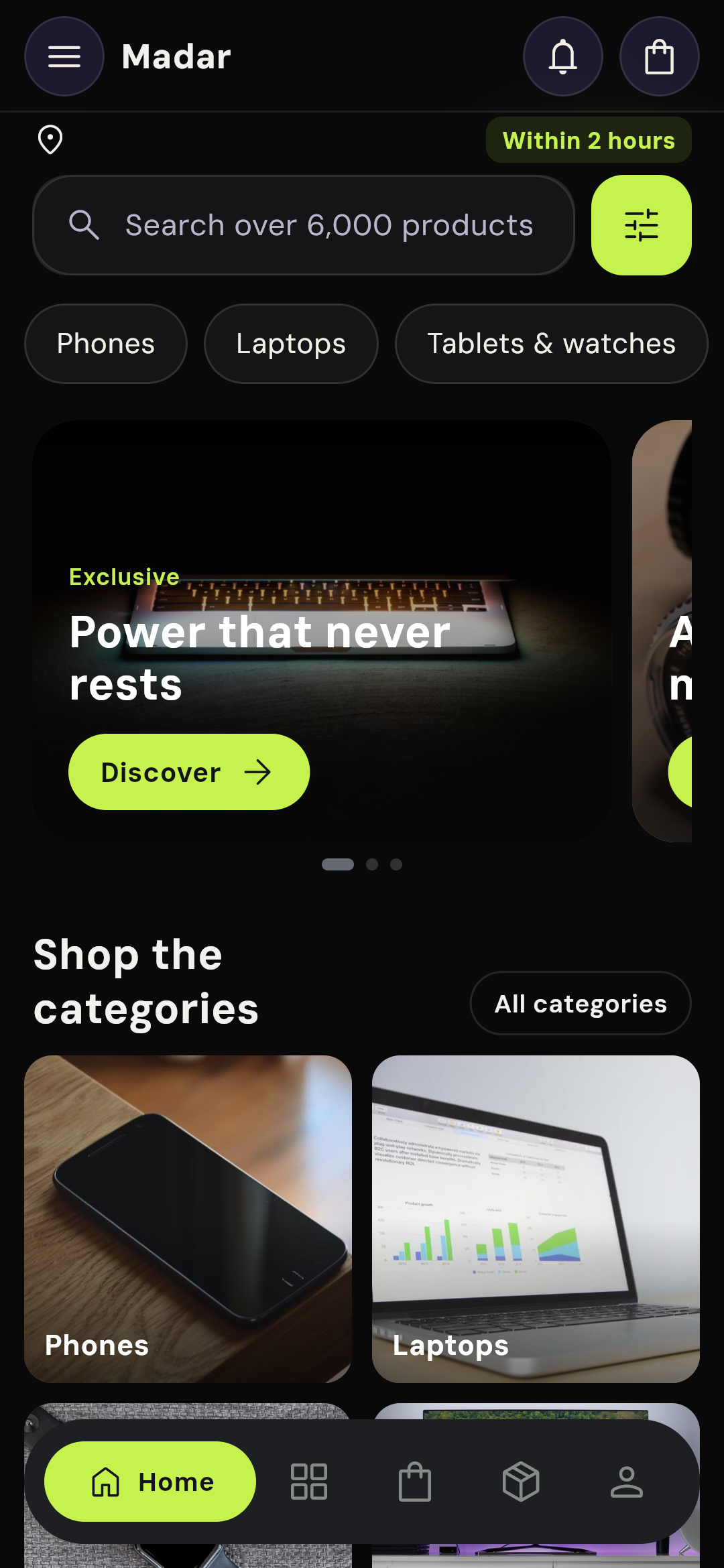
Two looks to start from
Every Studio demo comes in two looks, each in light and dark mode. A project can start from either one.
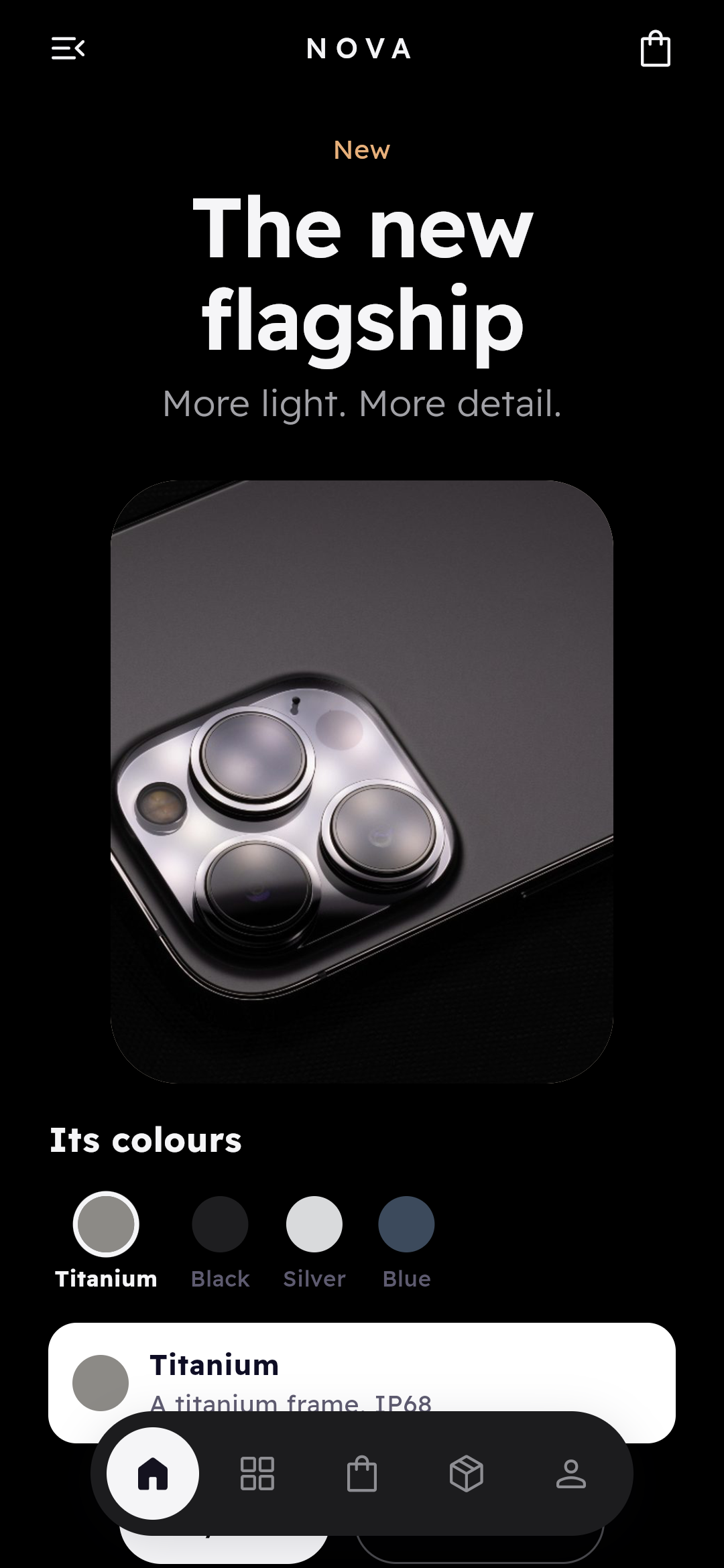
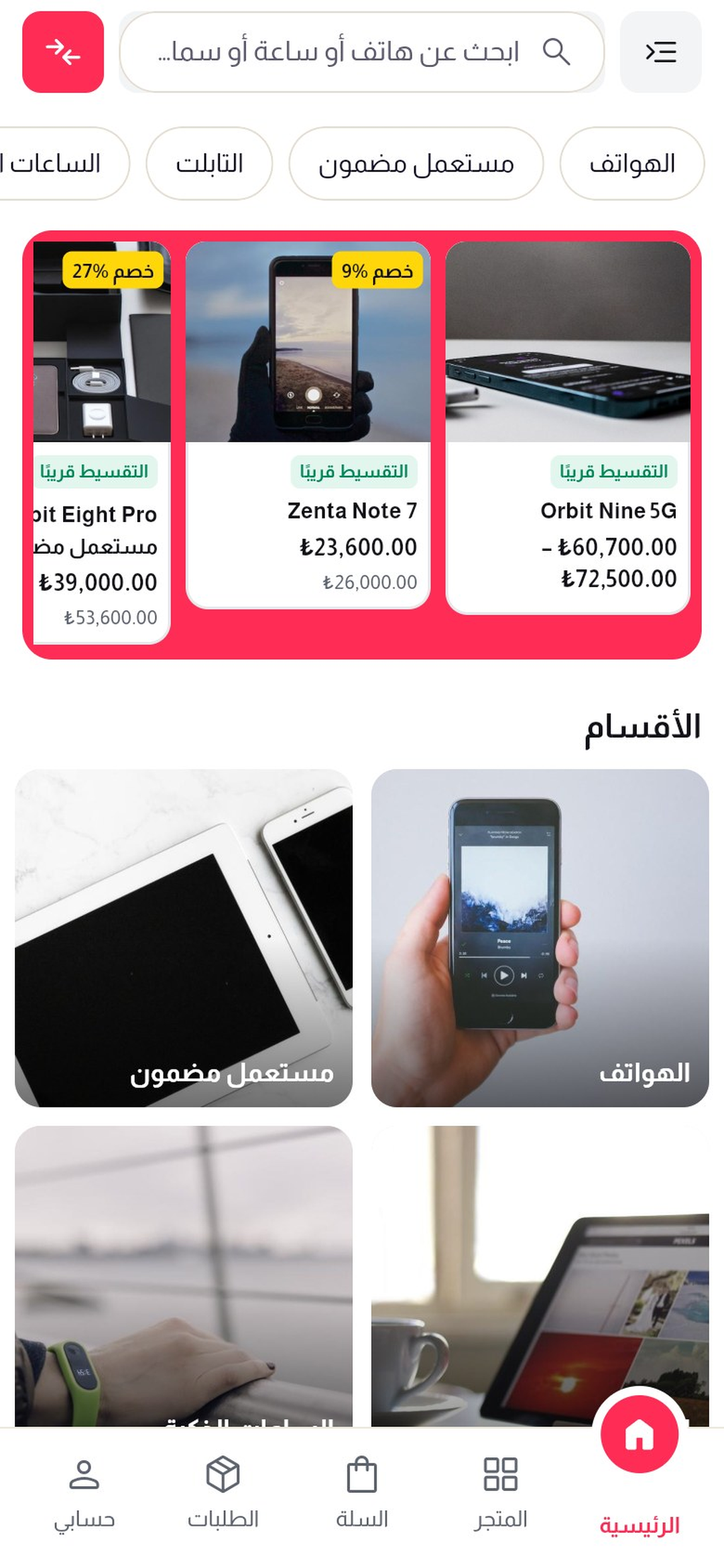
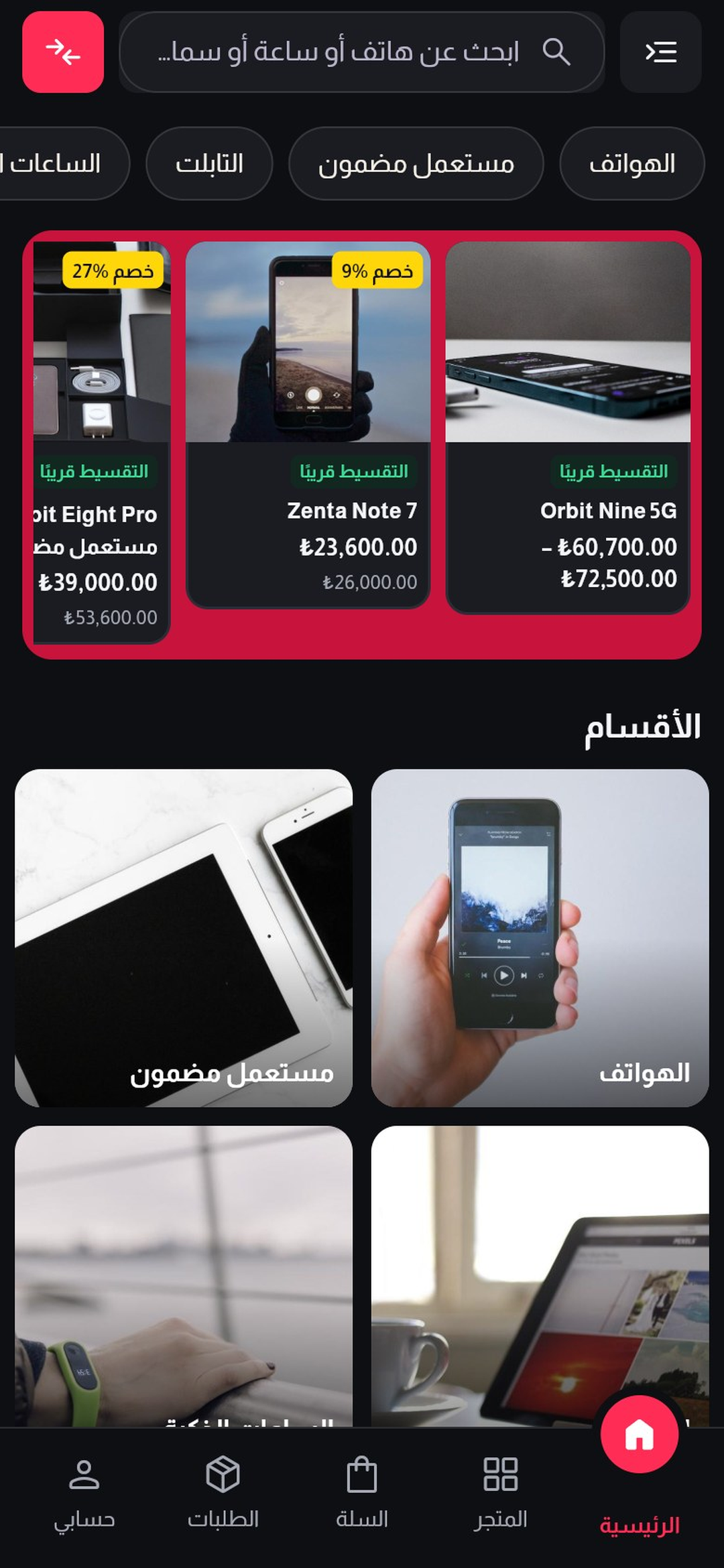
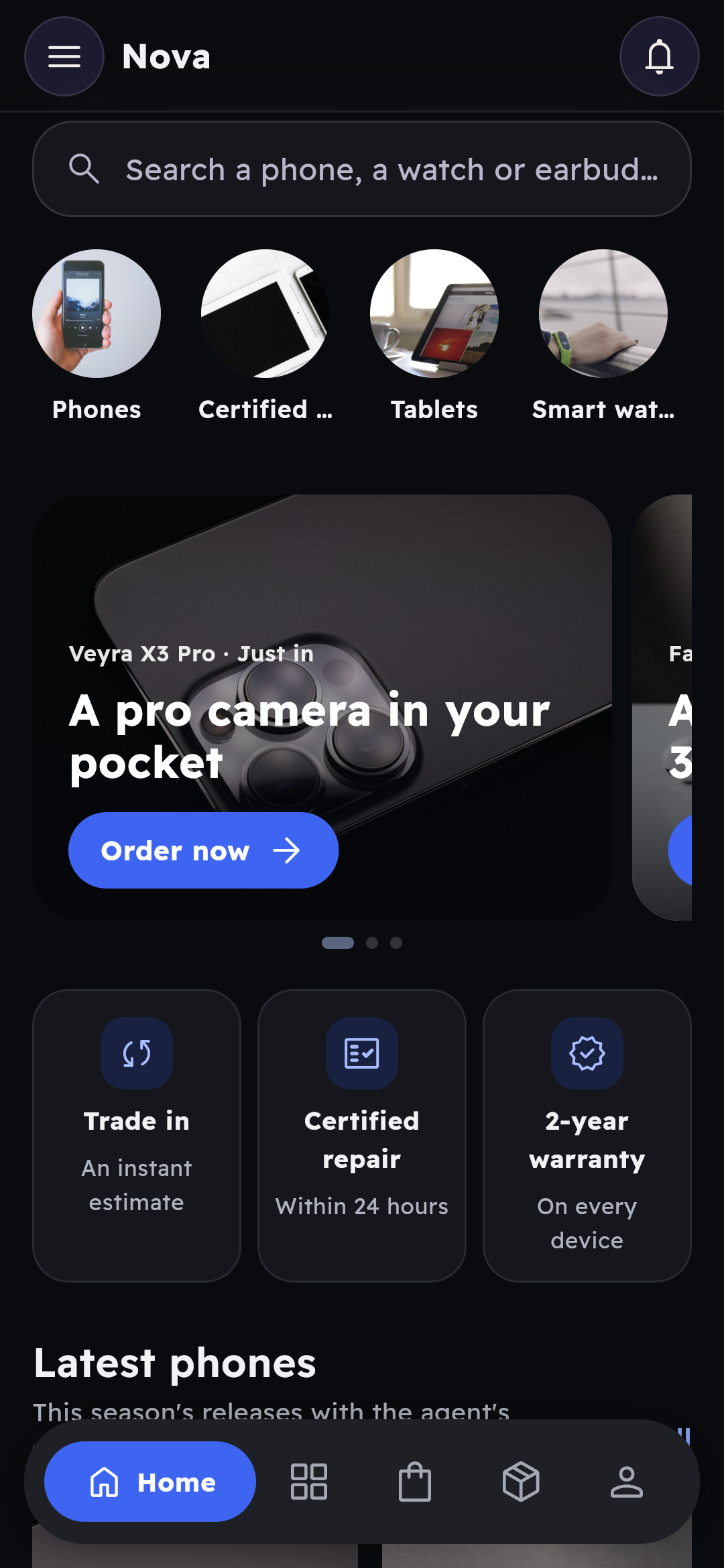
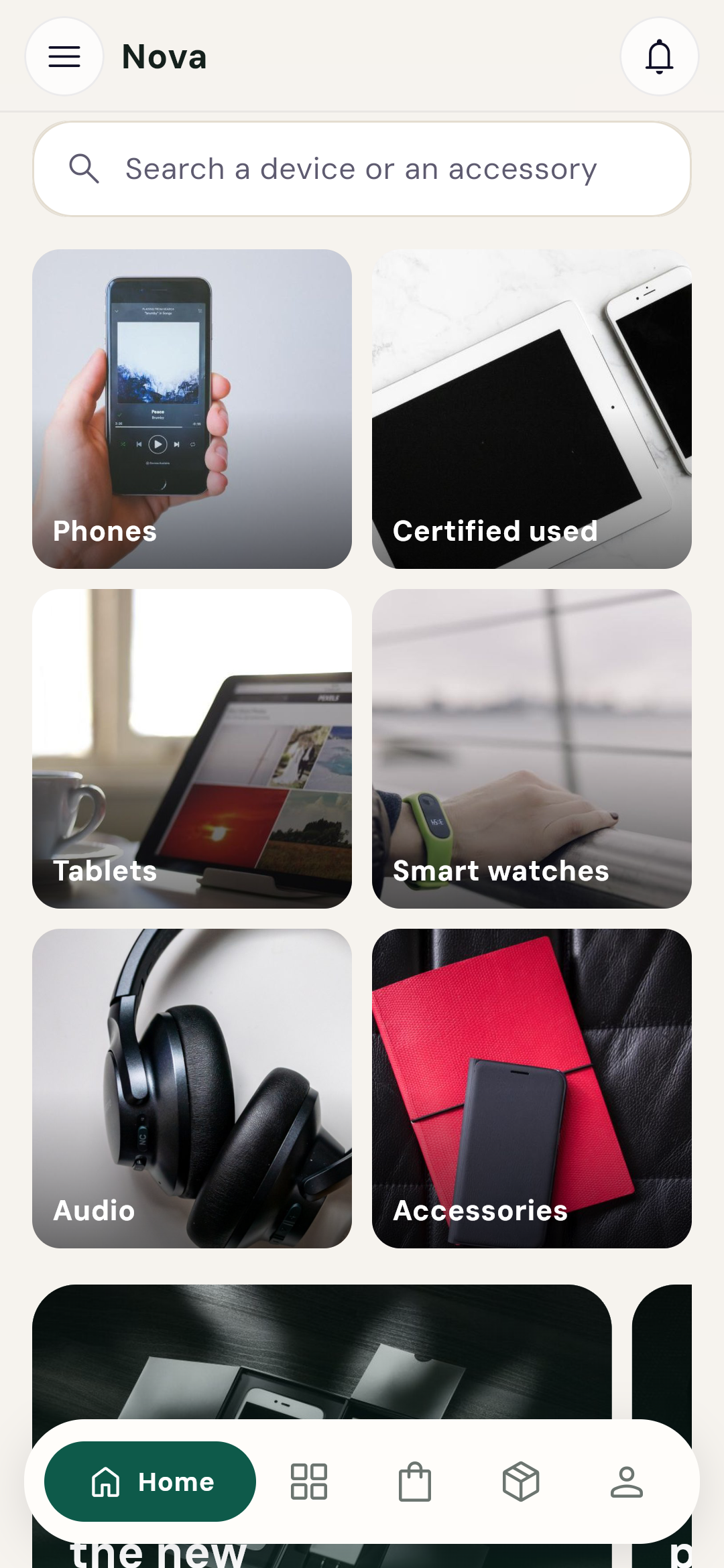
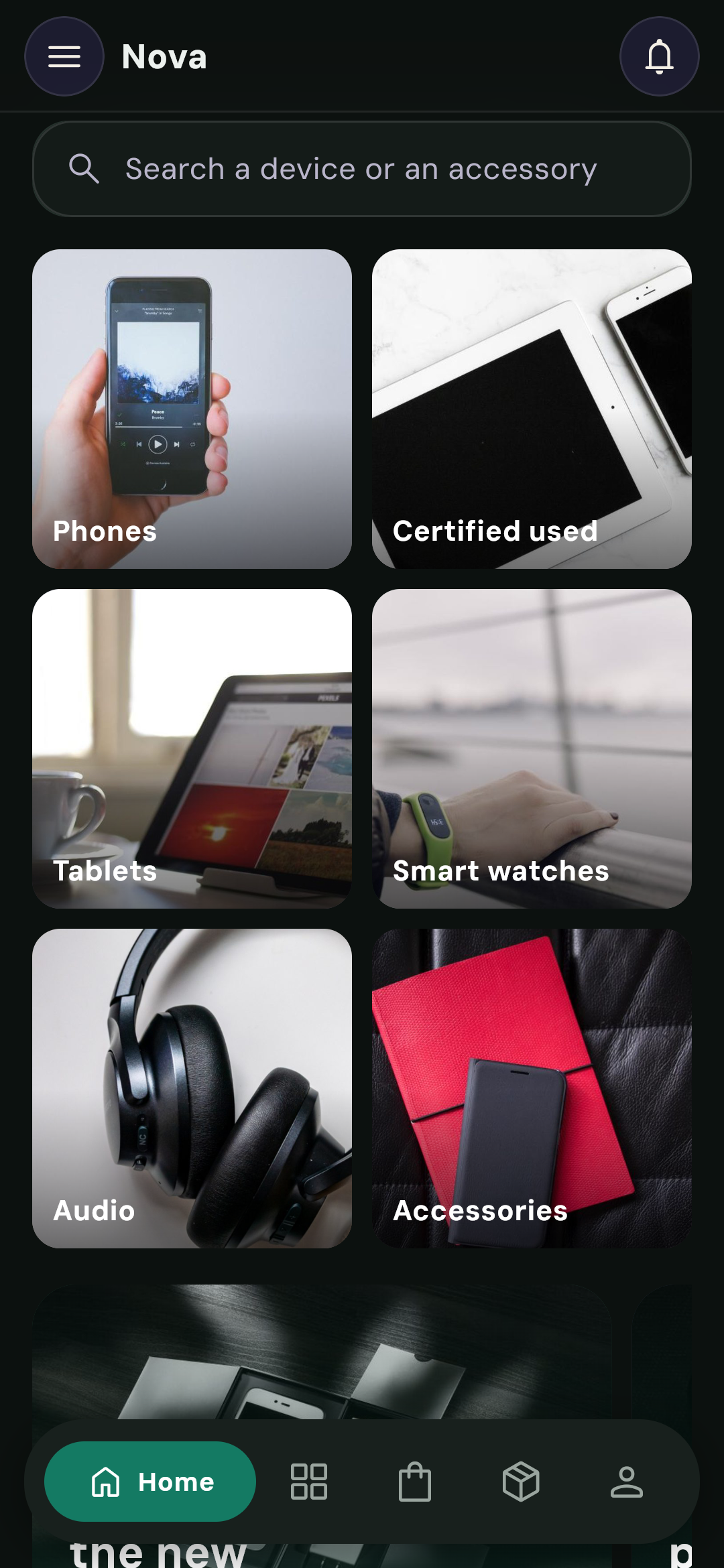
Nova
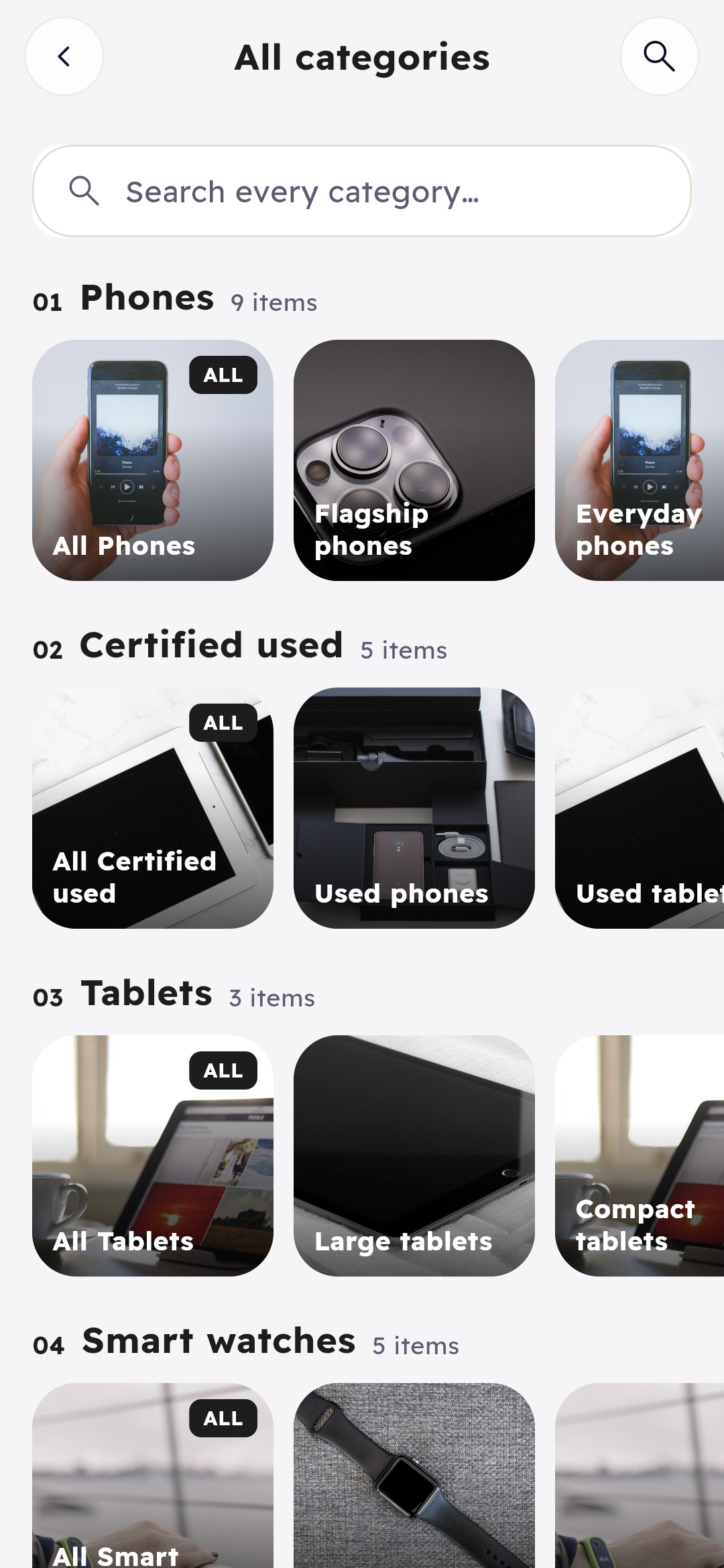
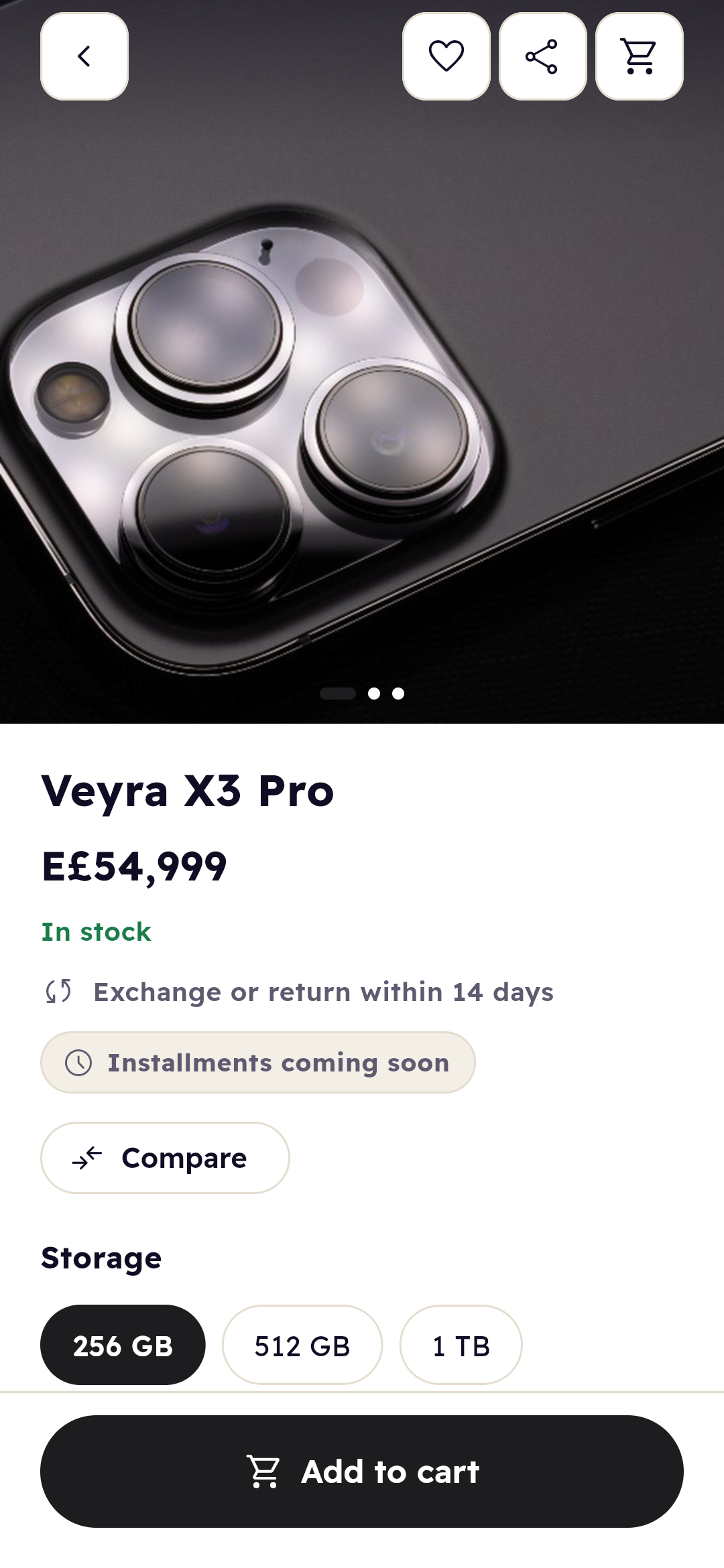
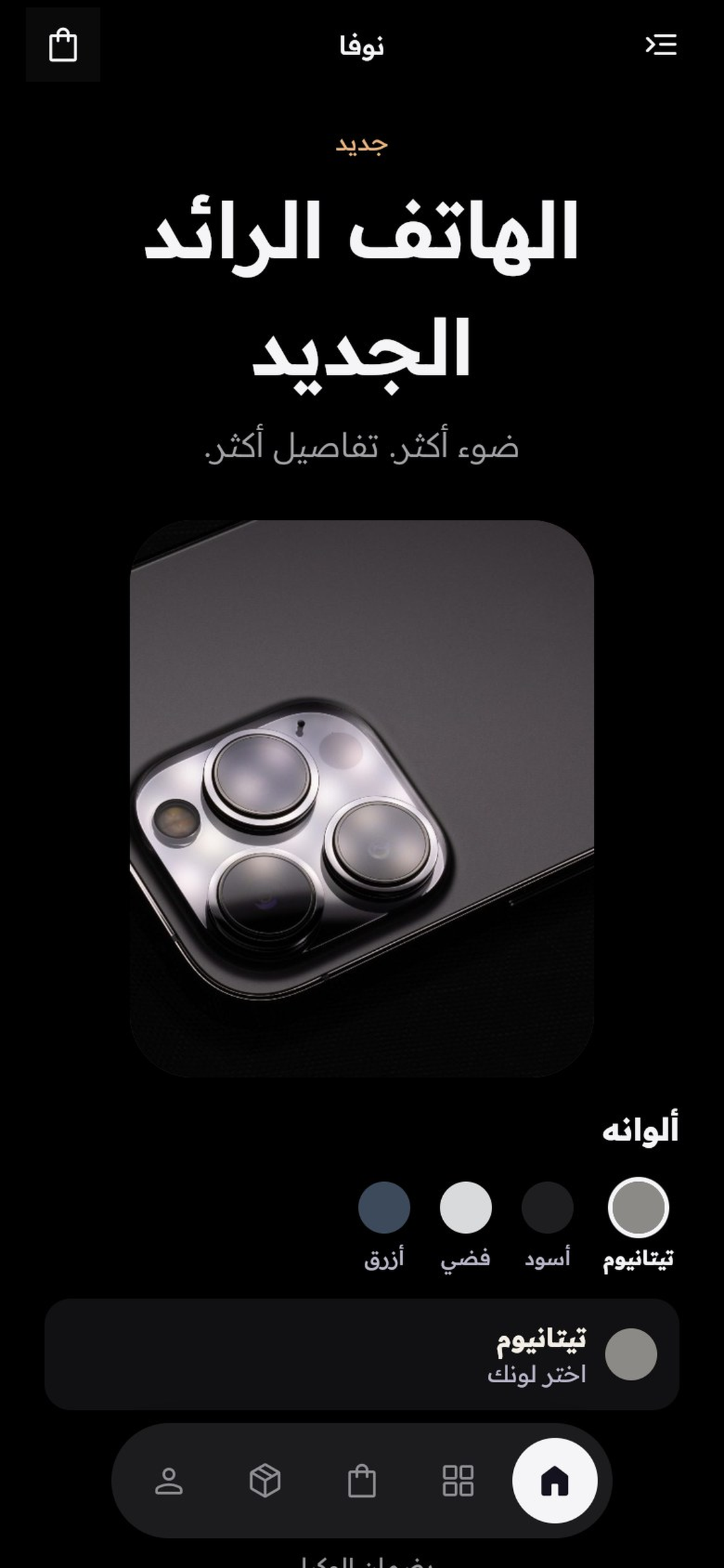
A phone shop in Cairo: new phones in every storage and colour with a local or an international warranty, certified used phones with their grade and battery health, tablets, watches, earbuds and accessories, every device with its specs. Its photos are CC0, from StockSnap.
What to try
- Find out what your old phone is worth on the home page, choose its storage and condition, and send the trade-in to the shop
- Open a phone, choose its storage, colour and warranty, read its specs and add it to Compare beside another one
- Look through the certified used phones and their grades, then switch the app to Arabic or to dark mode in the account
Two looks to start from
Every Studio demo comes in two looks, each in light and dark mode. A project can start from either one.
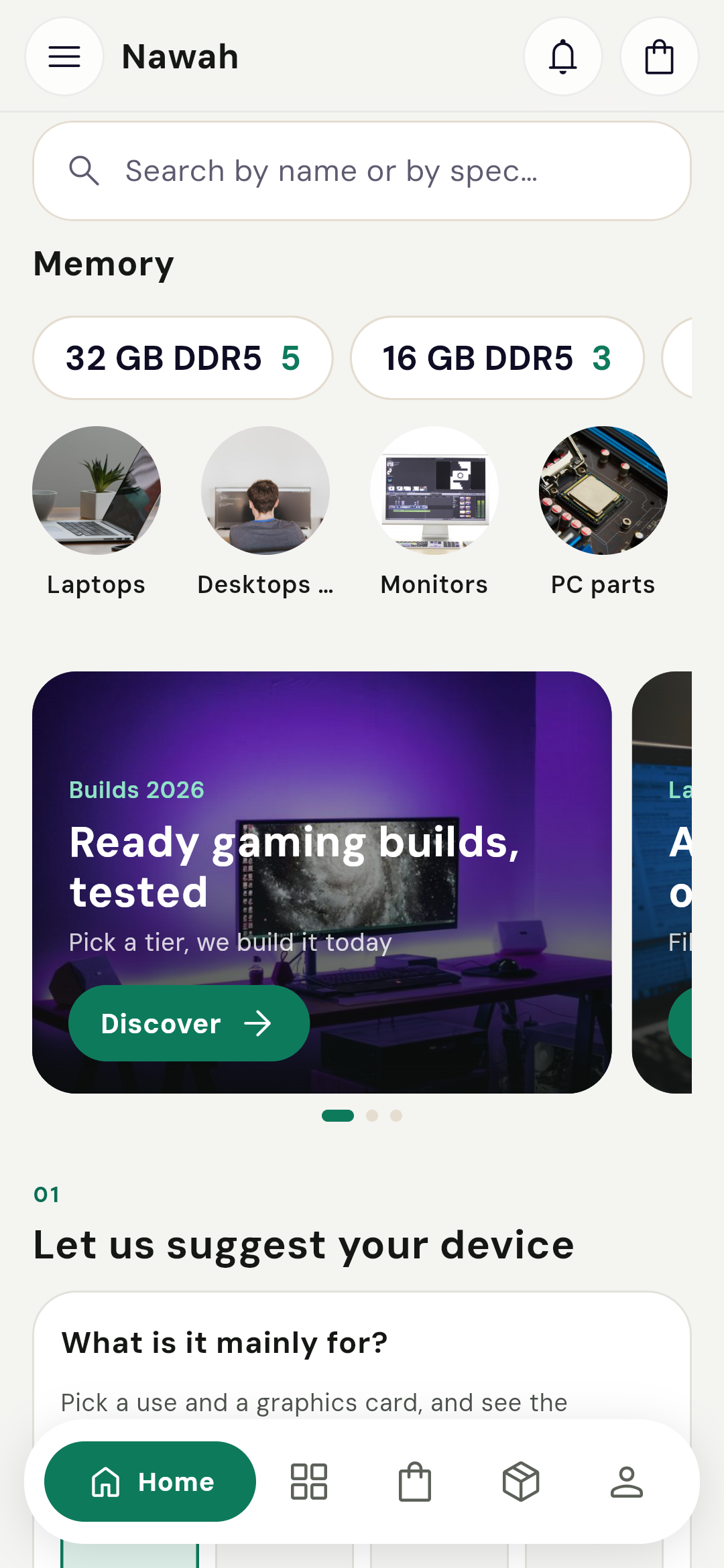
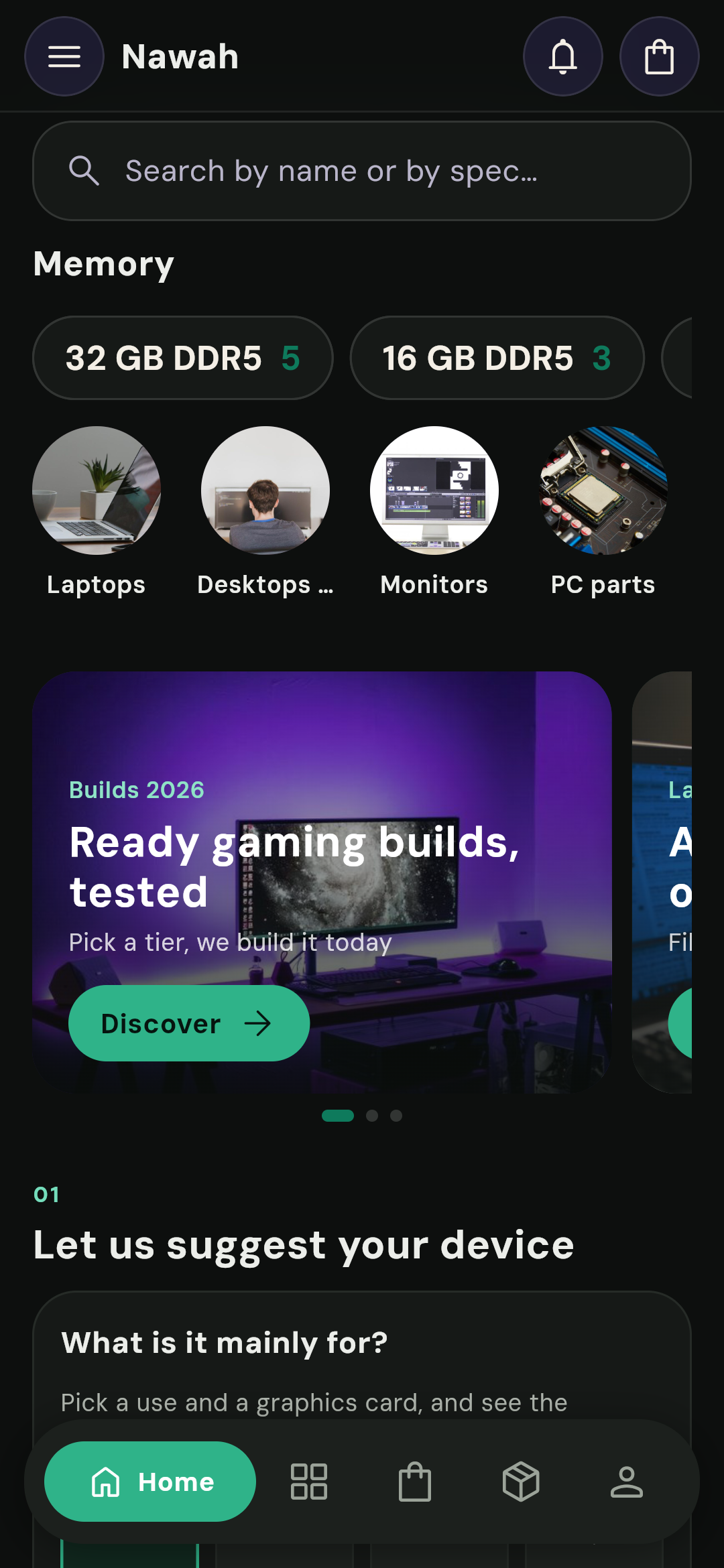
Nawah
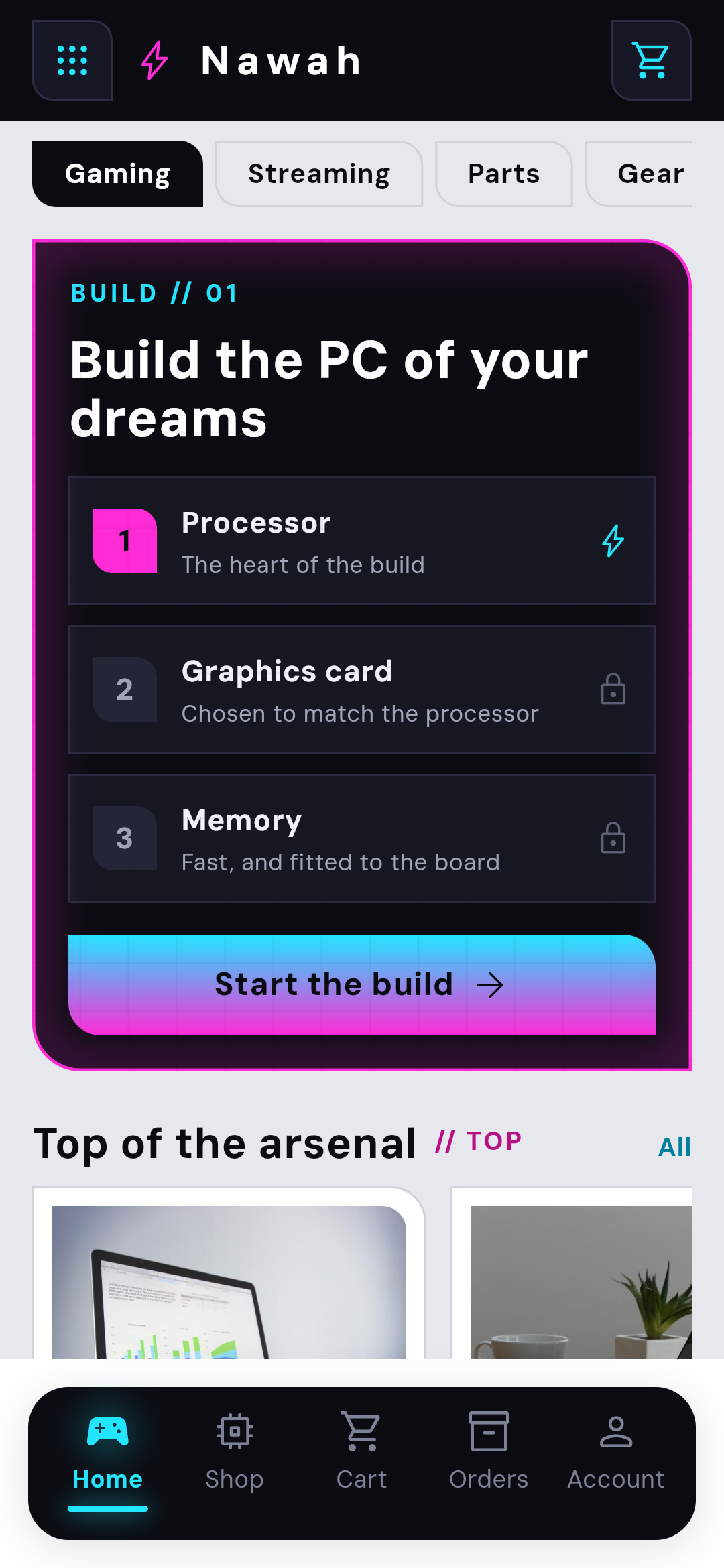
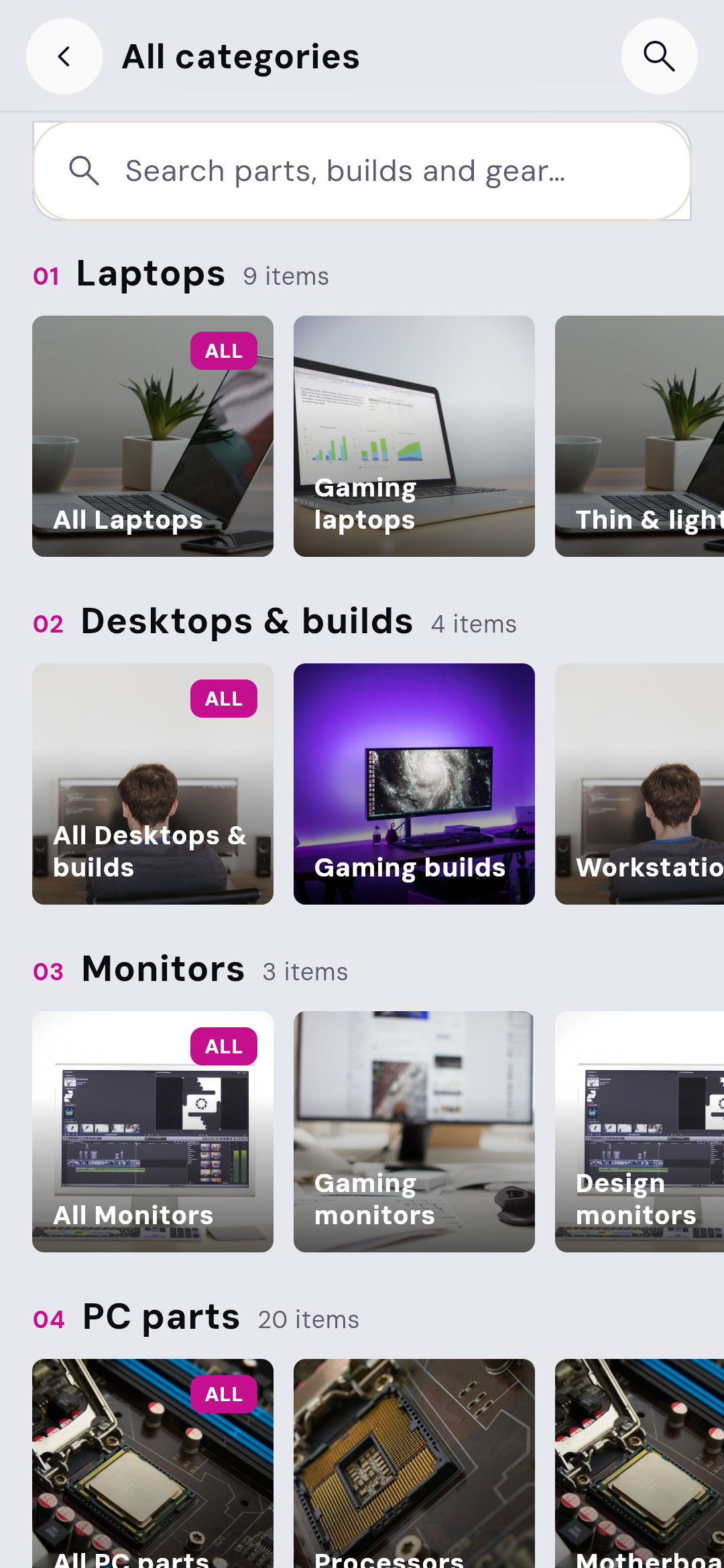
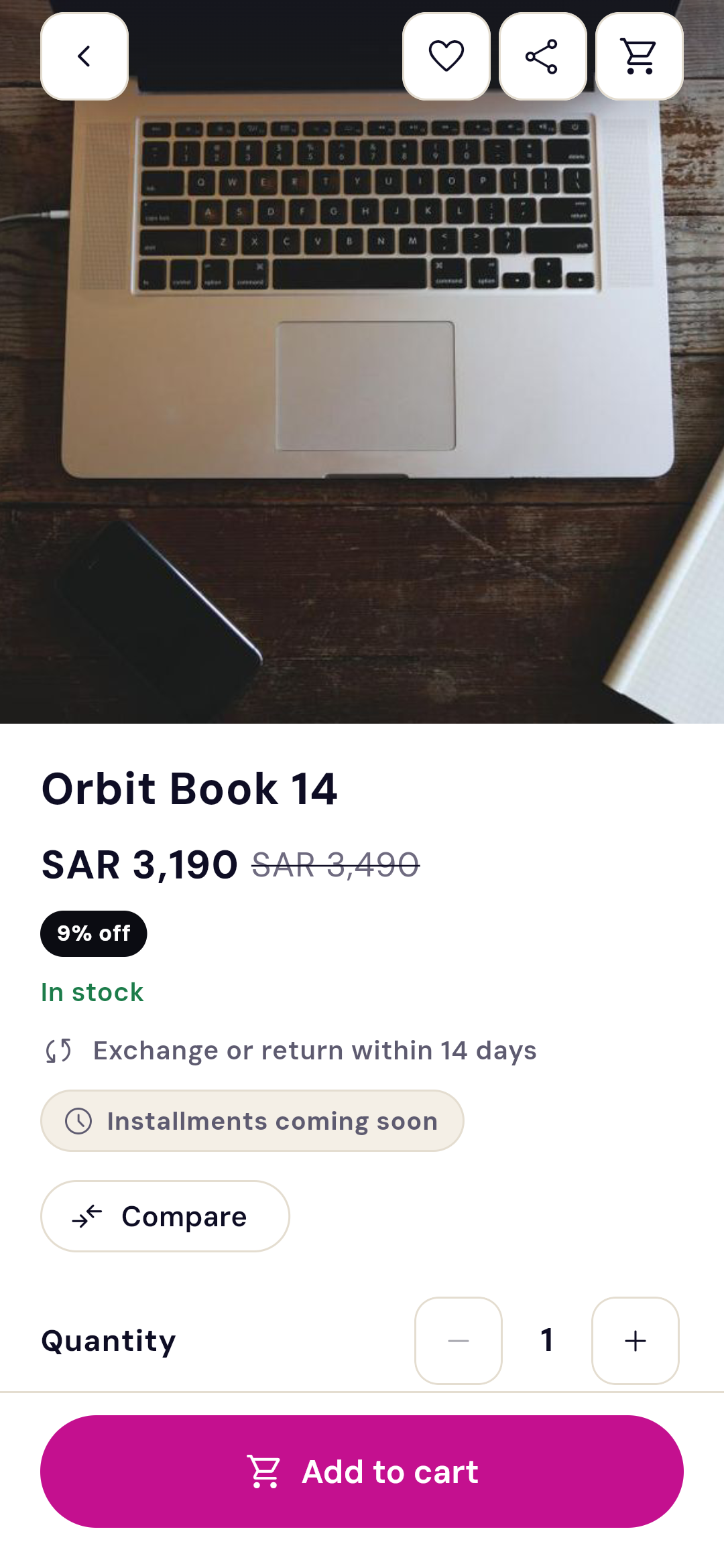
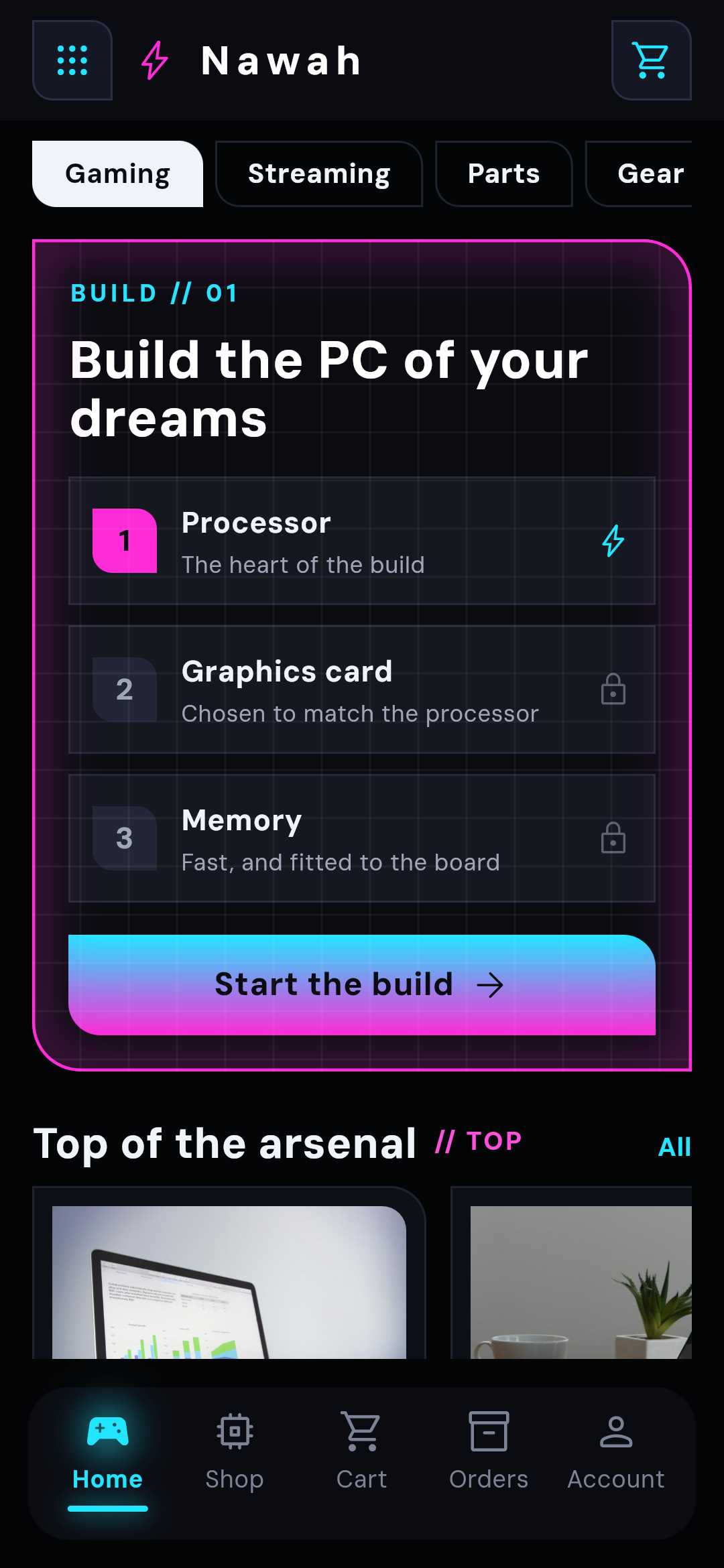
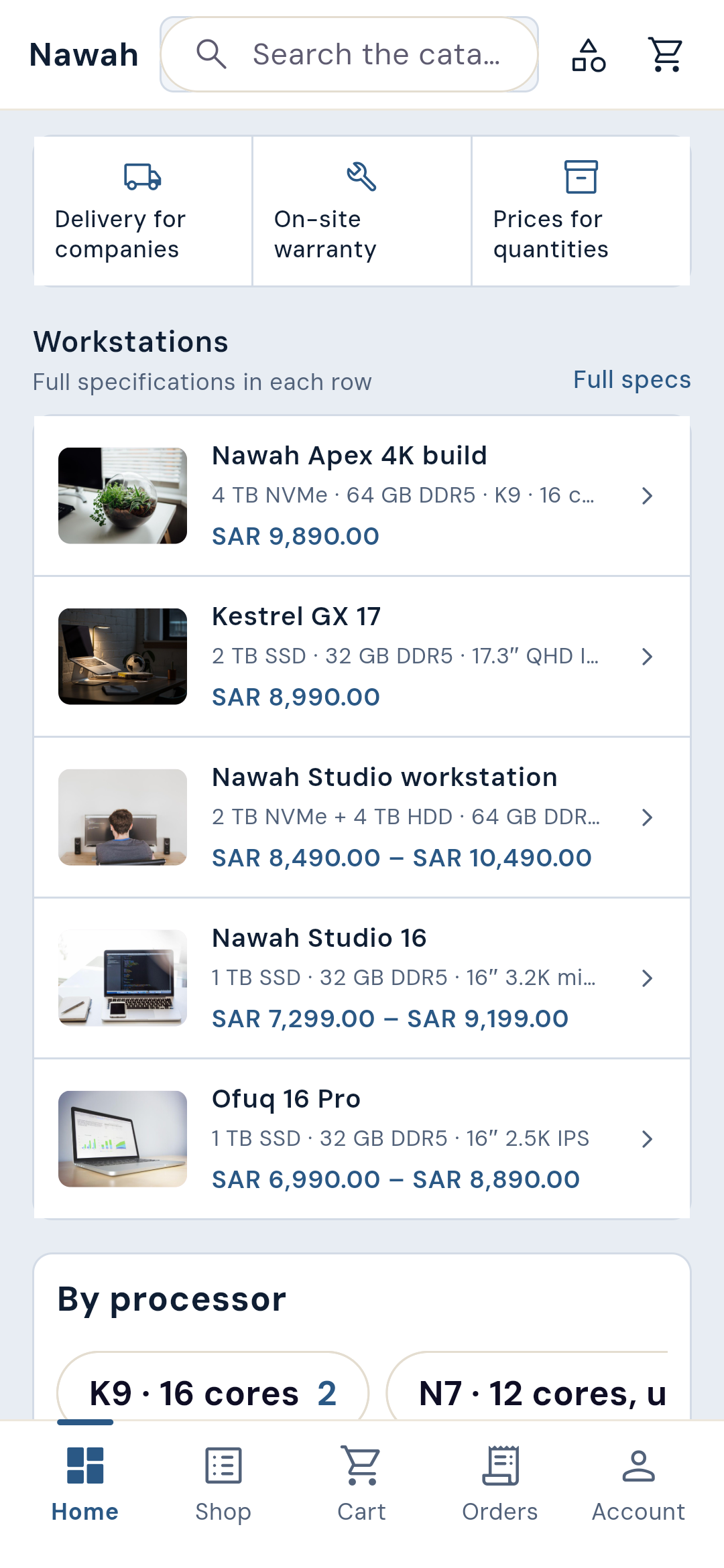
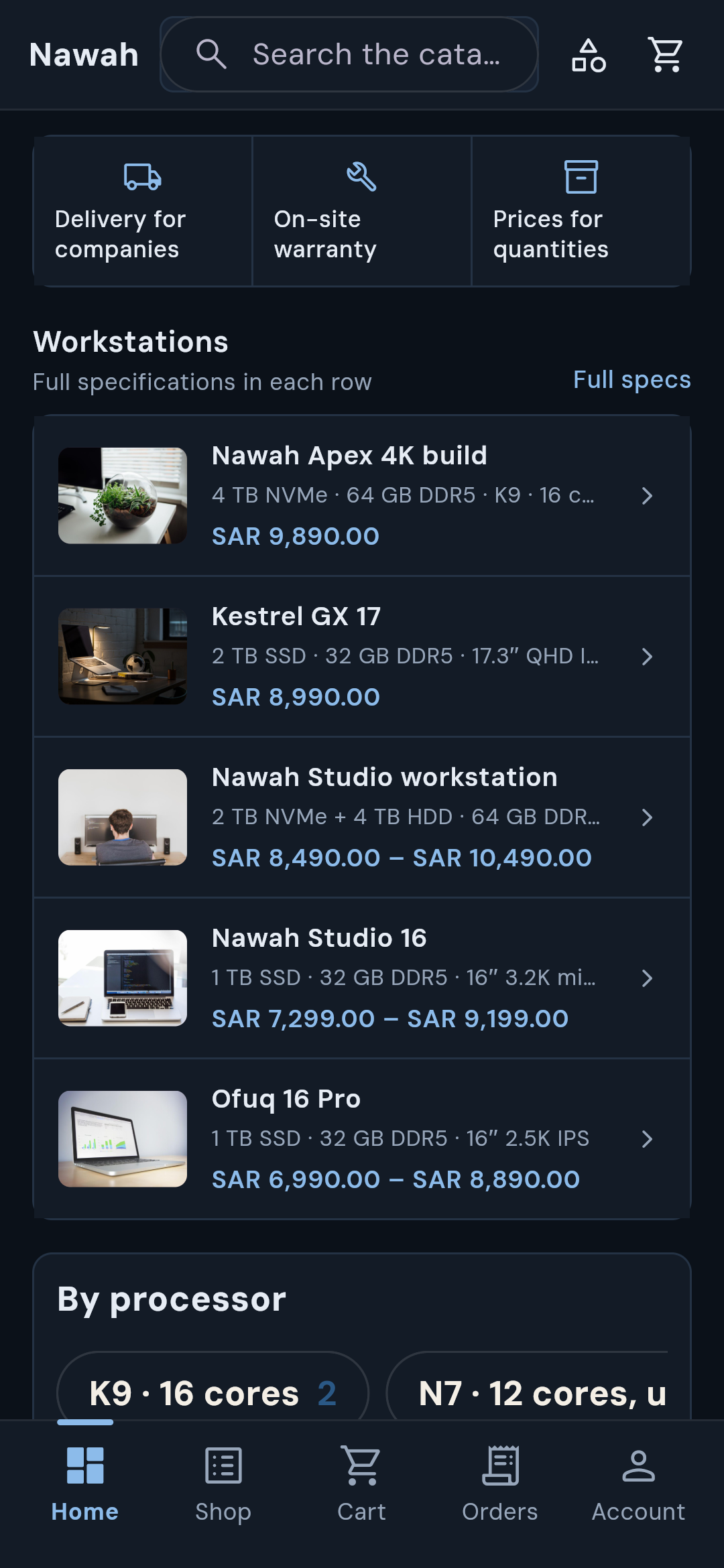
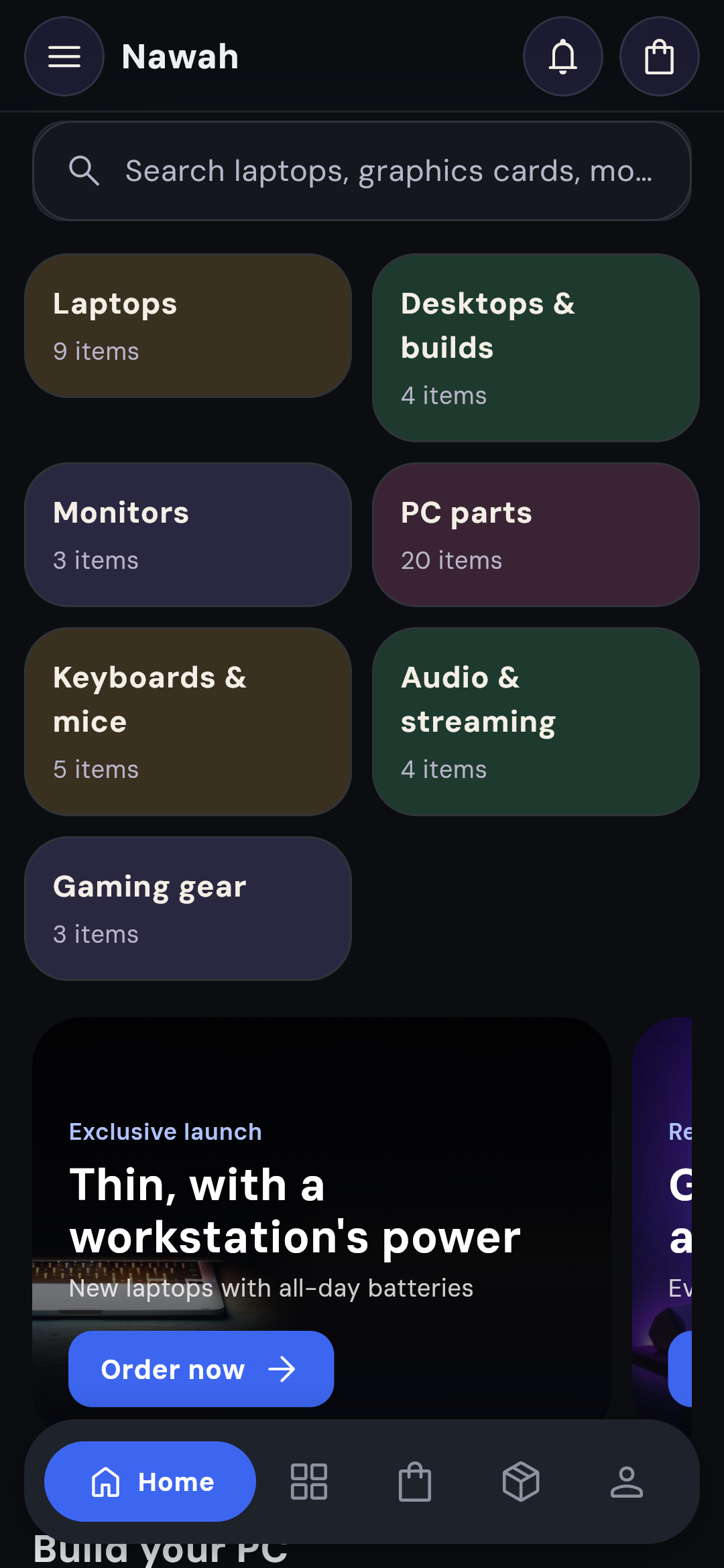
A computers and gaming shop in Jeddah: laptops, ready builds, monitors, the parts to build a PC, keyboards, headsets and controllers, each with its specifications. Build a PC part by part and the app checks that the parts fit; filter laptops by processor, memory and graphics, and compare them side by side. Its photos are CC0, from StockSnap.
What to try
- Tap Build your PC: choose a processor, then a motherboard, memory and a power supply, and see a part that doesn't fit say why
- Filter by graphics card or memory, open a laptop, read its specifications and configure its memory and storage
- Compare two builds side by side, check out with the shop's code, and switch the app to Arabic or to dark mode in the account
Two looks to start from
Every Studio demo comes in two looks, each in light and dark mode. A project can start from either one.
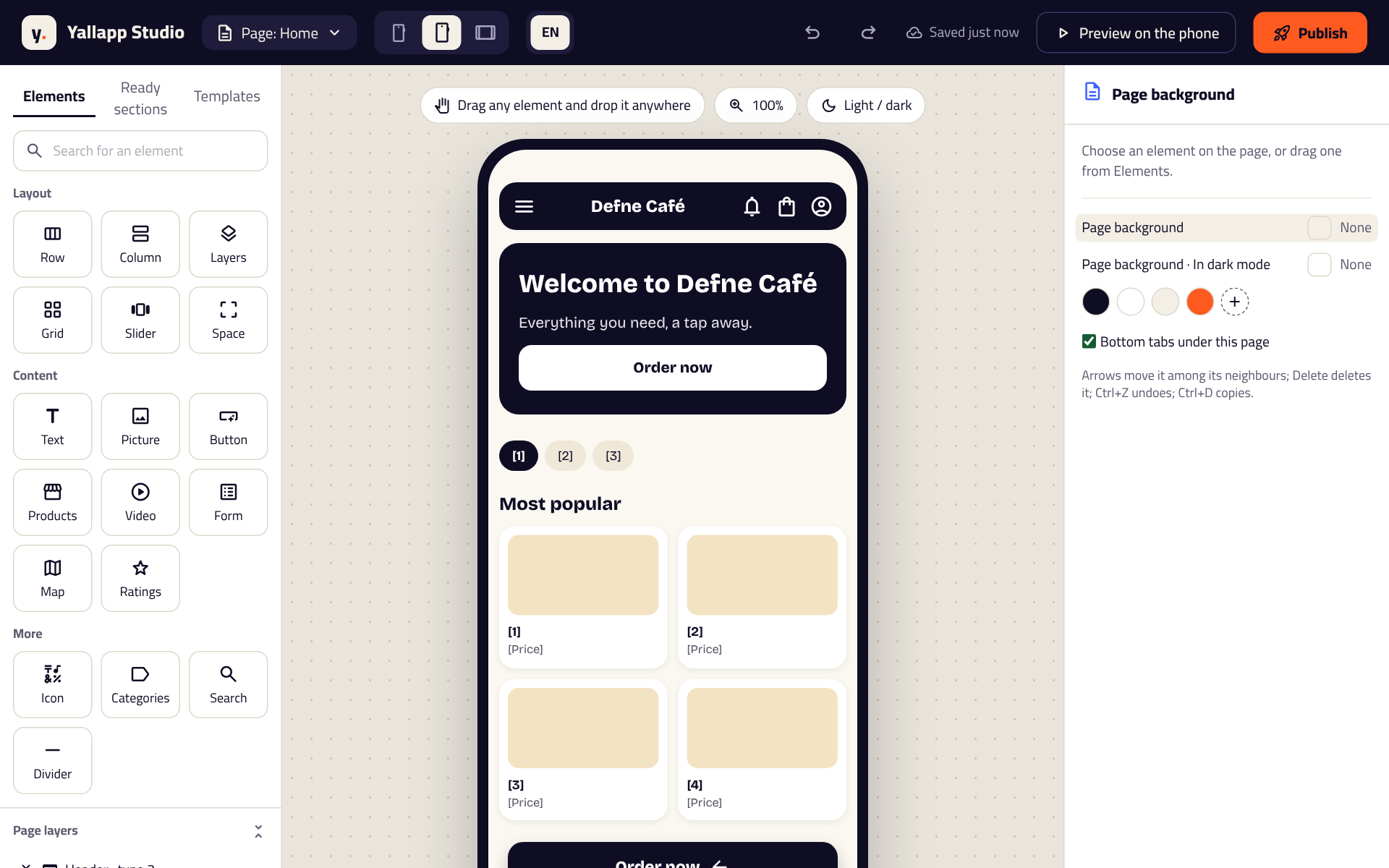
The editor behind them
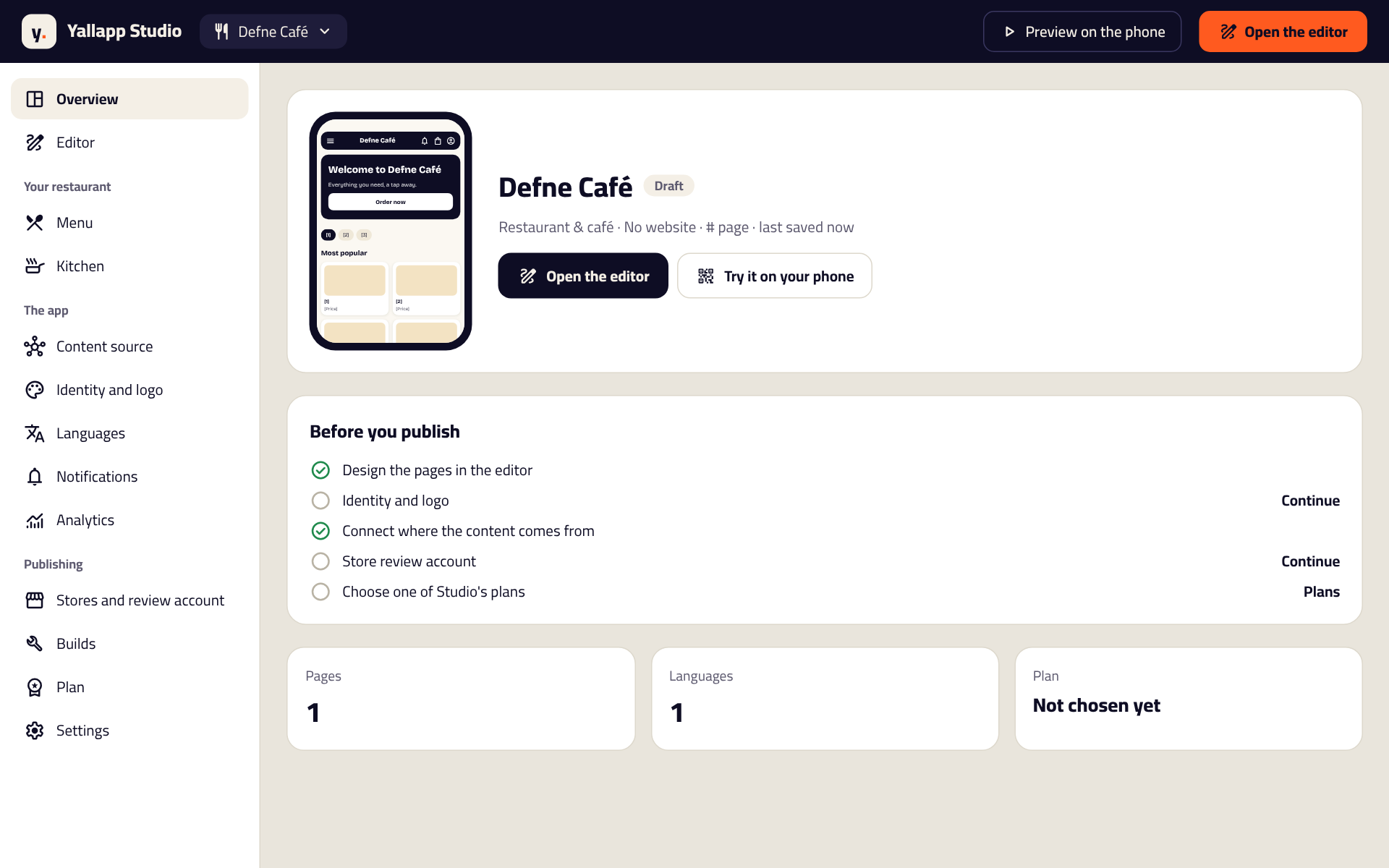
Elements on one side, the page on the phone in the middle, and the chosen element's settings on the other side. Studio's home keeps your projects apart from your regular apps.
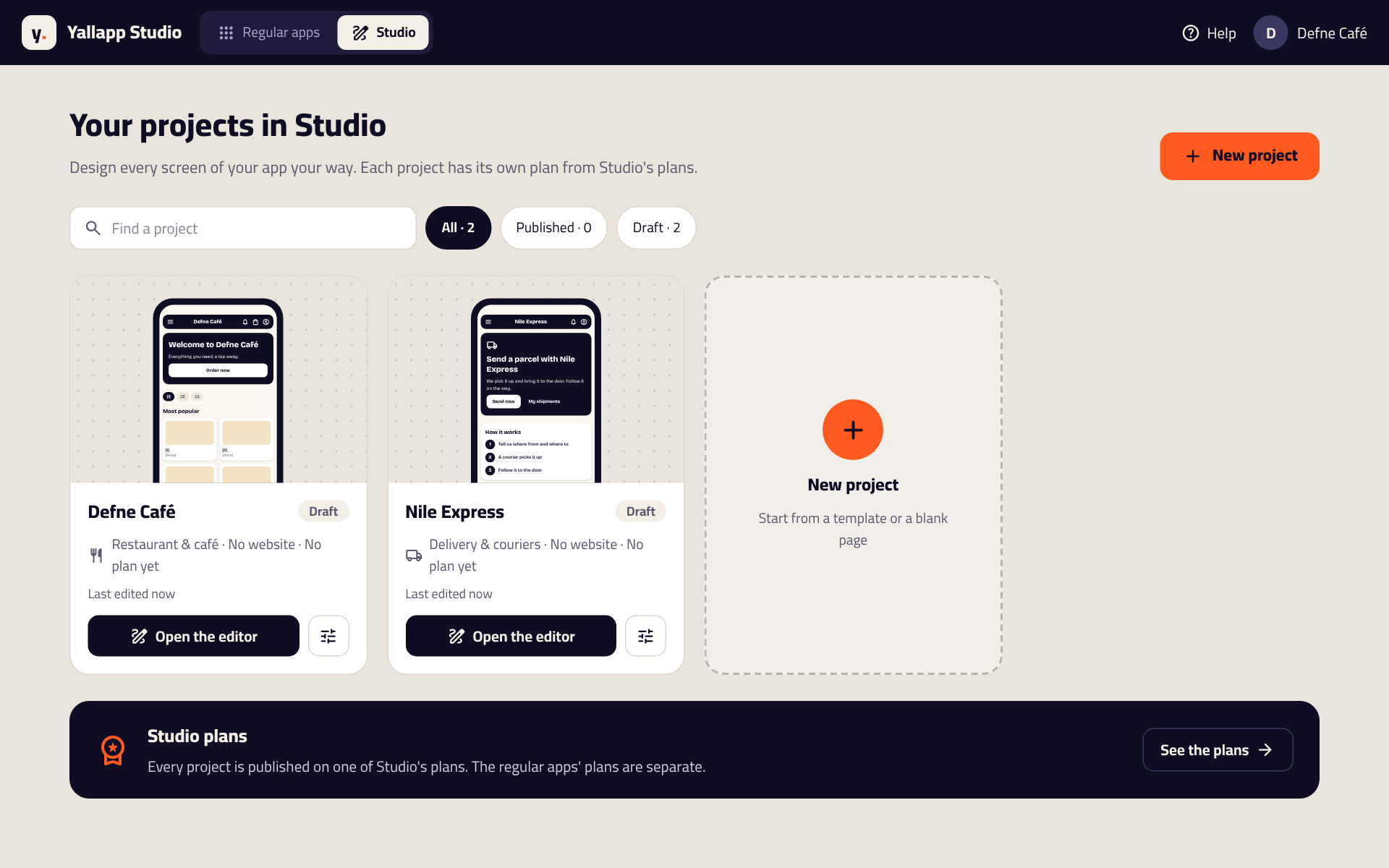
Try Studio on your own project
Create your account and start a project in Studio, or message us on WhatsApp and we'll show you around.
Ready to put your business in your customers' pockets?
Tell us about your business on WhatsApp, or create your account and start the setup today.